How to choose
- Check the version and supported platform.
- Prefer official sources and review the available scan.
- Read limitations before installing.

System related softwares.
Compare System options, check compatibility and review the security information before downloading.
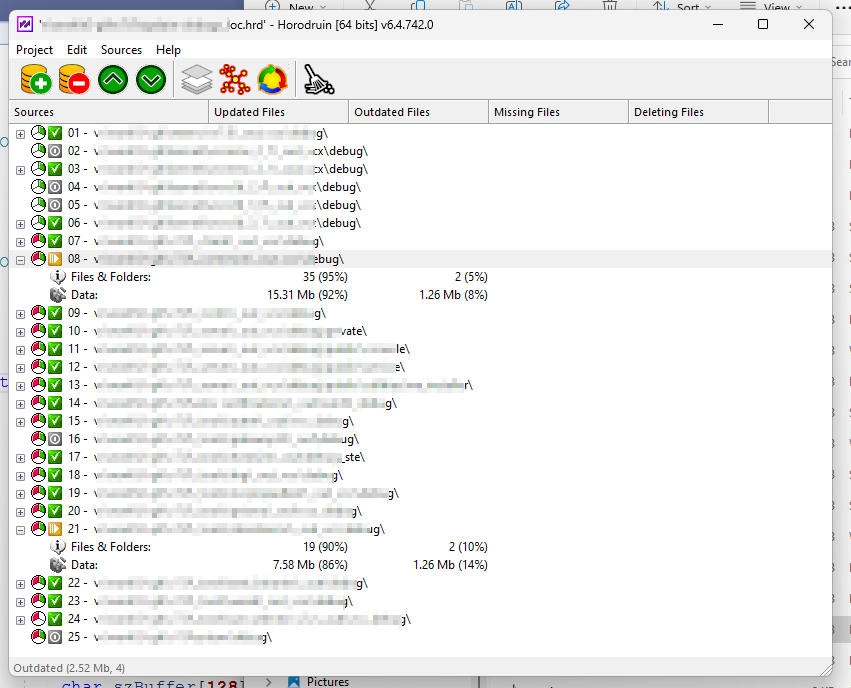
Tool for analyzing and synchronizing file and folder content.
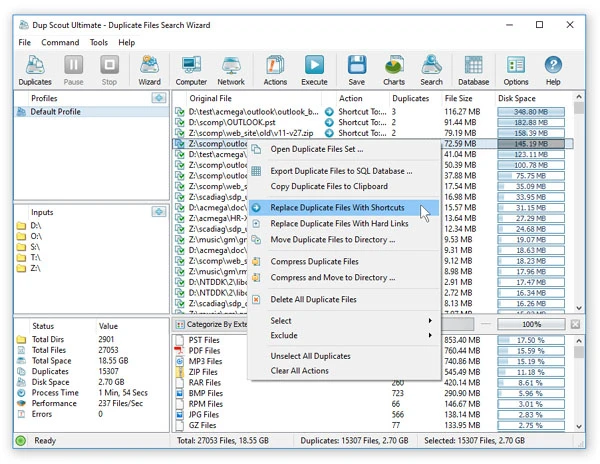
Make the most of your hard drive space with this excellent duplicate file remover.

Software capable of eliminating a series of pests from your Windows.
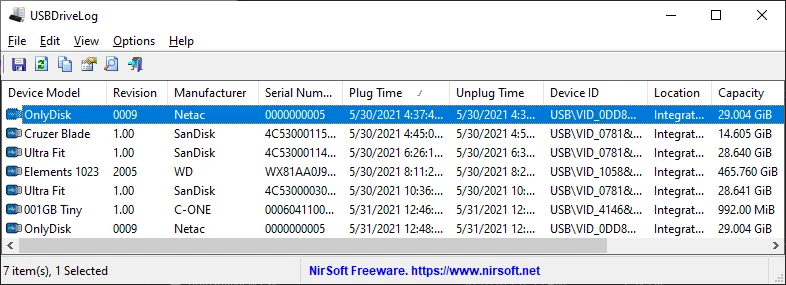
Utility that displays many information about USB drives connected to the computer.
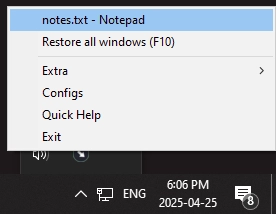
Easily minimize programs to the system tray.
Start menu replacement that allows you to bring various different styles to Windows 10 and 11.
Compile Linux applications to run on Windows.
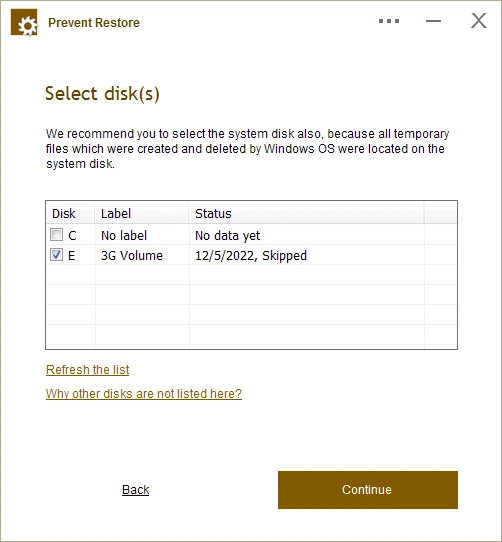
Software that allows for the complete and permanent removal of already deleted files, preventing any possibility of future recovery.
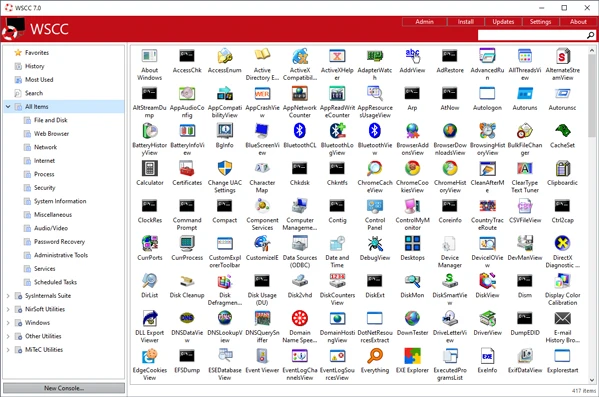
Software that allows you to install, update, execute, and organize system utilities from various suites.
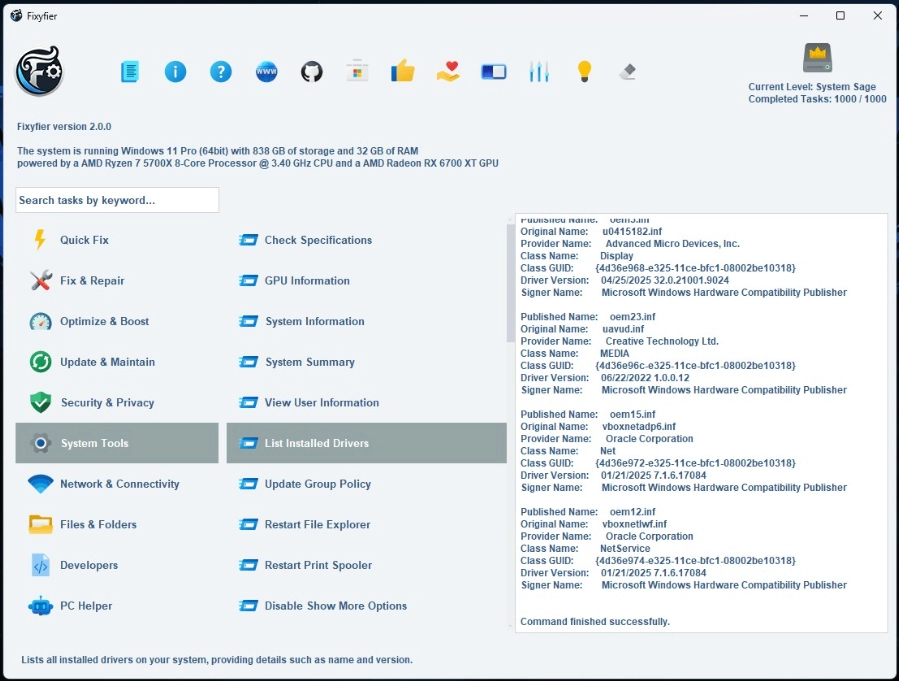
Software that allows you to repair, adjust, and fix common problems in Windows systems.
Free software to protect files and folders against unauthorized deletions and modifications, including ransomware attacks.
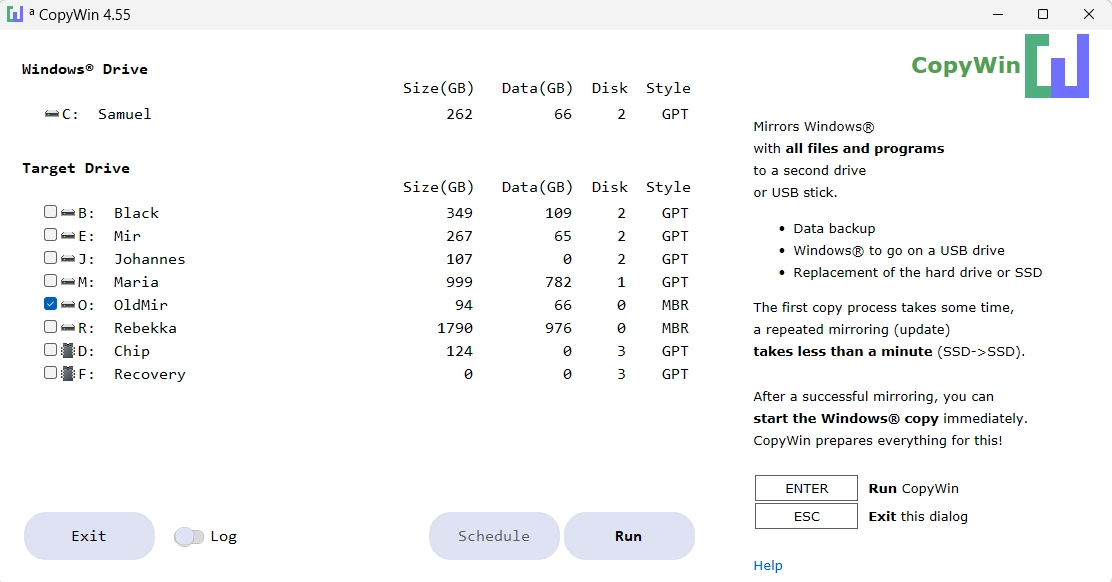
Allows you to mirror the Windows drive, including all files and programs, to a second disk, USB drive, or MicroSD card.
Experimental Linux distribution.
Portable version of this famous optimizer for Windows.
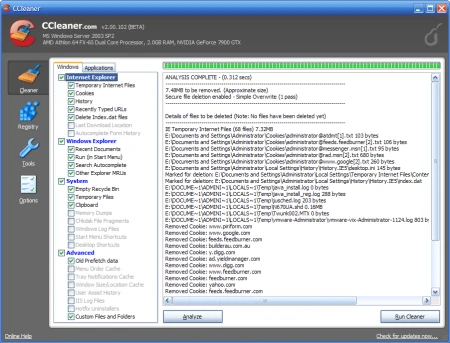
Clean up your system and maximize its performance.
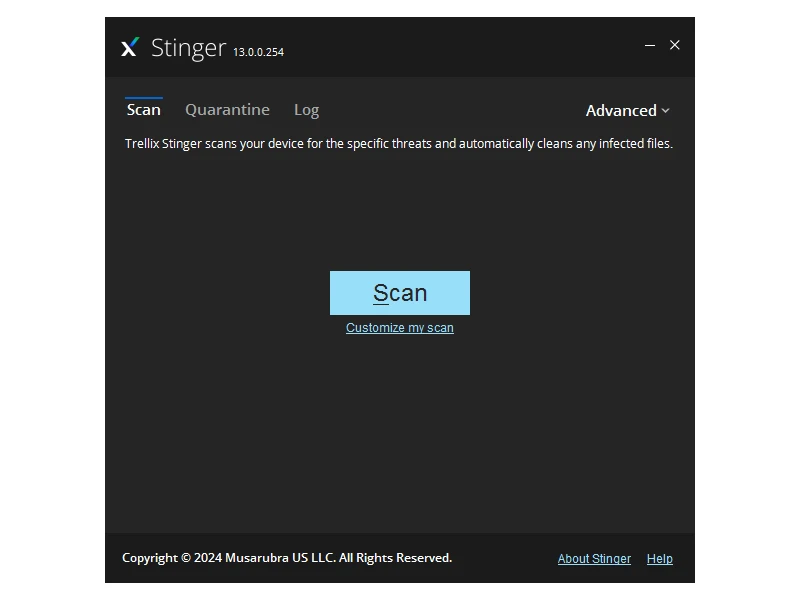
Free and portable utility aimed at the detection and removal of specific malwares.
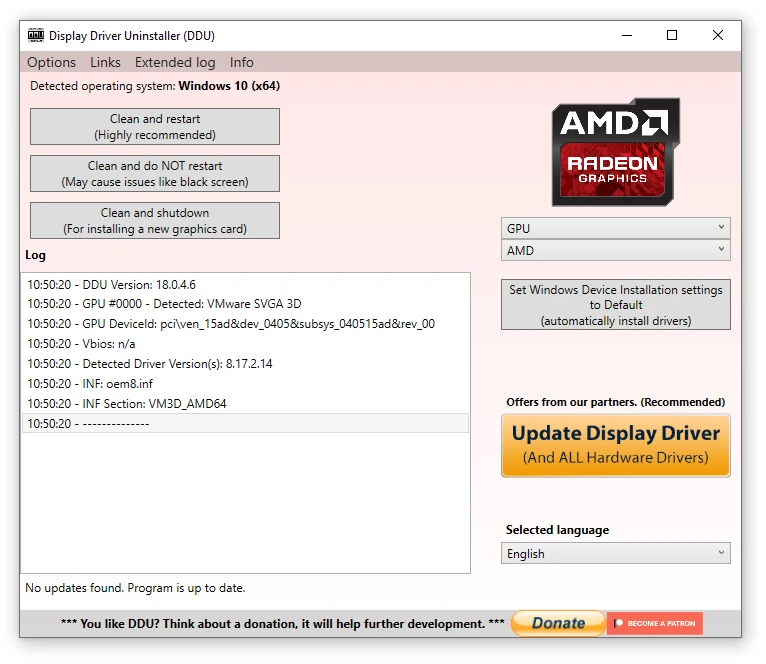
Completely uninstall video drivers from NVIDIA, AMD and Intel.
Performance analysis and diagnostics tool developed by Microsoft.
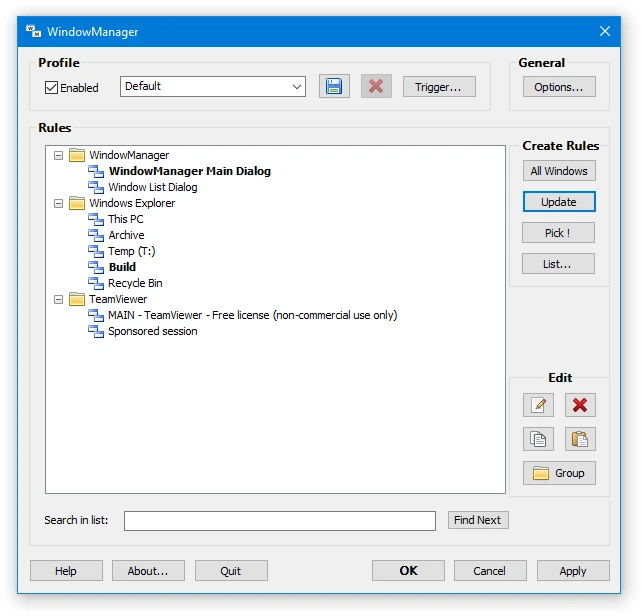
Utility that solves the problem of programs and windows losing their position and size between sessions.
Tool that allows you to avoid features and notifications from Microsoft Edge.
Compare features, license, compatibility, update date and file source.
Each page shows the available evidence level, including source, hash and scan when present.