How to choose
- Check the version and supported platform.
- Prefer official sources and review the available scan.
- Read limitations before installing.

System related softwares.
Compare System options, check compatibility and review the security information before downloading.
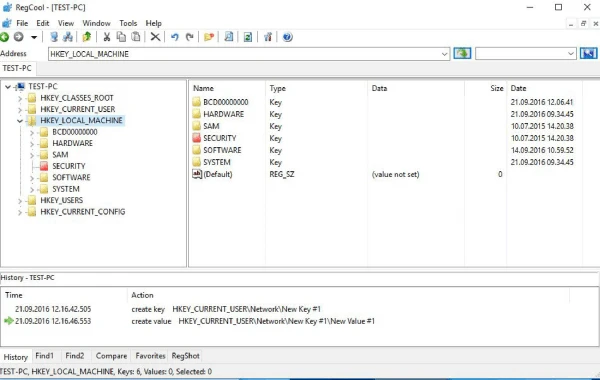
Advanced registry editor that has many powerful features.

Fully disable Windows 7/8/10/11 updates.
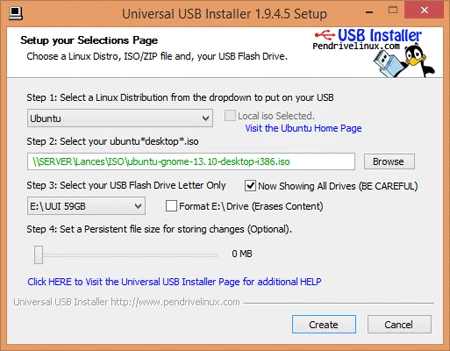
Easily create a bootable pendrive in just 3 steps.
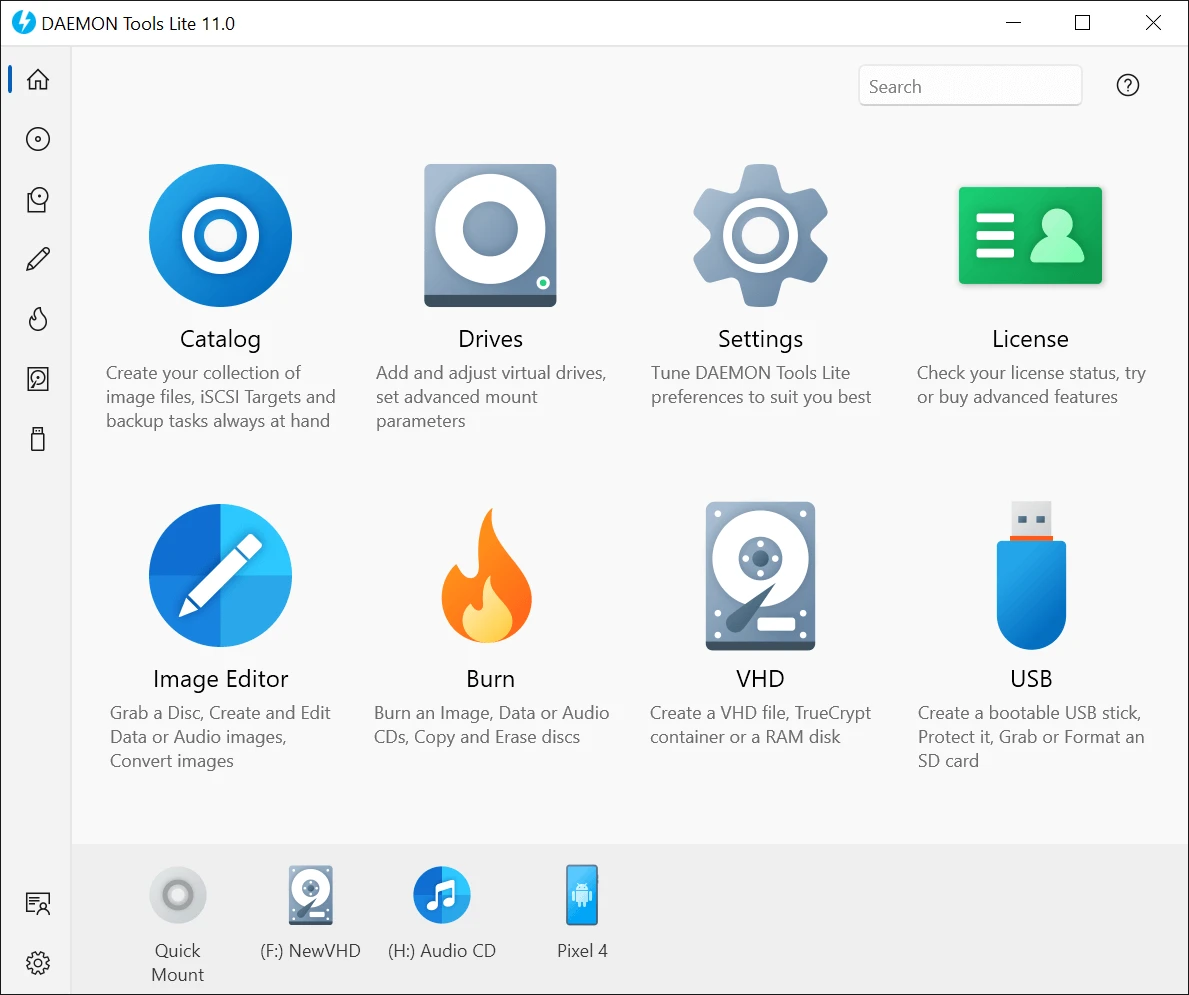
Program to create virtual drives from CDs and DVDs.
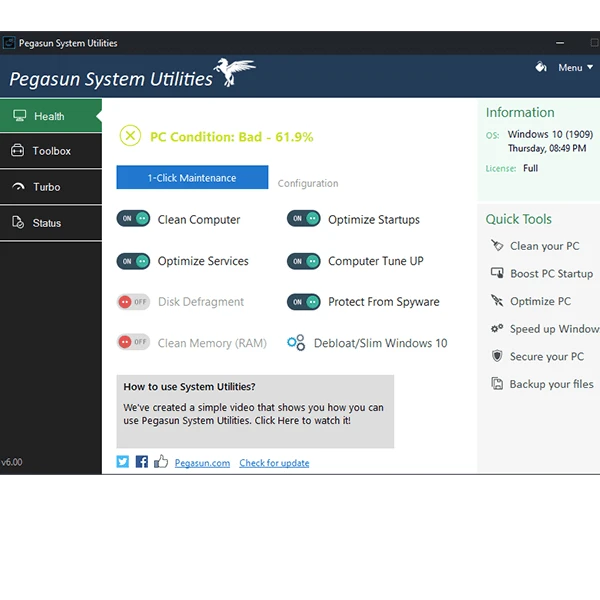
Software that has 18 tools that make it possible to speed up, clean and secure your PC.

Software that allows you to automate the execution of batch files, applications, and scripts at scheduled times.
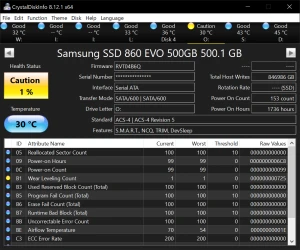
Portable version of CrystalDiskInfo. Utility for testing the read and write speed of hard and mobile disks.
Tool for secure remote access and file transfer in the Windows environment.

Fast, lightweight, and efficient uninstaller for Windows.
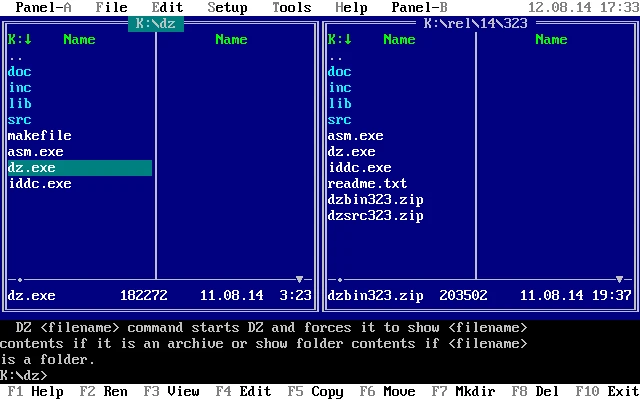
TUI file manager for DOS/Windows with LFN support and integrated ZIP.
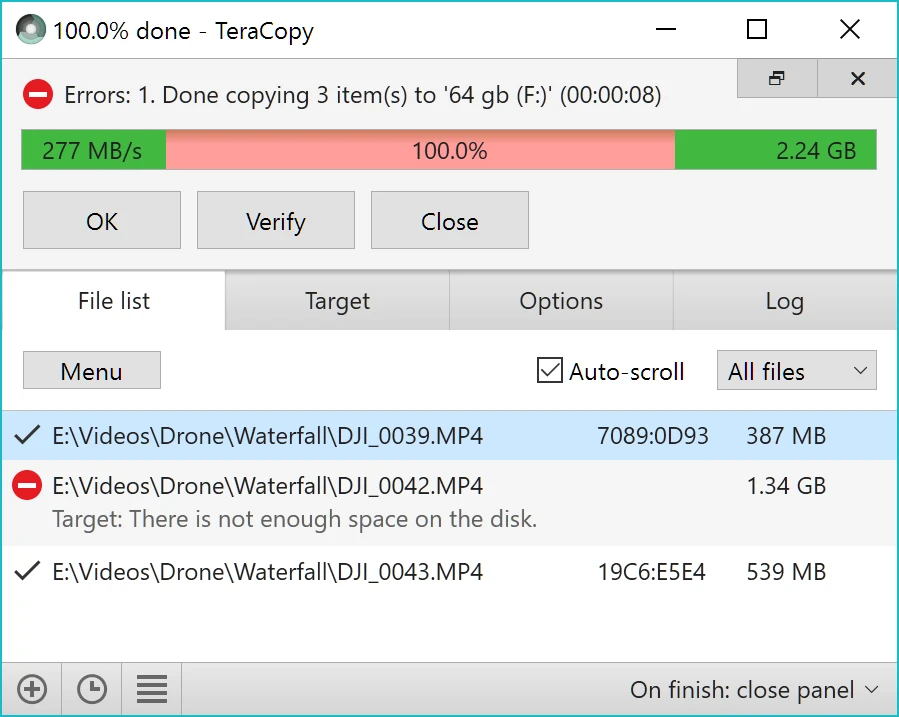
Copy large amounts of files to other directories quickly.

Utility that allows you to calculate the MD5/SHA1/CRC32 hashes of your files.
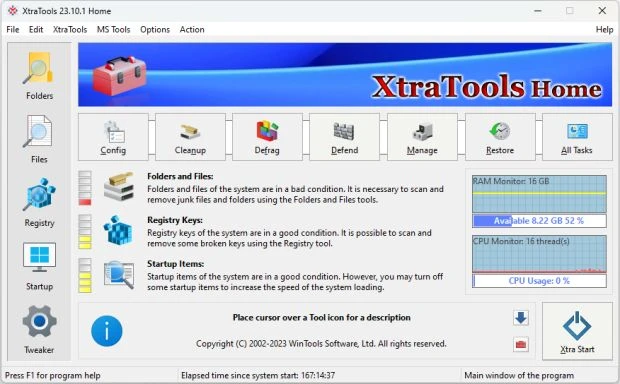
Optimization software for Windows that allows you to manage and improve system performance.
Utility that allows you to view and edit UEFI settings from BIOS image files.
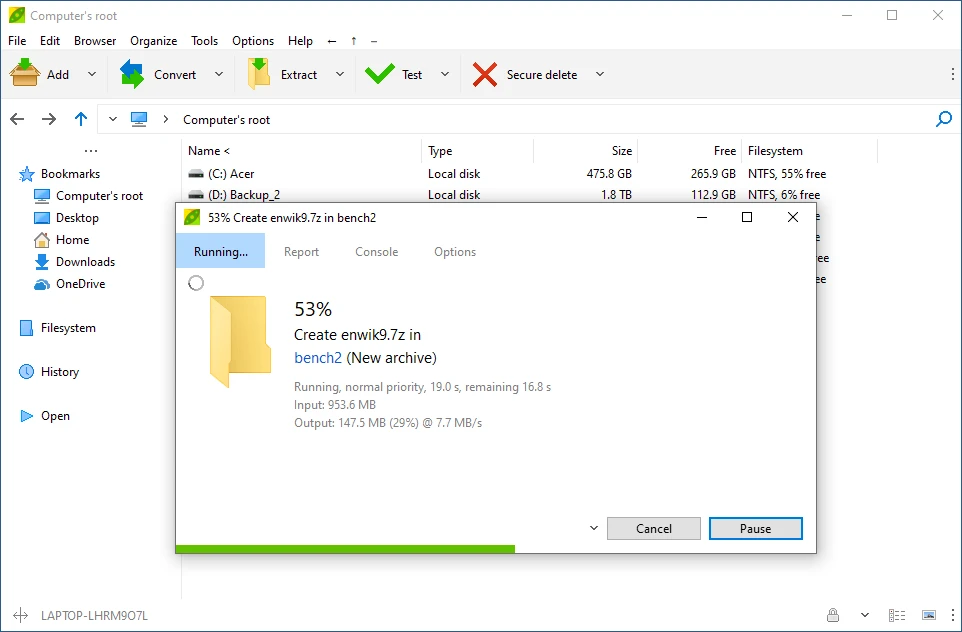
Take this great compactor anywhere in this portable version.
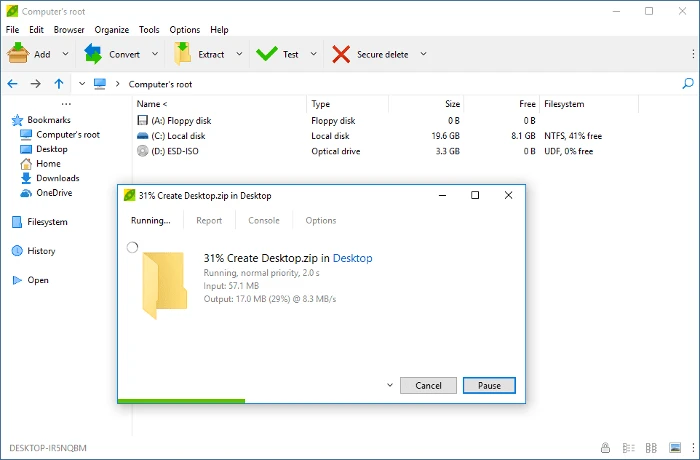
File compressor and decompressor with support for numerous formats.

Small utility that allows you to display and explore the properties of the Windows file system.

Practical and customizable tool that allows you to adjust the system volume directly with the mouse scroll, making audio control faster and more intuitive.
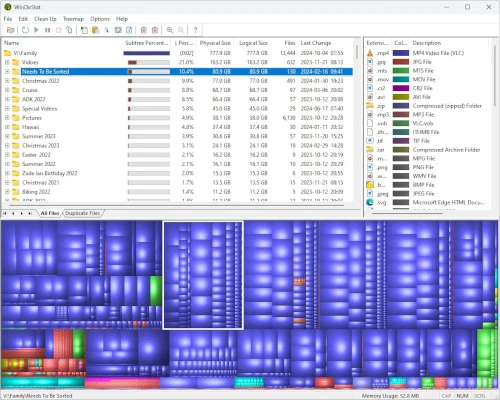
Portable version of the popular disk analysis software WinDirStat for Windows.
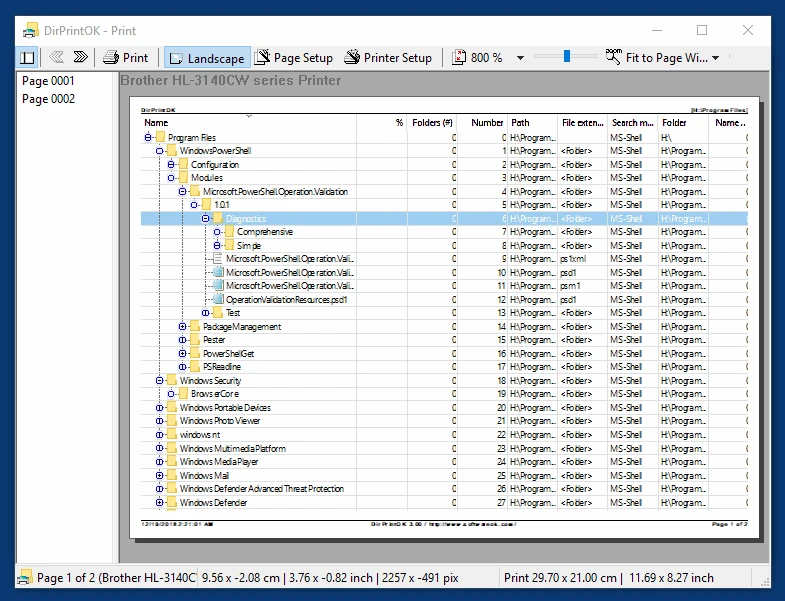
Utility that makes it possible to print the contents of a specific directory.
Compare features, license, compatibility, update date and file source.
Each page shows the available evidence level, including source, hash and scan when present.