How to choose
- Check the version and supported platform.
- Prefer official sources and review the available scan.
- Read limitations before installing.

System related softwares.
Compare System options, check compatibility and review the security information before downloading.
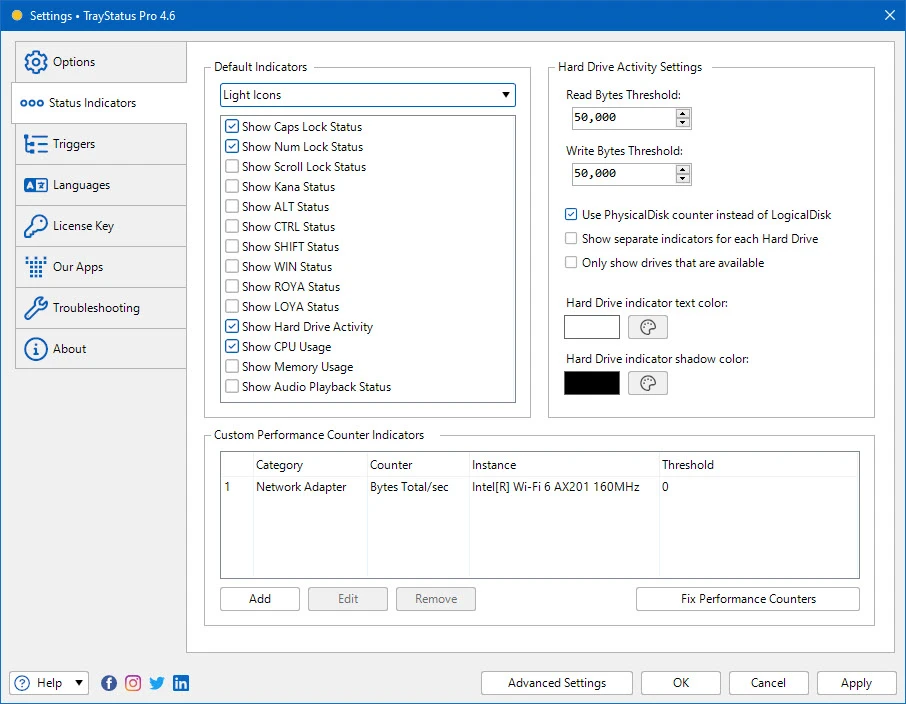
Monitor keyboard keys and system indicators in the system tray.

Linux distribution based on Debian, developed with a focus on modern design, security, and simplified use.

Software that brings together more than 200 Nirsoft portable tools.

Real-time screen sharing software.
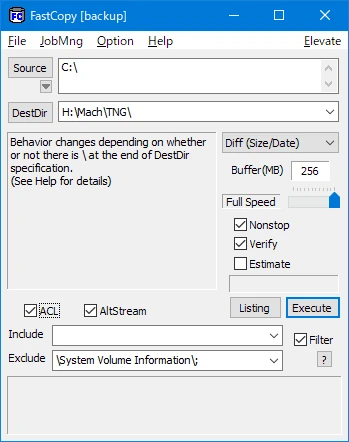
Portable version of FastCopy. Tool for copying/backing up files with advanced options.
Utility capable of locating identical or similar images, including those rotated, mirrored, or negative.
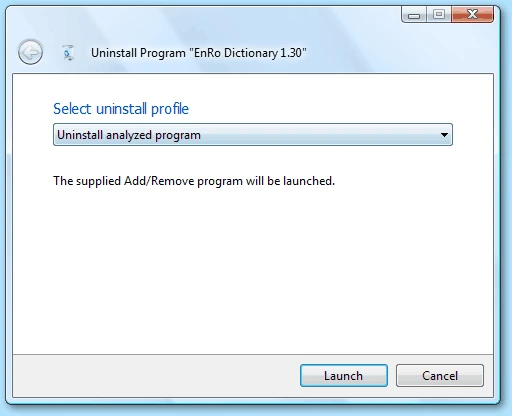
Utility that allows the complete uninstallation of programs.
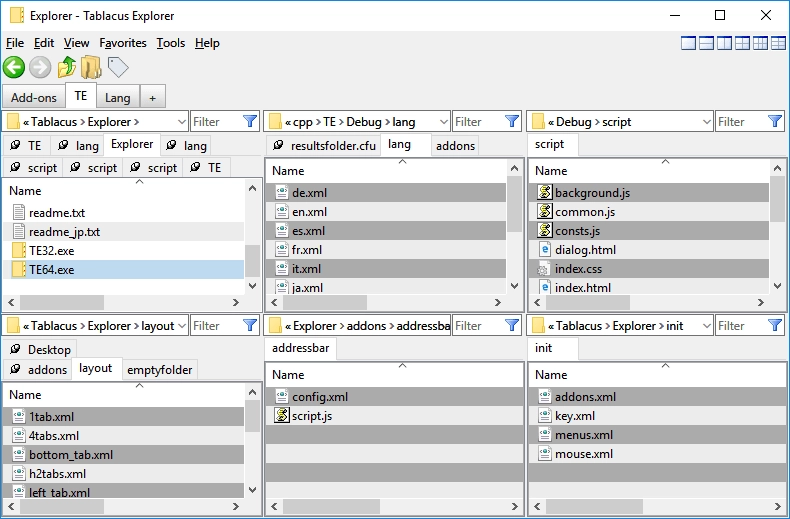
Lightweight, customizable, and open-source file manager for Windows.
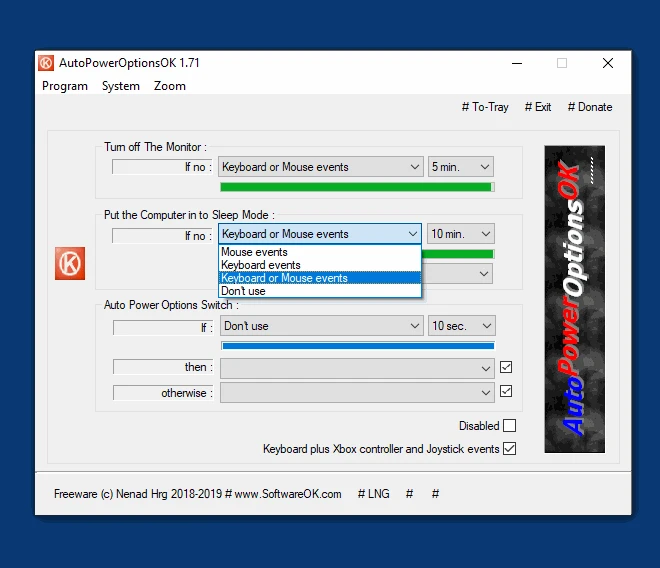
Free software for Windows that allows you to easily manage your computer's power options.
Tool for Windows that facilitates the search and removal of duplicate files on the system.
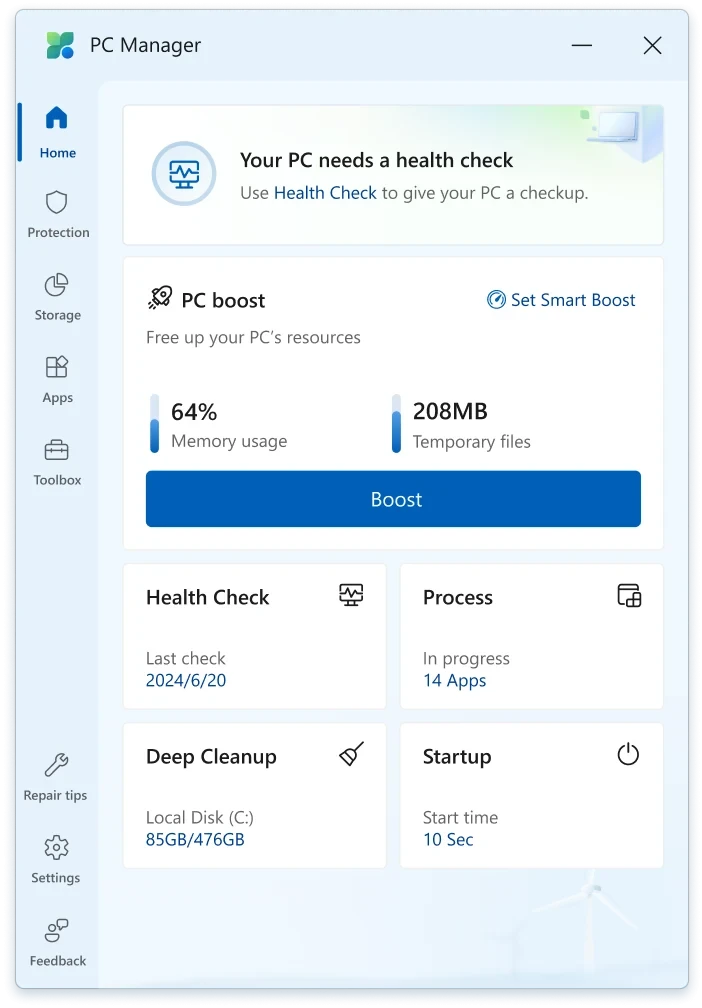
Application that helps improve Windows performance by providing tools for system optimization.
Software that adds a monitor brightness control icon in the system tray.
Measures graphical and CPU performance in PCs with a series of benchmarks that simulate demanding games.
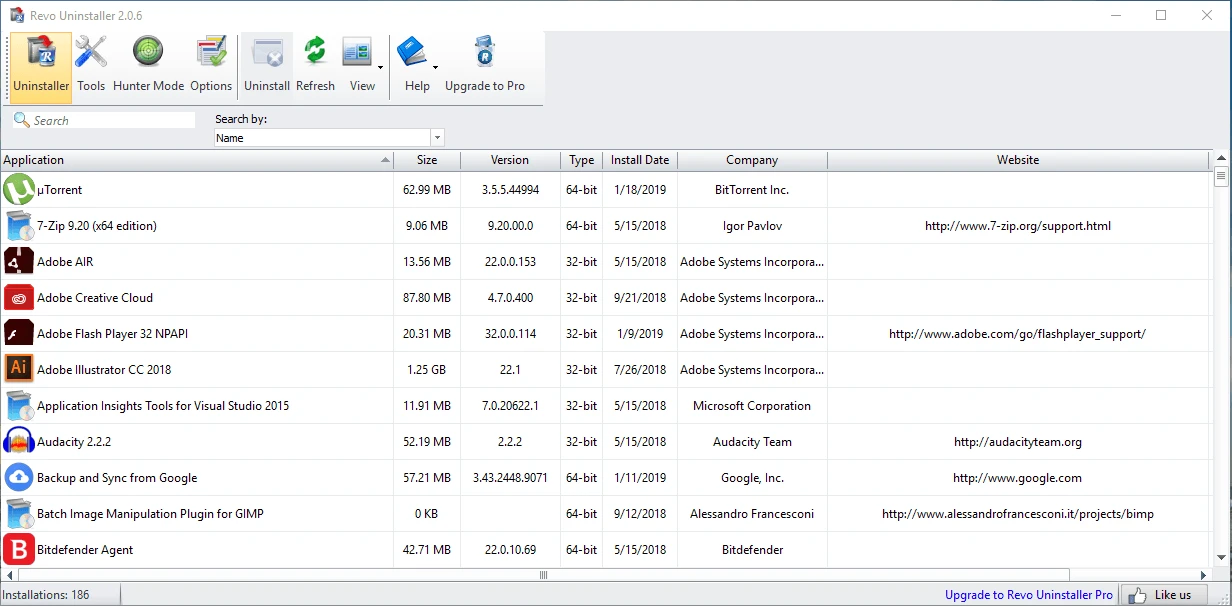
Super complete program uninstaller and with several additional cleaning tools.
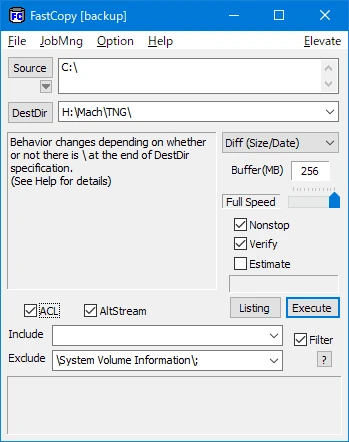
Tool for copying/backing up files with advanced options.
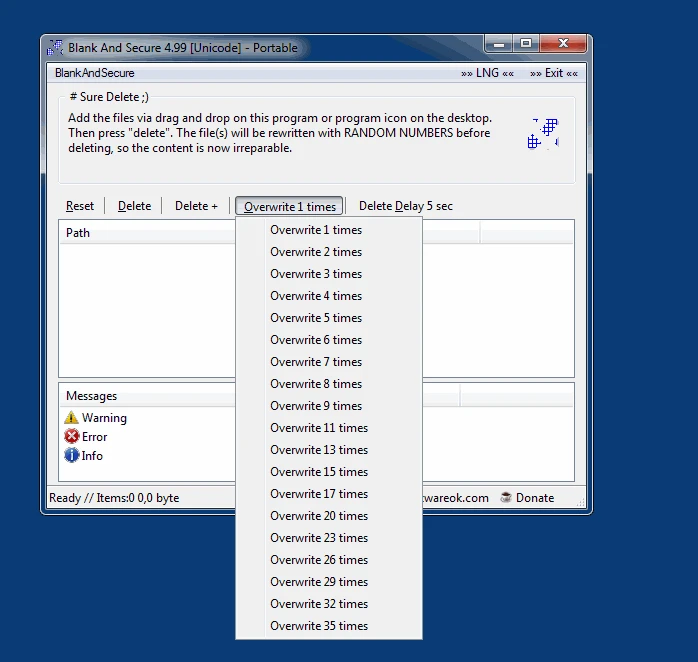
Erase data from your HD definitively making recovery impossible.
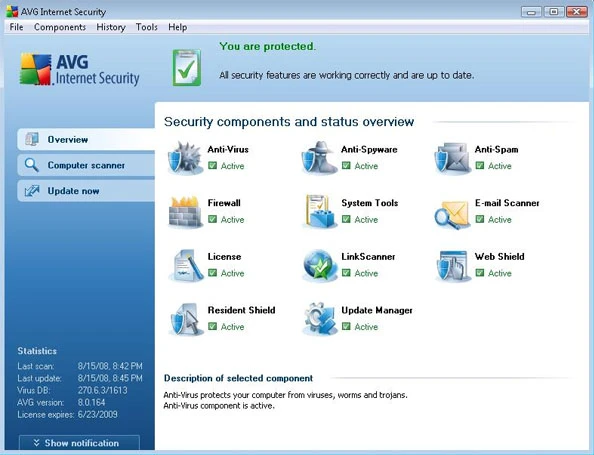
Software that offers comprehensive protection from online threats.
Small utility that allows you to adjust the screen brightness on Windows systems (11, 10, and others).
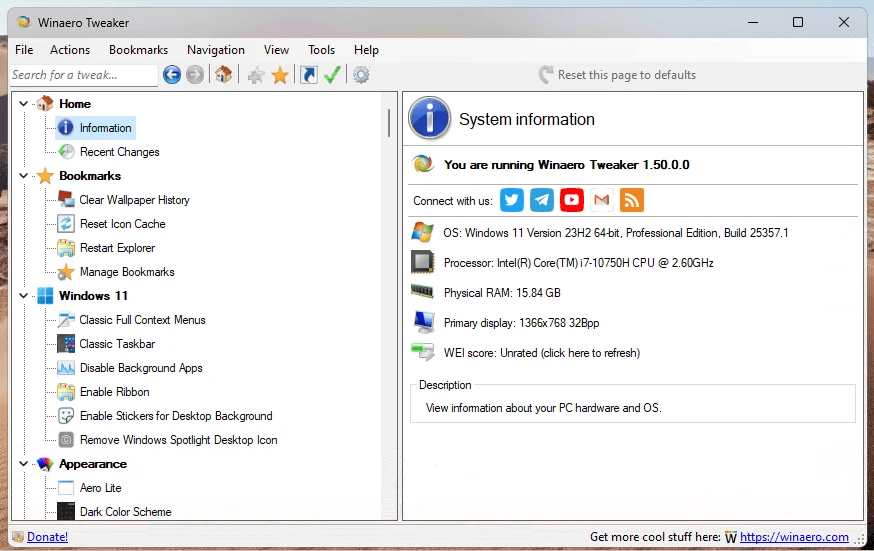
Customize Windows settings easily with Winaero Tweaker.
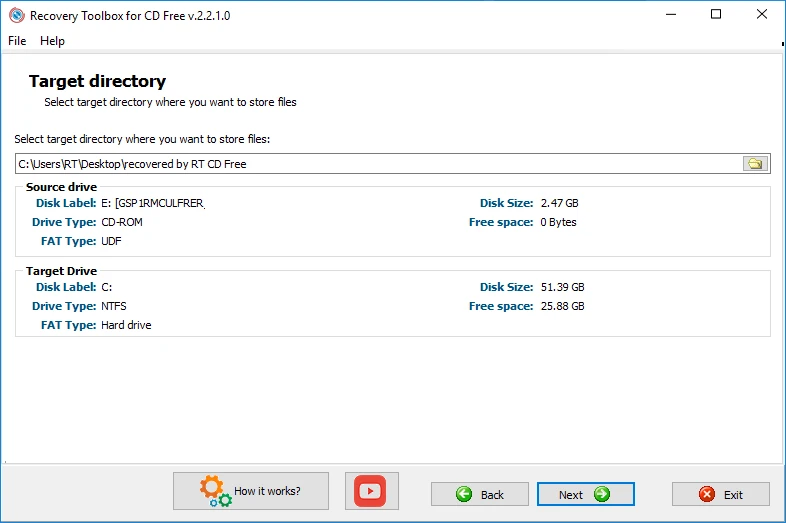
Recover files from damaged or corrupted disks.
Compare features, license, compatibility, update date and file source.
Each page shows the available evidence level, including source, hash and scan when present.