How to choose
- Check the version and supported platform.
- Prefer official sources and review the available scan.
- Read limitations before installing.

System related softwares.
Compare System options, check compatibility and review the security information before downloading.

Operating system focused on privacy and anonymity where all traffic is routed through the Tor network and no traces are saved.
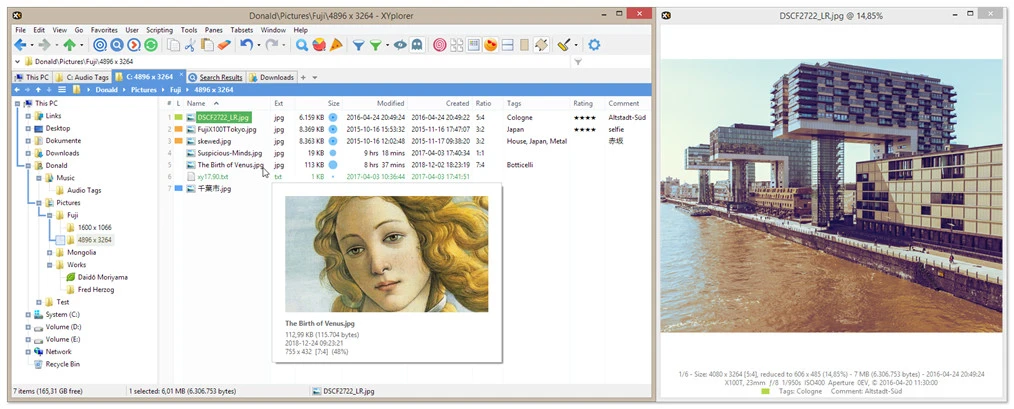
Alternative to Windows file manager with customization options.
Keep your sensitive data secure with this file encryption software.
Optimize your Windows with just one click.
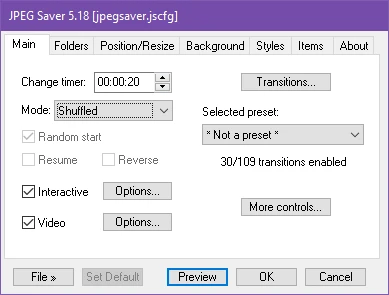
Utility that allows displaying JPEG image slideshows with various customization options.
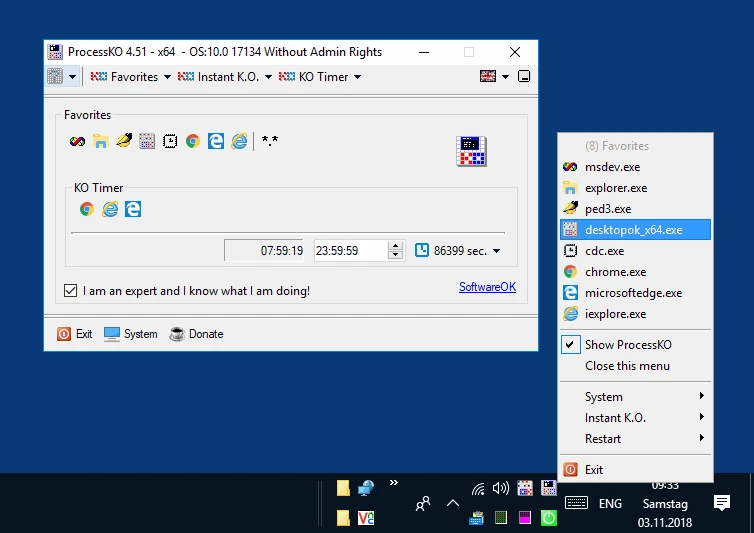
Small portable utility that allows you to terminate any process or program that is not responding.
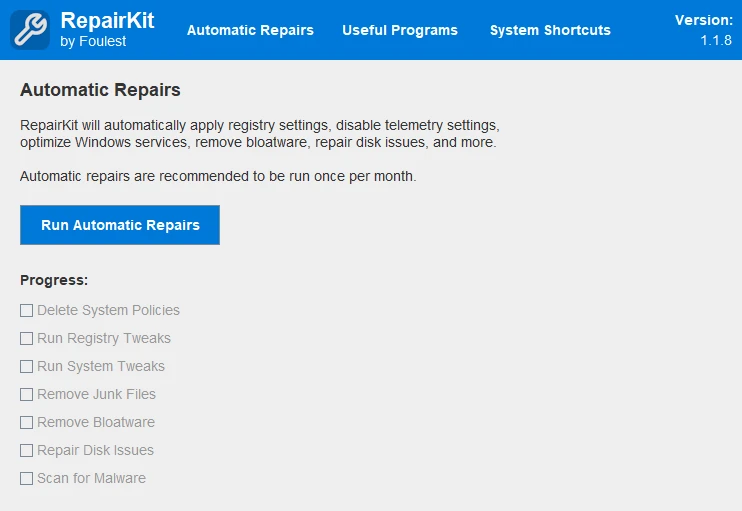
Tool that automatically repairs and optimizes Windows operating systems.
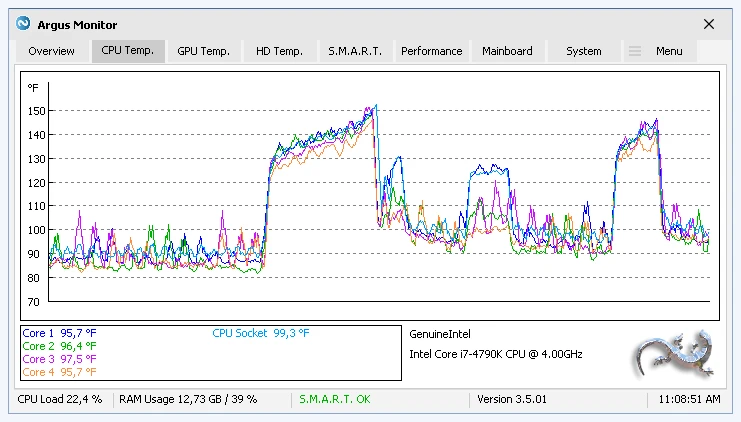
Monitor and control the temperature and performance of your PC hardware.
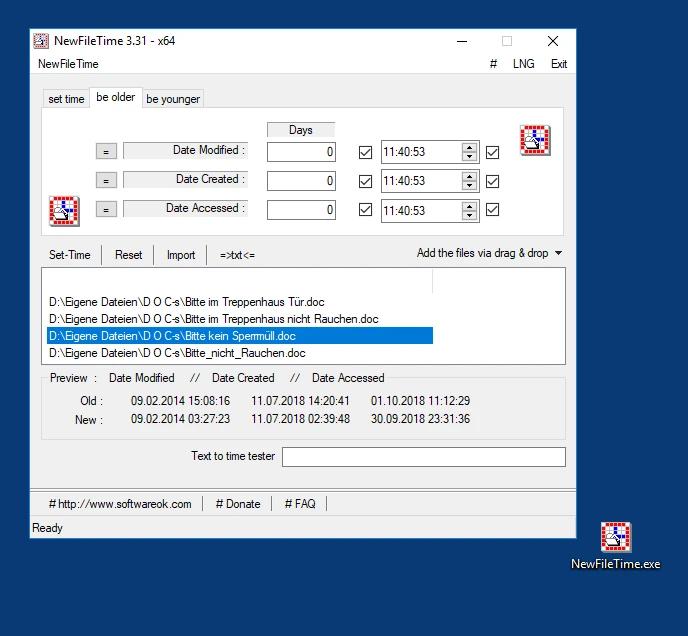
Tool that allows you to modify the creation, modification, and access dates and times of files and folders on Windows.

Customizable digital style clock display.
Allows you to create custom widgets directly on the desktop.
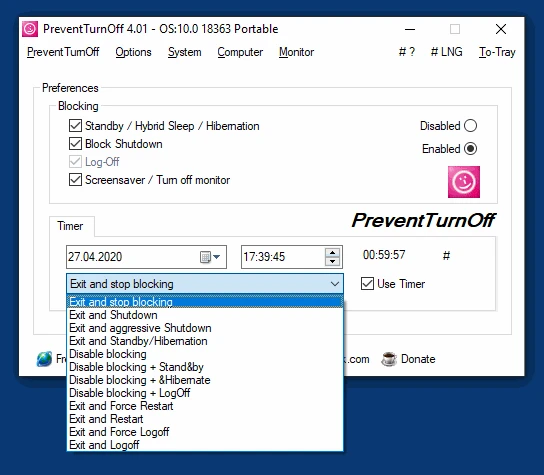
Small application that prevents your computer from unexpected shutdowns.

Application that displays the time in a graphical interface styled like Windows Aero.
Run Android apps and games directly from your Windows.
Software that allows you to automate maintenance, configuration, and organization tasks for Windows.
Software that automatically adjusts the color temperature of your computer screen to reduce eye strain.
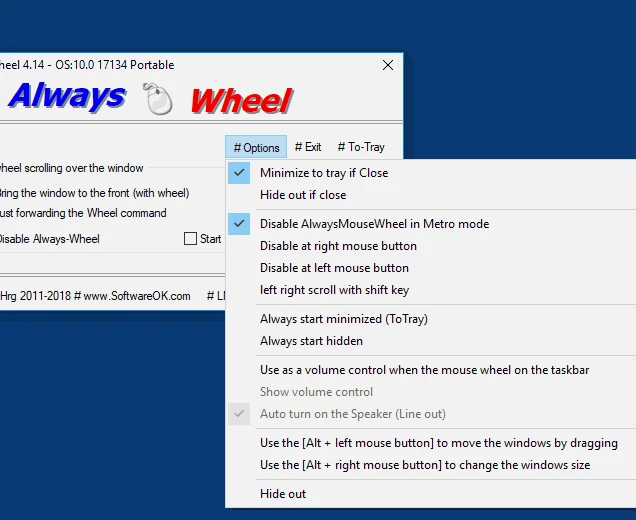
Utility that allows using the scroll button to scroll in any window, even if it's not in the foreground.
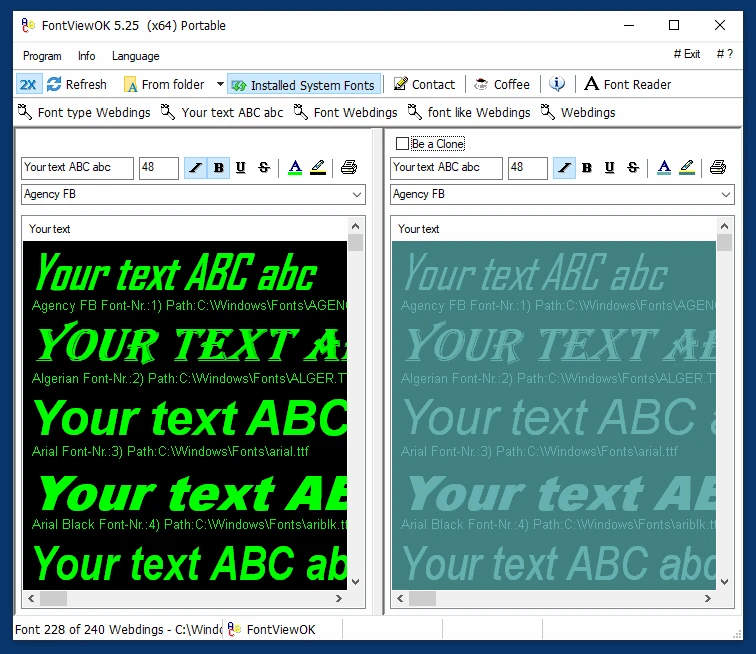
Small utility that allows you to preview all installed fonts with preview.
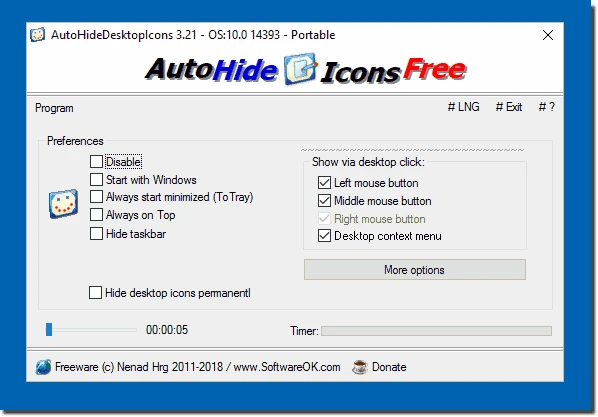
Utility for Windows that automatically displays and hides icons on the desktop.
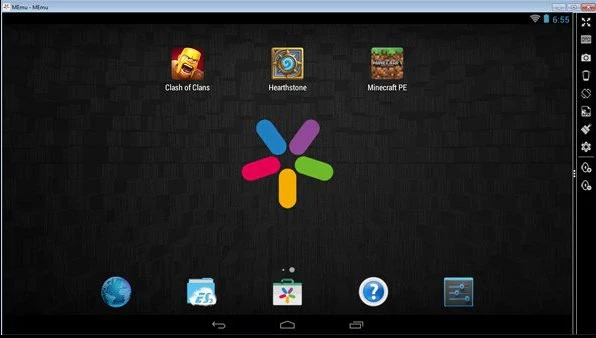
Software that lets you run Android apps and games on Windows.
Compare features, license, compatibility, update date and file source.
Each page shows the available evidence level, including source, hash and scan when present.