How to choose
- Check the version and supported platform.
- Prefer official sources and review the available scan.
- Read limitations before installing.

System related softwares.
Compare System options, check compatibility and review the security information before downloading.

Utility that allows you to adjust Windows settings in a simple and quick way.
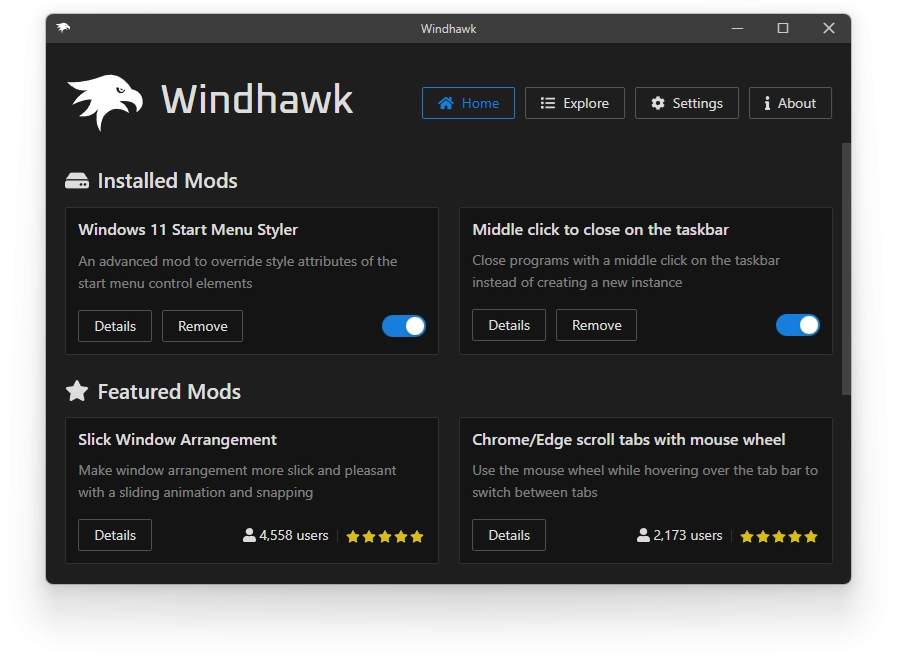
Tool that allows customizing the operating system and programs using customization modules.
Disk management and data recovery software that allows you to manage and recover data from storage devices.
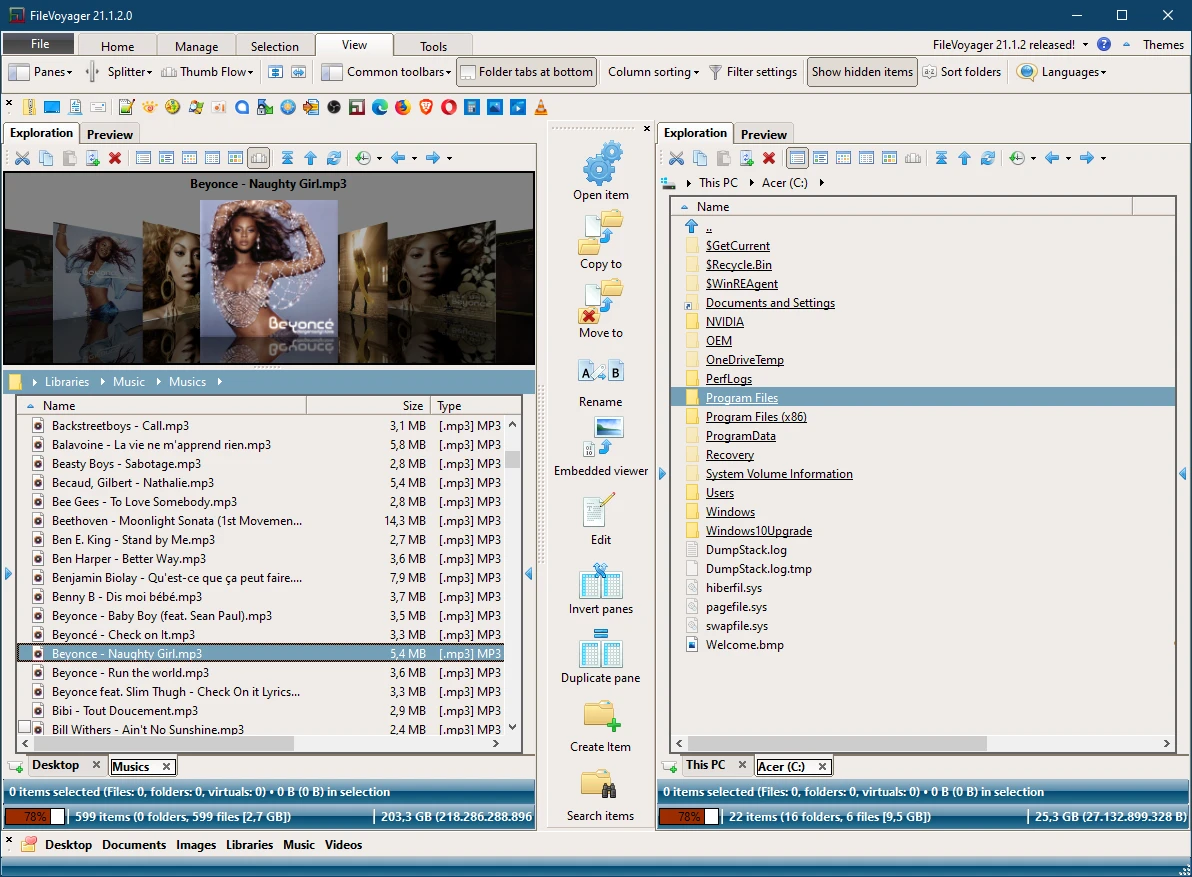
Free Orthodox file manager for Windows.
Free, fast font manager with an attractive interface, designed by designers for designers.
Free and powerful utility that allows you to easily manipulate the date and time of your files.
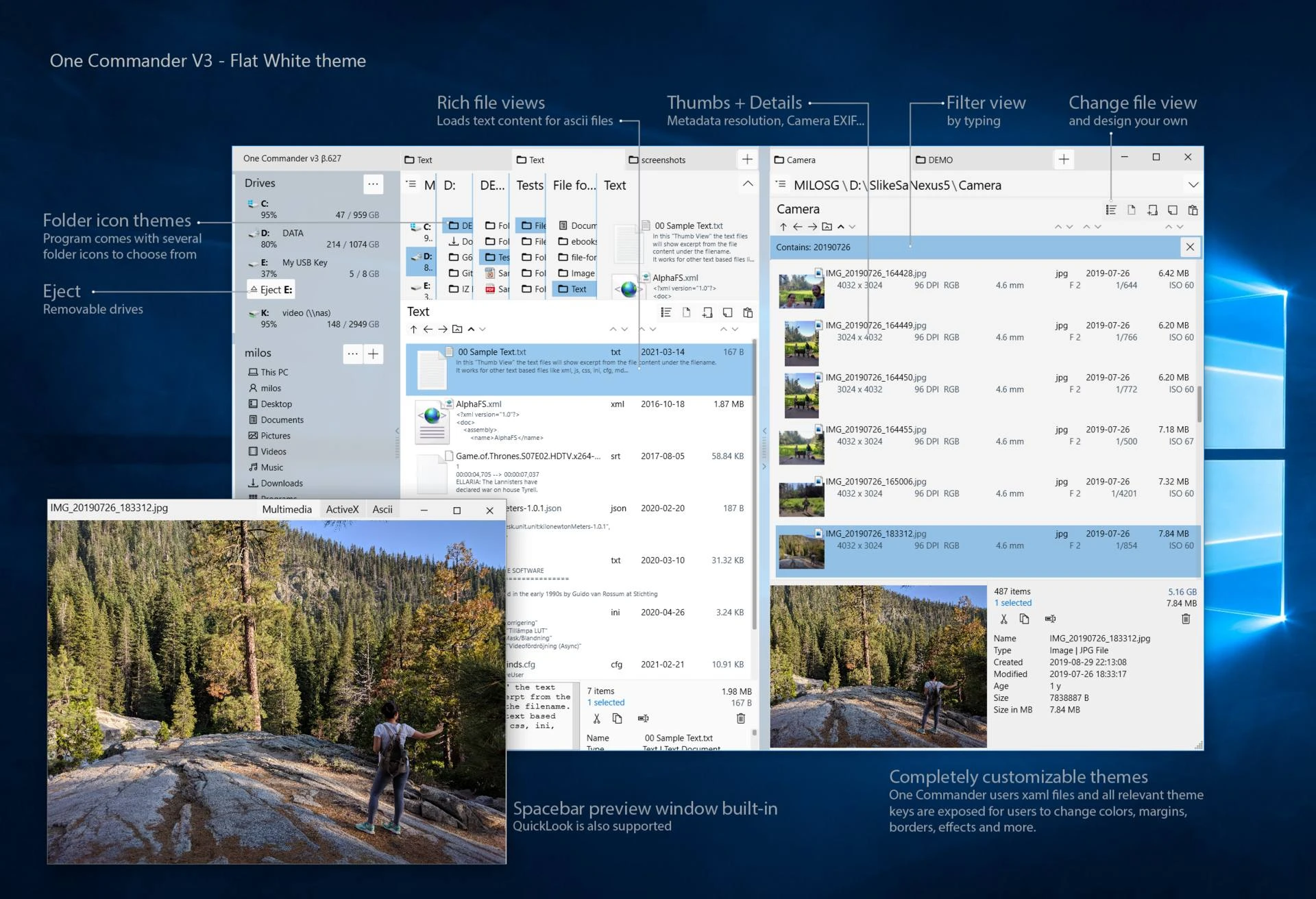
File management software with an intuitive interface and innovative features.
Multifunctional tool aimed at PDF manipulation.
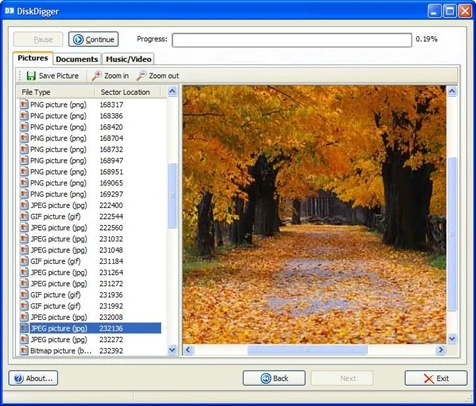
Utility that allows you to recover files deleted from storage devices.
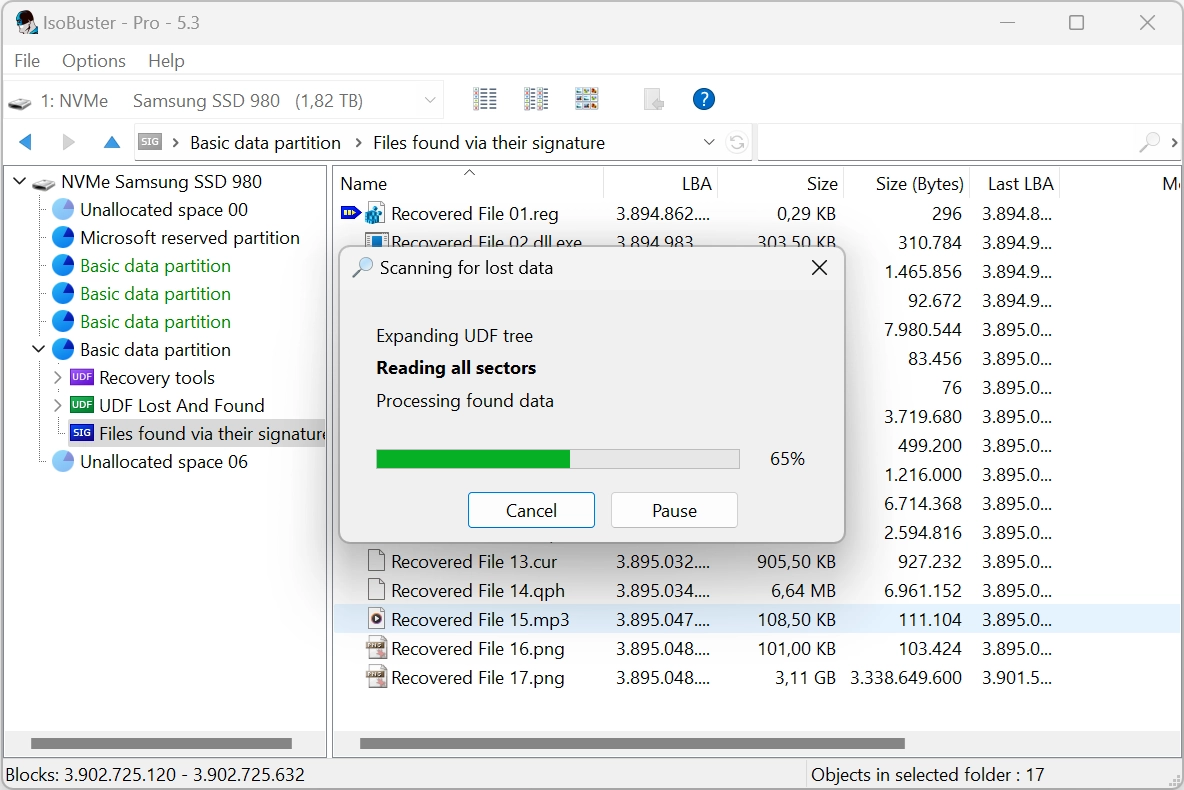
Complete media data recovery solution for CDs, DVDs, and more.
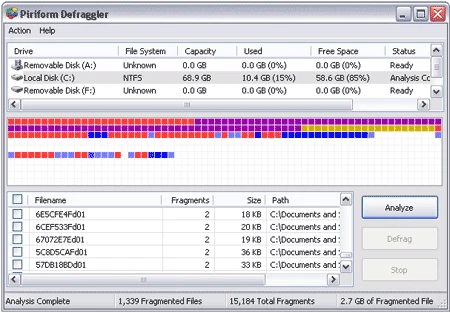
Defragment files, folders or the entire disk.
Data recovery and analysis software with support for the R language.
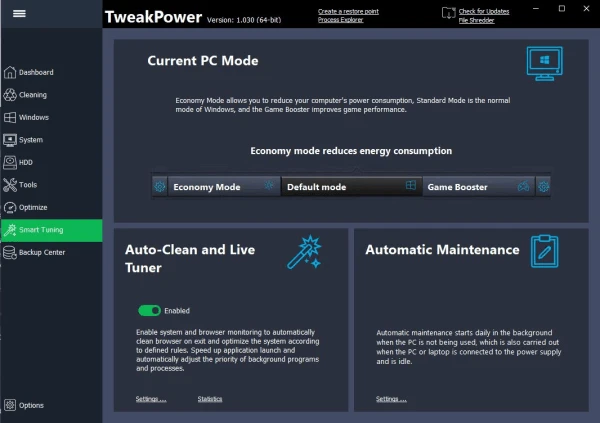
Software that brings together a series of tools to optimize Windows in various aspects.
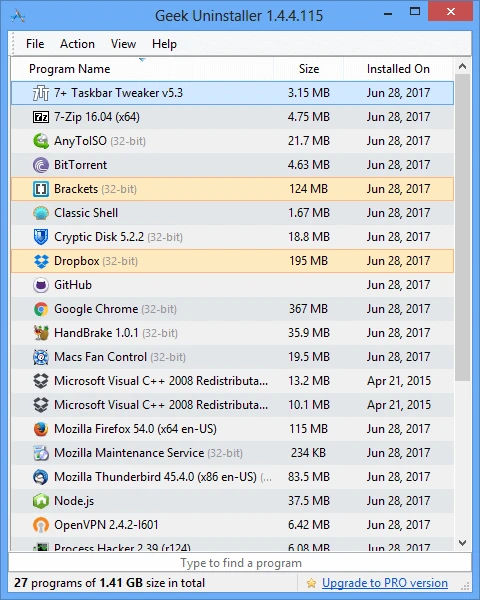
Portable and completely free uninstaller for Windows.
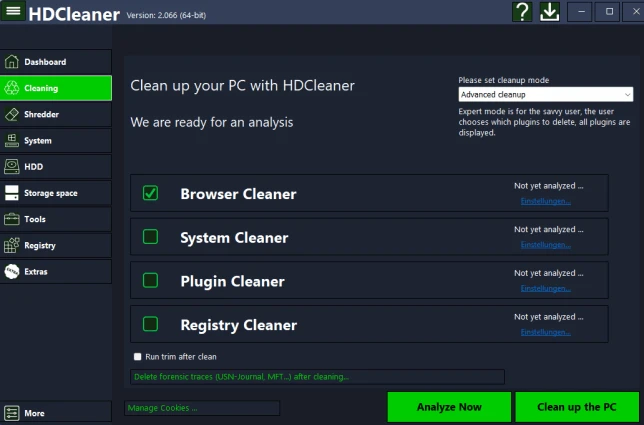
Eliminate unnecessary files and bring back the agility of your system.
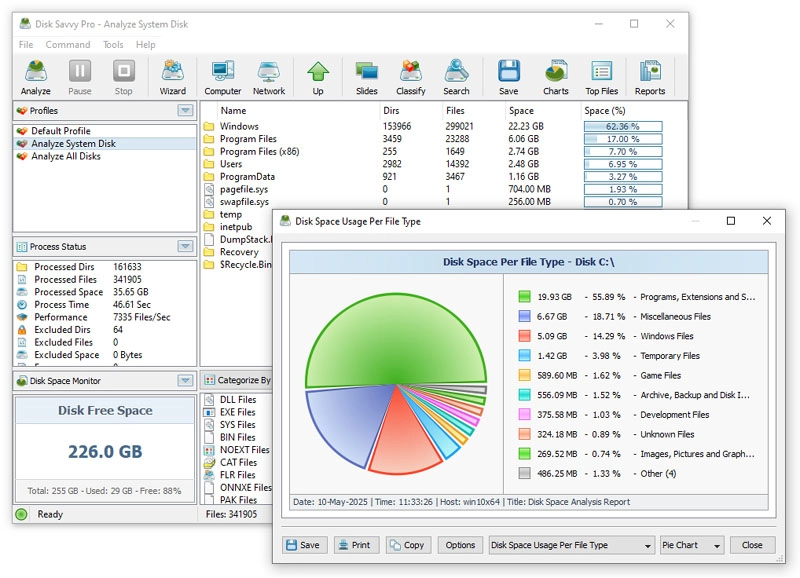
Disk analysis tool with many features.
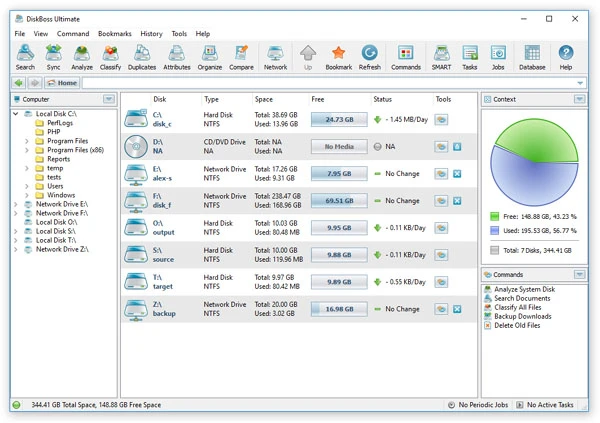
Advanced file and disk management solution.
Tool that allows you to locate and remove duplicate files on your system.
Free software that allows users to protect their privacy by removing traces of activities on the computer and the internet.

Utility that adds a desktop clock to your desktop, inspired by the classic style of Windows 98 SE, but with modern and customizable options.
Compare features, license, compatibility, update date and file source.
Each page shows the available evidence level, including source, hash and scan when present.