

WinContig 5.0.3.4
Free software that allows you to defragment individual files or entire folders quickly and efficiently.
WinContig is a free software for Windows that allows you to defragment individual files or entire folders quickly and efficiently. It uses advanced defragmentation algorithms to ensure that files are optimally organized on the hard drive, reducing access time and improving system performance.
Unlike other defragmentation programs that work on the entire hard drive, WinContig allows you to select specific files or folders for defragmentation, which is especially useful for large files that are frequently used. Additionally, WinContig runs without the need for installation, which means it can be run directly from an external storage device such as a USB drive.
The software has a simple and user-friendly interface, making it a great option for beginner or advanced users who want to improve their operating system's performance.
Old versions
File security
0/65 engines flagged the file in the recorded scan.
Scan date: 07/03/2026
SHA-256: cefc1a0e9b9e973839022b346c81ed0b293f8d711963eb08d7467821312555c2
Found a problem on this page?Tell the team about broken links, versions or incorrect information.
Related
Zero Install 2.29.3
Package management system that allows you to install and run programs without the need for installation or file administration.
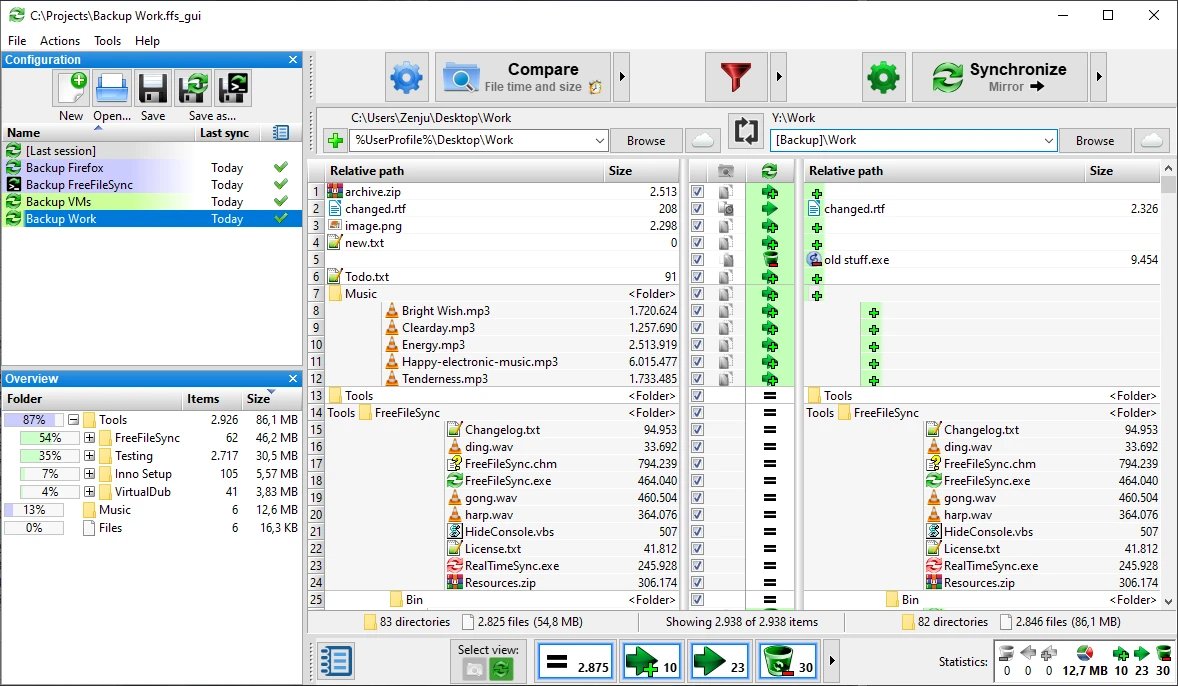
FreeFileSync 14.11
File synchronization software for comparison and updating.
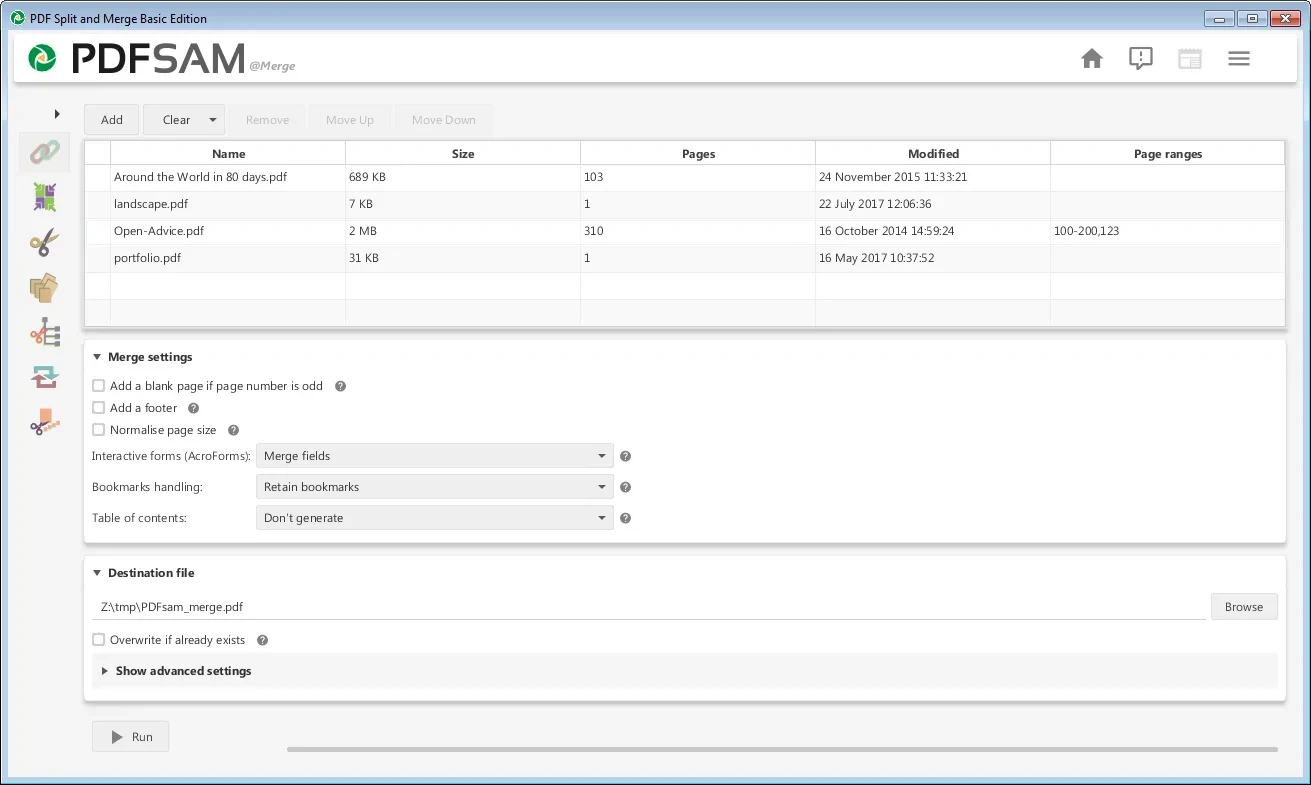
PDFsam 6.0.5
Free utility with multiple features to work with PDF files.
WinDirStat 2.8.0
Graphically observe the usage of your HD.
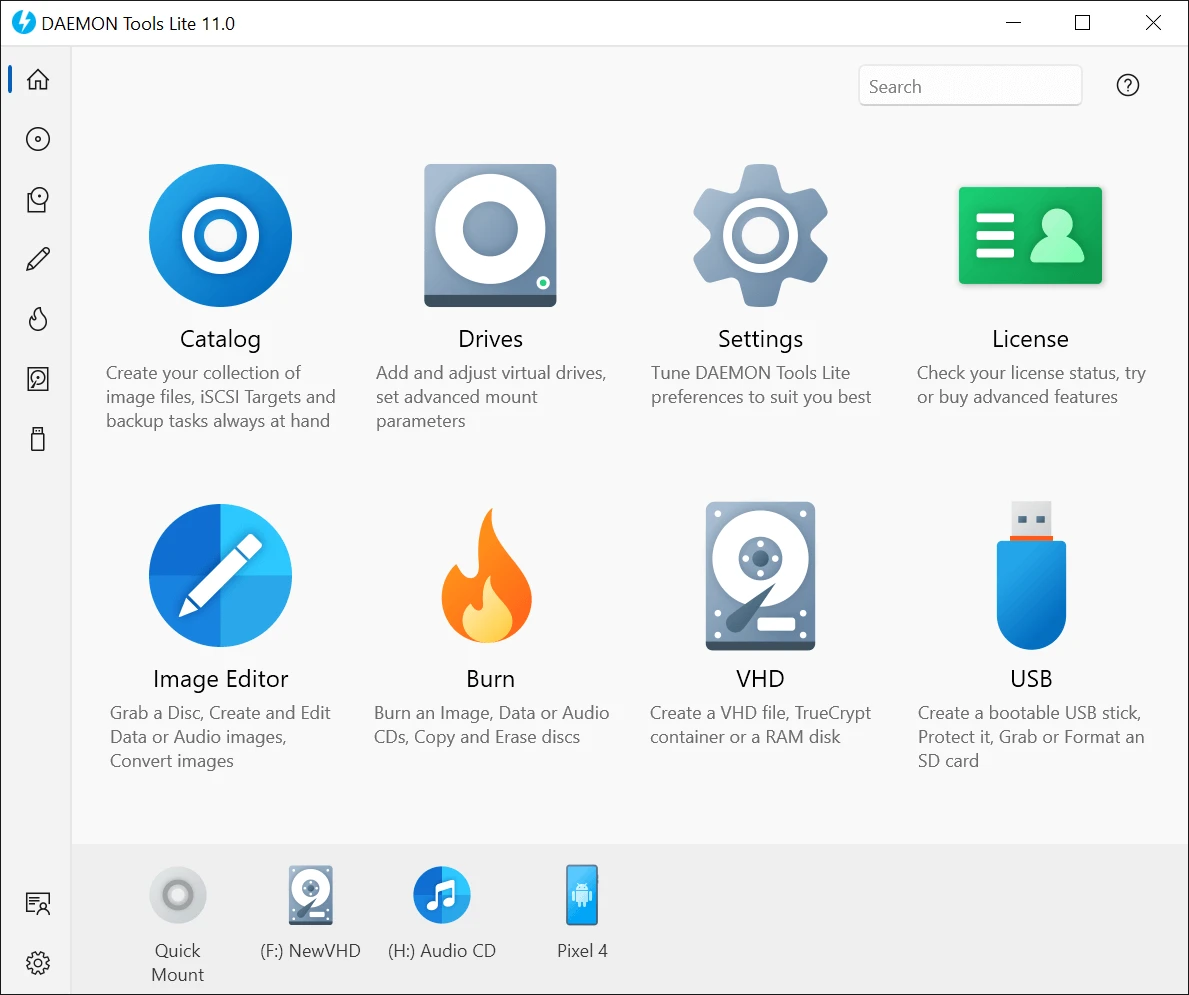
DAEMON Tools Lite 12.6.0.2461
Program to create virtual drives from CDs and DVDs.
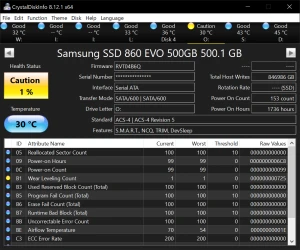
CrystalDiskInfo Portable 9.9.2
Portable version of CrystalDiskInfo. Utility for testing the read and write speed of hard and mobile disks.
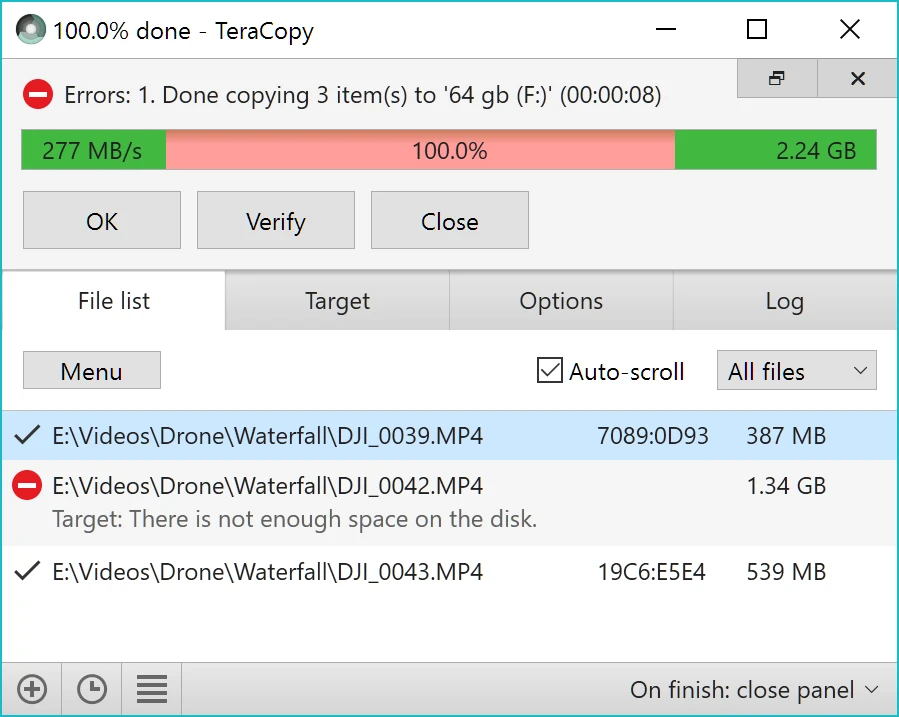
TeraCopy 4.0.3.2
Copy large amounts of files to other directories quickly.

HashMyFiles 2.51
Utility that allows you to calculate the MD5/SHA1/CRC32 hashes of your files.