
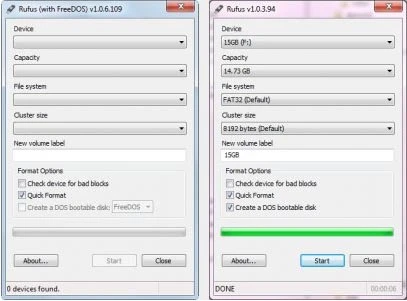
Application that allows you to transform your Pendrive or other USB device bootable with DOS.
Rufus is practical, lightweight (just over 1 MB), easy to use as it has a clean interface and also requires no installation. It is an excellent software choice for anyone who wants to create bootable USB for DOS.
Difference between the normal version and the portable version
The main difference between the normal version and the portable version is the persistence of records.
Normal Version: Saves settings and usage records on the system, allowing preferences to be maintained between usage sessions.
Portable Version: Does not save any settings or records on the system where it is used, making it ideal for use on different computers without leaving traces.
Old versions
File security
0/68 engines flagged the file in the recorded scan.
Scan date: 06/30/2026
SHA-256: 84c8a437f8af89257524478489e5c85f1edf25f761d299e2bcde46ac0afbe106
Found a problem on this page?Tell the team about broken links, versions or incorrect information.
Related
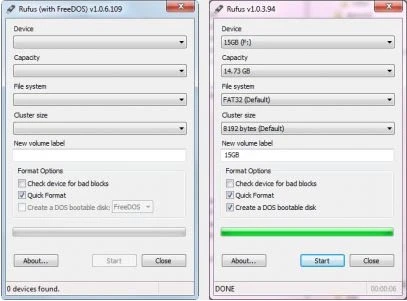
Rufus 4.15
Utility that allows you to create DOS bootable USB disks.
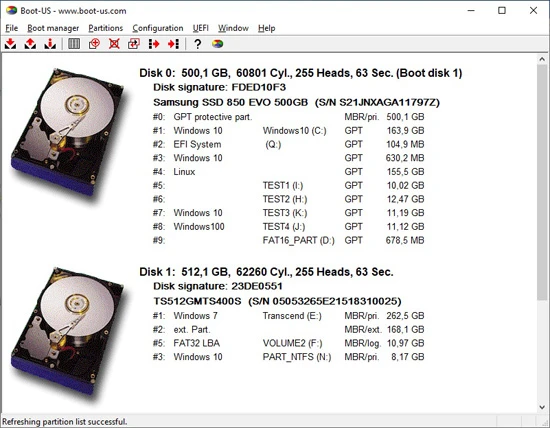
Boot-US 4.2.3
Universal boot manager that allows you to use your existing operating systems completely independently.
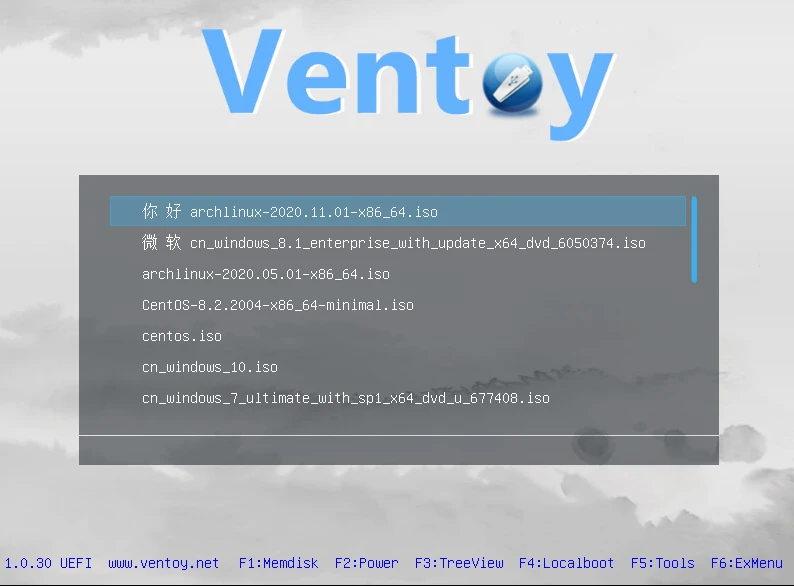
Ventoy 1.1.07
Tool that allows creating bootable USB drive for ISO/WIM/IMG/VHD(x)/EFI files.

BootIt Bare Metal 2.05
Tool that allows you to manage partitions, handle multi-boot configurations, and create disk images.
balenaEtcher 2.1.3
Free software that allows you to record operating system images onto SD cards and USB drives in a simple and secure way.
balenaEtcher Portable 2.1.2
Portable version of the popular software balenaEtcher, it allows you to write operating system images to SD cards and USB drives.

YUMI 2.0.9.4
Utility that allows you to create bootable USB sticks.

Iso2Usb 0.1.5.0
Utility that allows you to create bootable USB devices from Windows images.