
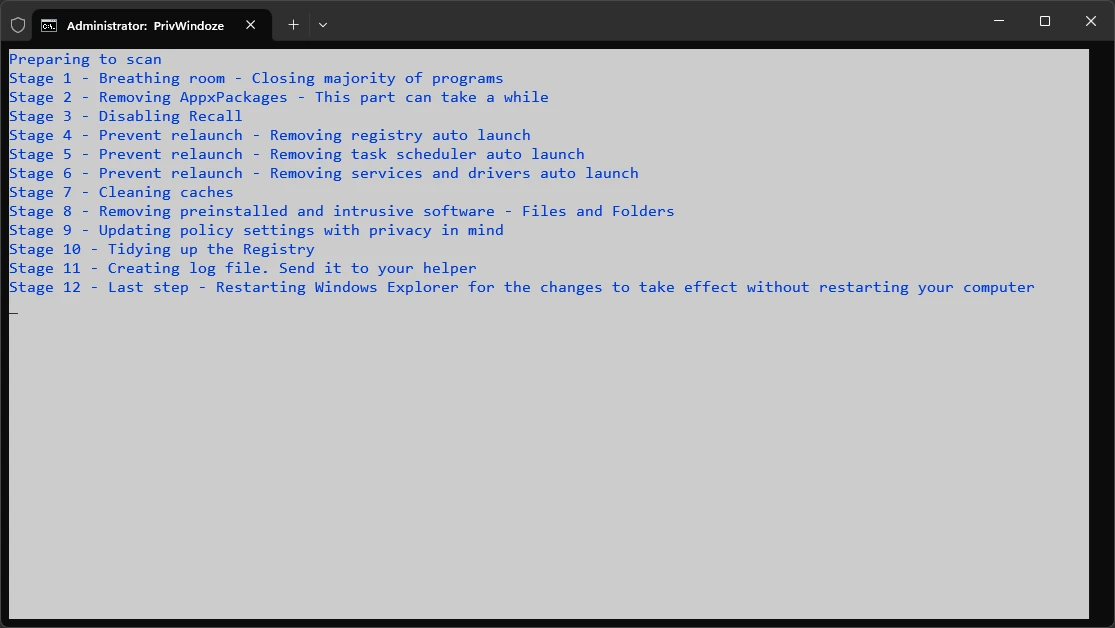
PrivWindoze 7.0.0
Free tool for Windows 10 and 11 for those looking to improve privacy and optimize system performance.
PrivWindoze (Private Windows Script) is a free tool for Windows 10 and 11 for those looking to enhance privacy and optimize system performance. It is portable, meaning it does not require installation, functioning directly when executed with administrator privileges. It focuses on removing telemetry, bloatware, and invasive settings, providing a cleaner and safer experience.
Main Features:
- Telemetry Disablement: Modifies system policies to limit data collection by Microsoft and manufacturers (OEMs) such as Acer, Dell, and Lenovo, protecting user privacy.
- Bloatware Removal: Eliminates unnecessary pre-installed applications such as Microsoft Edge, OneDrive, Cortana, Xbox, Copilot, Recall, ZuneVideo, ZuneMusic, and Gamebar, as well as third-party software from OEMs.
- System Optimization: Ends non-essential processes, cleans RunOnce entries from the Windows Registry, removes unnecessary scheduled tasks, and deletes logs from the Event Viewer (Applications, Security, System, Settings, and Forwarded Events).
- Cache Cleaning: Deletes temporary internet files and caches from popular applications such as Google Chrome, Firefox, Edge, Discord, Steam, and others, without affecting cookies, preserving active logins.
- User Settings: Disables invasive features like suggested content display in the Settings app, and restores the classic right-click context menu.
- Restore Point: Automatically creates a system restore point named “PrivWindoze” before executing changes, provided the System Restore function is enabled.
- Activity Log: Generates a log file (PrivWindoze_[date]__[time].txt) on drive C: and the desktop, detailing all actions carried out for review.
Old versions
File security
2/71 engines flagged the file in the recorded scan.
Scan date: 05/14/2026
SHA-256: cfe61f850c5a9fdf3a110af8d7a31949312a5373bb0b917574cec6824e6ab30c
Found a problem on this page?Tell the team about broken links, versions or incorrect information.
Related
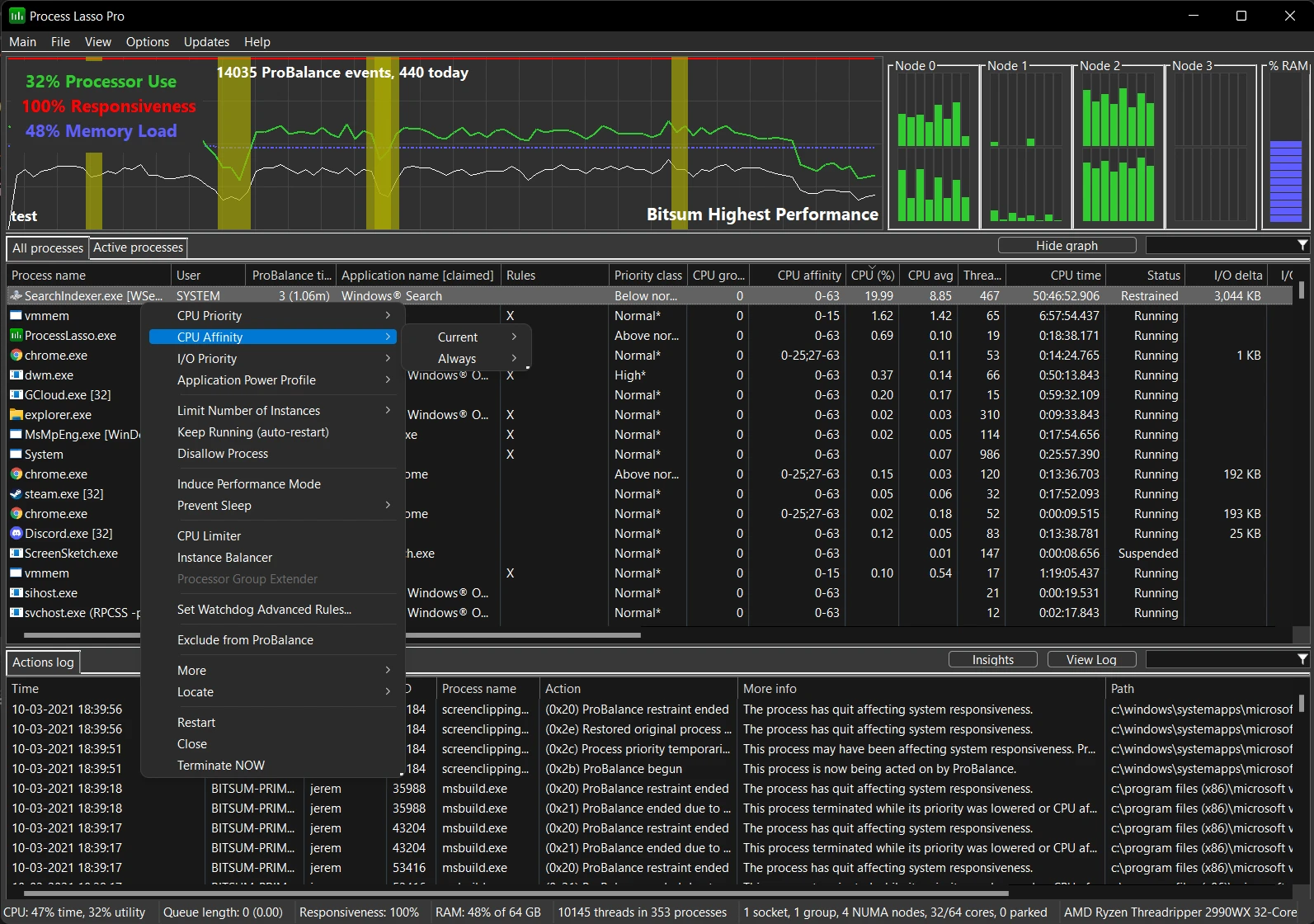
Process Lasso 18.4.0.1 Beta
Software that allows you to optimize processes in Windows.
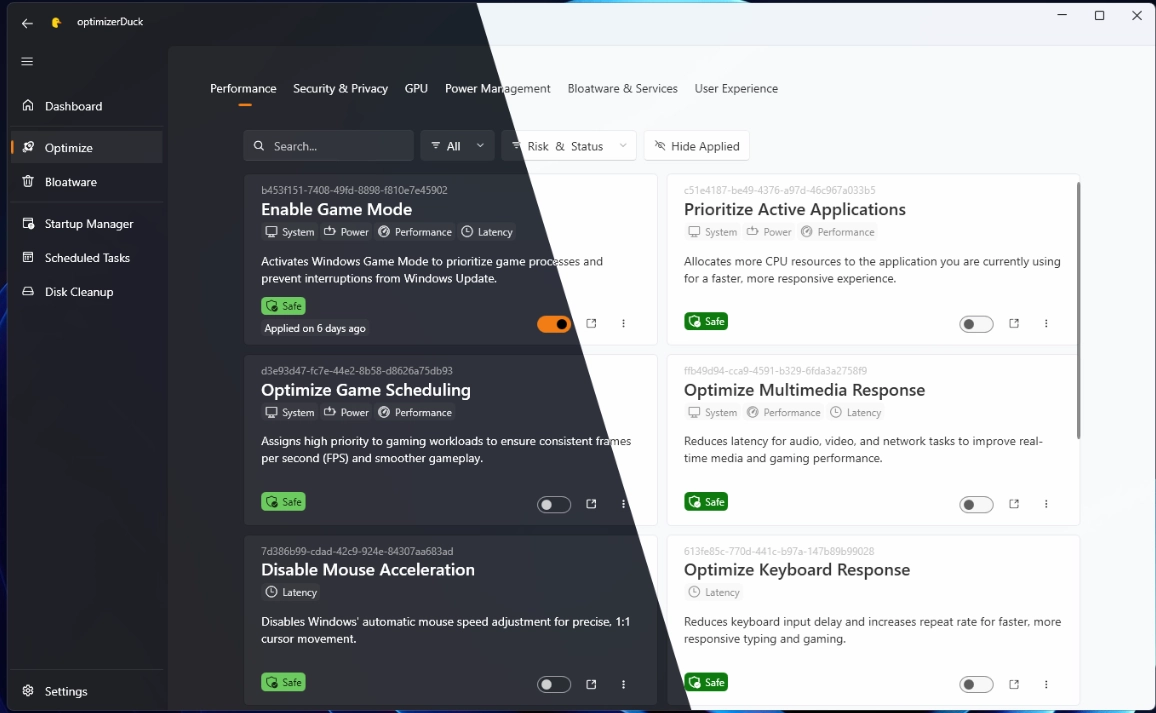
optimizerDuck 2.27.6
Free software that allows you to optimize Windows performance and increase control over system privacy settings.

PrivaZer 4.0.126
Free PC cleaning software that helps protect privacy and optimize system performance by cleaning activity traces and optimizing system.
PrivaZer Portable 4.0.126
Version of the cleaning and privacy software PrivaZer that does not require installation.
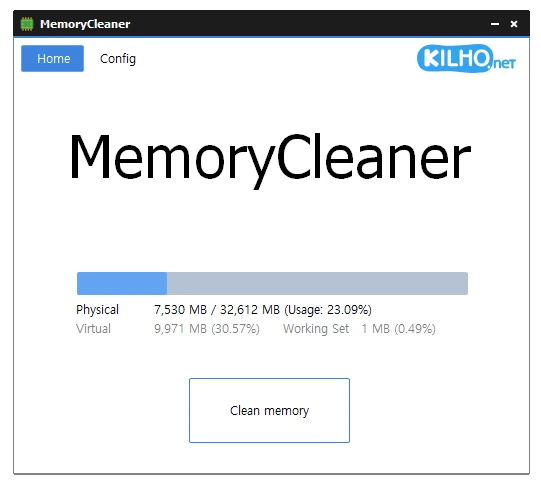
MemoryCleaner 2.0.2
Dedicated tool for memory cleaning, offering both automatic and manual cleaning options.

Wise Disk Cleaner 11.3.9.859
Make your system faster by eliminating unnecessary files.
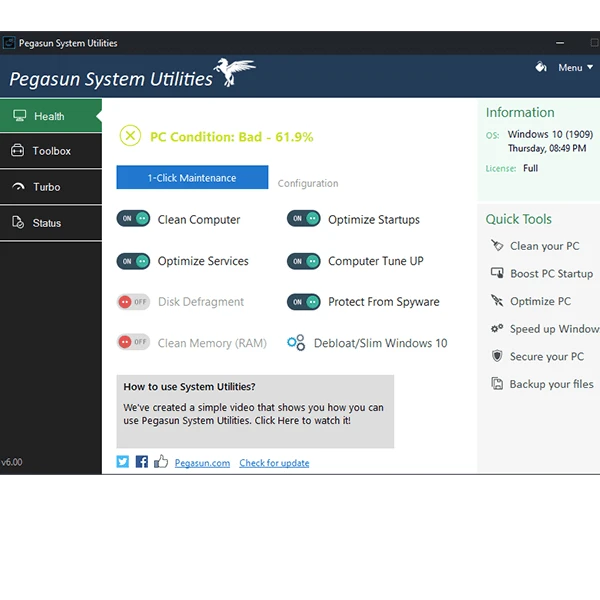
Pegasun System Utilities 10.0.0
Software that has 18 tools that make it possible to speed up, clean and secure your PC.
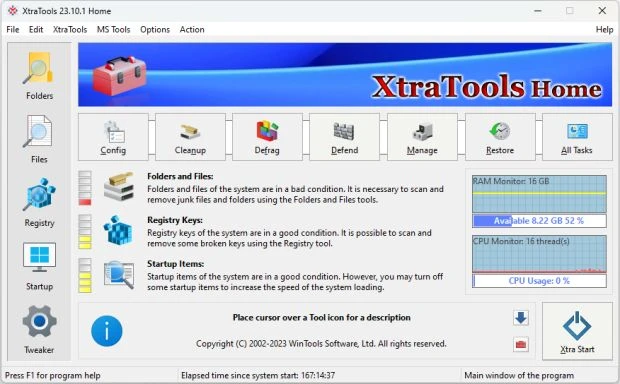
XtraTools 26.7.1
Optimization software for Windows that allows you to manage and improve system performance.