

FileProtection 4.75
Free software to protect files and folders against unauthorized deletions and modifications, including ransomware attacks.
FileProtection is a free software developed by Reuschtools to protect files and folders from unauthorized deletions and modifications, including ransomware attacks. It works simply by adding a layer of security directly to the Windows operating system.
How it works
By right-clicking on any file or folder, the option “File Protection” can be activated. A small mark is displayed on the item's icon, indicating that it is protected. From that moment on, no changes, deletions, or modifications will apply without proper authorization.
This feature is especially recommended for final documents, personal photos, important reports, and other files that should not be altered once completed. Additionally, backups created with tools from Reuschtools automatically receive this protection.
Removing protection
There are two ways to remove protection from a file or folder:
Confirmation via UAC (User Account Control), if the system is configured with administrative permissions.
Unlock password, required for users without administrative privileges. This password can be set in the program's settings menu.
To ensure maximum effectiveness, it is necessary to keep UAC active or use an account without administrative privileges.
Summary of features
- Protection against deletion and modification of files.
- Simple activation via the Windows context menu.
- Clear visual indication when an item is protected.
- Unlock options via UAC or password.
- Broad compatibility: Windows XP to Windows 11.
- Light installer (0.60 MB) and official digital signature.
Old versions
File security
SHA-256: 14a9b2e831836fe563cc2cbc136deb3aba7d9c4f0483c0342d3be683afcee531
Found a problem on this page?Tell the team about broken links, versions or incorrect information.
Related
Zero Install 2.29.3
Package management system that allows you to install and run programs without the need for installation or file administration.
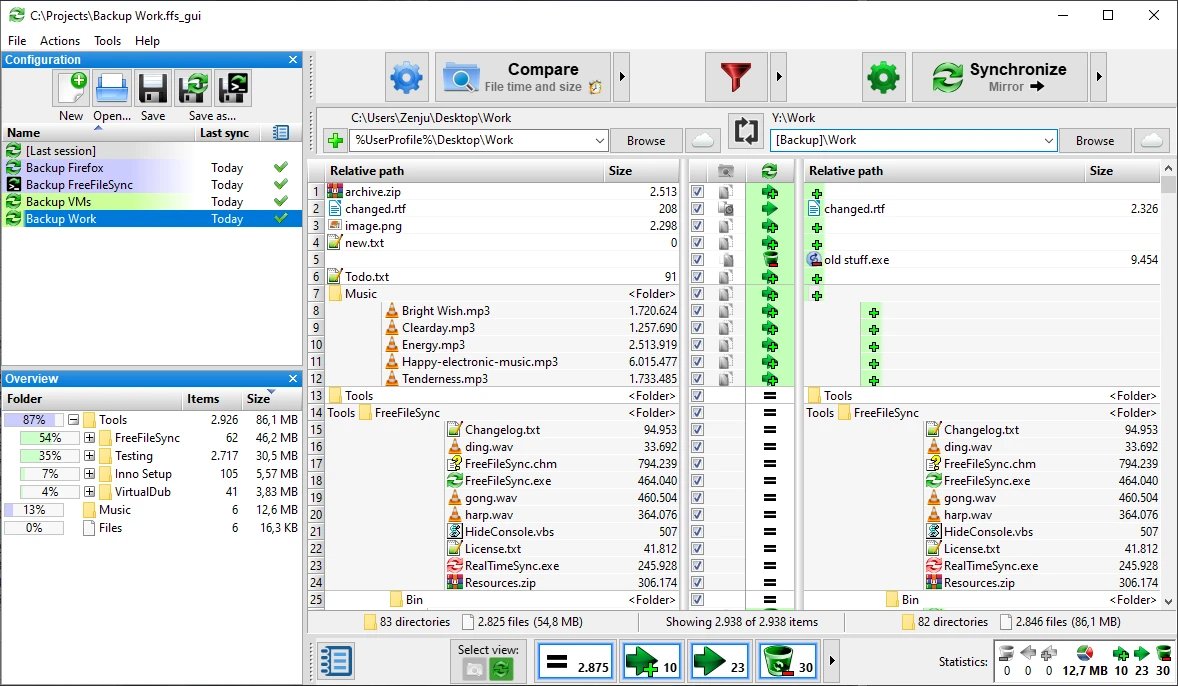
FreeFileSync 14.11
File synchronization software for comparison and updating.
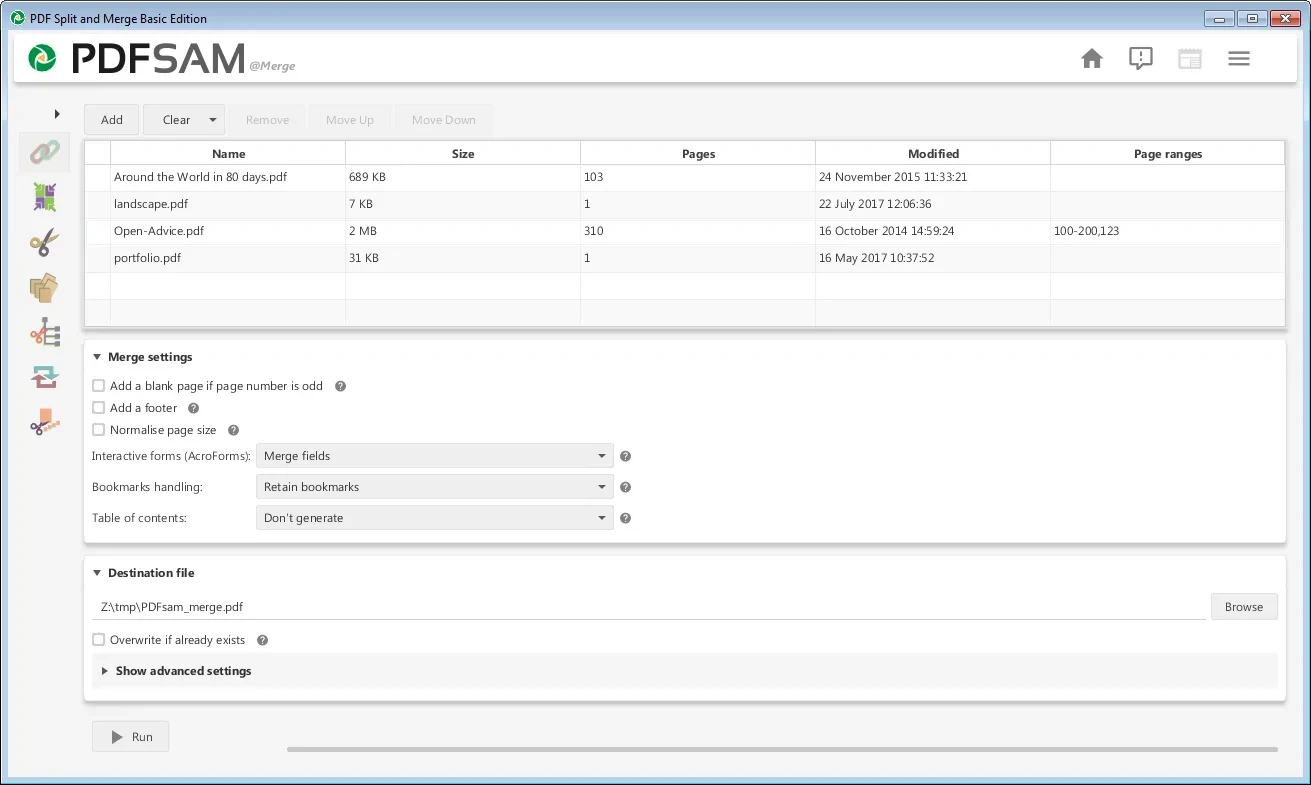
PDFsam 6.0.5
Free utility with multiple features to work with PDF files.
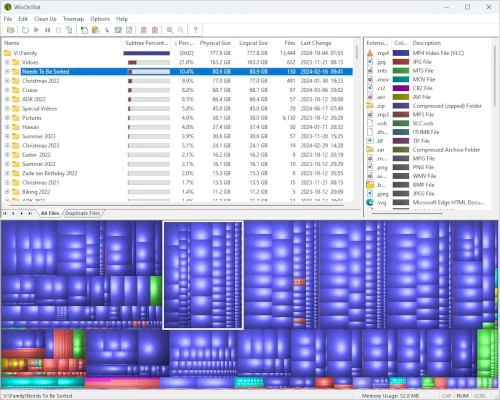
WinDirStat 2.8.0
Graphically observe the usage of your HD.
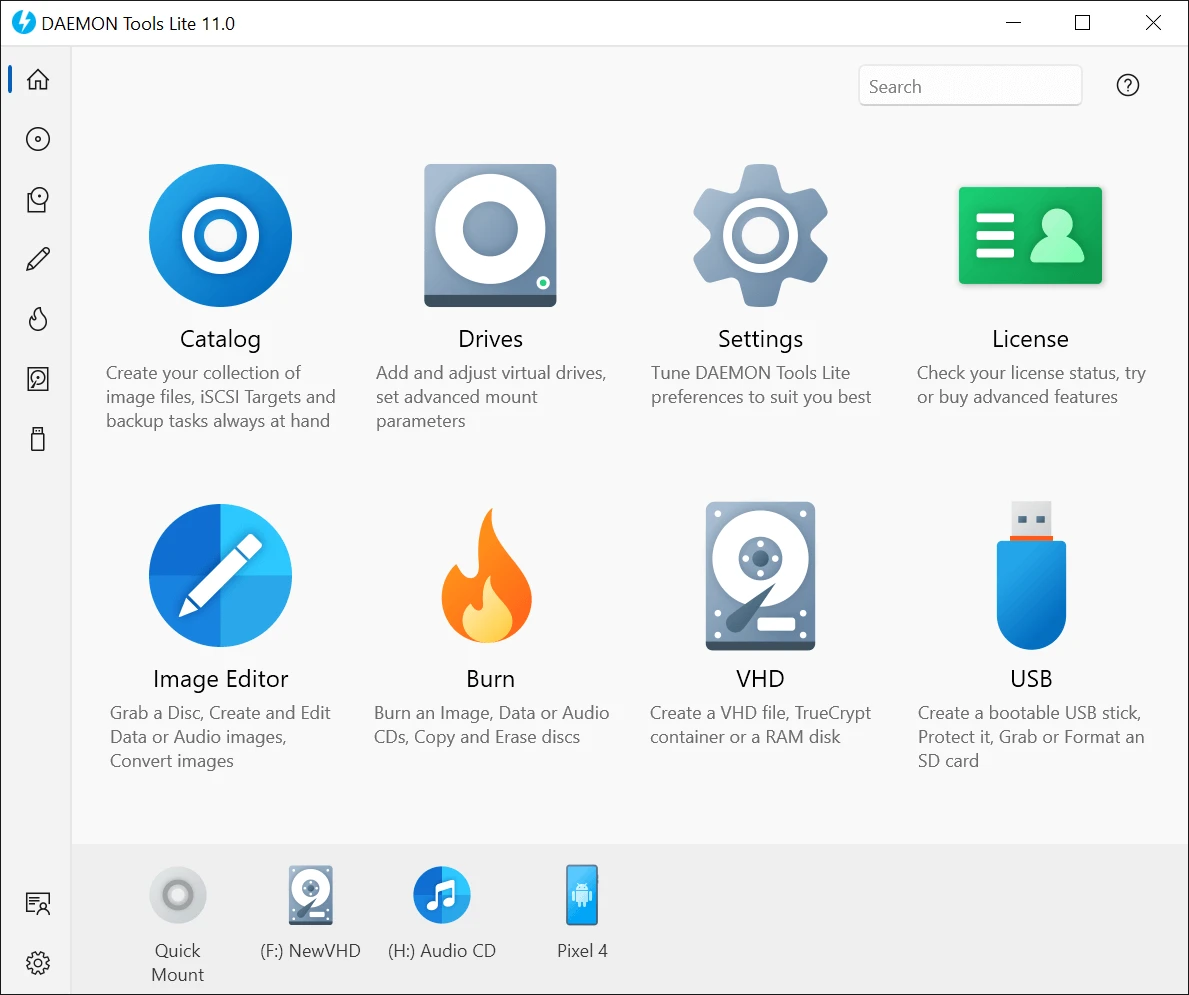
DAEMON Tools Lite 12.6.0.2461
Program to create virtual drives from CDs and DVDs.
CrystalDiskInfo Portable 9.9.2
Portable version of CrystalDiskInfo. Utility for testing the read and write speed of hard and mobile disks.
TeraCopy 4.0.3.2
Copy large amounts of files to other directories quickly.

HashMyFiles 2.51
Utility that allows you to calculate the MD5/SHA1/CRC32 hashes of your files.