How to choose
- Check the version and supported platform.
- Prefer official sources and review the available scan.
- Read limitations before installing.

System related softwares.
Compare System options, check compatibility and review the security information before downloading.
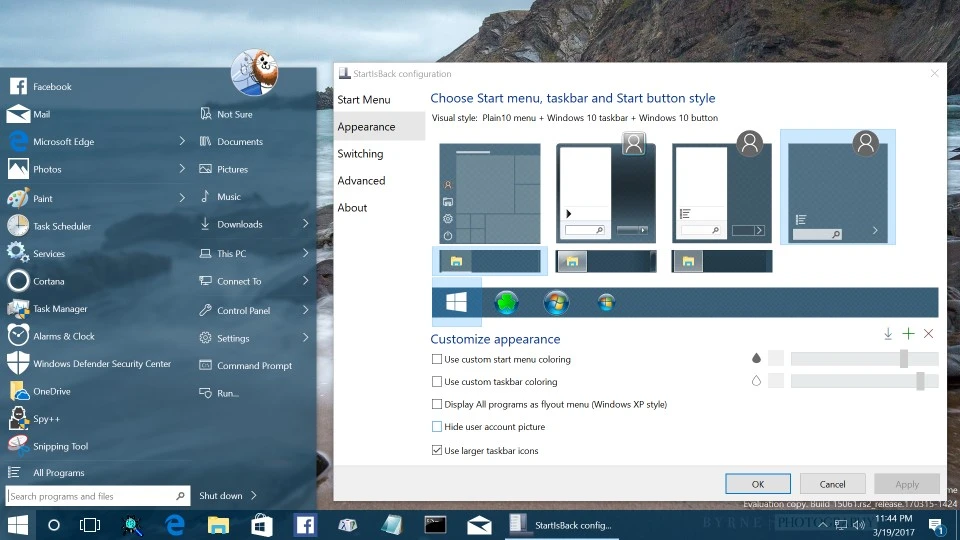
Software for customizing the Start menu and taskbar in Windows 11.
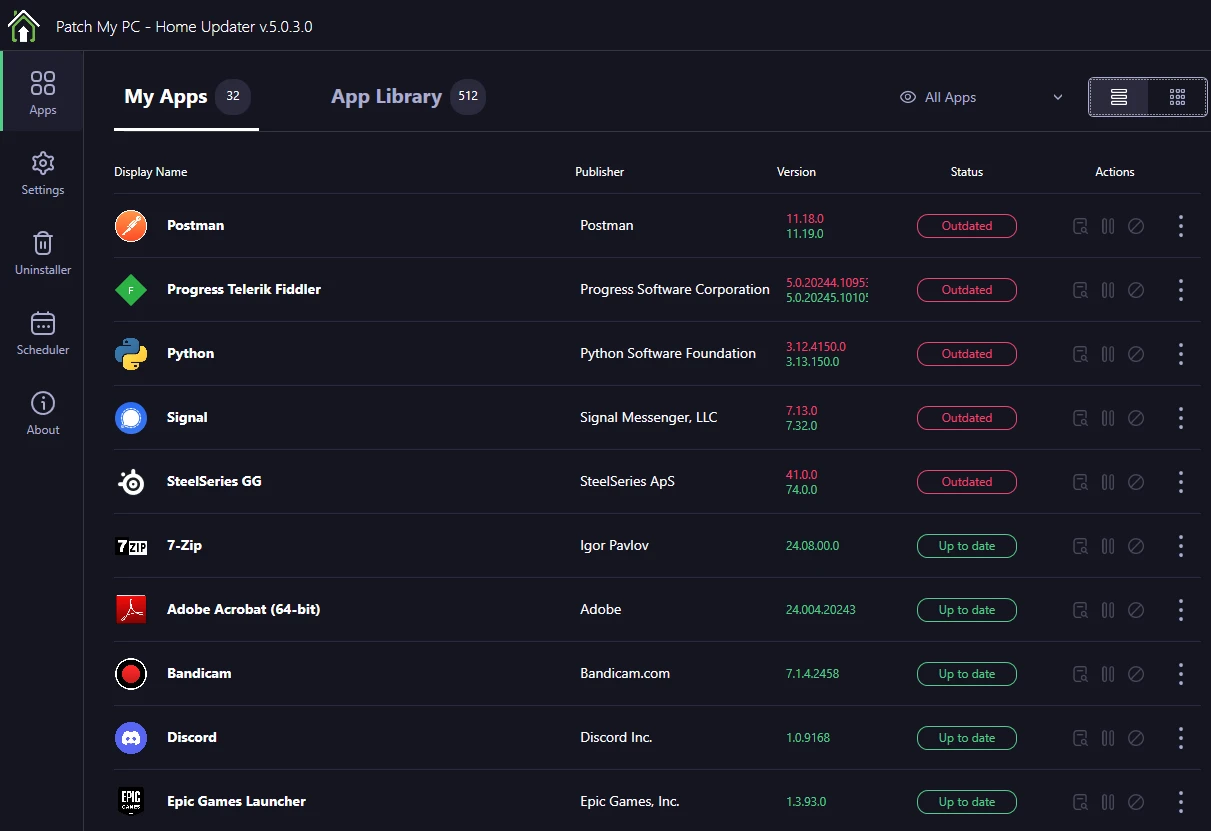
Free and portable utility that keeps your computer programs updated.
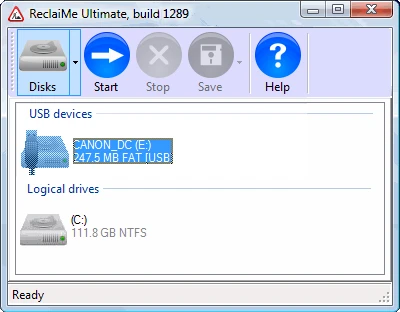
Data recovery software for all occasions.
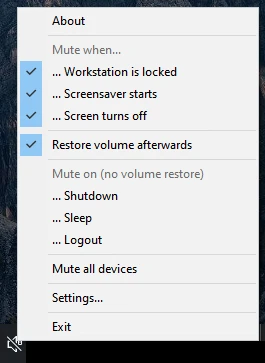
Utility that allows you to automatically mutate your PC.
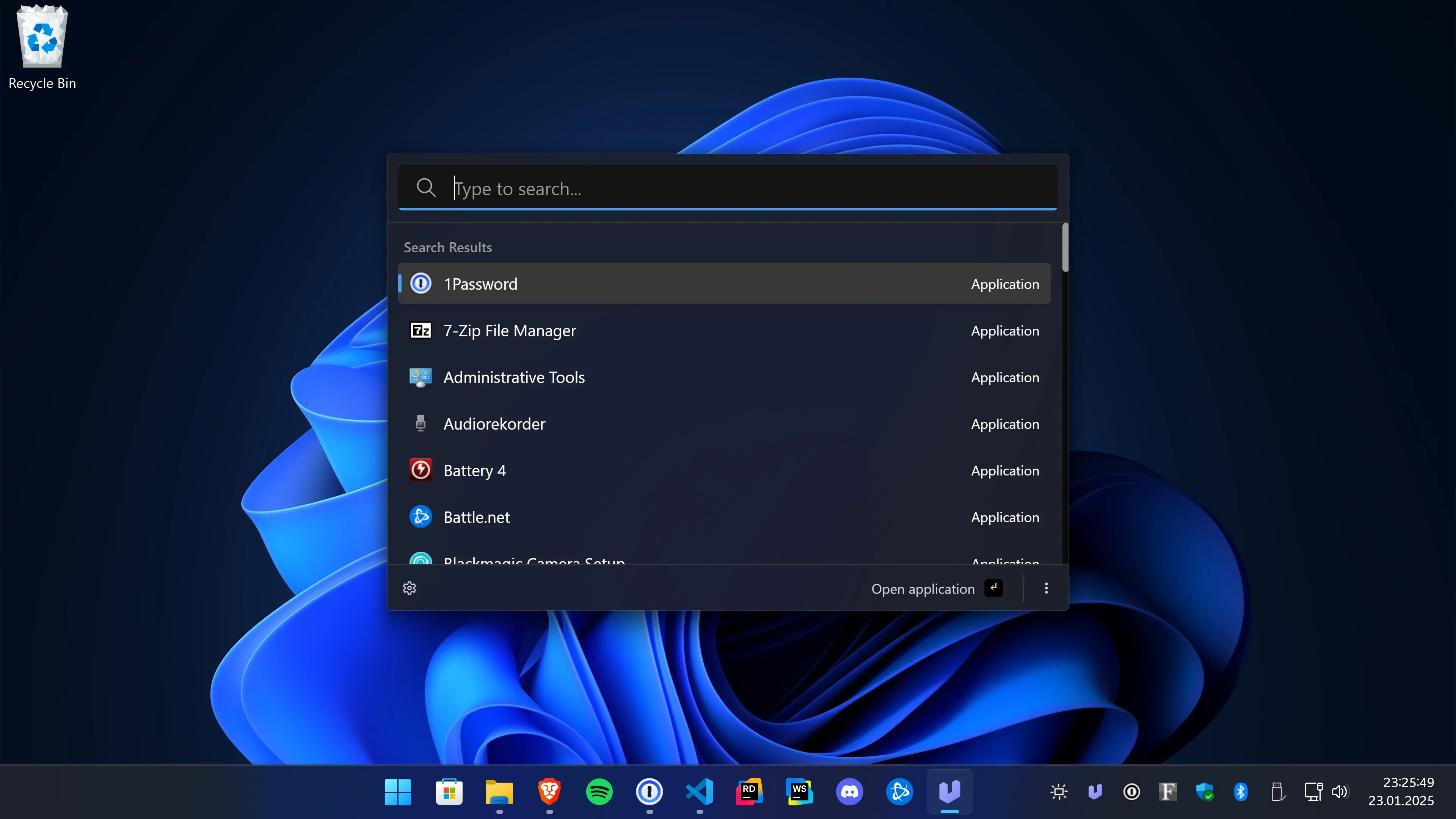
Lightweight and open-source application launcher that facilitates quick access to files, programs, and commands on Windows.

Tool that allows for the precise identification of the version and edition of the operating system in use.
Free software that verifies the authenticity of ISO and EXE files from Windows and Office (x32 and x64).
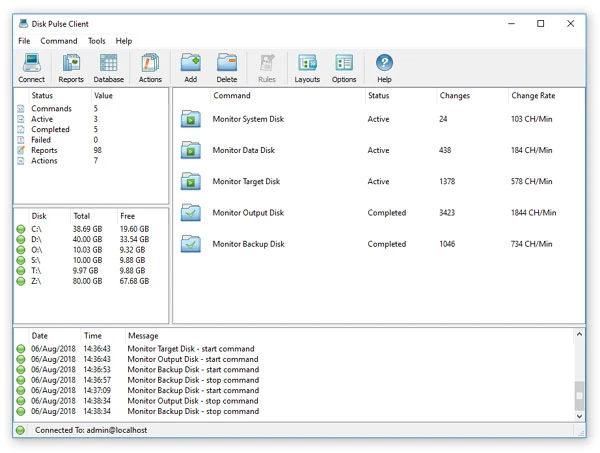
Real-time file system monitoring software.

Software that allows you to locate product keys and serial numbers of software installed on your Windows computer.
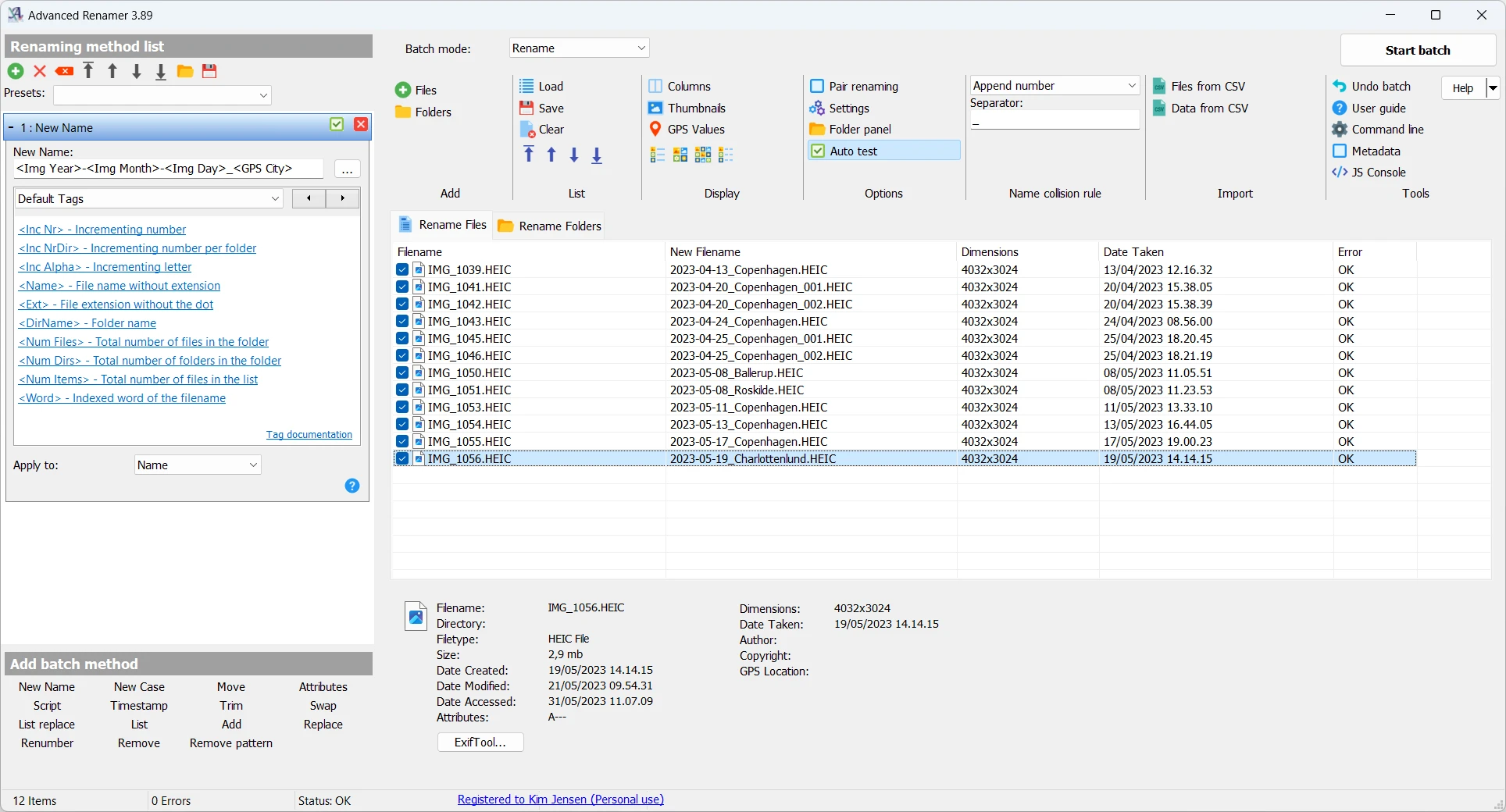
File renaming tool for batch renaming with various customization options.
Customize the Windows interface with classic menus and advanced adjustments.
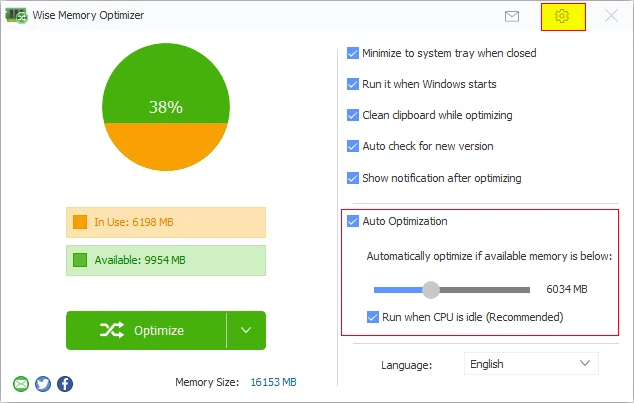
Application that shows in real time the distribution of RAM memory, allowing you to track exactly how much is occupied by processes and how much remains available.

Utility that displays snowflakes on your desktop.
Remote access software that allows you to connect to and control computers or servers.
Software that facilitates the use of the Deployment Imaging Service and Management Tool (DISM) on Windows.
Software for Windows that allows efficient management of compressed files.
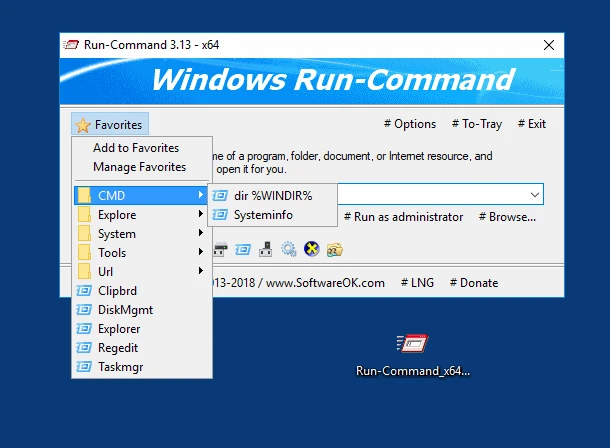
Alternative to the standard Run in Windows but with advanced features.
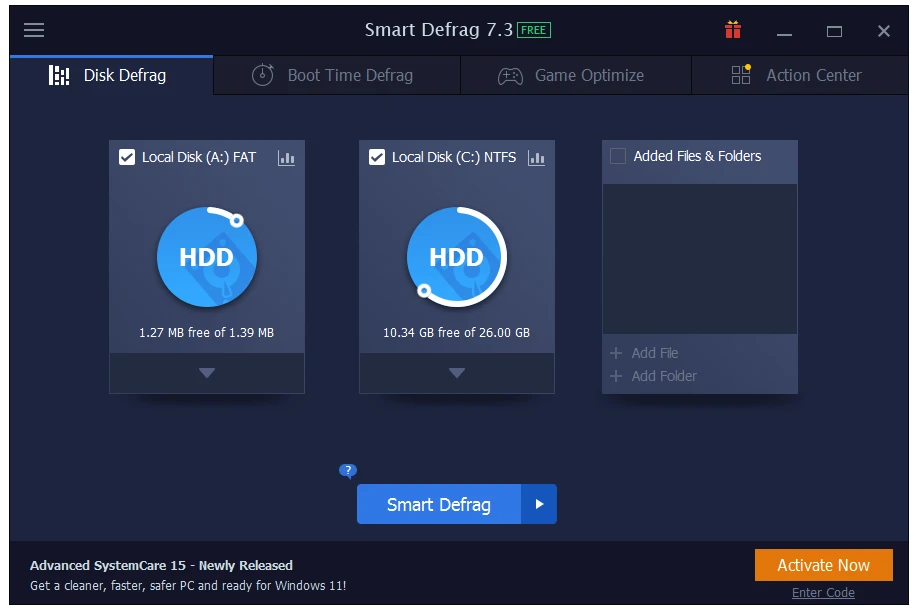
Excellent software for disk defragmentation.
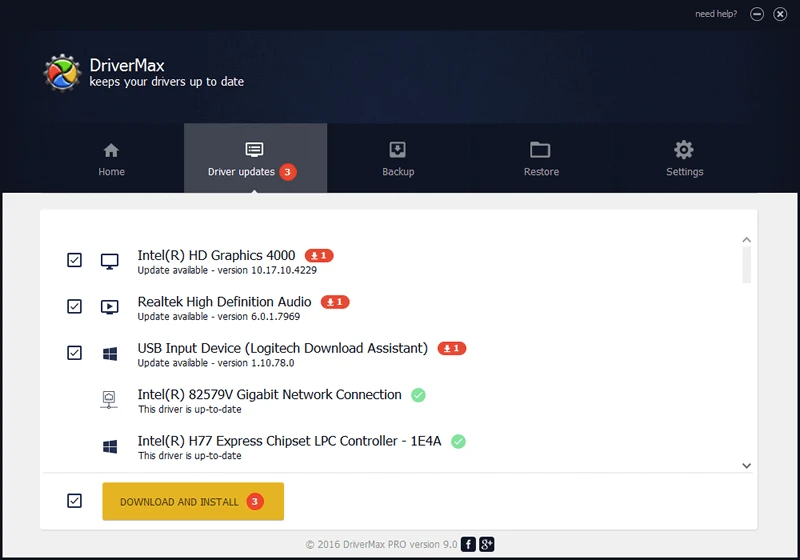
Keep your drivers always up to date.
Advanced clipboard manager.
Compare features, license, compatibility, update date and file source.
Each page shows the available evidence level, including source, hash and scan when present.