

LDPlayer 9.2.7.0
Free Android emulator for PC that allows running mobile apps and games on Windows.
LDPlayer is a free Android emulator for PC that allows you to run mobile apps and games on Windows. It is used by gamers due to its high compatibility with popular games such as Free Fire, PUBG Mobile, and Genshin Impact, offering optimized performance, high-quality graphics, and support for customizable controls via keyboard, mouse, or gamepad. The emulator supports multitasking, allowing multiple instances of apps or games to be opened simultaneously, ideal for farming or managing multiple accounts.
Main Features:
- Performance: Utilizes virtualization technology (VT-x/AMD-V) to run games smoothly, with support for high FPS rates.
- Customization: Offers key mapping, resolution adjustments, and allocated CPU and RAM settings.
- Compatibility: Supports most apps from the Google Play Store and allows APK installations.
- Additional Features: Includes a screen recorder, operation synchronization for multiple windows, and macro support to automate tasks.
- Android Versions: Available in versions like Android 7.1, 9.0, and above, depending on the build.
Found a problem on this page?Tell the team about broken links, versions or incorrect information.
Related
BlueStacks 5.22.167.1006
Run Android apps and games directly from your Windows.
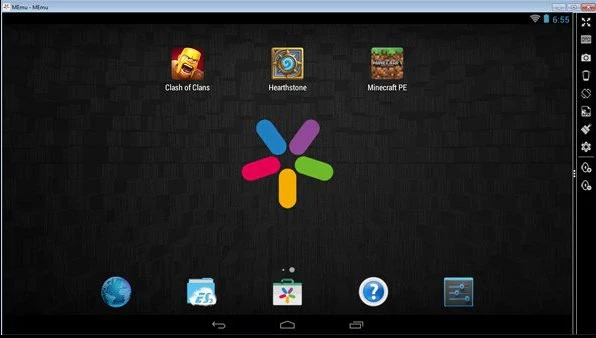
MEmu 9.3.3
Software that lets you run Android apps and games on Windows.
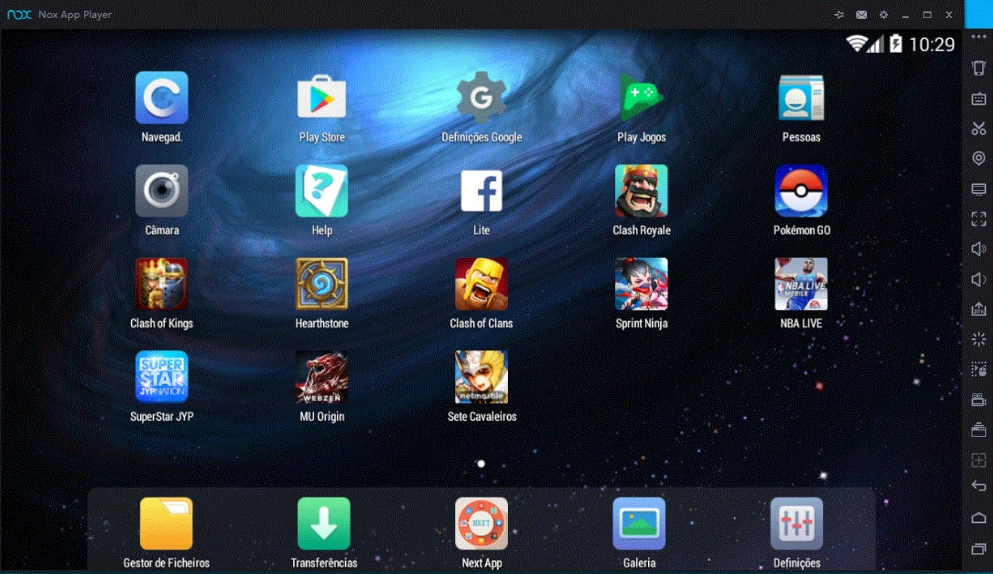
NoxPlayer 7.0.6.2
Run Android apps and games directly on your Windows computer.
MSI App Player 5.21.151.6303
Powerful Android emulator that promises to provide a smooth and high-performance gaming experience on your PC.
Windroy 4.0.3
Android emulator for Windows that allows you to run Android apps and games directly on a Windows computer.