How to choose
- Check the version and supported platform.
- Prefer official sources and review the available scan.
- Read limitations before installing.

Download utilities of all kinds, optimizers, compactors, keyloggers, image editors and more.
Compare Utilities options, check compatibility and review the security information before downloading.
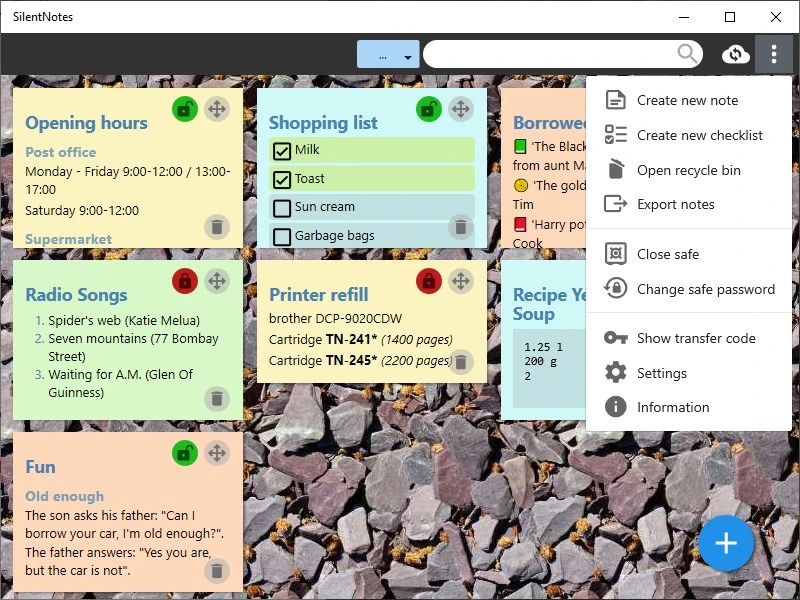
Simple privacy-focused note-taking utility.
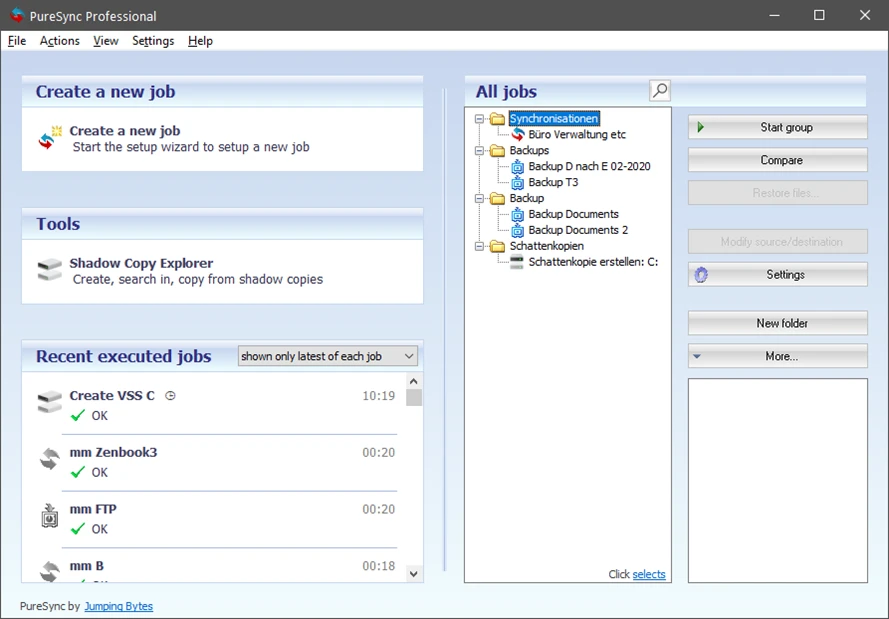
File synchronization and backup software for Windows.

Access blocked content in your region and stay safe browsing anonymously.
Annotation tool that stores your notes directly on the device, allowing for quick and offline access.
Open-source CMS used to create custom and scalable websites.
IT asset management software that provides enterprise inventory, monitoring, and network automation.
Customization software for Logitech G line devices, such as mice, keyboards, and headsets.
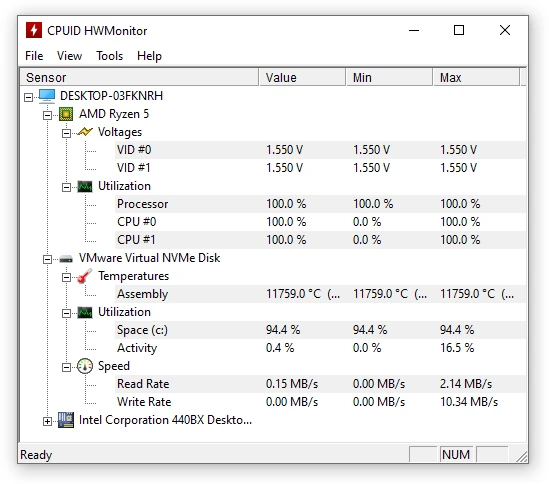
Utility that displays real-time information about your hardware.
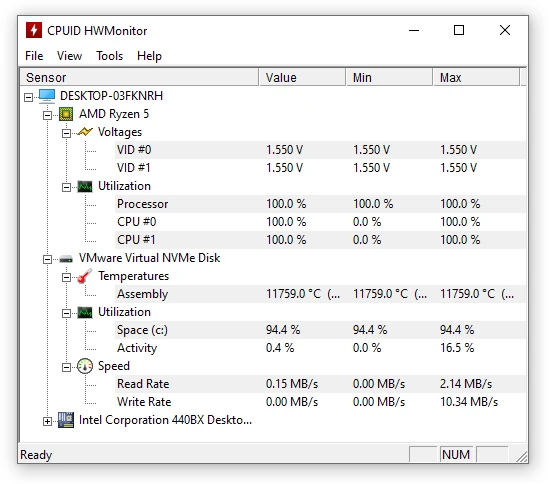
Portable version of HWMonitor. Utility that displays real-time information about your hardware.
Open source file transfer software for synchronizing data between computers and cloud storage.
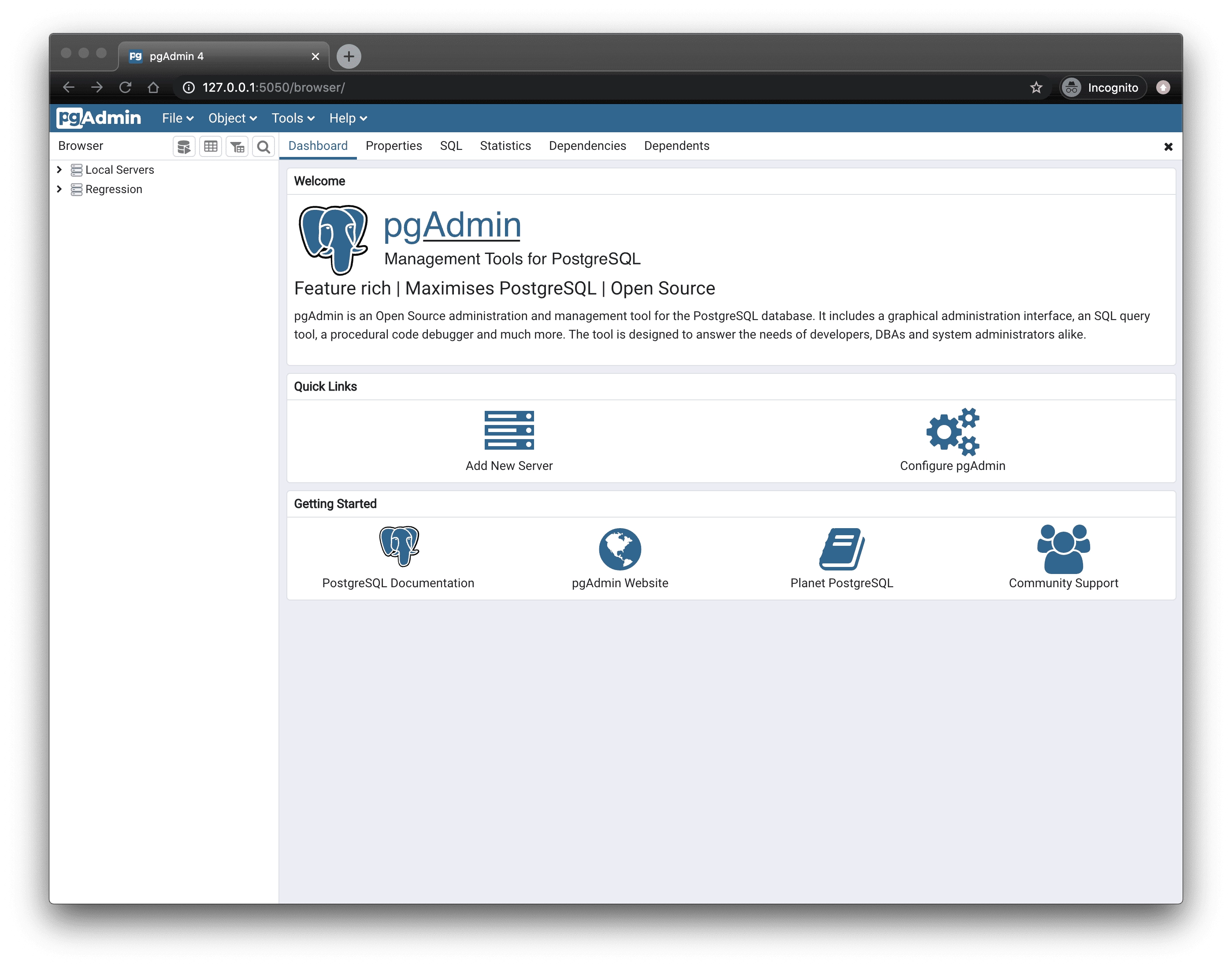
PostgreSQL database administration and management tool.
Text and note editor for researchers and writers.
Lightweight, serverless, embedded, and standalone database.
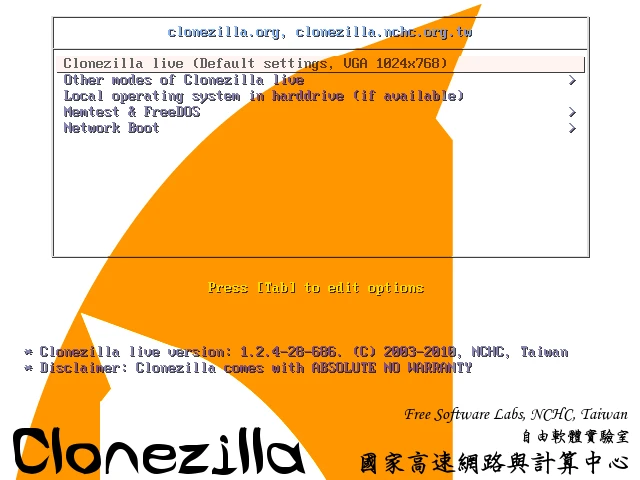
Disk cloning and image creation software.

Free utility that shows a pointer stick in place of the cursor, ideal for presentations.
Utility that displays detailed information about your machine
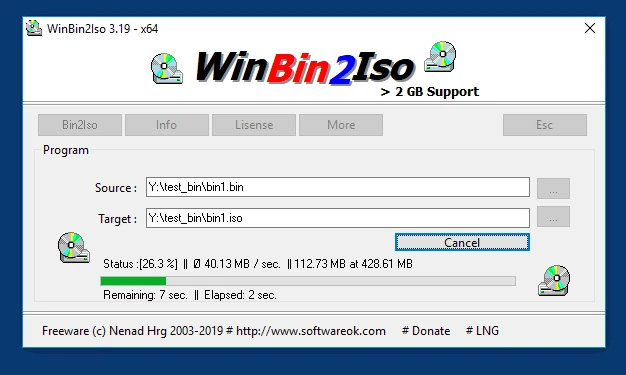
Utility that converts BIN CD or DVD images to ISO images.
Slicing software developed by Prusa Research to prepare 3D models for printing.

Edit content of PDF files with ease.
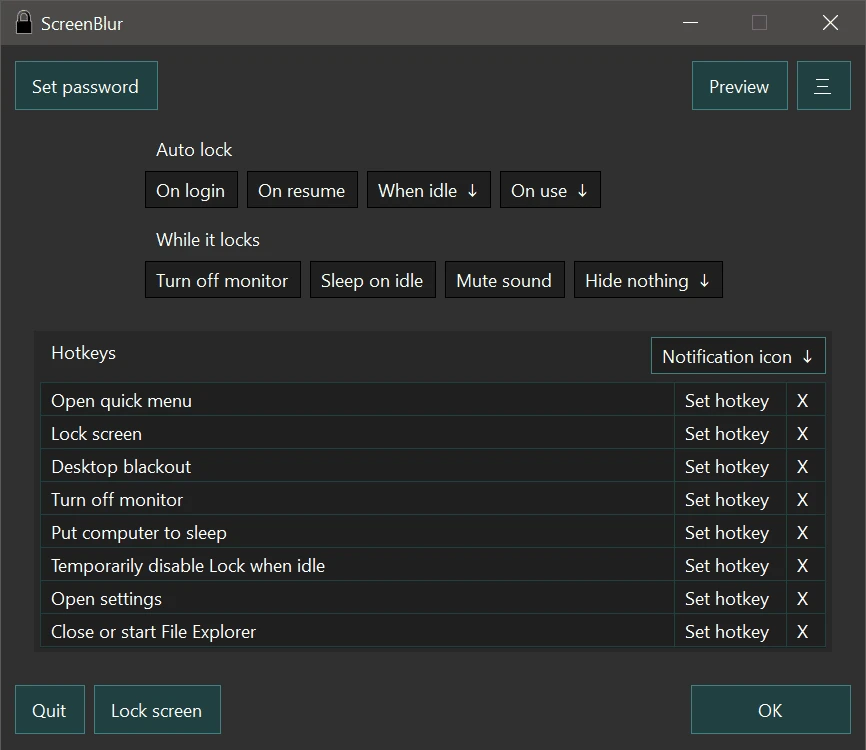
Windows utility that allows you to temporarily lock or hide your desktop.
Compare features, license, compatibility, update date and file source.
Each page shows the available evidence level, including source, hash and scan when present.