選び方
- Check the version and supported platform.
- Prefer official sources and review the available scan.
- Read limitations before installing.

Download utilities of all kinds, optimizers, compactors, keyloggers, image editors and more.
Compare ユーティリティ options, check compatibility and review the security information before downloading.
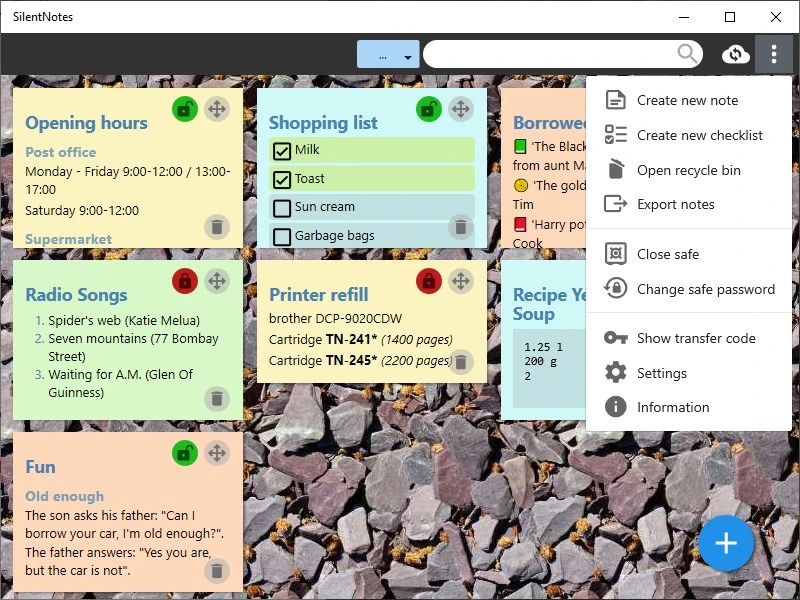
プライバシーを重視したメモ用のシンプルなユーティリティです。
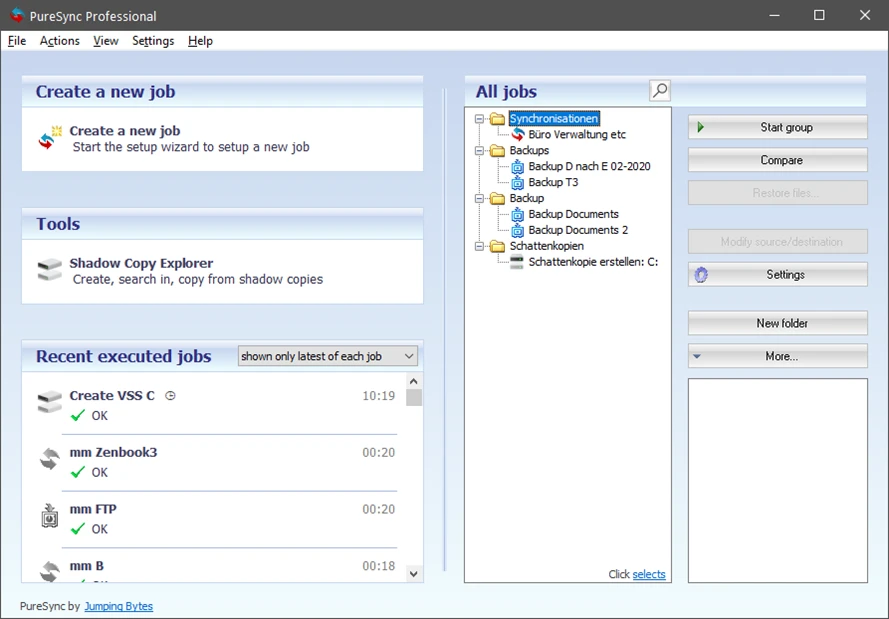
Windows用のファイル同期およびバックアップソフトウェア。

あなたの地域でブロックされたコンテンツにアクセスし、安全に匿名で閲覧してください。
デバイスに直接ノートを保存し、オフラインで迅速にアクセスできる注釈ツール。
カスタマイズ可能でスケーラブルなサイトを作成するために使用されるオープンソースのCMS。
IT資産管理ソフトウェアで、企業向けに在庫管理、監視、ネットワーク自動化を提供します。
Logitech Gシリーズのマウス、キーボード、ヘッドセットなどのデバイス用のカスタマイズソフトウェア。
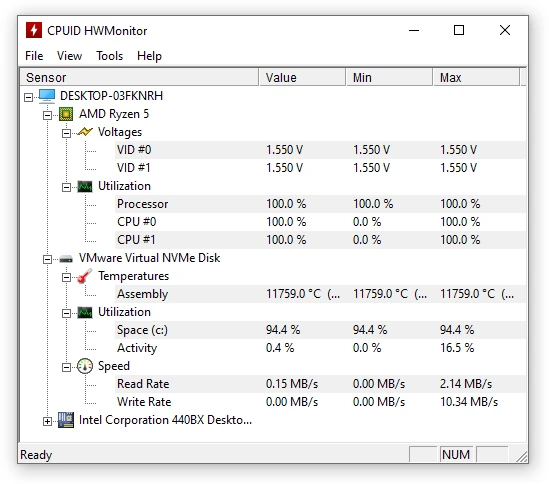
ハードウェアに関するリアルタイム情報を表示するユーティリティ。
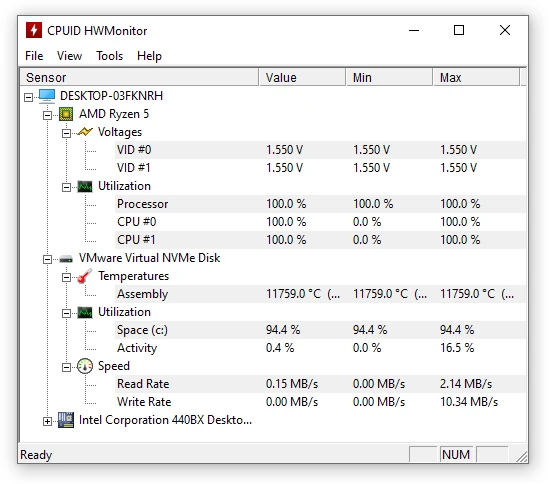
HWMonitorのポータブル版。ハードウェアに関するリアルタイム情報を表示するユーティリティです。
コンピュータ間およびクラウドストレージ間でデータを同期するためのオープンソースのファイル転送ソフトウェア。
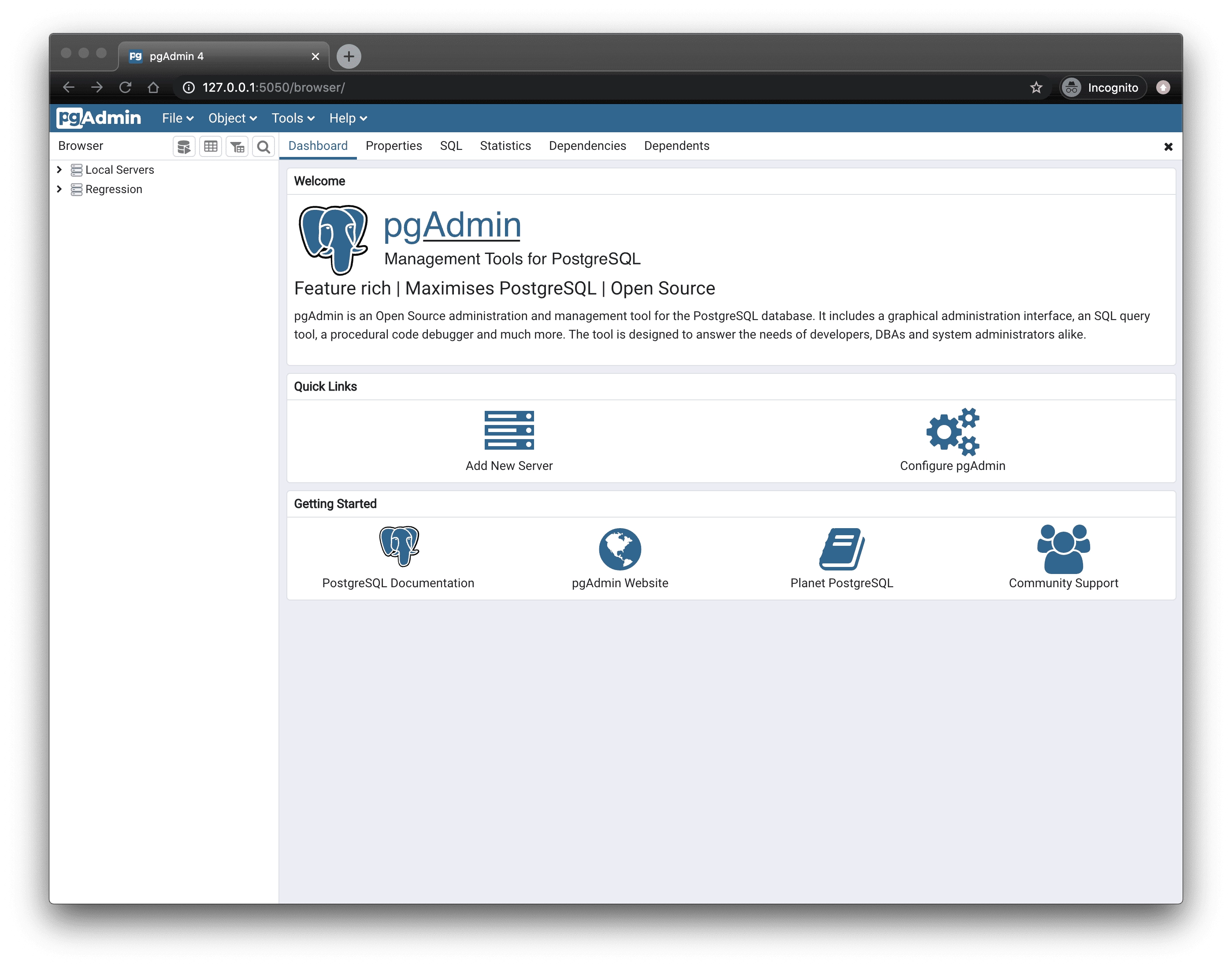
PostgreSQLのデータベース管理および管理ツール。
研究者や作家のためのテキストおよびノートエディタ。
軽量で、サーバー不要、組み込み型の自律型データベース。
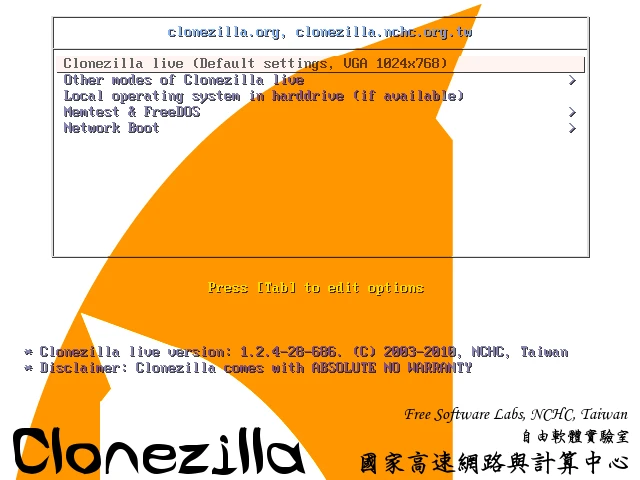
ディスクイメージのクローン作成および作成ソフトウェア。

プレゼンテーションに最適な、カーソルの代わりに棒を表示する無料ユーティリティ。
あなたのマシンのハードウェアに関する詳細情報を表示するユーティリティ。
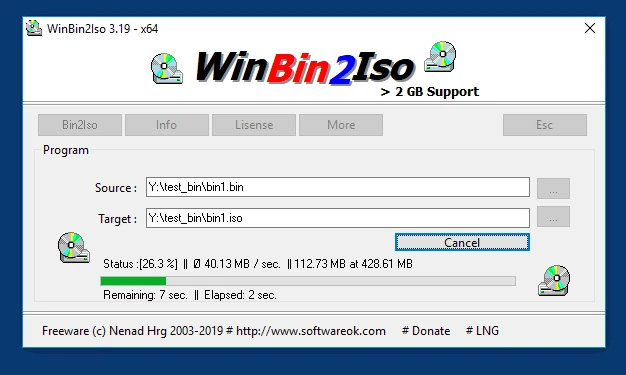
CDまたはDVDのBINイメージをISOイメージに変換するユーティリティ。
Prusa Researchが開発した3D印刷用のモデルを準備するためのスライスソフトウェア。

PDFファイルの内容を簡単に編集します。
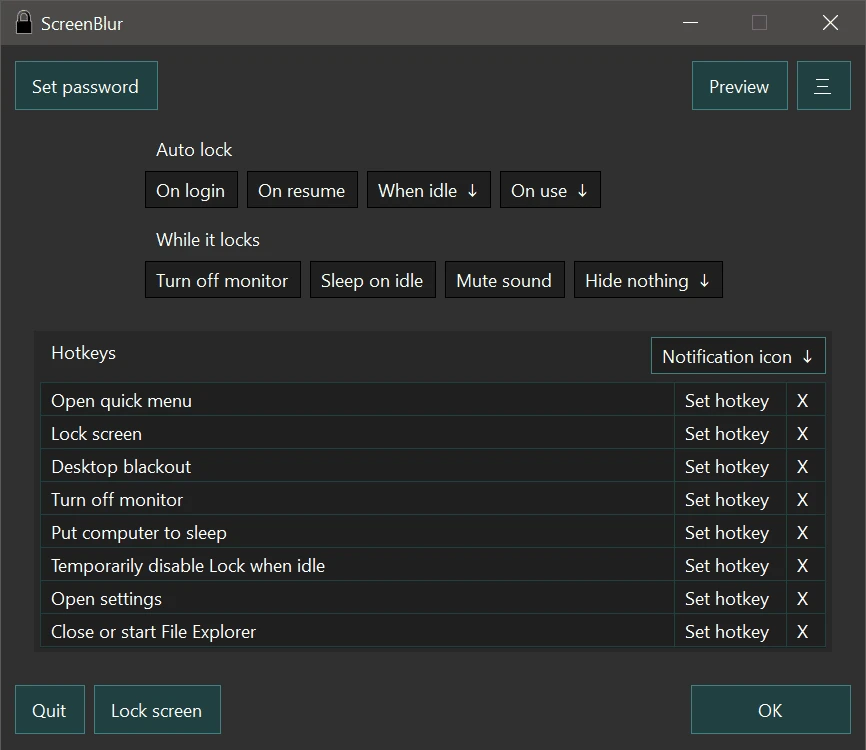
一時的にデスクトップをブロックまたは非表示にすることができるWindows用のユーティリティ。
Compare features, license, compatibility, update date and file source.
Each page shows the available evidence level, including source, hash and scan when present.