How to choose
- Check the version and supported platform.
- Prefer official sources and review the available scan.
- Read limitations before installing.

Download utilities of all kinds, optimizers, compactors, keyloggers, image editors and more.
Compare Utilities options, check compatibility and review the security information before downloading.

A small utility that allows you to change IP settings directly from the system tray menu.
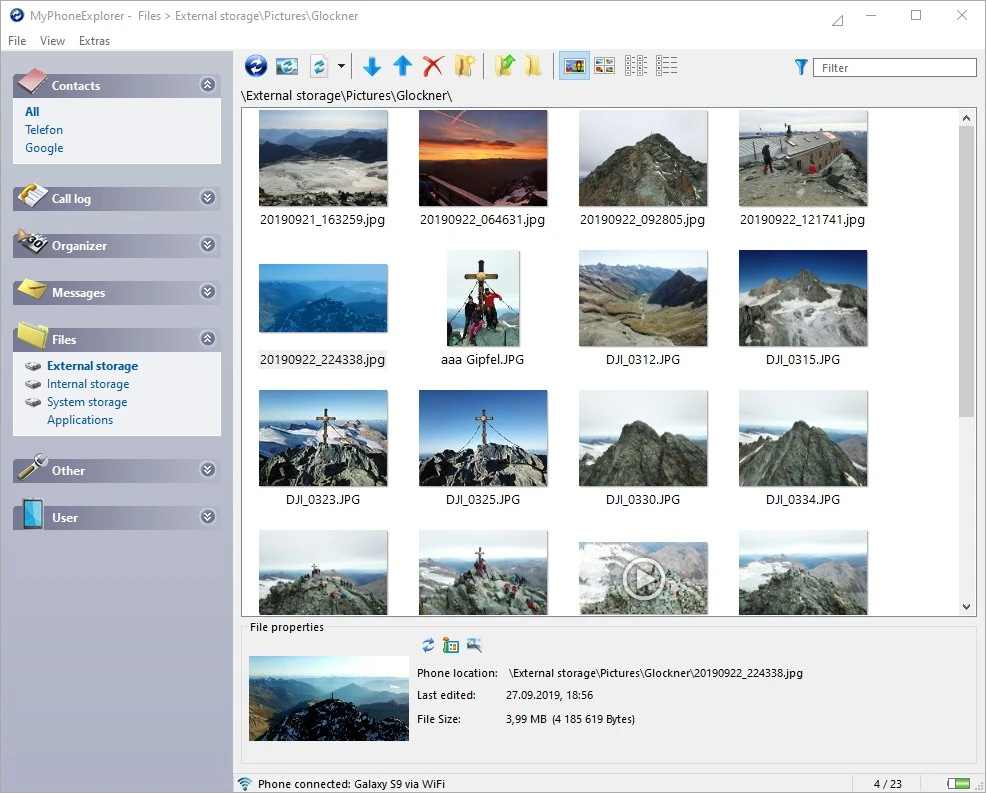
Free tool for managing smartphones, allowing users to explore and control Android devices conveniently.
Code editor and integrated development environment (IDE) focused on languages such as C, C++, PHP, and JavaScript.
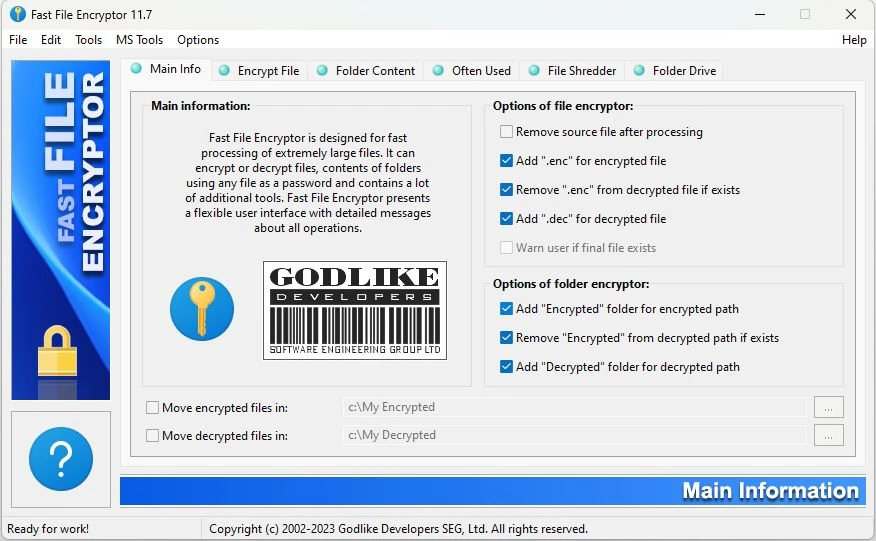
Software that offers a fast and secure solution for encrypting and decrypting files and folders on Windows systems.
Database management tool for MySQL and MariaDB accessed through a browser.
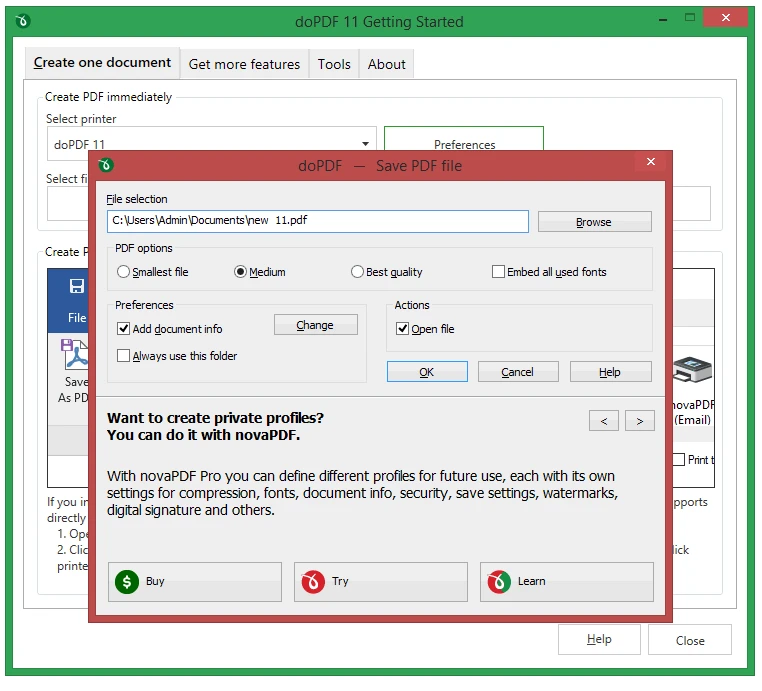
Convert documents to PDF in any software that has the option to print.
Tool that allows you to create bootable system drives for Windows operating systems.
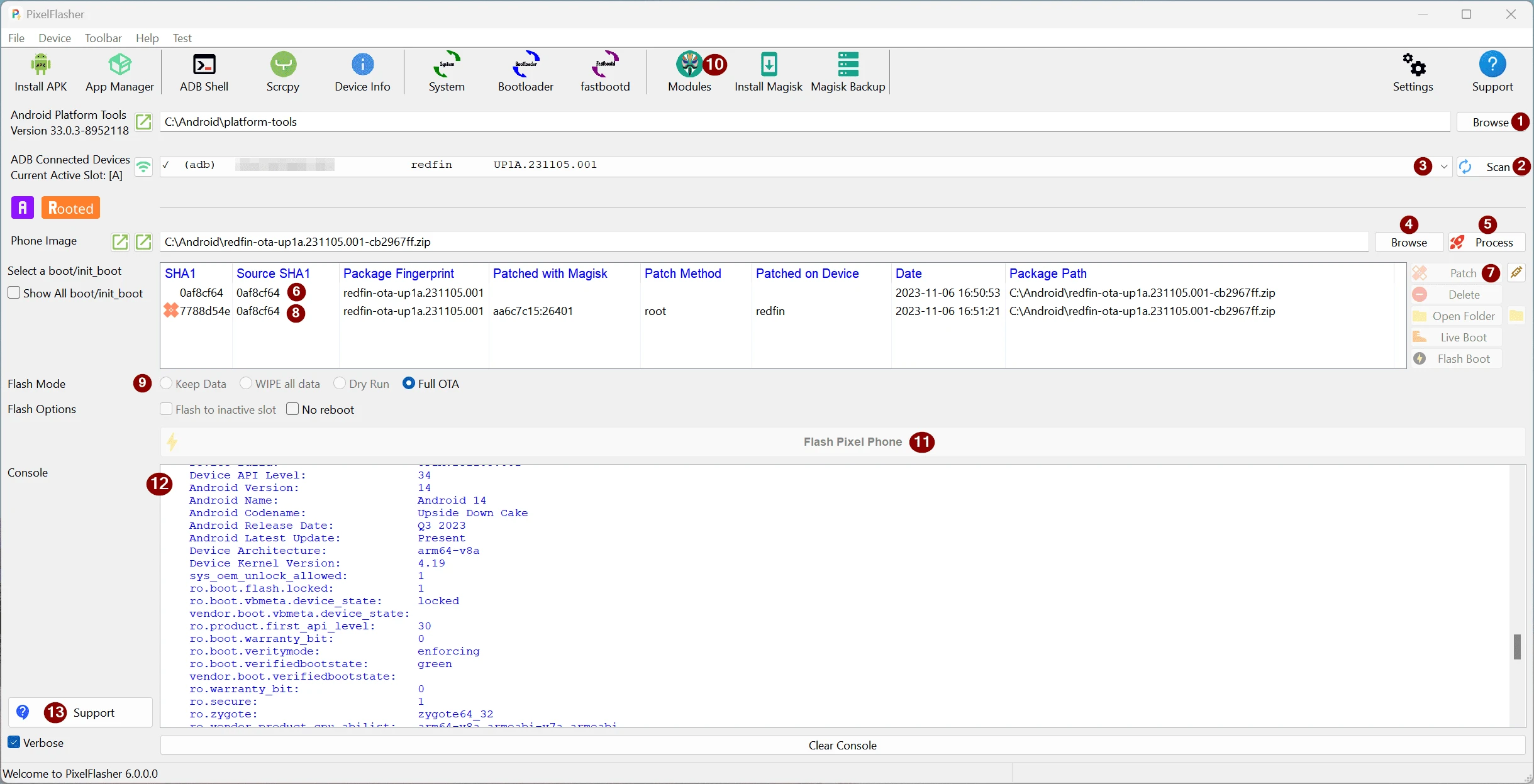
Software that simplifies the process of updating Google devices, such as Pixel smartphones and tablets, through an intuitive graphical interface.
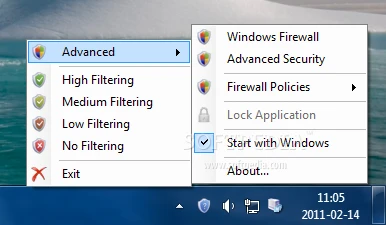
Lightweight application that allows you to configure the Windows firewall in a very simple way.
Minimalist text editor with Markdown support and instant preview.
Utility that allows managing network usage. It is possible to block a connected device as well as limit its usage.
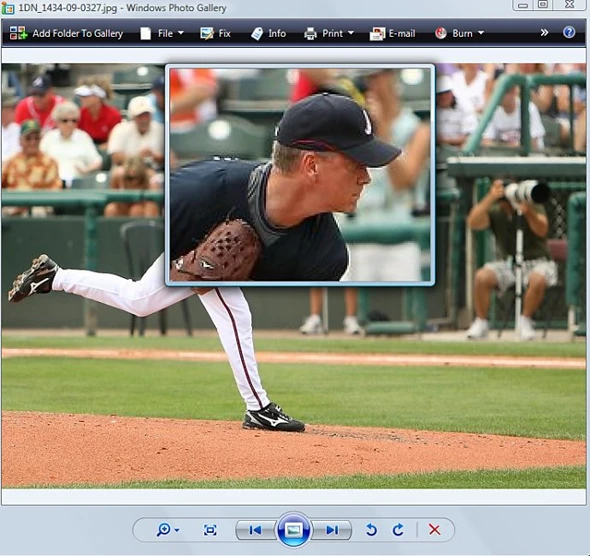
Always have a magnifying glass at your disposal and don
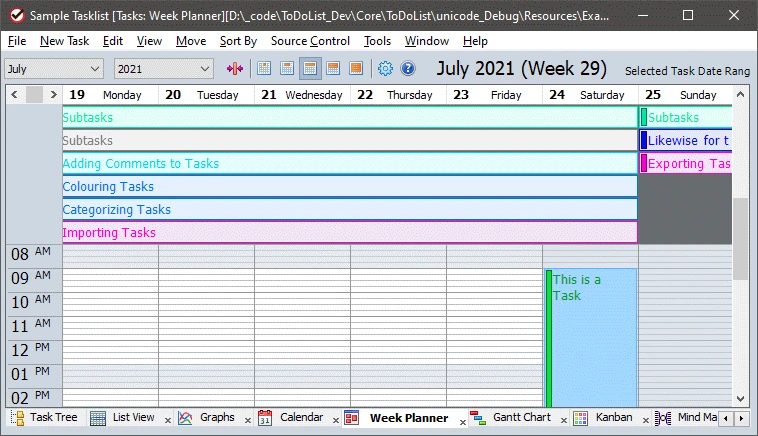
Software that allows managing tasks and projects, offering a customizable structure that enables organizing activities with different levels of detail.
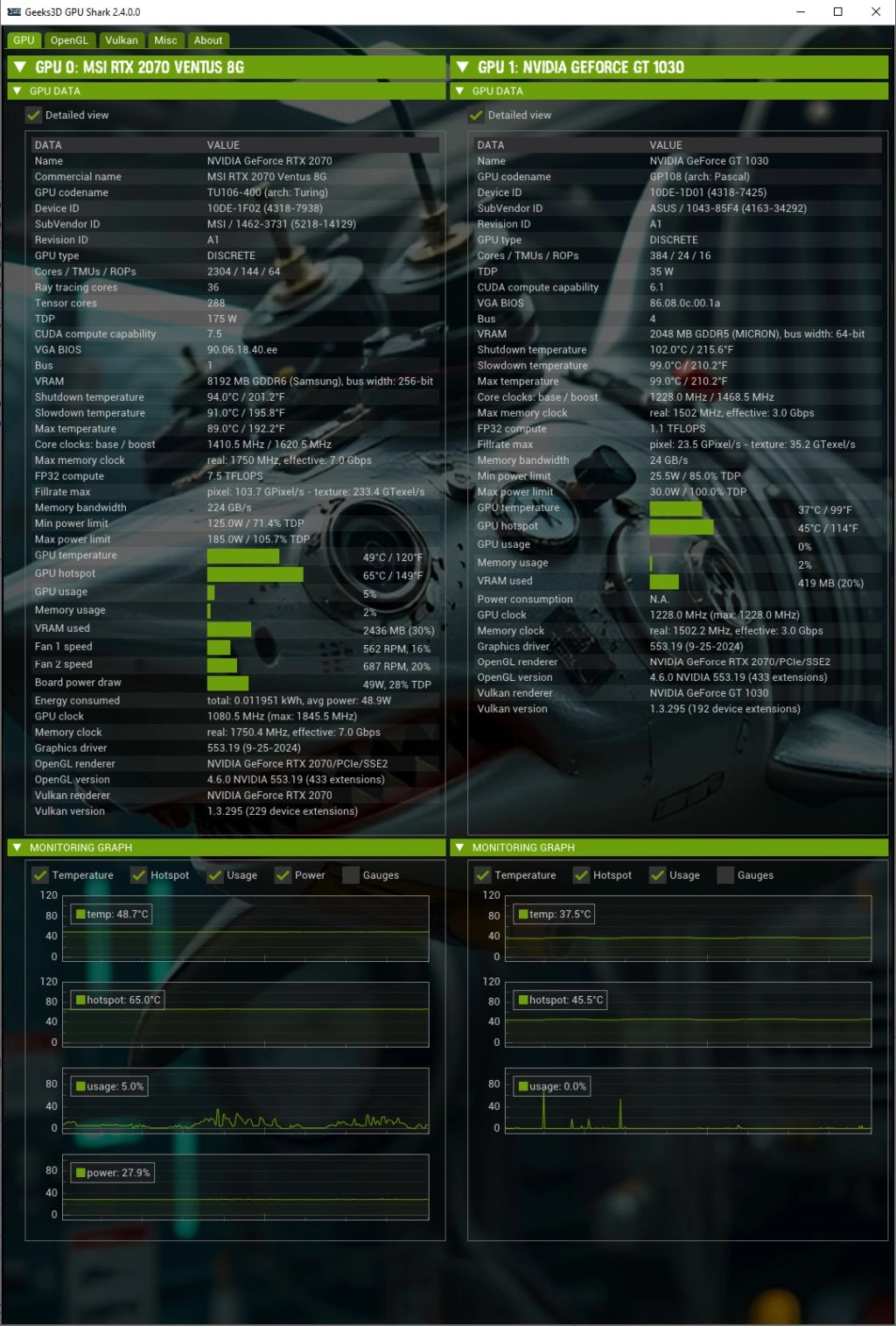
Software for monitoring GPUs on Windows systems.
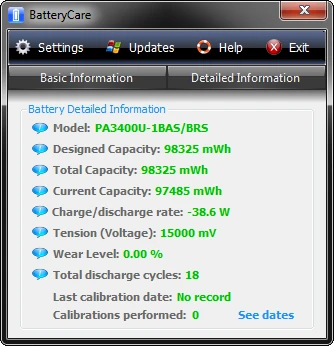
Utility that monitors the use of the notebook battery bringing several useful information.
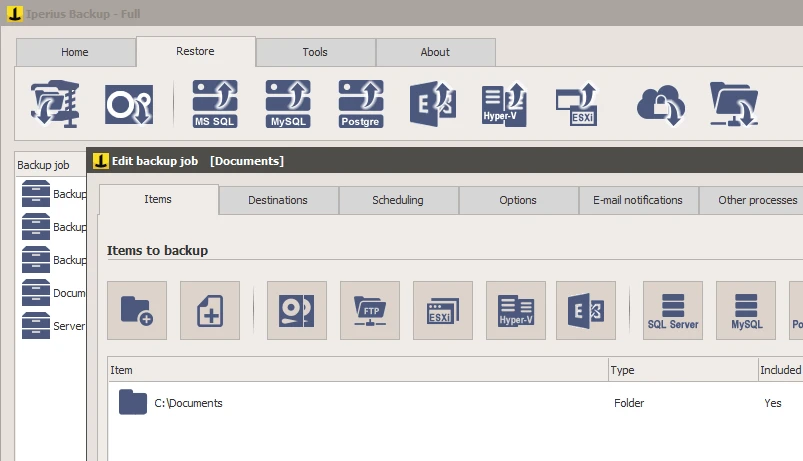
Perform scheduled backups of your files on external devices or in the cloud.
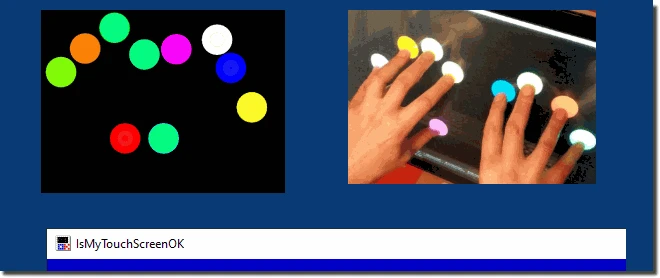
Tool that quickly assesses your LCD/Plasma monitor for multi-touch functionality.
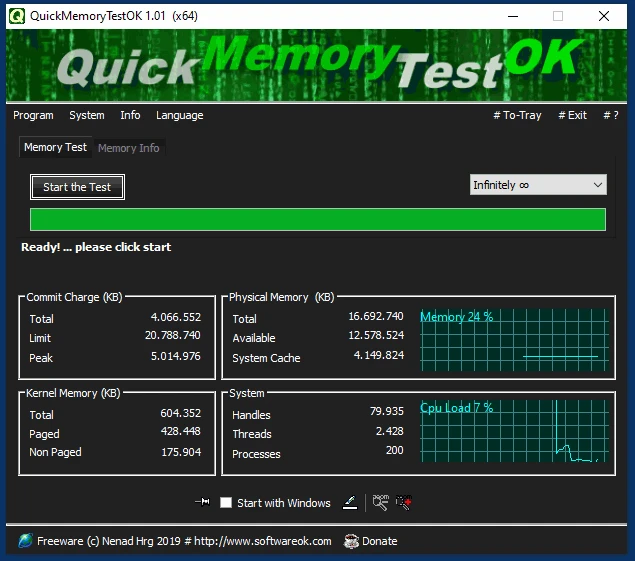
Effective RAM memory diagnostic tool.
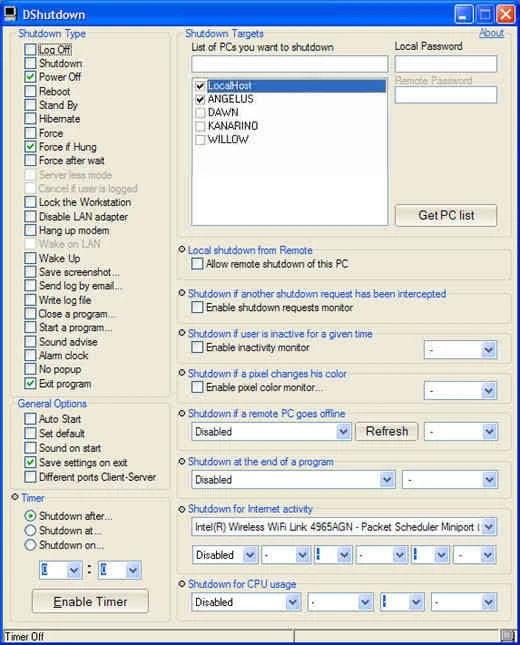
Utility that allows you to shut down local or network computers.
Get full control over the apps installed on your Android. Remove ads, change permissions, create backups and more.
Compare features, license, compatibility, update date and file source.
Each page shows the available evidence level, including source, hash and scan when present.