How to choose
- Check the version and supported platform.
- Prefer official sources and review the available scan.
- Read limitations before installing.

Download utilities of all kinds, optimizers, compactors, keyloggers, image editors and more.
Compare Utilities options, check compatibility and review the security information before downloading.

Version that does not require installation of the Fan Control software.
Secure Bitcoin wallet software based on multi-signature.
Open source software for intrusion detection and prevention.
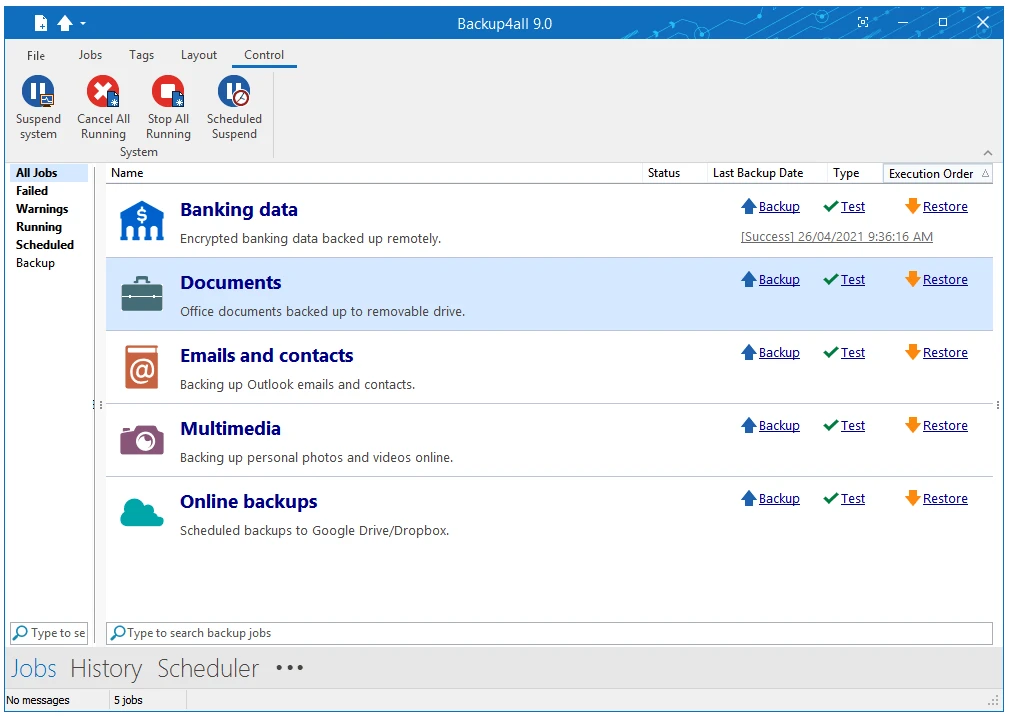
Powerful backup tool full-featured and with an intuitive interface.
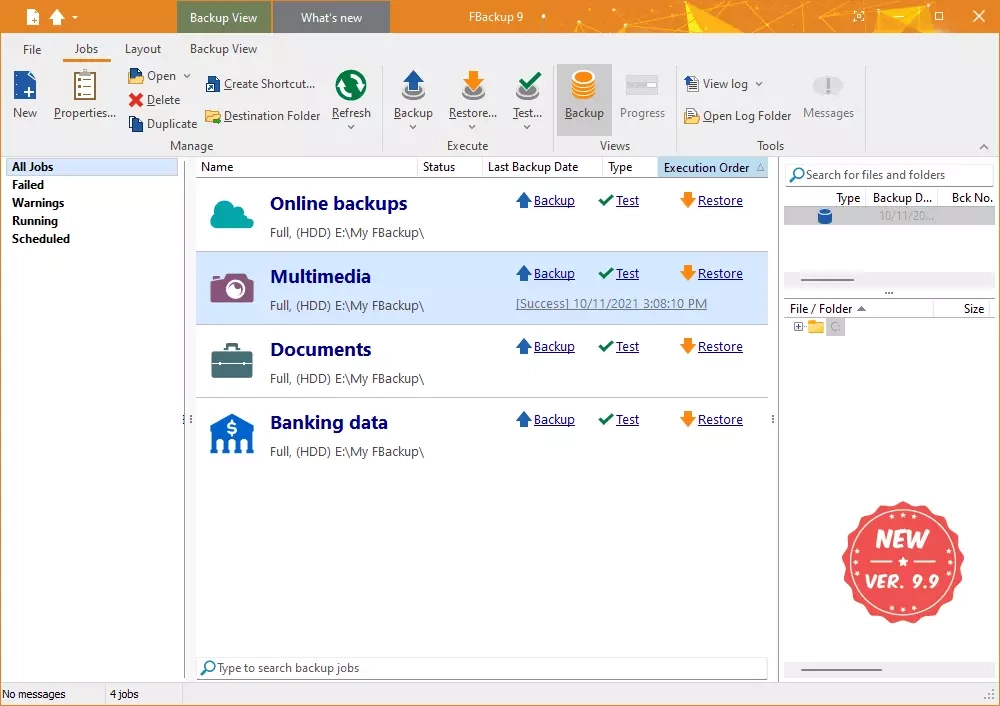
Easy to use and super complete backup tool.
Secure password management software that stores and protects passwords and other confidential information.
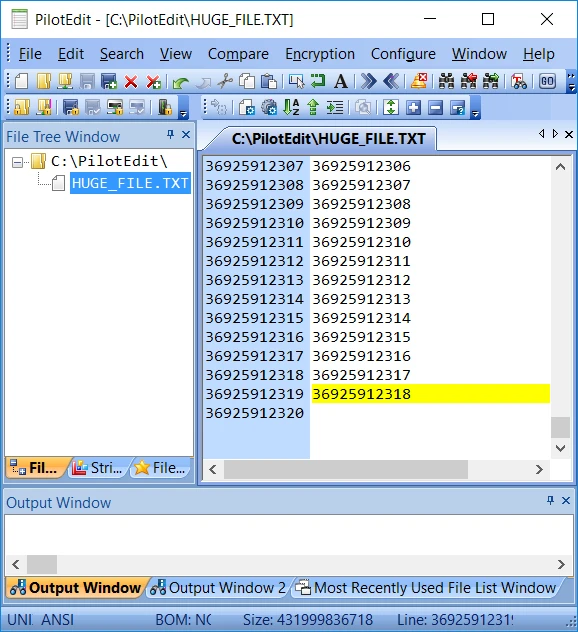
Text and code editor developed to meet the needs of both developers and those who need to handle large files.
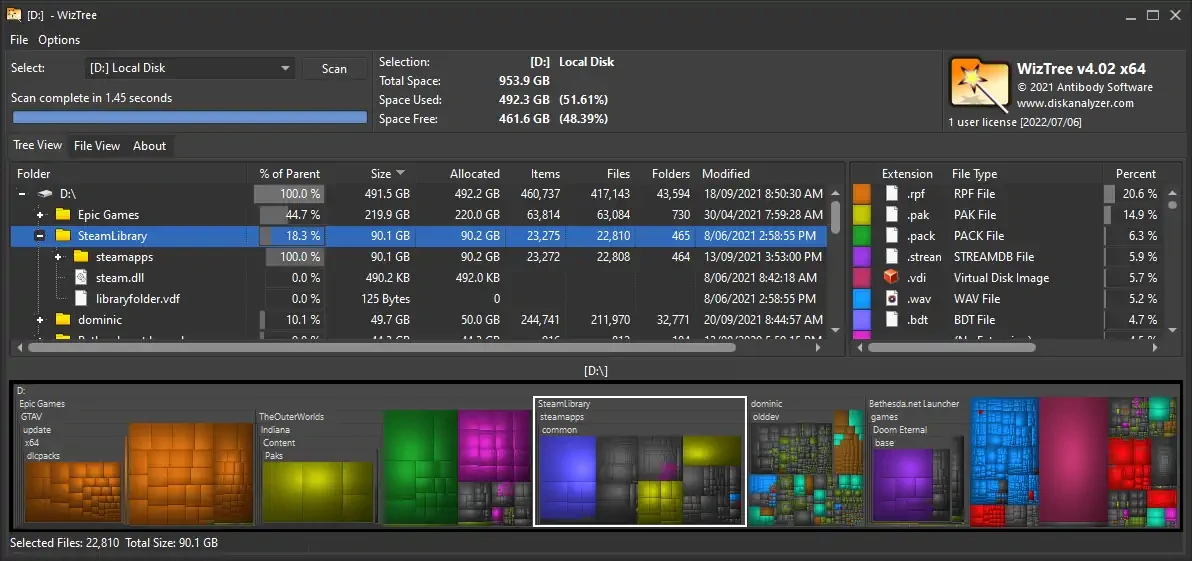
Utility that allows you to find the files that occupy most of the hard disk.
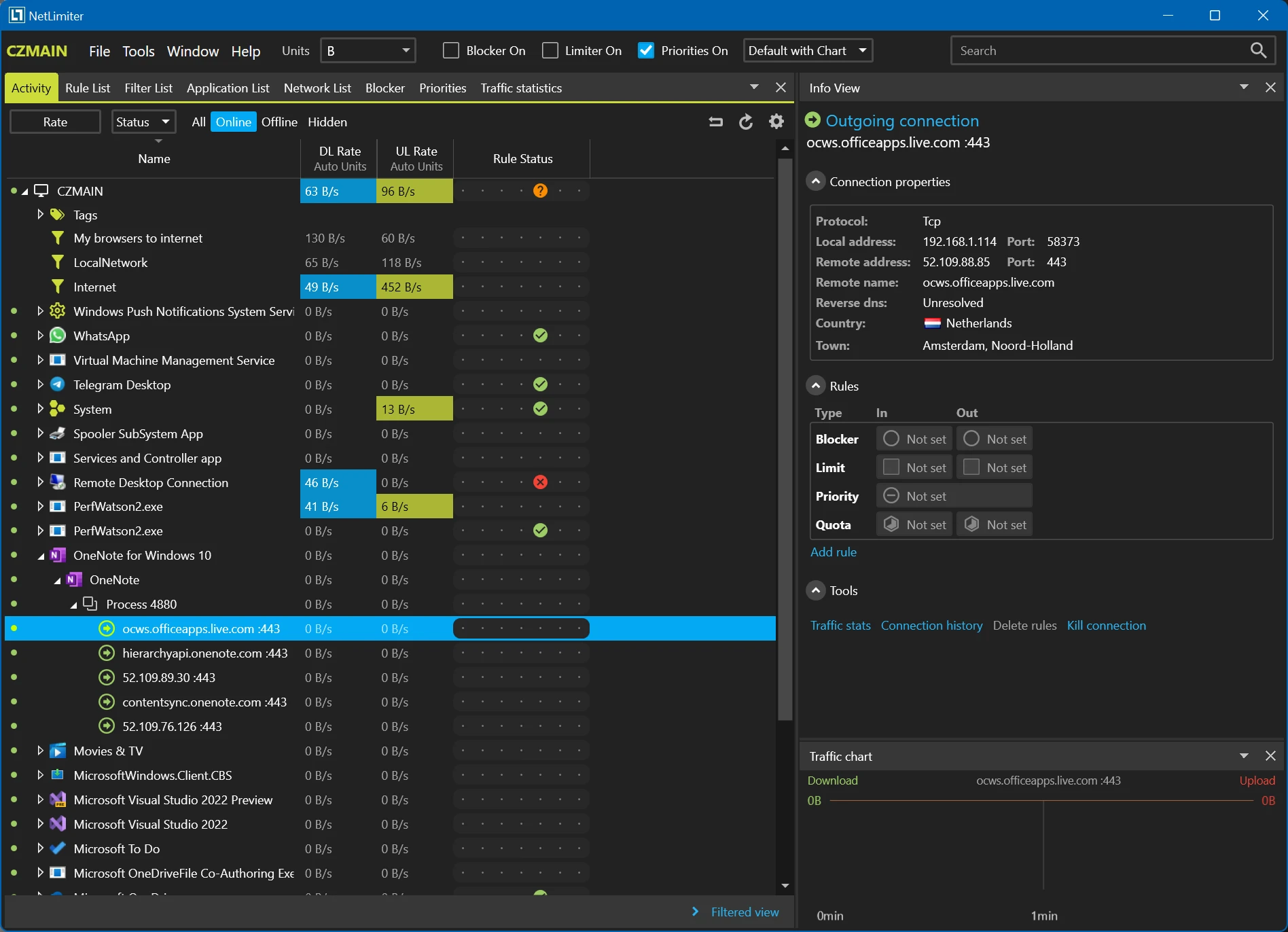
Internet traffic control software that allows monitoring and limiting bandwidth usage.
Small utility that allows you to easily split pages of PDF files.
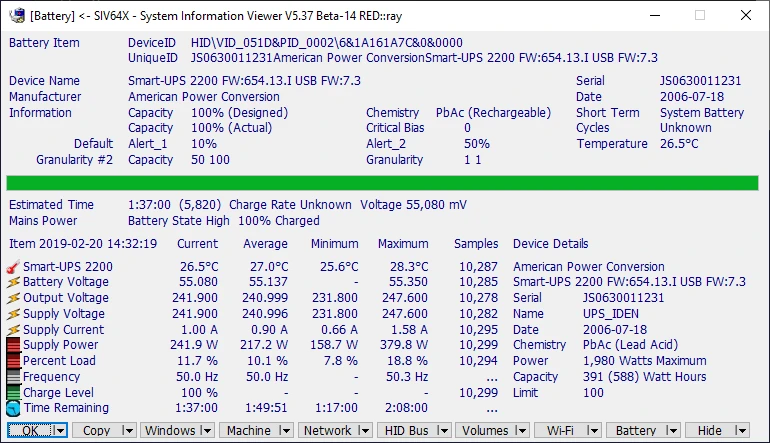
Utility that displays a series of information about the computer, both hardware and software.
Software for managing Garmin devices from Windows.
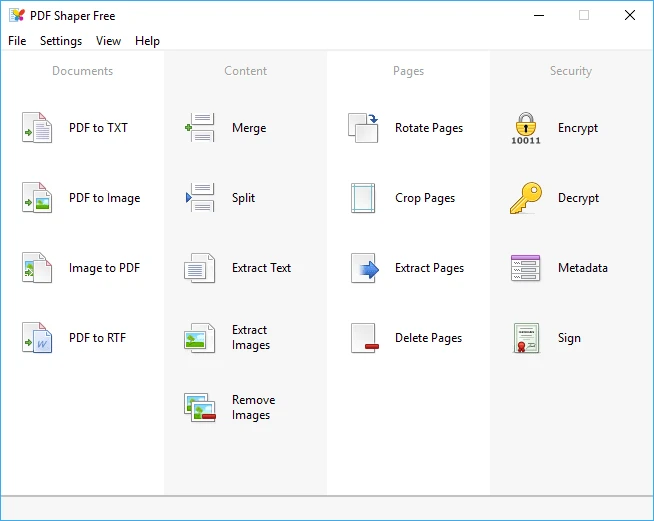
Free utility to convert PDF files, extract texts from PDF files, in addition to many other features.
Use only one master password to protect all your important data.
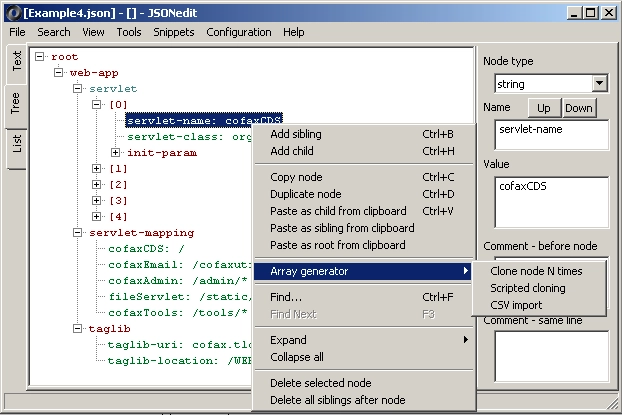
Lightweight and simple JSON editor that allows you to view and edit JSON files in three modes: text, tree, and list.
Free software developed by Sony that allows managing Xperia devices.
Game development platform.
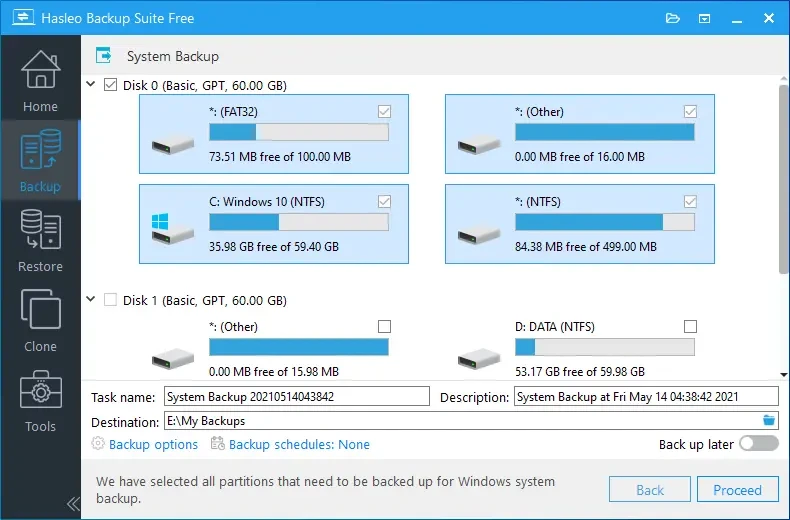
Free backup and restoration software developed for users of the Windows operating system.
Network monitoring tool that helps capture and analyze network traffic.
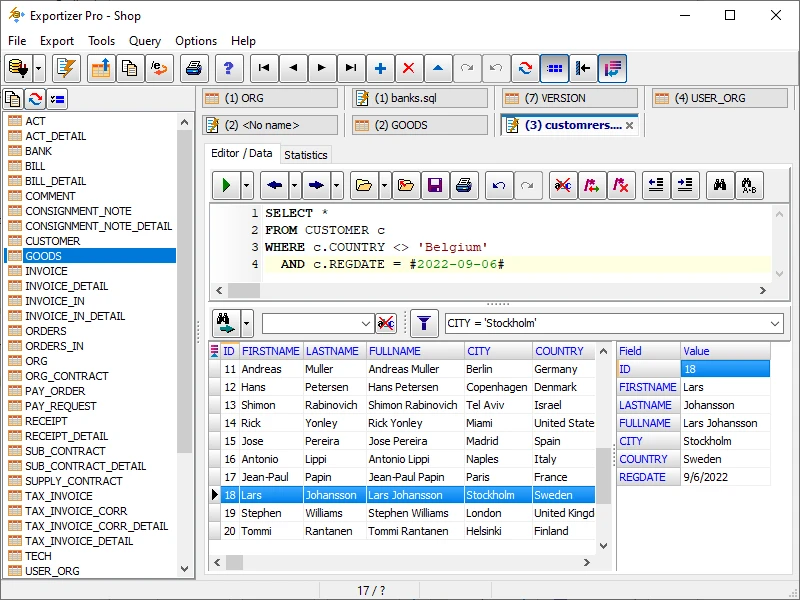
Data management and export software with scalable functionalities.
Compare features, license, compatibility, update date and file source.
Each page shows the available evidence level, including source, hash and scan when present.