

Change Timestamp 1.06
Free and powerful utility that allows you to easily manipulate the date and time of your files.
Change Timestamp is a free and powerful utility that allows you to easily manipulate the time and date of your files. Whether you need to modify the timestamp of a single file or multiple files at once, Change Timestamp provides a simple and intuitive interface that makes it easy to customize the metadata of your files.
With Change Timestamp, you have full control over the creation, modification, and access dates of your files, allowing you to manage and organize your files precisely according to your needs. Need to update the timestamp of a file to reflect the correct date and time of an event? Want to roll back the date of a file for legal or organizational reasons? Change Timestamp makes it easy to customize the timestamps of your files with just a few clicks.
Change Timestamp also offers advanced batch processing features, allowing you to modify the timestamps of multiple files at once. You can specify the desired time and date, or apply relative adjustments to existing timestamps, such as adding or subtracting a certain number of hours, minutes, or seconds. This makes it incredibly convenient and efficient for dealing with large numbers of files or folders.
One of the standout features of Change Timestamp is its flexibility and compatibility. It supports a wide variety of file formats, including documents, images, videos, audio files, and more.
Change Timestamp prioritizes user privacy and security, ensuring that your files and metadata are not compromised during the process of modifying the timestamp. It also provides detailed logs of all changes made, allowing you to track all modifications for auditing or record-keeping purposes.
Old versions
File security
0/66 engines flagged the file in the recorded scan.
Scan date: 12/02/2025
SHA-256: 55265f072c0913a8508bdb570a480dc4122c14f0f3d2f040c9743ad819124b4c
Found a problem on this page?Tell the team about broken links, versions or incorrect information.
Related
Zero Install 2.29.3
Package management system that allows you to install and run programs without the need for installation or file administration.
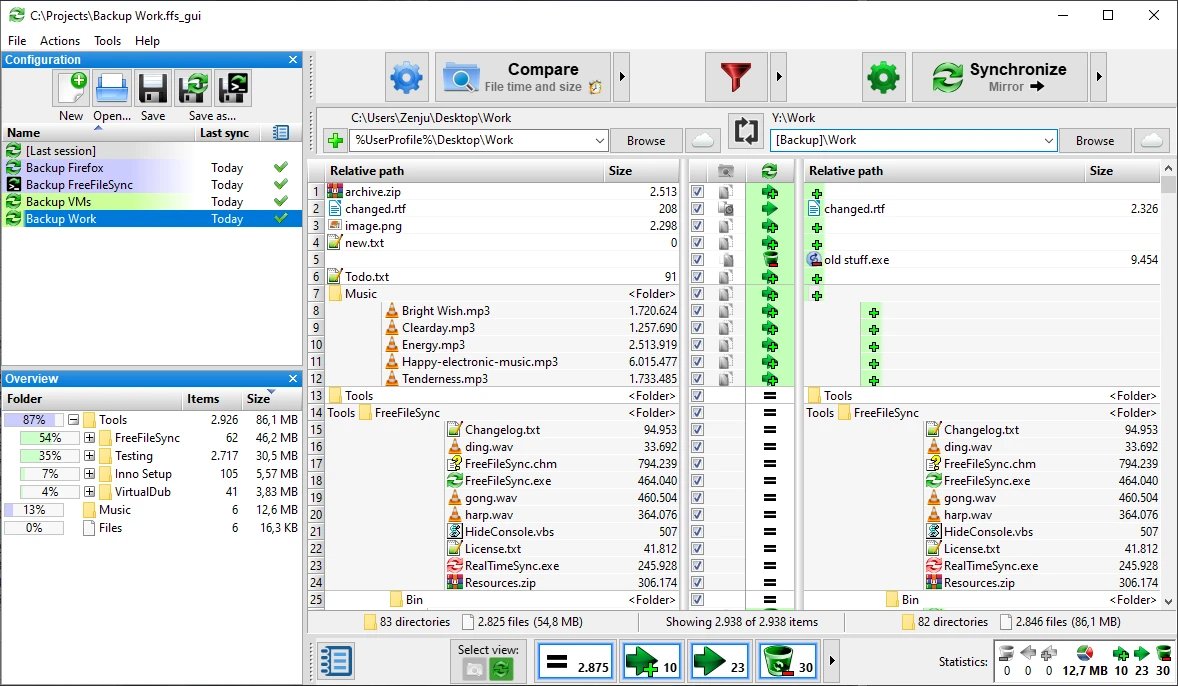
FreeFileSync 14.11
File synchronization software for comparison and updating.
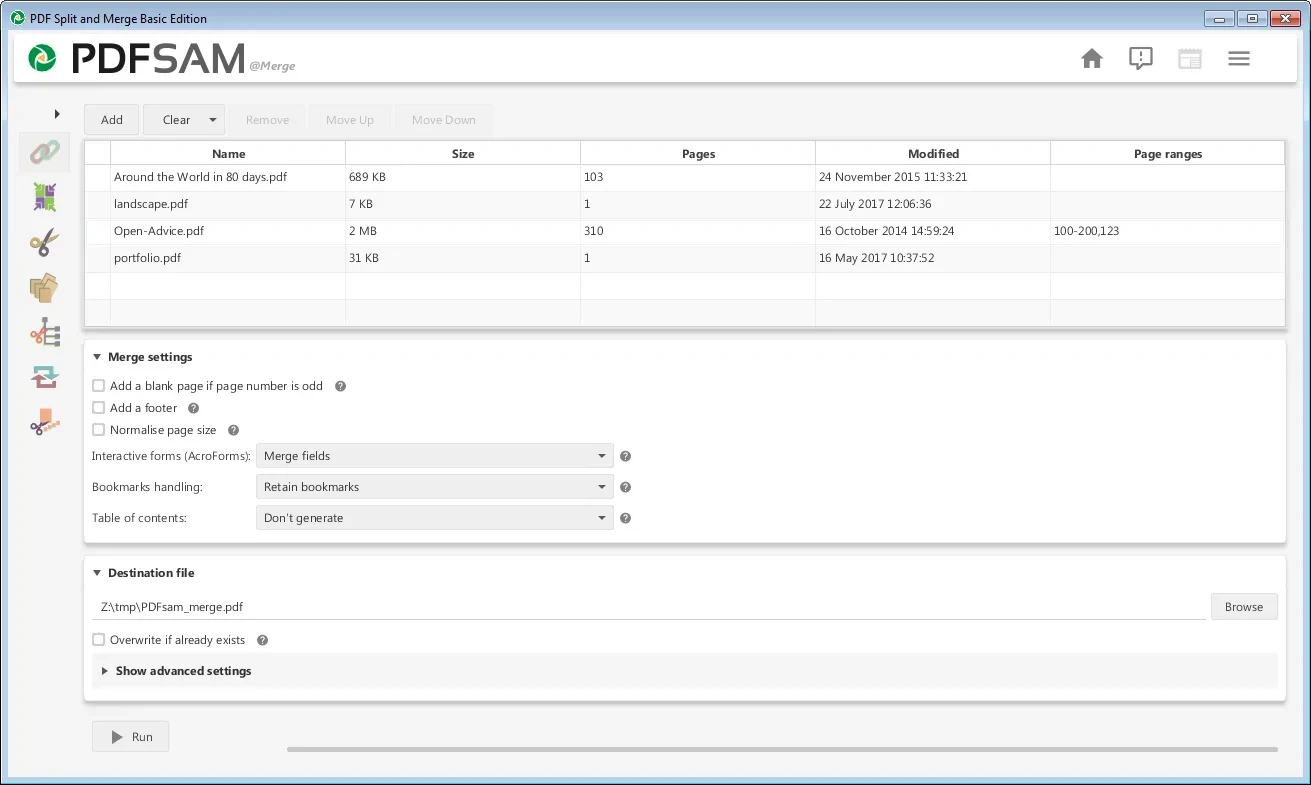
PDFsam 6.0.5
Free utility with multiple features to work with PDF files.
WinDirStat 2.8.0
Graphically observe the usage of your HD.
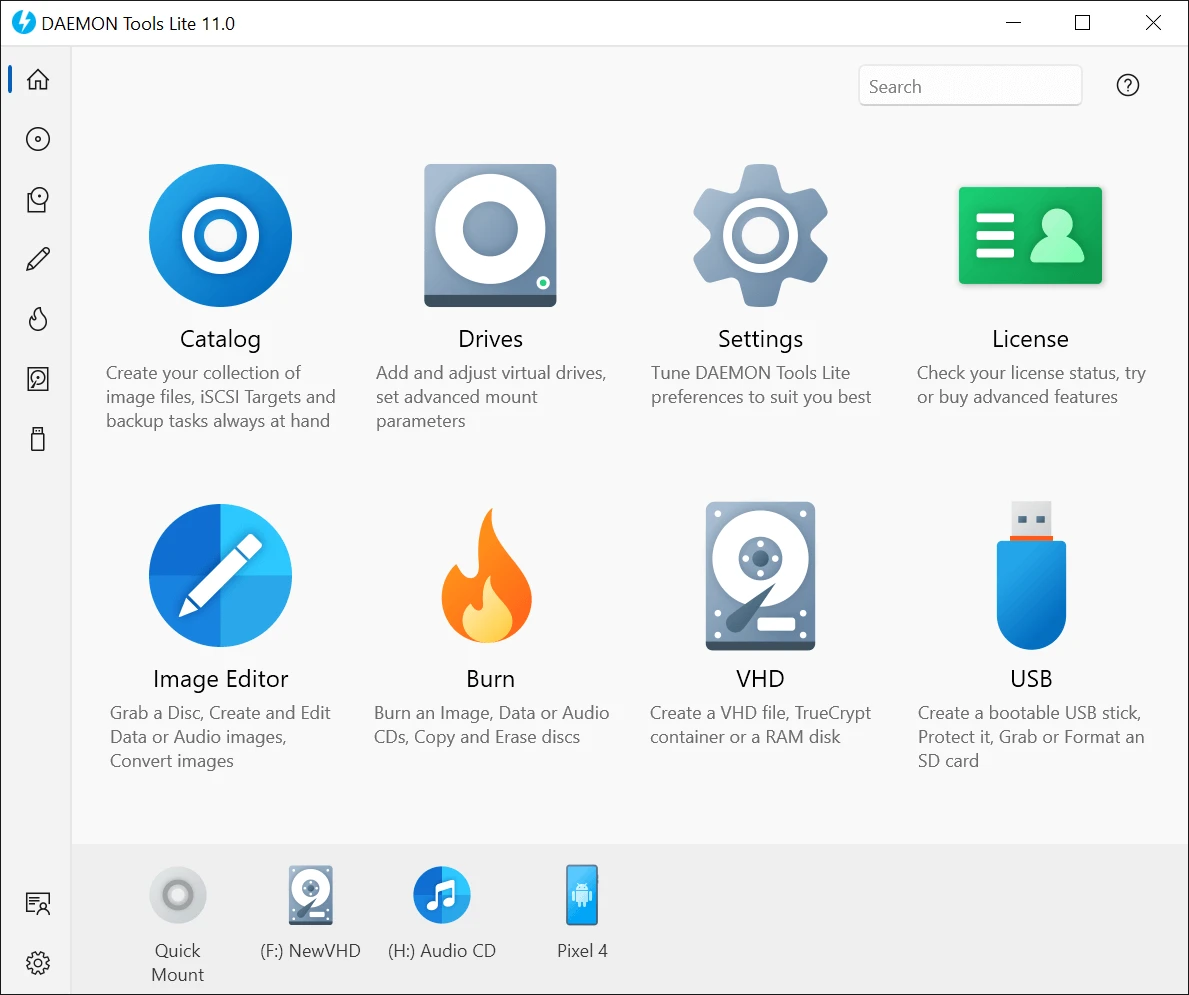
DAEMON Tools Lite 12.6.0.2461
Program to create virtual drives from CDs and DVDs.
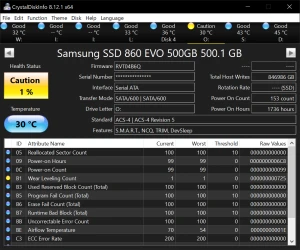
CrystalDiskInfo Portable 9.9.2
Portable version of CrystalDiskInfo. Utility for testing the read and write speed of hard and mobile disks.
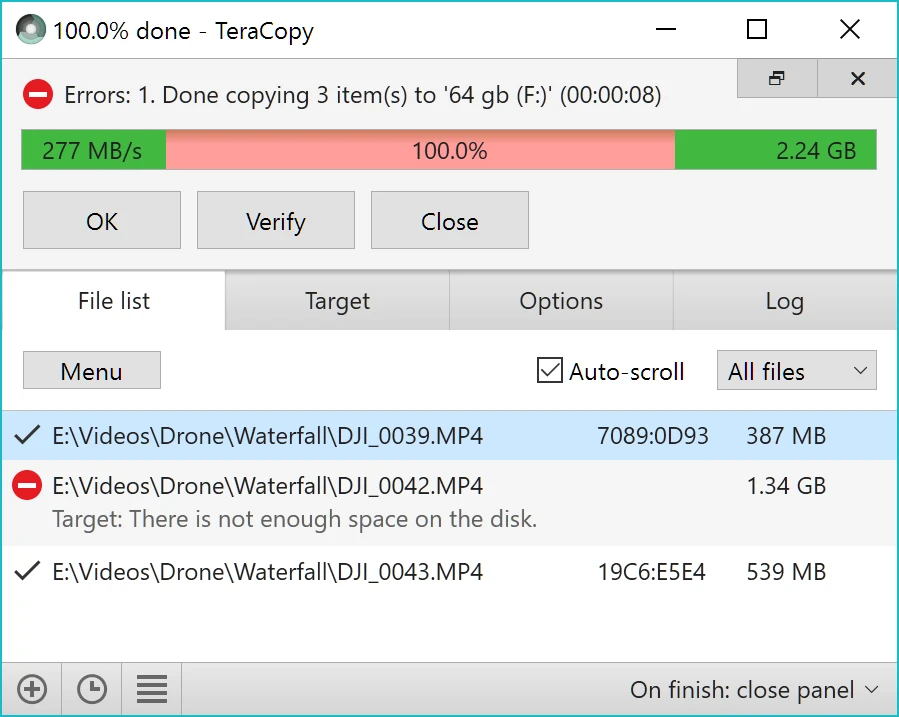
TeraCopy 4.0.3.2
Copy large amounts of files to other directories quickly.

HashMyFiles 2.51
Utility that allows you to calculate the MD5/SHA1/CRC32 hashes of your files.