시스템

System related softwares.

Compare 시스템 options, check compatibility and review the security information before downloading.

하위 카테고리

다운로드

WinSetView

WinSetView 3.1.6

윈도우 설정을 간단하고 빠르게 조정할 수 있는 유틸리티.

Windows업데이트: 2025년 12월 06일
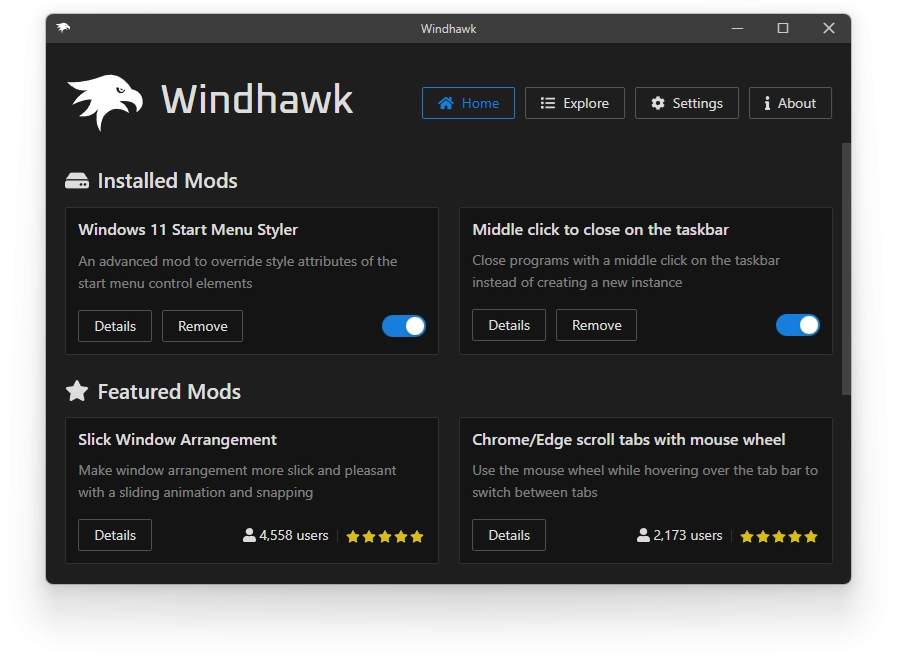
Windhawk

Windhawk 1.7

운영 체제와 프로그램을 사용자 정의 모듈을 사용하여 개인화할 수 있는 도구입니다.

Windows업데이트: 2025년 12월 06일
DiskGenius

DiskGenius 6.1.1.1742

디스크 관리 및 데이터 복구 소프트웨어로, 저장 장치의 데이터를 관리하고 복구할 수 있습니다.
Windows업데이트: 2025년 12월 05일
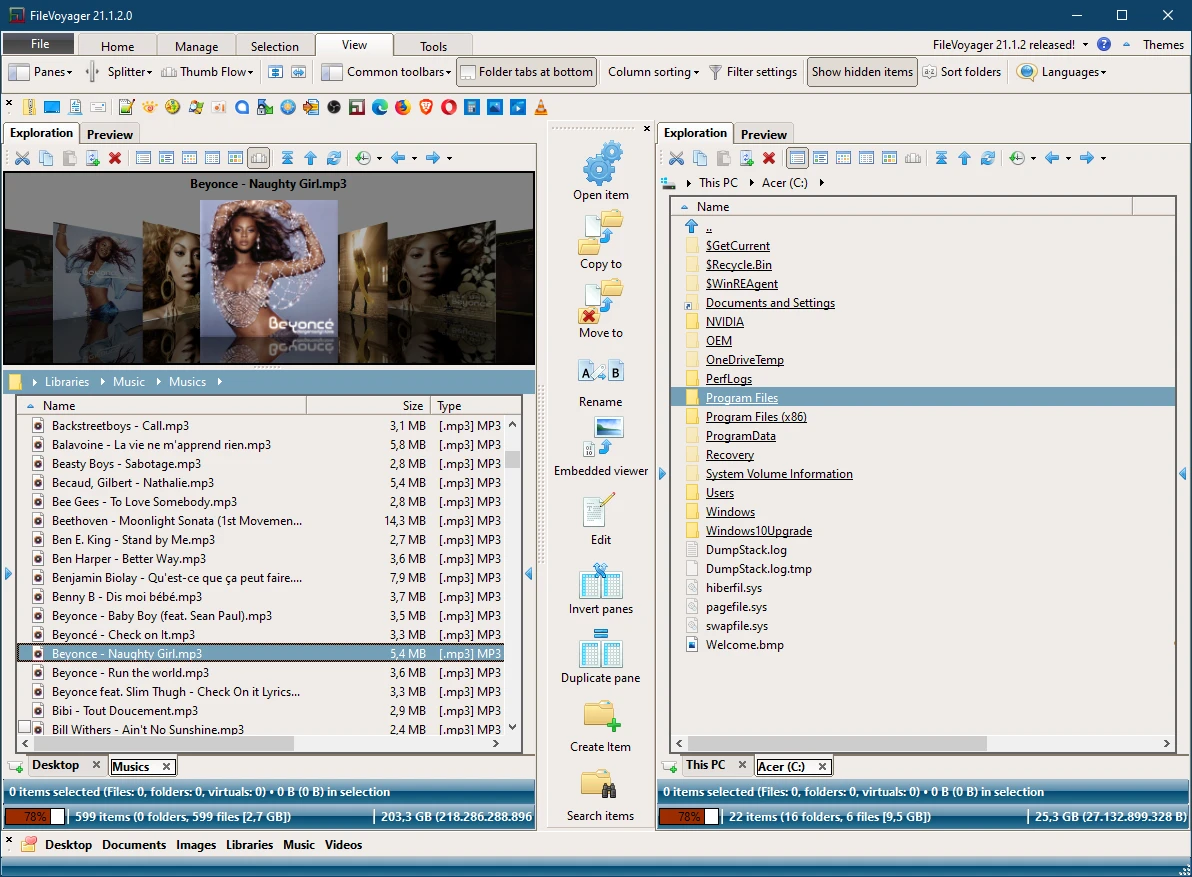
FileVoyager

FileVoyager 25.12.5.0

윈도우용 무료 정통 파일 관리자.

Windows업데이트: 2025년 12월 05일
FontBase

FontBase 2.24.0

디자이너를 위해 디자이너가 설계한 무료, 빠르고 매력적인 인터페이스의 글꼴 관리자.

Windows업데이트: 2025년 12월 03일
Change Timestamp

Change Timestamp 1.06

파일의 날짜와 시간을 쉽게 조작할 수 있는 무료 강력한 유틸리티.

Windows업데이트: 2025년 12월 02일
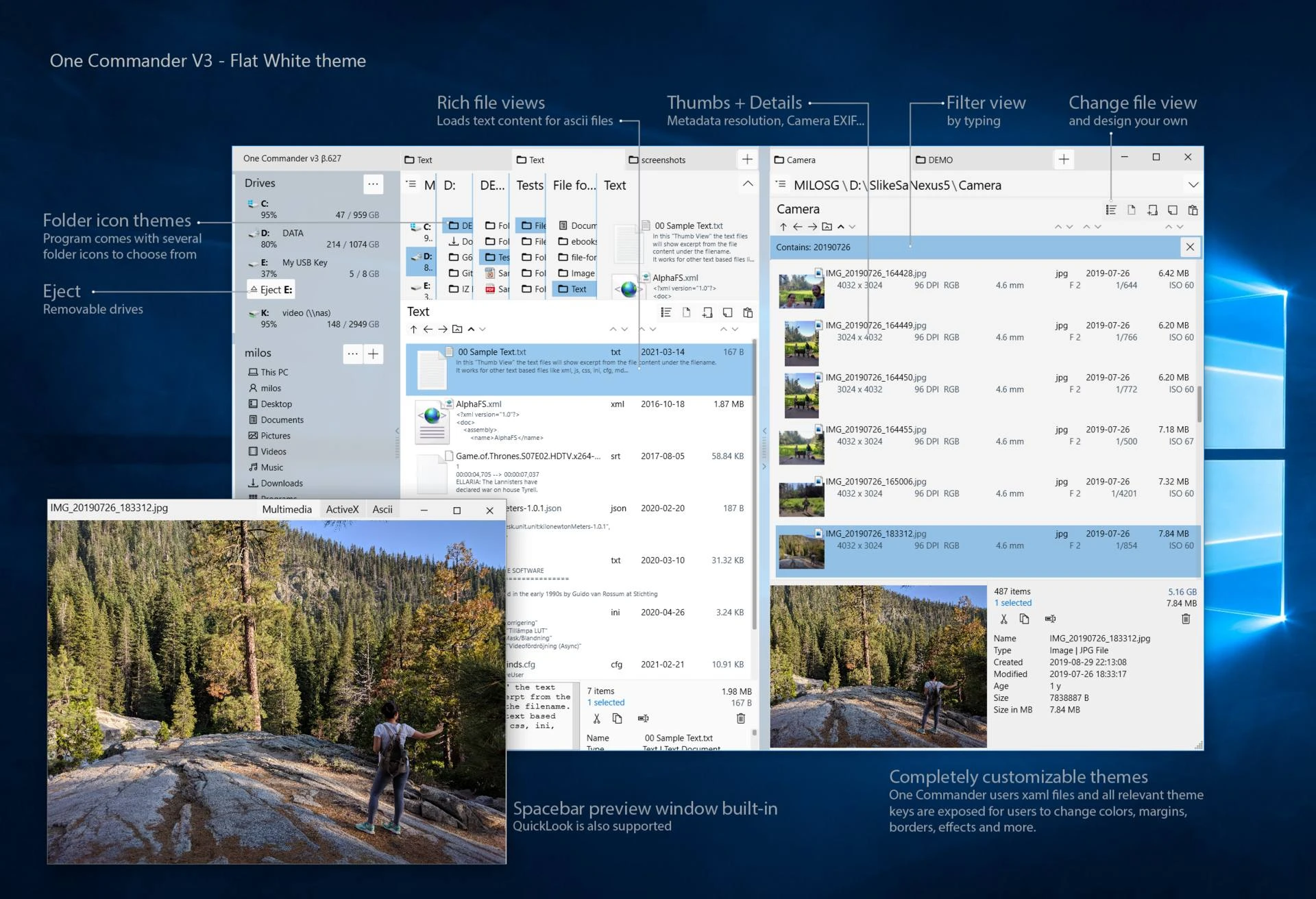
OneCommander

OneCommander 3.104.1.0

직관적인 인터페이스와 혁신적인 기능을 갖춘 파일 관리 소프트웨어.

Windows업데이트: 2025년 12월 01일
PDFgear

PDFgear 2.1.14

PDF 조작을 위한 다기능 도구입니다.

Windows업데이트: 2025년 12월 01일
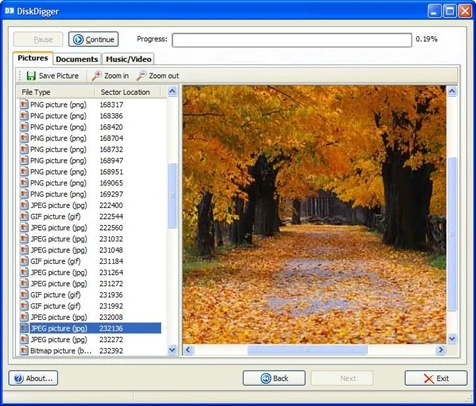
DiskDigger

DiskDigger 2.0.13.4139

저장 장치에서 삭제된 파일을 복구할 수 있는 유틸리티.

Windows업데이트: 2025년 12월 01일
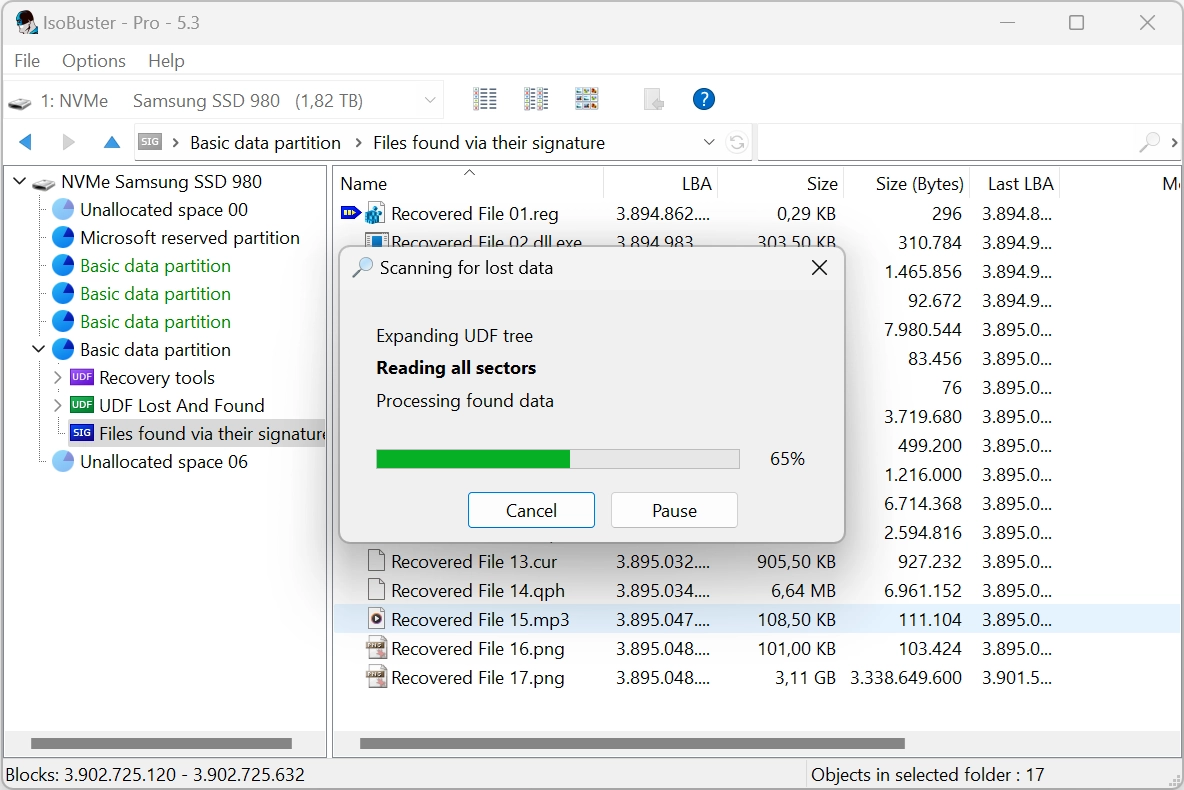
IsoBuster

IsoBuster 5.7

CD, DVD 및 기타 매체에 대한 완벽한 데이터 복구 솔루션.

Windows업데이트: 2025년 11월 26일
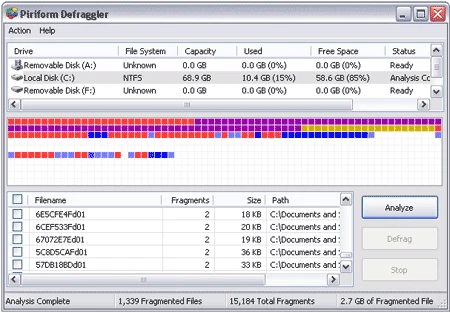
Defraggler

Defraggler 2.22.995

파일, 폴더 또는 전체 디스크의 조각 모음 실행.

Windows업데이트: 2025년 11월 26일
R-Studio

R-Studio 9.5.191645

R 언어 지원을 통한 데이터 복구 및 분석 소프트웨어.

Windows업데이트: 2025년 11월 26일
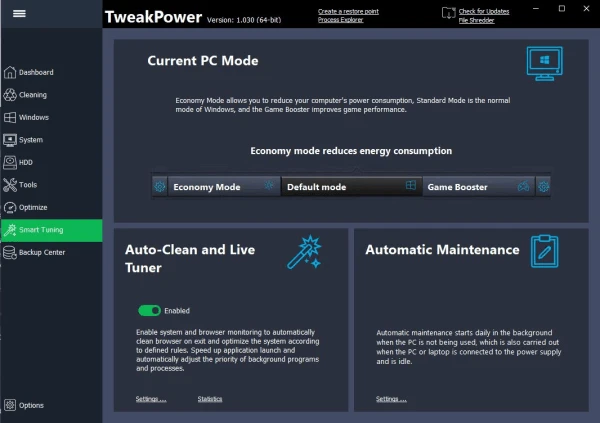
TweakPower

TweakPower 2.076

여러 측면에서 Windows를 최적화하기 위한 여러 도구를 모아둔 소프트웨어입니다.
Windows업데이트: 2025년 11월 24일
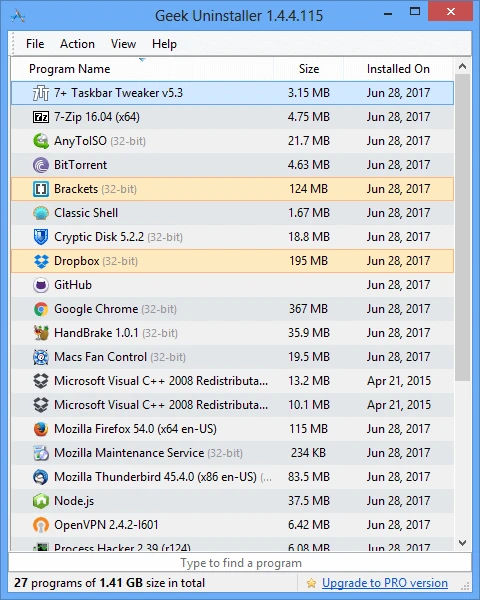
Geek Uninstaller

Geek Uninstaller 1.4.10.155

휴대용 및 완전 무료 Windows 제거 프로그램.

Windows업데이트: 2025년 11월 24일
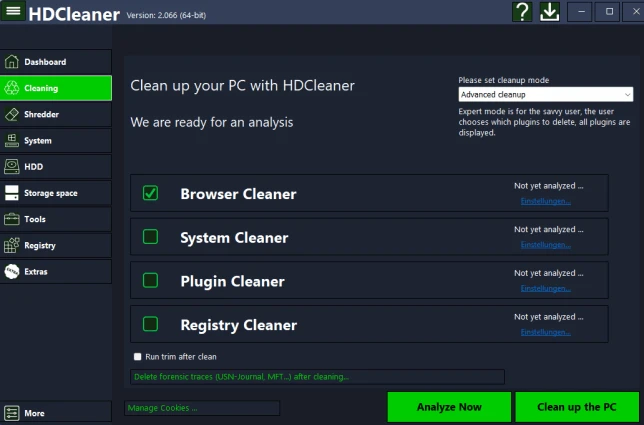
HDCleaner

HDCleaner 2.095

불필요한 파일을 제거하고 시스템의 민첩성을 되찾으세요.

Windows업데이트: 2025년 11월 24일
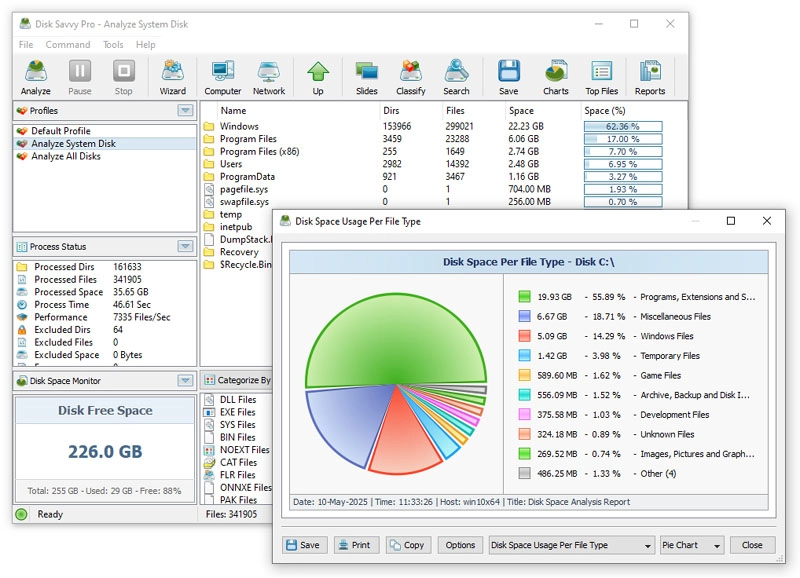
Disk Savvy

Disk Savvy 17.4.24

다양한 기능이 포함된 디스크 분석 도구.

Windows업데이트: 2025년 11월 21일
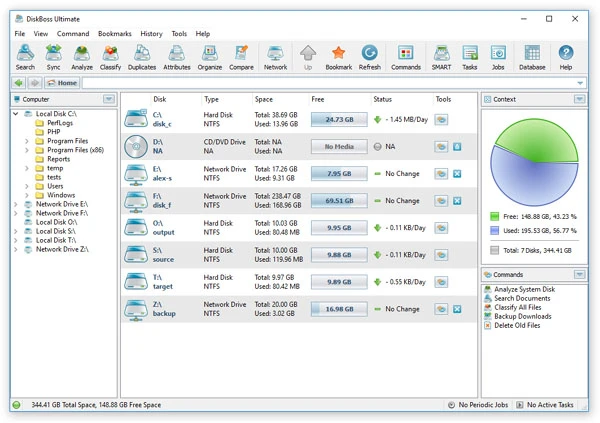
DiskBoss

DiskBoss 16.1.18

고급 파일 및 디스크 관리 솔루션.

Windows업데이트: 2025년 11월 21일
Wise Duplicate Finder

Wise Duplicate Finder 2.1.9.71

시스템에서 중복 파일을 찾아 제거할 수 있는 도구입니다.

Windows업데이트: 2025년 11월 21일
Glary Tracks Eraser

Glary Tracks Eraser 6.0.1.30

사용자의 개인 정보를 보호하고 컴퓨터와 인터넷에서 활동 흔적을 제거할 수 있는 무료 소프트웨어입니다.

Windows업데이트: 2025년 11월 20일
ClassicDesktopClock

ClassicDesktopClock 5.17

당신의 데스크탑에 클래식한 Windows 98 SE 스타일에서 영감을 받은 탁상 시계를 추가하는 유틸리티로, 현대적이고 사용자 정의 가능한 옵션을 제공합니다.

Windows업데이트: 2025년 11월 19일

How to choose

  • Check the version and supported platform.
  • Prefer official sources and review the available scan.
  • Read limitations before installing.

Frequently asked questions

How do I choose 시스템 software?

Compare features, license, compatibility, update date and file source.

Are downloads verified?

Each page shows the available evidence level, including source, hash and scan when present.