
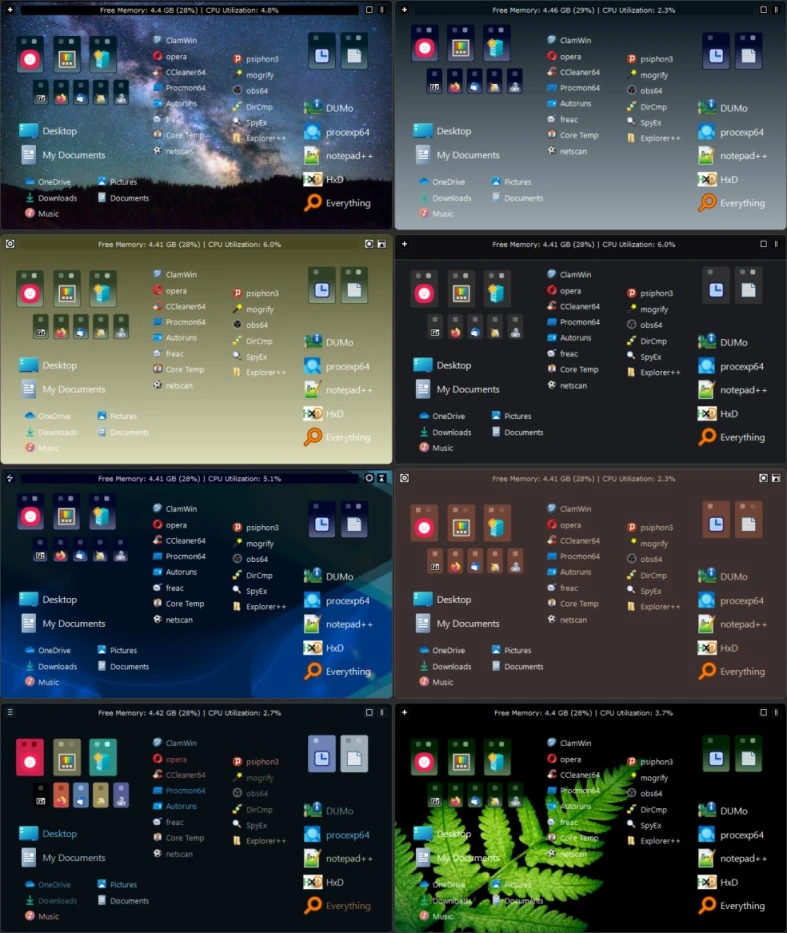
SideSlide 6.00
Software developed to improve the organization and efficiency of your work environment on the computer.
SideSlide is a software developed to enhance the organization and efficiency of your workplace on the computer. It acts as a dynamic extension of the desktop, providing an alternative to the Windows Start menu and helping to keep the desktop clutter-free. With an intelligent approach, SideSlide allows you to organize and quickly access documents, folders, URLs, RSS feeds, reminders, notes, and much more, all in an adjustable and user-friendly workspace.
Main features of SideSlide:
Customizable Workspace:
A workspace that can be docked and hidden at any edge of the screen, remaining accessible when needed.
Resizable, detachable, foldable, and collapsible containers that expand the workspace beyond the screen limits.
Free organization, without strict rules, allowing you to position and sort items in any way you prefer.
Quick Access and Organization:
Addition of multiple shortcuts, commands, URLs, RSS feeds, images, reminders, and notes.
Quick launch of shortcuts with a single click or hotkey (Speed Launch).
Tags for shortcuts, allowing additional organization and extra functionalities.
Simultaneous launching of multiple shortcuts.
System Integration:
Drag and drop files, URLs, texts, and images directly into the workspace.
Link containers to actual folders on the disk, allowing operations such as moving, copying, and deleting files.
Shortcuts to folders that facilitate moving and copying files from anywhere.
Advanced Features:
RSS feed reader with topic tracker and filter options.
Image slideshows that can be easily added and monitored.
Floating and colored notes that can be created, searched, adjusted, and even encrypted.
Quick expression calculator and directory browser integrated with keyboard launcher.
Customization and Style:
Complete customization of styles and settings for each individual object and for the program as a whole.
Special effects that do not compromise performance.
Various themes and wallpapers included, with the ability to set your own style.
Old versions
File security
0/68 engines flagged the file in the recorded scan.
Scan date: 05/16/2025
SHA-256: 0b8e48b6aad5b35f2bfee57429a1d91e07a4d6656aa914ddf6c26f984120451c
Found a problem on this page?Tell the team about broken links, versions or incorrect information.
Related
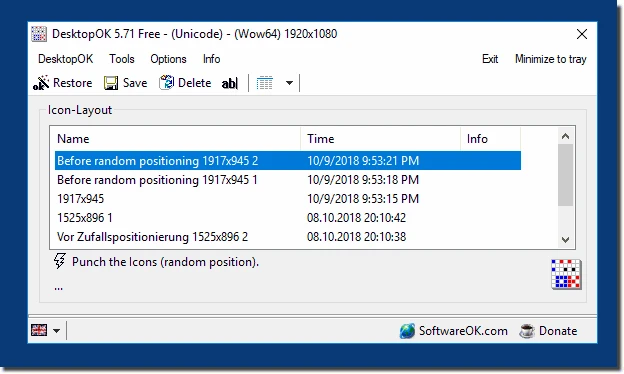
DesktopOK 12.77
Save the position of Windows desktop icons to restore it if necessary.

WindowTop 5.32.6
Optimize your productivity with this tool that allows you to apply a series of attributes to the windows.

WindowTop Portable 5.32.6
Lightweight and free tool that enhances window management on Windows, allowing for greater productivity and customization.
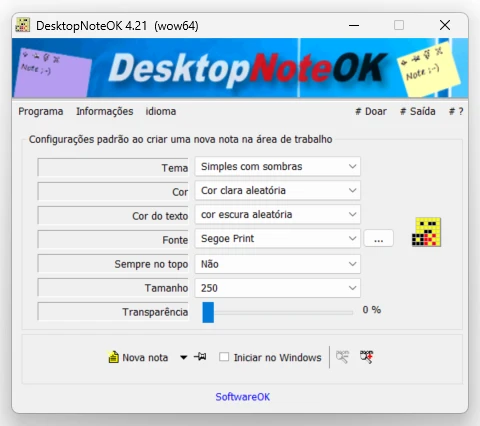
DesktopNoteOK 4.66
Tool that allows the creation of digital notes on the Windows desktop.
Start11 2.7
Start menu replacement that allows you to bring various different styles to Windows 10 and 11.

DesktopDigitalClock 6.23
Customizable digital style clock display.
BeWidgets 1.0.28.0
Allows you to create custom widgets directly on the desktop.
DesktopClock3D 2.44
3D clock for Windows that provides a sophisticated and functional display of the time and date.