

ExplorerPatcher 22621.4317.67.1
Free utility that allows you to customize and optimize the appearance of Windows, offering advanced configuration options for Windows Explorer, taskbar, and Start menu.
The ExplorerPatcher is a free utility that allows you to customize and optimize your experience in Windows, offering advanced configuration options for Windows Explorer, the taskbar, and the Start menu. Developed for users seeking more control over the interface, it restores classic functionalities and adjusts visual and usability aspects of the system.
Main Features:
- Restore Classic Functionalities: Reactivates classic Windows elements, such as the traditional Start menu or specific behaviors of the taskbar.
- Taskbar Customization: Allows you to change icons, grouping behavior, taskbar position, among other details.
- Adjustments in Windows Explorer: Offers options to modify the layout, restore the command bar, and adjust shortcuts.
- Performance Improvements: Allows fine-tuning that helps optimize system efficiency.
Who It's For:
- Those who prefer earlier versions of Windows and want to restore more familiar interface elements.
- Advanced users who wish to customize system behavior.
- People who want more flexibility to adjust visual and functional aspects of Windows.
The ExplorerPatcher is lightweight and practical, being an excellent tool for those looking to enhance their experience in Windows, adapting it to personal preferences.
File security
6/71 engines flagged the file in the recorded scan.
Scan date: 04/10/2025
SHA-256: 8c5a3597666f418b5c857e68c9a13b7b6d037ea08a988204b572f053450add67
Found a problem on this page?Tell the team about broken links, versions or incorrect information.
Related
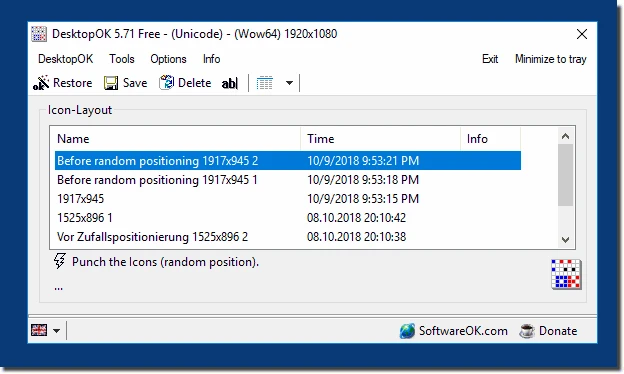
DesktopOK 12.77
Save the position of Windows desktop icons to restore it if necessary.
WindowTop 5.32.6
Optimize your productivity with this tool that allows you to apply a series of attributes to the windows.

WindowTop Portable 5.32.6
Lightweight and free tool that enhances window management on Windows, allowing for greater productivity and customization.
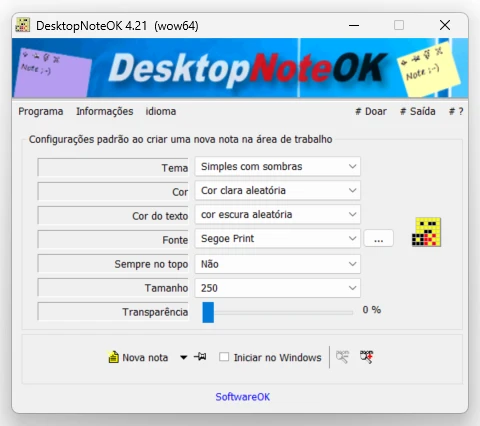
DesktopNoteOK 4.66
Tool that allows the creation of digital notes on the Windows desktop.
Start11 2.7
Start menu replacement that allows you to bring various different styles to Windows 10 and 11.

DesktopDigitalClock 6.23
Customizable digital style clock display.
BeWidgets 1.0.28.0
Allows you to create custom widgets directly on the desktop.
DesktopClock3D 2.44
3D clock for Windows that provides a sophisticated and functional display of the time and date.