

ReIcon is a portable and free program that allows you to save and restore the layout of desktop icons. It is a very useful tool for those who often change the screen resolution, such as in games or applications that require specific adjustments, avoiding the problem of disorganization of icons when returning to the original resolution.
Main Features:
- Save and restore icon layouts: Allows you to save the current positioning of the icons and easily restore it at any time.
- Compatibility with multiple layouts: Offers the possibility to save different layouts for each used resolution.
- Unicode support: Ensures compatibility with characters from different languages.
- Integration into the context menu: Adds the options "Save" and "Restore Icon Layout" to the right-click menu.
- Grid icon alignment: Provides automatic organization, similar to Windows' auto-arrange function.
- Command line support: Includes specific commands for task automation.
How to Use:
- Extract the program files to a folder.
- Run ReIcon and organize the icons on the desktop as desired.
- Click on “Save Icon Layout” to save the current configuration.
- To restore a saved layout, select it from the list and click on “Restore Icon Layout”.
This practical and lightweight tool is a great option for keeping the organization of desktop icons in different usage scenarios.
File security
0/65 engines flagged the file in the recorded scan.
Scan date: 01/27/2025
SHA-256: 93c3ff4e03c19e46c360b61e7d1dc76cc64ded284652869b3dea928ef3b8e38f
Found a problem on this page?Tell the team about broken links, versions or incorrect information.
Related
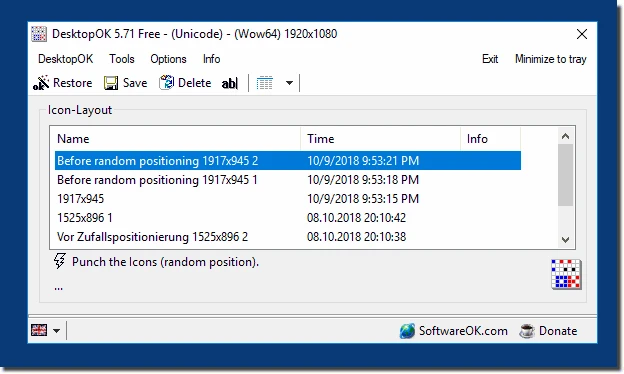
DesktopOK 12.77
Save the position of Windows desktop icons to restore it if necessary.

WindowTop 5.32.6
Optimize your productivity with this tool that allows you to apply a series of attributes to the windows.

WindowTop Portable 5.32.6
Lightweight and free tool that enhances window management on Windows, allowing for greater productivity and customization.
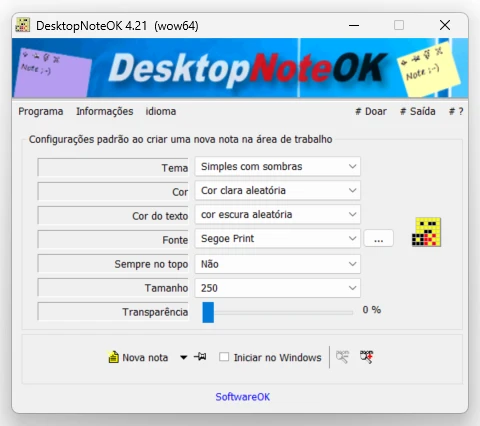
DesktopNoteOK 4.66
Tool that allows the creation of digital notes on the Windows desktop.
Start11 2.7
Start menu replacement that allows you to bring various different styles to Windows 10 and 11.

DesktopDigitalClock 6.23
Customizable digital style clock display.
BeWidgets 1.0.28.0
Allows you to create custom widgets directly on the desktop.
DesktopClock3D 2.44
3D clock for Windows that provides a sophisticated and functional display of the time and date.