

Random BackGround is a tool for customizing the Windows background, developed for operating systems starting from Windows 95, with features that rival even those of Windows 7. Designed for users who want dynamism and complete control over the appearance of the desktop, it offers support for multiple monitors, integration with the system, and a wide range of customization options. Check out its main features:
Main Features
Random Slideshow without Repeats:
Select a folder with images, and the application will display the wallpapers in random order, with no repeats, ensuring continuous variety.
Customizable Intervals:
Set the background change time, ranging from 10 seconds to Never (manual only).
Image Display Adjustment:
Choose from five positioning modes: Fill, Fit, Stretch, Tile, and Center.
Integration with Windows Explorer:
Set a wallpaper directly from the Explorer context menu (right-click on any image).
Quick Access from the System Tray:
An icon in the tray allows manual background switching or opens the settings with a click.
Automatic Updates:
Built-in check for new versions in the About window, facilitating software maintenance.
Multi-Monitor Support
Independent Backgrounds:
Set different wallpapers for each monitor, with individual resizing and positioning tailored to each screen's resolution.
Dynamic Profiles:
Create profiles for different monitor setups (e.g., laptop connected to a dock). The program automatically switches profiles when monitors are connected, disconnected, or repositioned.
Compatibility
Supported Image Formats:
BMP, DIB, JPG, GIF, and PNG (including transparency in PNG/GIF).
Operating Systems:
Works on all 32-bit versions of Windows, from Windows 95 to more recent versions like Windows 10/11 (in 32-bit mode).
File security
1/69 engines flagged the file in the recorded scan.
Scan date: 02/14/2025
SHA-256: 2f33f0ce54378743ea2ad80794744cf9dc3fe3d8e42c04e261fb84fa78835aed
Found a problem on this page?Tell the team about broken links, versions or incorrect information.
Related
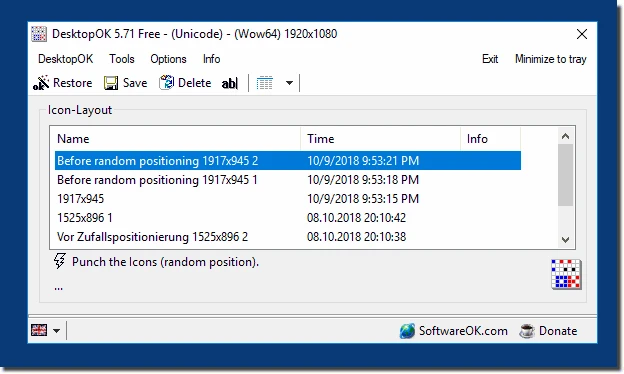
DesktopOK 12.77
Save the position of Windows desktop icons to restore it if necessary.

WindowTop 5.32.6
Optimize your productivity with this tool that allows you to apply a series of attributes to the windows.

WindowTop Portable 5.32.6
Lightweight and free tool that enhances window management on Windows, allowing for greater productivity and customization.
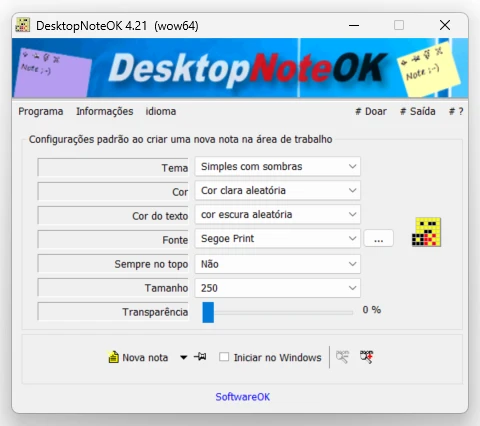
DesktopNoteOK 4.66
Tool that allows the creation of digital notes on the Windows desktop.
Start11 2.7
Start menu replacement that allows you to bring various different styles to Windows 10 and 11.

DesktopDigitalClock 6.23
Customizable digital style clock display.
BeWidgets 1.0.28.0
Allows you to create custom widgets directly on the desktop.
DesktopClock3D 2.44
3D clock for Windows that provides a sophisticated and functional display of the time and date.