

OotD - Outlook on the Desktop 4.3.19
Tool that pins the Microsoft Outlook calendar directly to the Windows desktop.
The Outlook on the Desktop (OotD) is a tool that pins the Microsoft Outlook calendar directly to the Windows desktop, allowing quick and continuous access to scheduled information. It allows users to view appointments, tasks, and events without needing to open Outlook, functioning as a practical extension for those who need to frequently consult or manage their schedule. Additionally, it offers customization of size, position, and transparency of the calendar, ensuring better integration with the work environment.
The main features of Outlook on the Desktop (OotD) include:
Desktop Calendar
The Microsoft Outlook calendar is pinned directly to the desktop, enabling continuous and immediate access to information.
Real-time Synchronization
Updates made in Outlook automatically reflect on the calendar displayed on the desktop.
Customizable View
You can adjust the size, position, and level of transparency of the calendar window, adapting it to the desired layout.
Support for Other Outlook Items
In addition to the calendar, it is possible to switch to other functions, such as tasks, contacts, and notes, directly within the app.
Full Calendar Functionality
Allows you to create, edit, and delete appointments directly through the interface on the desktop, without needing to open Outlook.
Multiple View Modes
Provides daily, weekly, or monthly view modes, according to planning needs.
This tool is a practical solution for those who rely on Outlook daily and want to have their schedule accessible quickly and efficiently.
File security
2/71 engines flagged the file in the recorded scan.
Scan date: 01/26/2025
SHA-256: 603d42544cd4db0f4fd8fd0f92b5a976a73140fb036bdd7c638ab8254be050d4
Found a problem on this page?Tell the team about broken links, versions or incorrect information.
Related
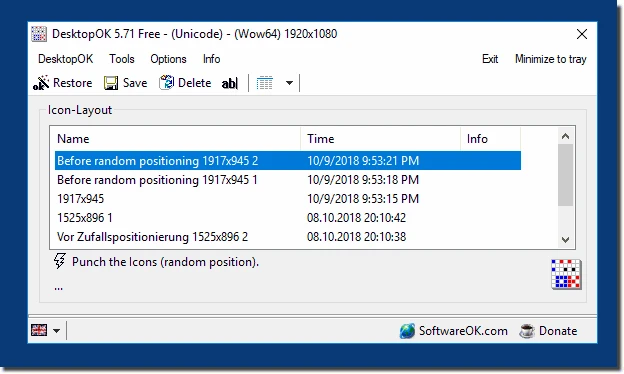
DesktopOK 12.77
Save the position of Windows desktop icons to restore it if necessary.
WindowTop 5.32.6
Optimize your productivity with this tool that allows you to apply a series of attributes to the windows.

WindowTop Portable 5.32.6
Lightweight and free tool that enhances window management on Windows, allowing for greater productivity and customization.
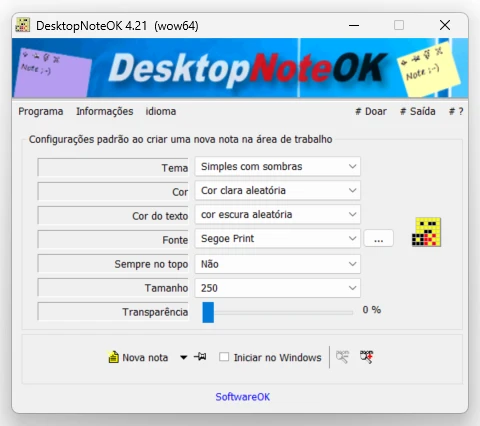
DesktopNoteOK 4.66
Tool that allows the creation of digital notes on the Windows desktop.
Start11 2.7
Start menu replacement that allows you to bring various different styles to Windows 10 and 11.

DesktopDigitalClock 6.23
Customizable digital style clock display.
BeWidgets 1.0.28.0
Allows you to create custom widgets directly on the desktop.
DesktopClock3D 2.44
3D clock for Windows that provides a sophisticated and functional display of the time and date.