

MultPaper changes the wallpaper every time you turn on the computer. Just inform the software in which folder the images to be used as wallpaper are located.
The images are automatically adjusted and can be centered, side by side, or enlarged.
It is easy to configure and works on all versions of Windows.
File security
1/56 engines flagged the file in the recorded scan.
Scan date: 10/08/2016
SHA-256: e3685e33d57785a1641b30a7d7333da366a35e4795f0eb9f096f3c08a6fc6dbd
Found a problem on this page?Tell the team about broken links, versions or incorrect information.
Related
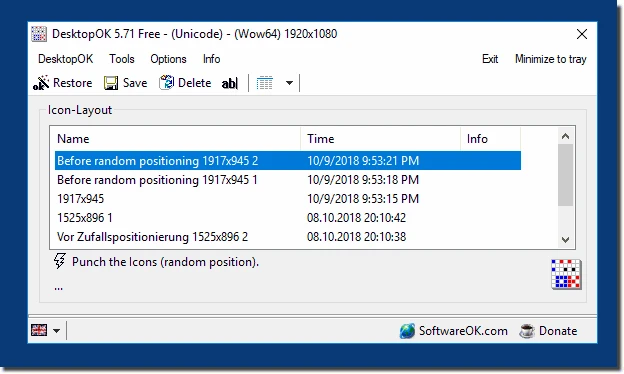
DesktopOK 12.77
Save the position of Windows desktop icons to restore it if necessary.

WindowTop 5.32.6
Optimize your productivity with this tool that allows you to apply a series of attributes to the windows.

WindowTop Portable 5.32.6
Lightweight and free tool that enhances window management on Windows, allowing for greater productivity and customization.
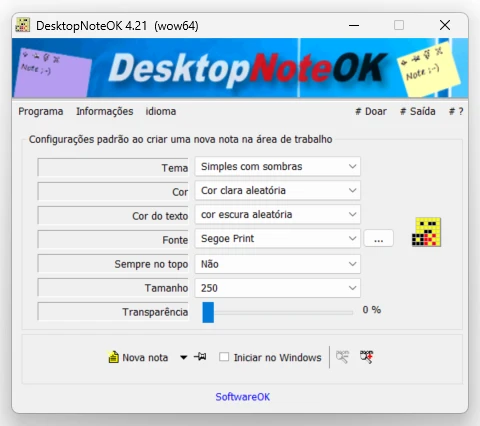
DesktopNoteOK 4.66
Tool that allows the creation of digital notes on the Windows desktop.
Start11 2.7
Start menu replacement that allows you to bring various different styles to Windows 10 and 11.

DesktopDigitalClock 6.23
Customizable digital style clock display.
BeWidgets 1.0.28.0
Allows you to create custom widgets directly on the desktop.
DesktopClock3D 2.44
3D clock for Windows that provides a sophisticated and functional display of the time and date.