

Mouse Manager 3.1
Software developed to make the extra buttons on your mouse more useful.
Mouse Manager is software developed to make the extra buttons on your mouse more useful. It allows you to reconfigure the extra mouse buttons (commonly known as Button 4 and Button 5) to perform custom actions. Instead of only functioning to navigate forward or backward, these buttons can be reprogrammed to perform any keyboard action, such as pressing a key sequence.
Main Features:
Reconfiguration of extra buttons: Mouse Manager allows you to change the functions of Button 4 and Button 5 on the mouse to any key or key sequence you choose. For example, you can set Button 5 to type "HELLO" when pressed.
Customizable profiles: You can create different configuration profiles and associate them with specific applications. Each profile contains the commands assigned to the extra buttons and can be easily activated or deactivated from an icon in the system tray.
Simple interface: The interface of Mouse Manager is extremely simple, with a window made up of three main tabs: Settings, Profiles, and About. The program is designed to be used discreetly, with most interactions happening through the icon in the system tray.
Ease of use: You can configure a profile by clicking on the button options and associating a key or command. To disable a button, just click the "X" next to the corresponding text box. Once configured, just click "Save" and the profile will be ready to use.
Automatic startup: Mouse Manager can be set to start automatically with Windows, ensuring that you don’t have to open it manually every time you turn on the computer.
File security
1/71 engines flagged the file in the recorded scan.
Scan date: 02/13/2025
SHA-256: 0809c7819efbdb33a77c92ef5bfbcfca5c5c9e06c3782fce4f21ab6552ba07a7
Found a problem on this page?Tell the team about broken links, versions or incorrect information.
Related

Remote Mouse 4.723
Control your computer through your Android or iOS smartphone.
Logitech G HUB 2026.5.939708
Customization software for Logitech G line devices, such as mice, keyboards, and headsets.

PointerStick 7.17
Free utility that shows a pointer stick in place of the cursor, ideal for presentations.
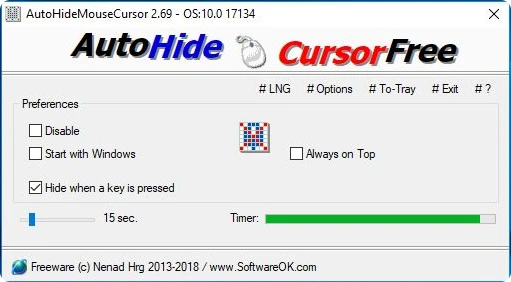
AutoHideMouseCursor 6.26
Utility that makes the mouse cursor disappear at predetermined times where there is no movement.
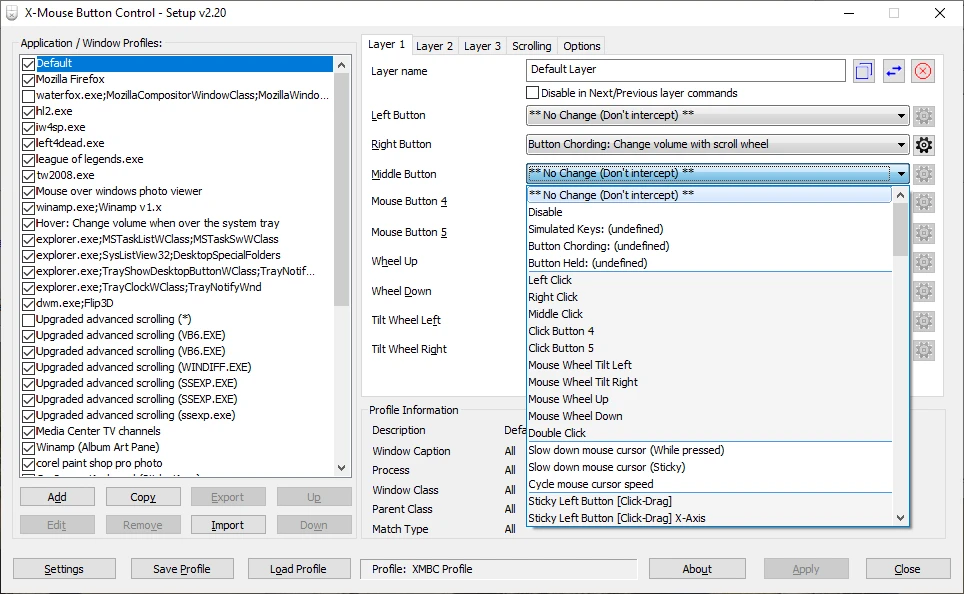
X-Mouse Button Control 2.20.5
Free software that allows you to customize the behavior of mouse buttons.
Logitech Options 10.26.12
Logitech software that allows you to customize your mouse and keyboard settings.
Extra Keys 3.0.1
Utility for Windows that allows the insertion of accented characters and special symbols.
CORSAIR iCUE 5.26.97
Software that allows you to configure keyboards, mouse pads and gaming mice of the Corsair brand.