
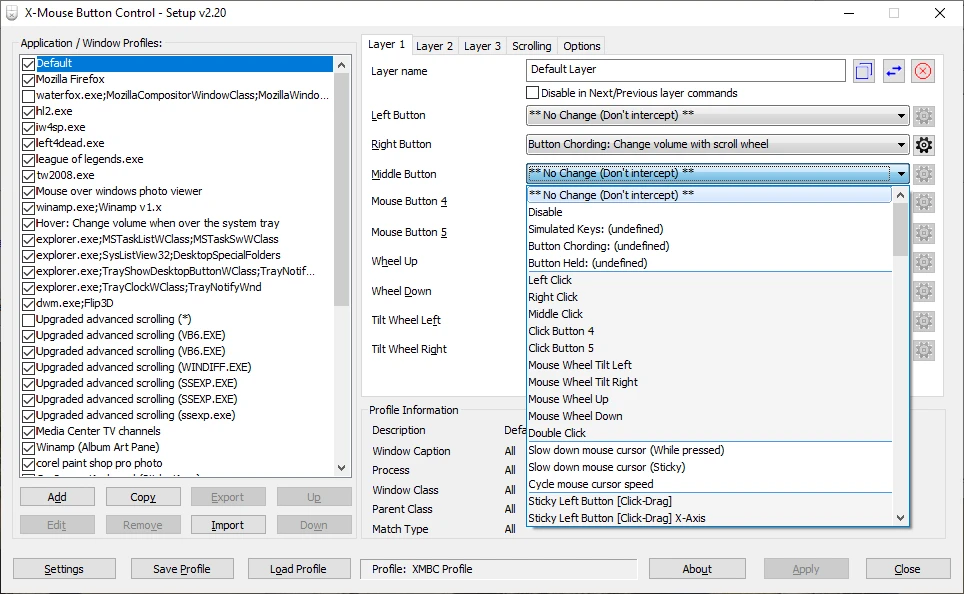
X-Mouse Button Control 2.20.5
Free software that allows you to customize the behavior of mouse buttons.
X-Mouse Button Control is free software that allows you to customize the mouse buttons on your Windows computer.
Through an intuitive and easy-to-use interface, you can assign specific functions to each mouse button, such as copy and paste, open programs or change the system volume.
In addition, X-Mouse Button Control also offers advanced features such as the ability to configure different mouse profiles for different applications, allowing for more detailed customization.
Old versions
File security
0/67 engines flagged the file in the recorded scan.
Scan date: 02/25/2026
SHA-256: dae8bb4ebf41f6d32bd82563018cd210413fa77a45827e5240d9c18f07bf2fbd
Found a problem on this page?Tell the team about broken links, versions or incorrect information.
Related

Remote Mouse 4.723
Control your computer through your Android or iOS smartphone.
Logitech G HUB 2026.5.939708
Customization software for Logitech G line devices, such as mice, keyboards, and headsets.

PointerStick 7.17
Free utility that shows a pointer stick in place of the cursor, ideal for presentations.
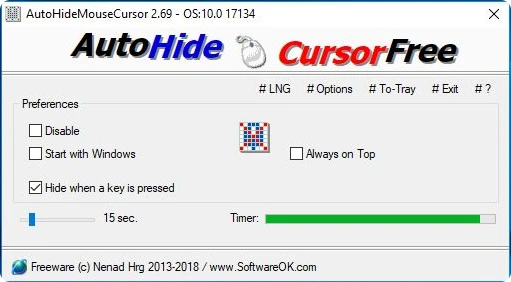
AutoHideMouseCursor 6.26
Utility that makes the mouse cursor disappear at predetermined times where there is no movement.
Logitech Options 10.26.12
Logitech software that allows you to customize your mouse and keyboard settings.
Extra Keys 3.0.1
Utility for Windows that allows the insertion of accented characters and special symbols.
CORSAIR iCUE 5.26.97
Software that allows you to configure keyboards, mouse pads and gaming mice of the Corsair brand.

Move Mouse 4.18.3
Utility with several options that allows you to simulate the use of the mouse.