
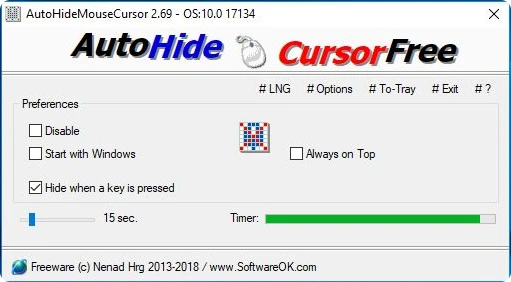
AutoHideMouseCursor 6.26
Utility that makes the mouse cursor disappear at predetermined times where there is no movement.
AutoHideMouseCursor allows you to control the automatic disappearance of the cursor after a configured time, working portably and without the need for installation. The program monitors mouse inactivity and restores the cursor as soon as any movement is detected, maintaining predictable behavior during use.
The tool helps you keep the screen clean during presentations, video recordings, running software in full screen, or whenever the cursor becomes visually distracting. The delay time can be adjusted from a few seconds to long intervals, offering flexibility for different situations.
AutoHideMouseCursor can be run from any folder or USB drive, saves preferences locally, and consumes few system resources. It also supports background execution, automatic startup, and simple activation and deactivation control, allowing you to use the feature only when necessary.
Old versions
File security
0/68 engines flagged the file in the recorded scan.
Scan date: 05/12/2026
SHA-256: 773eb118ca2f8e3d1431a1e3b3c609e0fbe0c29755045bc7551d5809d4920325
Found a problem on this page?Tell the team about broken links, versions or incorrect information.
Related

Remote Mouse 4.723
Control your computer through your Android or iOS smartphone.
Logitech G HUB 2026.5.939708
Customization software for Logitech G line devices, such as mice, keyboards, and headsets.

PointerStick 7.17
Free utility that shows a pointer stick in place of the cursor, ideal for presentations.
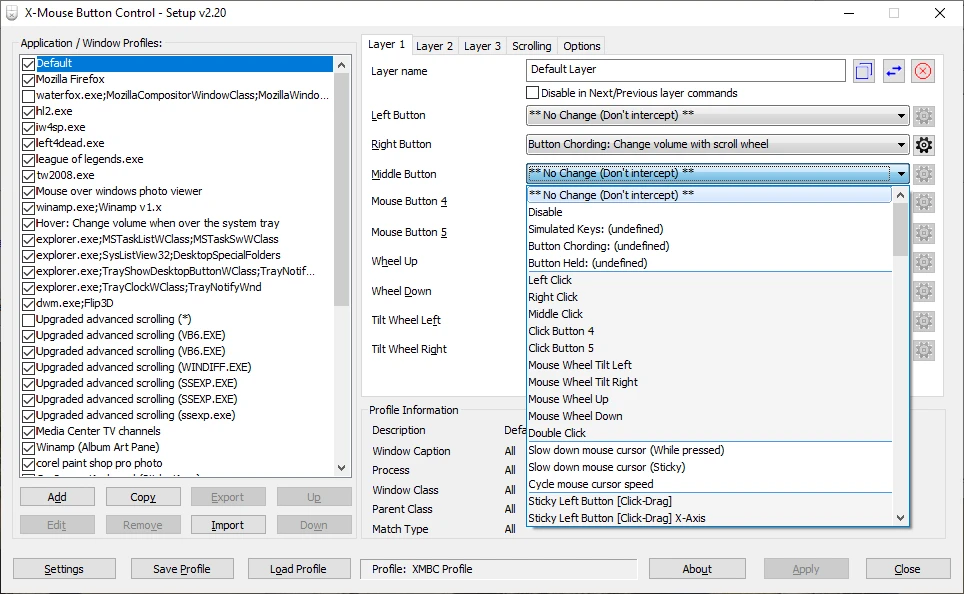
X-Mouse Button Control 2.20.5
Free software that allows you to customize the behavior of mouse buttons.
Logitech Options 10.26.12
Logitech software that allows you to customize your mouse and keyboard settings.
Extra Keys 3.0.1
Utility for Windows that allows the insertion of accented characters and special symbols.
CORSAIR iCUE 5.26.97
Software that allows you to configure keyboards, mouse pads and gaming mice of the Corsair brand.

Move Mouse 4.18.3
Utility with several options that allows you to simulate the use of the mouse.