

Lock Cursor Tools 9.1
Software developed to restrict the movement of the mouse cursor within a specific area of the screen.
Lock Cursor Tools is software developed to restrict the movement of the mouse cursor within a specific area of the screen.
With it, it is possible to keep the cursor limited to a window or region, such as during presentations, games, or when working with multiple screens.
The program allows you to define the restriction area manually or select specific windows, ensuring greater control over cursor movement.
Additionally, it is possible to quickly enable and disable the restriction through configurable keyboard shortcuts.
File security
1/68 engines flagged the file in the recorded scan.
Scan date: 01/22/2025
SHA-256: f59bdaa86baeb10b9b9e1774ccca9263573f38e9d2c26468239c0126038f2c1d
Found a problem on this page?Tell the team about broken links, versions or incorrect information.
Related

Remote Mouse 4.723
Control your computer through your Android or iOS smartphone.
Logitech G HUB 2026.5.939708
Customization software for Logitech G line devices, such as mice, keyboards, and headsets.

PointerStick 7.17
Free utility that shows a pointer stick in place of the cursor, ideal for presentations.
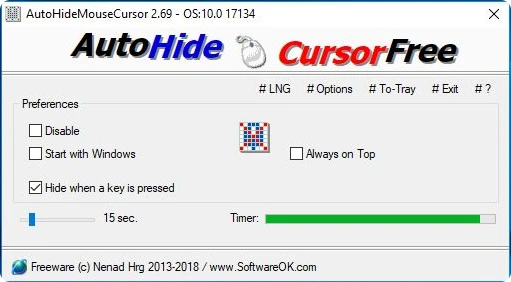
AutoHideMouseCursor 6.26
Utility that makes the mouse cursor disappear at predetermined times where there is no movement.
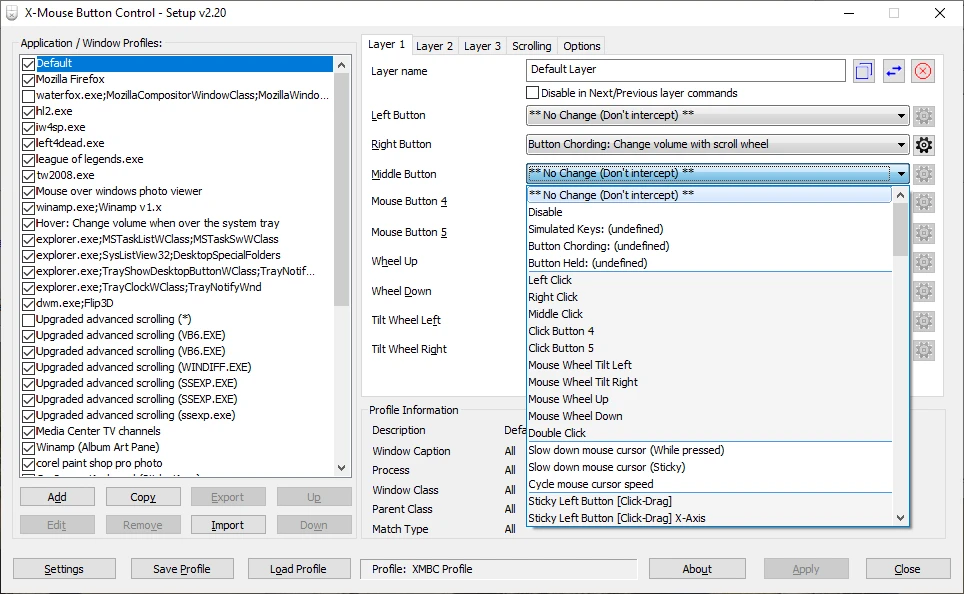
X-Mouse Button Control 2.20.5
Free software that allows you to customize the behavior of mouse buttons.
Logitech Options 10.26.12
Logitech software that allows you to customize your mouse and keyboard settings.
Extra Keys 3.0.1
Utility for Windows that allows the insertion of accented characters and special symbols.
CORSAIR iCUE 5.26.97
Software that allows you to configure keyboards, mouse pads and gaming mice of the Corsair brand.