

With the GTA V SkinPack you can make your Windows look like GTA 5. It works on Windows 7 and 8.
How to install
After downloading the compressed file, click to extract, a password will be required, paste the following password: skinpacks.com. Run the file you extracted, click on Next, agree to the terms and click on Next.
Pay attention to this part: Click on Cancel and then Decline, refuse all confirmations to install extra programs. In the final part, keep everything checked and click on Install.
It is advisable to create a restore point for Windows, as this software modifies the operating system, and if something goes wrong, you can simply return to the previous point.
File security
1/66 engines flagged the file in the recorded scan.
Scan date: 10/13/2021
SHA-256: 155724a4f53f2e7a16feecf2503345aaf5d1e65bf7a4804989de27a0a1dd3f59
Found a problem on this page?Tell the team about broken links, versions or incorrect information.
Related
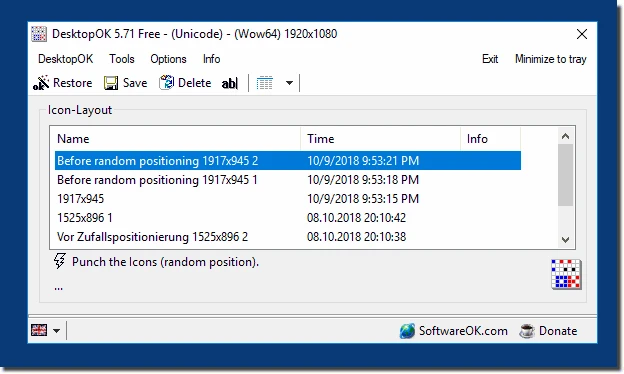
DesktopOK 12.77
Save the position of Windows desktop icons to restore it if necessary.

WindowTop 5.32.6
Optimize your productivity with this tool that allows you to apply a series of attributes to the windows.

WindowTop Portable 5.32.6
Lightweight and free tool that enhances window management on Windows, allowing for greater productivity and customization.
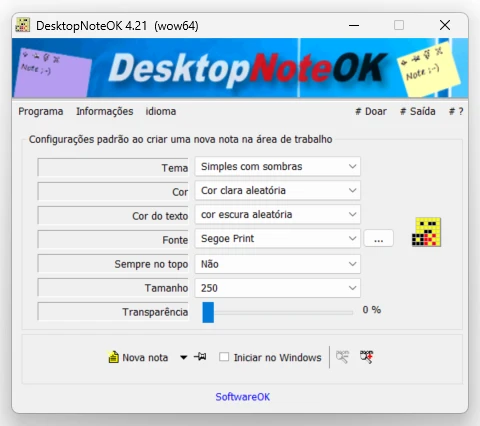
DesktopNoteOK 4.66
Tool that allows the creation of digital notes on the Windows desktop.
Start11 2.7
Start menu replacement that allows you to bring various different styles to Windows 10 and 11.

DesktopDigitalClock 6.23
Customizable digital style clock display.
BeWidgets 1.0.28.0
Allows you to create custom widgets directly on the desktop.
DesktopClock3D 2.44
3D clock for Windows that provides a sophisticated and functional display of the time and date.