

Folder Marker Free 4.8.0.0
Tool for Windows that allows you to customize the icons of your folders by adding colorful labels or exclusive images.
Revitalize your folder organization in Windows easily with Folder Marker. This tool allows you to customize the icons of your folders by adding colored labels or unique images, providing an enhanced visual approach to locating essential information.
Forget about complicated processes or navigating through multiple windows. With Folder Marker, you can customize folder icons with just a few clicks directly from the intuitive context menu. Simply select the desired folder, access the dropdown menu, and choose from a wide variety of colorful icons to instantly assign to your folder.
But that's not all - Folder Marker offers even more customization options. You can easily apply icon changes to multiple folders simultaneously by selecting them with a simple mouse gesture and applying the desired icon with a right-click. Moreover, you have the freedom to import up to ten personal icons of your choice, further expanding the possibilities of customization.
Folder Marker supports multiple file formats, including ICO, ICL, EXE, DLL, CPL, and BMP, allowing you to assign icons from an extensive library of choices. Its user-friendly interface makes it suitable for users of all levels, offering a practical and efficient folder customization experience.
Enhance your folder organization with the advanced features of Folder Marker, such as priority labeling (high, normal, low), progress tracking (completed, half completed, planned), and content categorization (work files, important files, temporary files, private files). Enjoy the convenience of color customization, which visually helps distinguish folders based on their assignments.
Say goodbye to monotonous folder icons and embrace the freedom of customization with Folder Marker. Download it now and transform your folder management experience. Experience the power of customization, all for free!
File security
Scan date: 05/17/2023
SHA-256: b163d2509d5837b2c4bc43f97df0a9c2a1257da1a7f8262a9edcb335f478f4c9
Found a problem on this page?Tell the team about broken links, versions or incorrect information.
Related
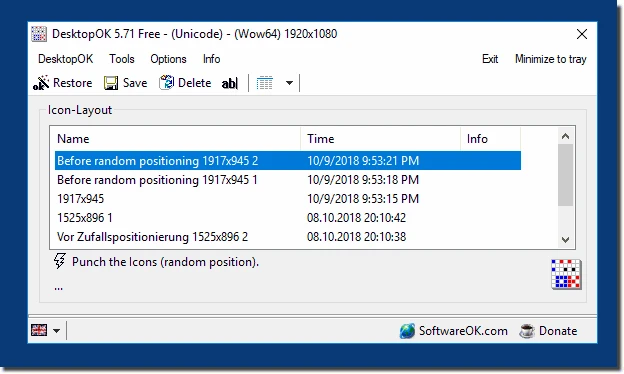
DesktopOK 12.77
Save the position of Windows desktop icons to restore it if necessary.

WindowTop 5.32.6
Optimize your productivity with this tool that allows you to apply a series of attributes to the windows.

WindowTop Portable 5.32.6
Lightweight and free tool that enhances window management on Windows, allowing for greater productivity and customization.
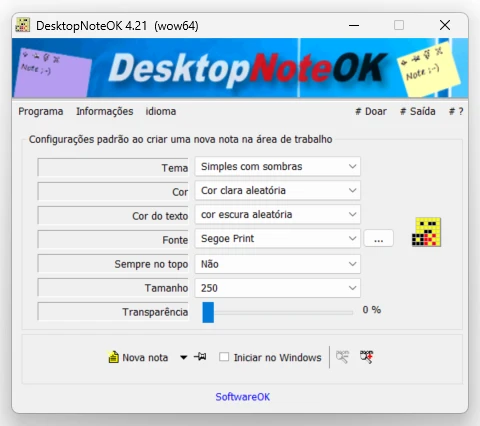
DesktopNoteOK 4.66
Tool that allows the creation of digital notes on the Windows desktop.
Start11 2.7
Start menu replacement that allows you to bring various different styles to Windows 10 and 11.

DesktopDigitalClock 6.23
Customizable digital style clock display.
BeWidgets 1.0.28.0
Allows you to create custom widgets directly on the desktop.
DesktopClock3D 2.44
3D clock for Windows that provides a sophisticated and functional display of the time and date.