

BeWidgets is a free program for Windows 10 and Windows 11, developed by the BeXCool team, that allows you to create custom widgets directly on your desktop.
Main Features
Provides various types of widgets: clock, date, weather, financial quotes, photo gallery, and shortcuts to applications.
Allows customization of appearance, including background color, font, size, opacity, and rounded corners.
Offers light and dark themes, with a visual style aligned with Windows 11, but also compatible with Windows 10.
Drag and drop to position the widgets wherever you want.
Performance and Additional Features
Moderately consumes system resources (around 150 MB of RAM).
Clear and straightforward interface, without the need for advanced technical knowledge.
Allows you to save and reuse widget layouts, making it easy to switch between different configurations.
Old versions
File security
0/72 engines flagged the file in the recorded scan.
Scan date: 02/03/2026
SHA-256: 77837e7c406d5bfb7f6f7ca40e4277eb321b3d58327d572c6707adab0535d717
Found a problem on this page?Tell the team about broken links, versions or incorrect information.
Related
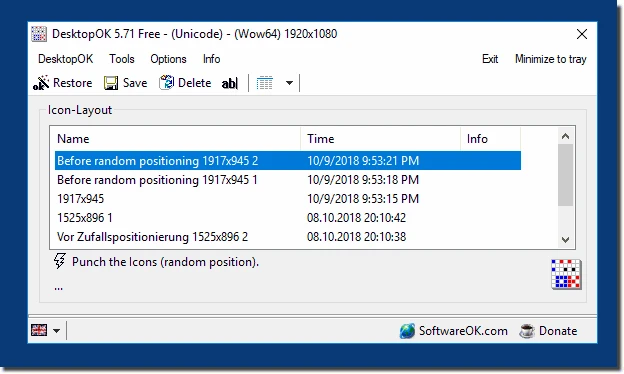
DesktopOK 12.77
Save the position of Windows desktop icons to restore it if necessary.
WindowTop 5.32.6
Optimize your productivity with this tool that allows you to apply a series of attributes to the windows.

WindowTop Portable 5.32.6
Lightweight and free tool that enhances window management on Windows, allowing for greater productivity and customization.
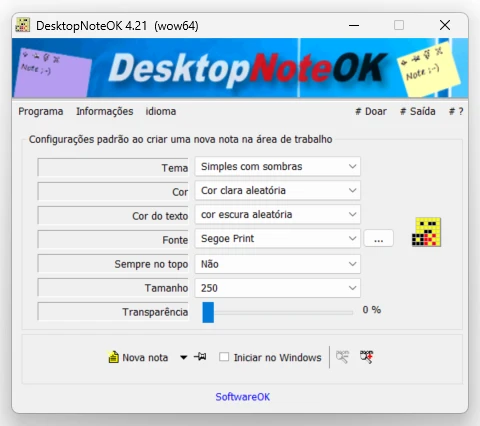
DesktopNoteOK 4.66
Tool that allows the creation of digital notes on the Windows desktop.
Start11 2.7
Start menu replacement that allows you to bring various different styles to Windows 10 and 11.

DesktopDigitalClock 6.23
Customizable digital style clock display.
DesktopClock3D 2.44
3D clock for Windows that provides a sophisticated and functional display of the time and date.
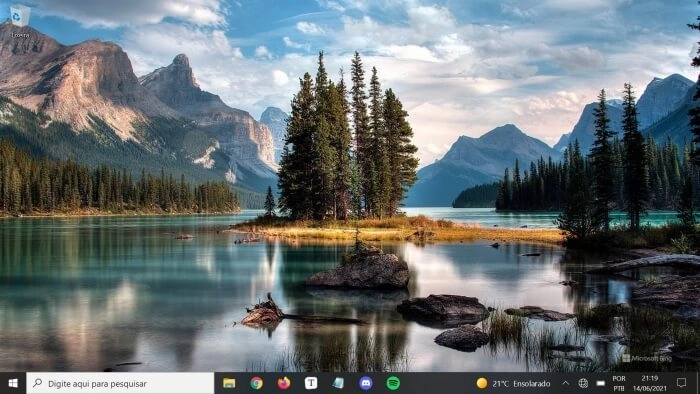
Bing Wallpaper 1.1.438.0
Software that brings the daily images from the Bing search engine directly to the desktop.