

AutoCursorLock 2.2.1
Software that enhances the experience of users playing on multi-monitor setups, preventing the mouse cursor from accidentally escaping the game window.
AutoCursorLock is a software that enhances the experience of users playing on multiple monitor setups, preventing the mouse cursor from accidentally escaping the game window. It acts automatically, locking the cursor within the selected game area or monitor while the application is in focus, avoiding issues like accidental alt-tab or loss of control during gameplay.
Main Features:
Automatic Cursor Lock:
Detects when a game (such as CS:GO or Skyrim) is in focus and locks the cursor within its window or monitor.
Automatically releases the cursor when switching to another application (via Alt+Tab) and relocks it when returning to the game.
Customizable Hotkey:
Allows manual activation/deactivation of the lock with a configurable shortcut, useful for situations that require temporary control over the cursor.
Multi-Monitor Support:
Locks the cursor on the monitor where the game is running, even in setups with multiple screens.
Discreet Mode:
Operates in the background, minimized to the system tray, without interfering with gameplay.
Simplified Configuration:
Automatically lists running processes for selection.
Saves settings (in %appdata%/AutoCursorLock/settings.json) and applies them on the next startup.
Compatible Games (Examples):
Counter-Strike: Global Offensive (CS:GO): Prevents fast mouse movements from causing accidental alt-tab by escaping the window.
Skyrim: Prevents scrolls or clicks from being captured by other windows on the second monitor.
Advantages Over Other Programs:
Intelligent Automation: Does not require manual intervention after the initial setup.
Lock Flexibility: Option to lock the cursor within the window limits or across the entire screen.
Application Focus Integration: Reacts dynamically to focus changes, ensuring that the cursor is only released when the user leaves the game.
How to Use:
Launch AutoCursorLock and select the game process from the automatically generated list.
Click Add to link the game. Settings are saved automatically.
Minimize the program to the tray and play normally: the cursor will be locked whenever the game is in focus.
File security
0/65 engines flagged the file in the recorded scan.
Scan date: 02/14/2025
SHA-256: 83b71750a192ad34b16b65a8ed14c46267a9b1f406da66ad1e7adeed499e8160
Found a problem on this page?Tell the team about broken links, versions or incorrect information.
Related

Remote Mouse 4.723
Control your computer through your Android or iOS smartphone.
Logitech G HUB 2026.5.939708
Customization software for Logitech G line devices, such as mice, keyboards, and headsets.

PointerStick 7.17
Free utility that shows a pointer stick in place of the cursor, ideal for presentations.
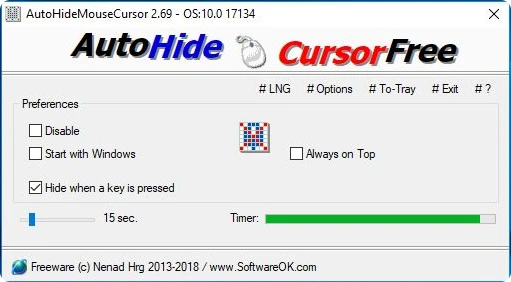
AutoHideMouseCursor 6.26
Utility that makes the mouse cursor disappear at predetermined times where there is no movement.
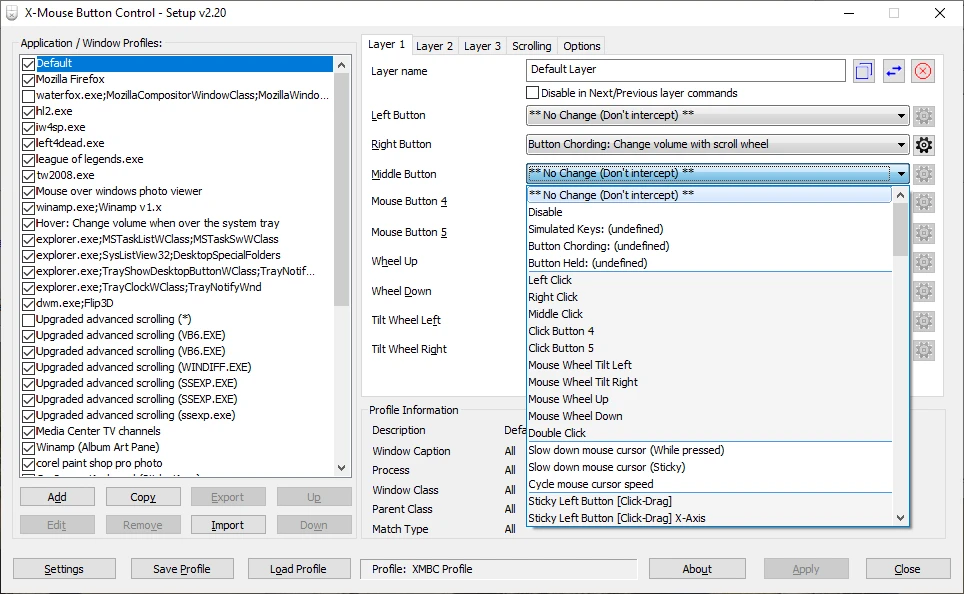
X-Mouse Button Control 2.20.5
Free software that allows you to customize the behavior of mouse buttons.
Logitech Options 10.26.12
Logitech software that allows you to customize your mouse and keyboard settings.
Extra Keys 3.0.1
Utility for Windows that allows the insertion of accented characters and special symbols.
CORSAIR iCUE 5.26.97
Software that allows you to configure keyboards, mouse pads and gaming mice of the Corsair brand.