

Xpadder 5.7
Software that allows you to emulate your computer's mouse and keyboard to be used with any joystick.
Xpadder is a software that allows you to emulate the mouse and keyboard of the computer to be used with controllers of virtually any type of console.
All you need to do is associate a button with a key on the keyboard or a mouse button. With everything set up, the software will emulate your mouse/keyboard. This way, the software is capable of emulating almost any controller!
Moreover, Xpadder is not limited to just games. You can use it for practically anything. For example, you can browse the internet, use various programs on Windows, etc.
How to install Xpadder
After downloading the file, which is available on the download button right above, run it, choose a destination folder, and click the extract button. Some folders will be extracted as well as a file, click on the file to open Xpadder.
Found a problem on this page?Tell the team about broken links, versions or incorrect information.
Related

Steam Game Idler 6.2.5
Software used to simulate playtime in Steam titles without the need to keep them open.

DLSS Updater 4.8.1
Independent tool aimed at PC games that use NVIDIA DLSS.
Smart Game Booster 6.0.0.1231
Tool developed to optimize the gaming experience on your Windows PC.
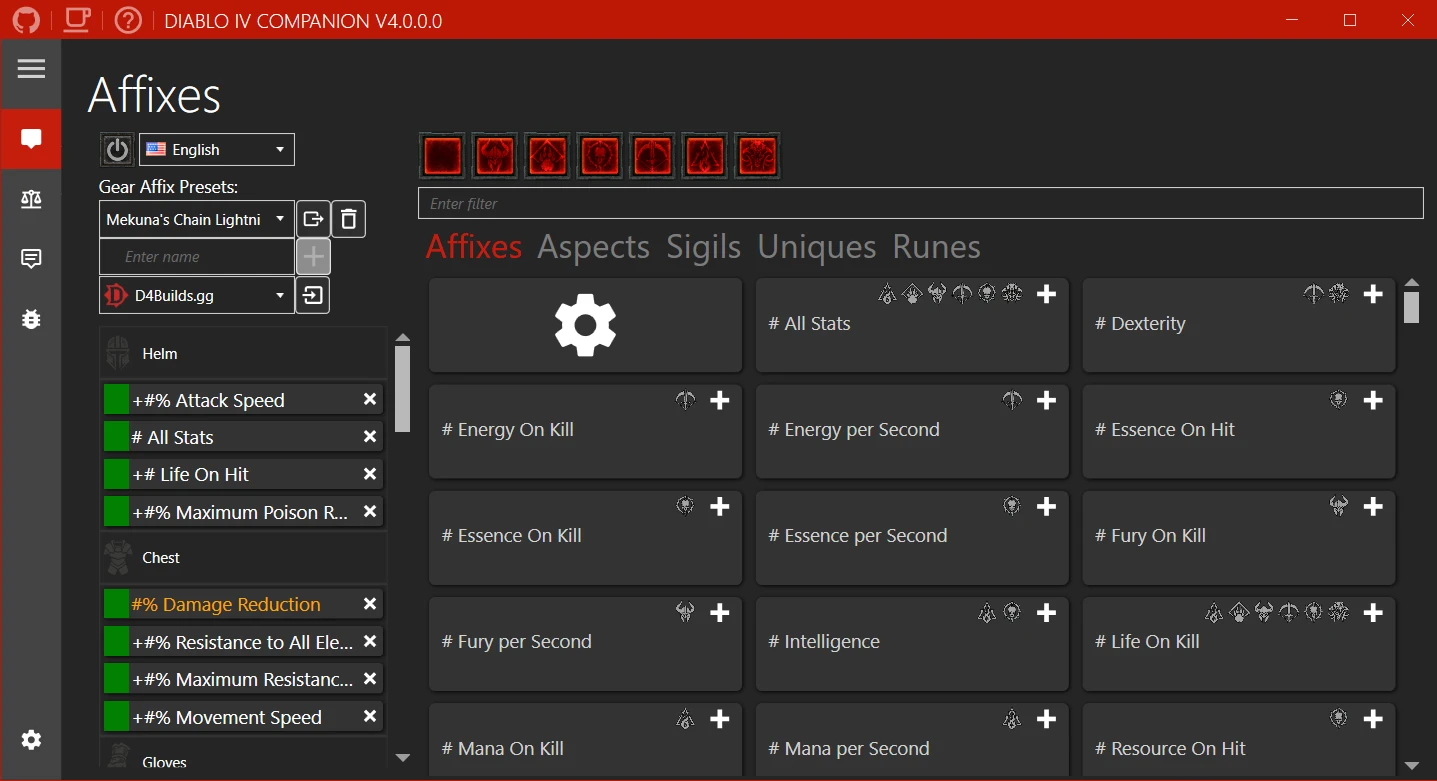
Diablo IV Companion 5.3.7.0
Tool developed to enhance the experience of players in the universe of Diablo IV.

Game Backup Monitor 1.4.5
Utility that allows automatic backups of game saves locally or in the cloud.
Rocrail 6922
Control software for model railways that allows the automation of train layouts.
SteelSeries GG 110.0.0
Platform created to enhance the gaming experience by better connecting players with their devices and games.
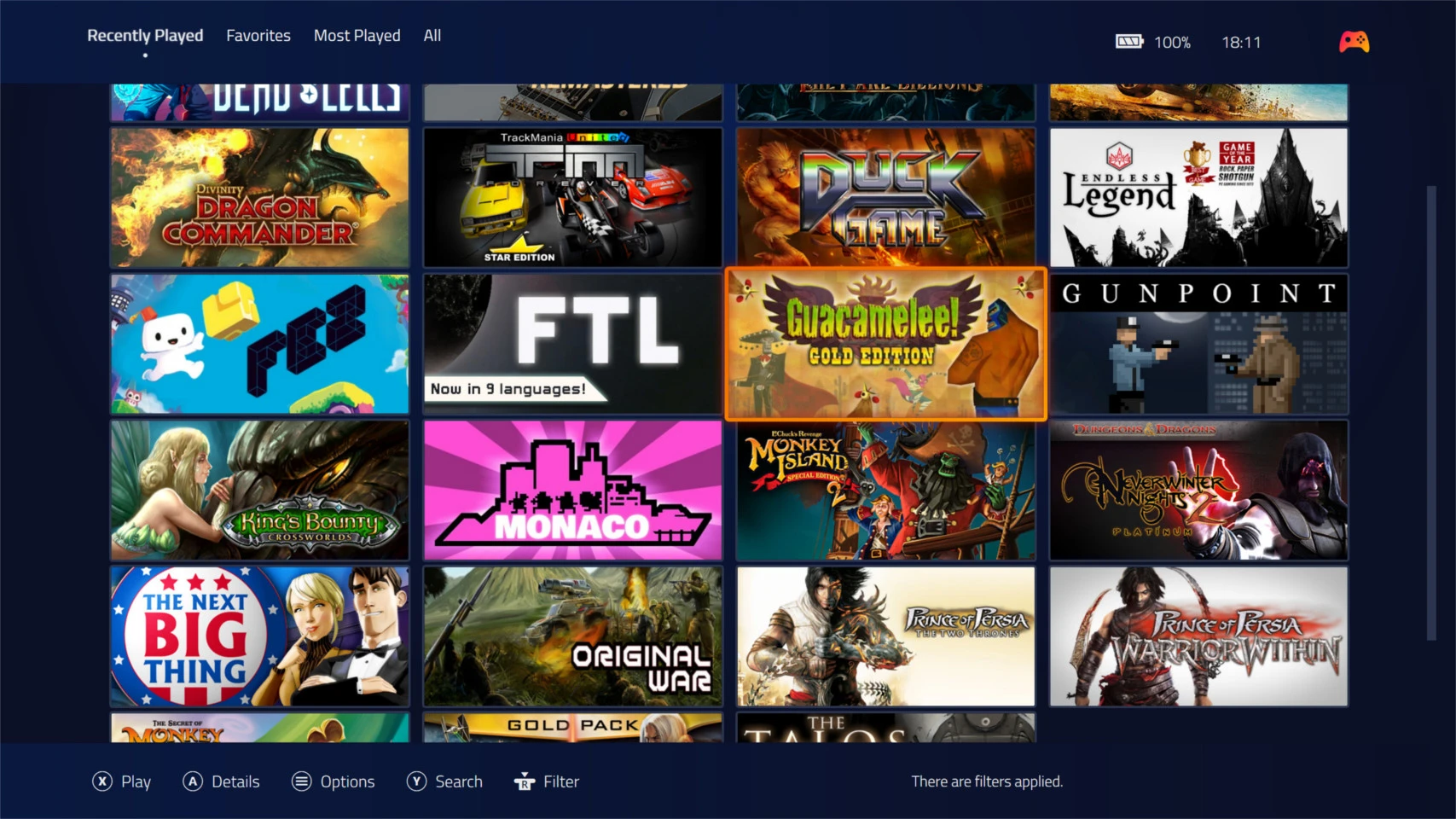
Playnite 10.51
Free and open source software for managing and organizing games.