

Magpie 0.11.2
Lightweight software that allows you to resize windows to full screen, enhancing game graphics and ensuring a better visual experience.
The Magpie is a lightweight software that allows for resizing windows to full screen, enhancing game graphics and ensuring a better visual experience. It utilizes advanced scaling algorithms and filters, providing more quality and flexibility in displaying content in windowed mode.
Main Features:
- Window Resizing: Displays game or application windows in full screen mode, even if they do not offer native support for it.
- Advanced Algorithms: Includes options such as Lanczos, Anime4K, FSR, Adaptive Sharpen, and CRT shaders.
- Modern Interface: Based on WinUI, with support for light and dark themes.
- Configuration Profiles: Allows creating custom profiles for specific windows, optimizing the experience for different applications.
- Multi-Monitor Support: Compatible with multiple screen setups.
How to Use:
- Window Scaling: Press the default shortcut (Win+Shift+A) to display the desired window in full screen, ensuring it is in windowed mode.
- Profile Configuration: Create specific profiles for windows, allowing scaling to be activated automatically when they are active.
- Custom Effect Personalization: For users experienced in shaders, it is possible to create custom effects with MagpieFX.
System Requirements:
- Windows 10 v1903 or higher, or Windows 11.
- DirectX with resource level 11.
The Magpie is a powerful solution for those looking to enhance the graphical experience of older games or applications, with flexible tools and support for a wide range of effects and settings.
Old versions
File security
0/66 engines flagged the file in the recorded scan.
Scan date: 04/07/2025
SHA-256: 8ed174de9bf0e10f5e9ddd7888d77e74d403d9255120ef88be6642ac1b038744
Found a problem on this page?Tell the team about broken links, versions or incorrect information.
Related
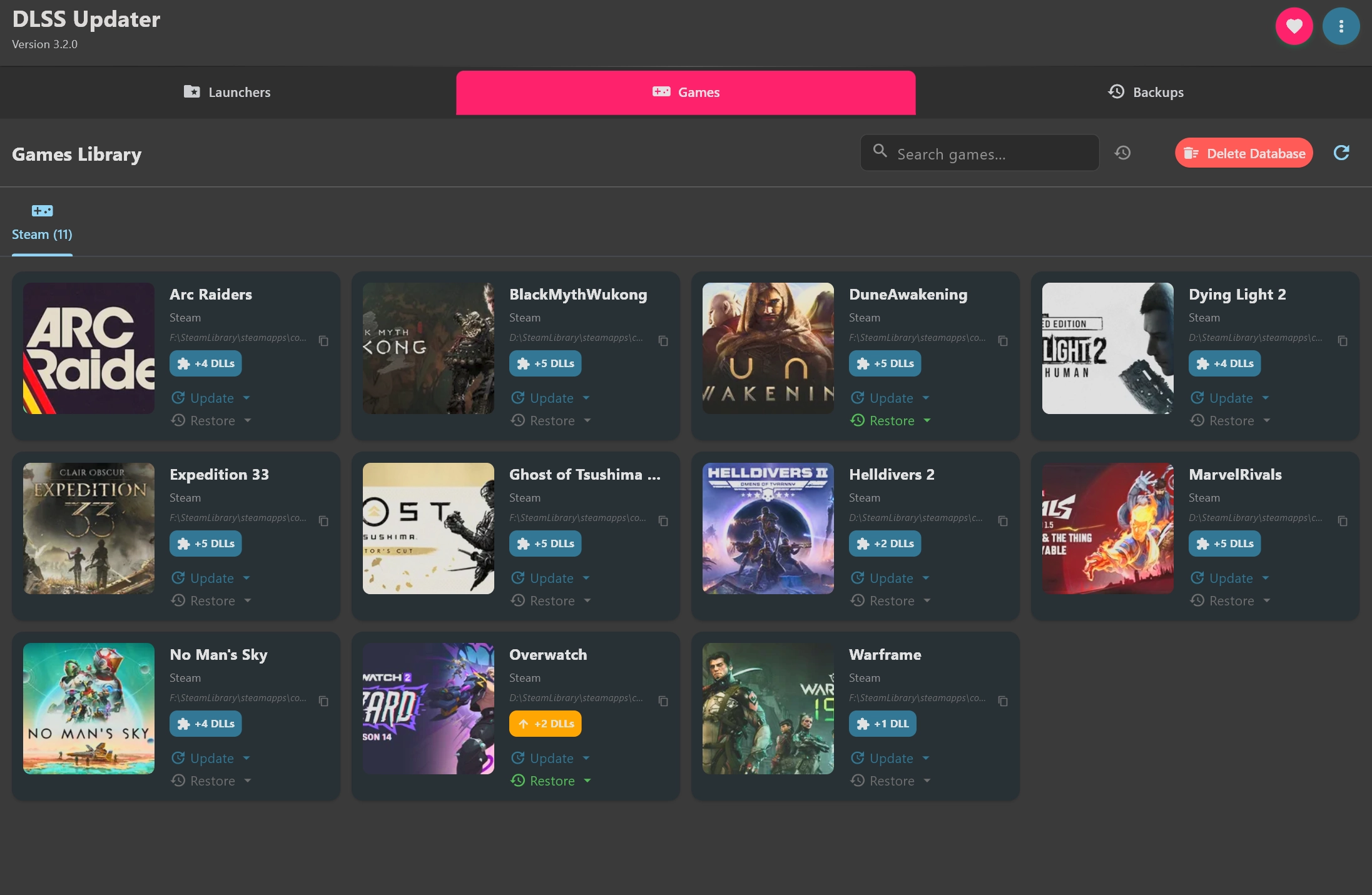
DLSS Updater 5.0.0
Independent tool aimed at PC games that use NVIDIA DLSS.
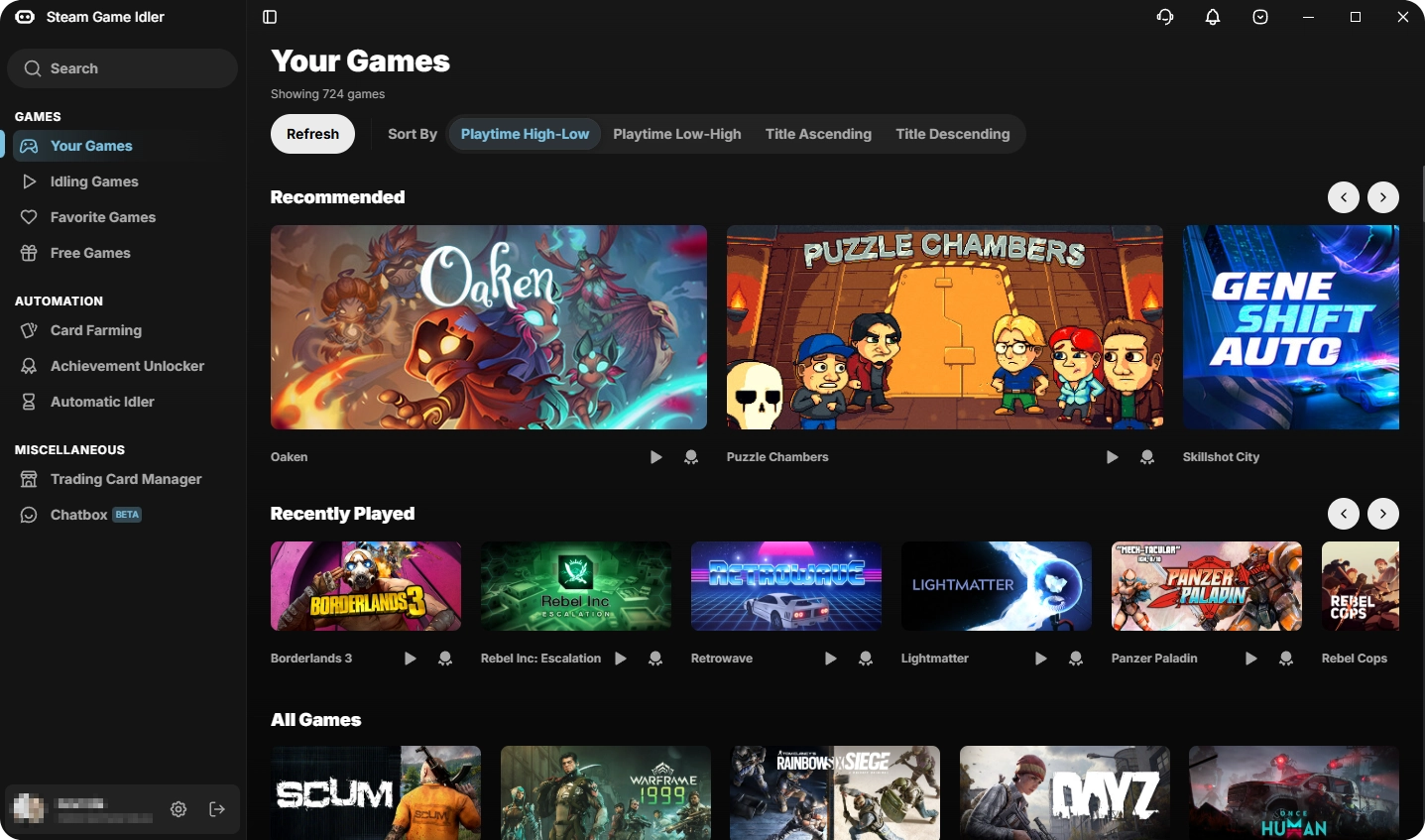
Steam Game Idler 6.2.5
Software used to simulate playtime in Steam titles without the need to keep them open.

Smart Game Booster 6.0.0.1231
Tool developed to optimize the gaming experience on your Windows PC.
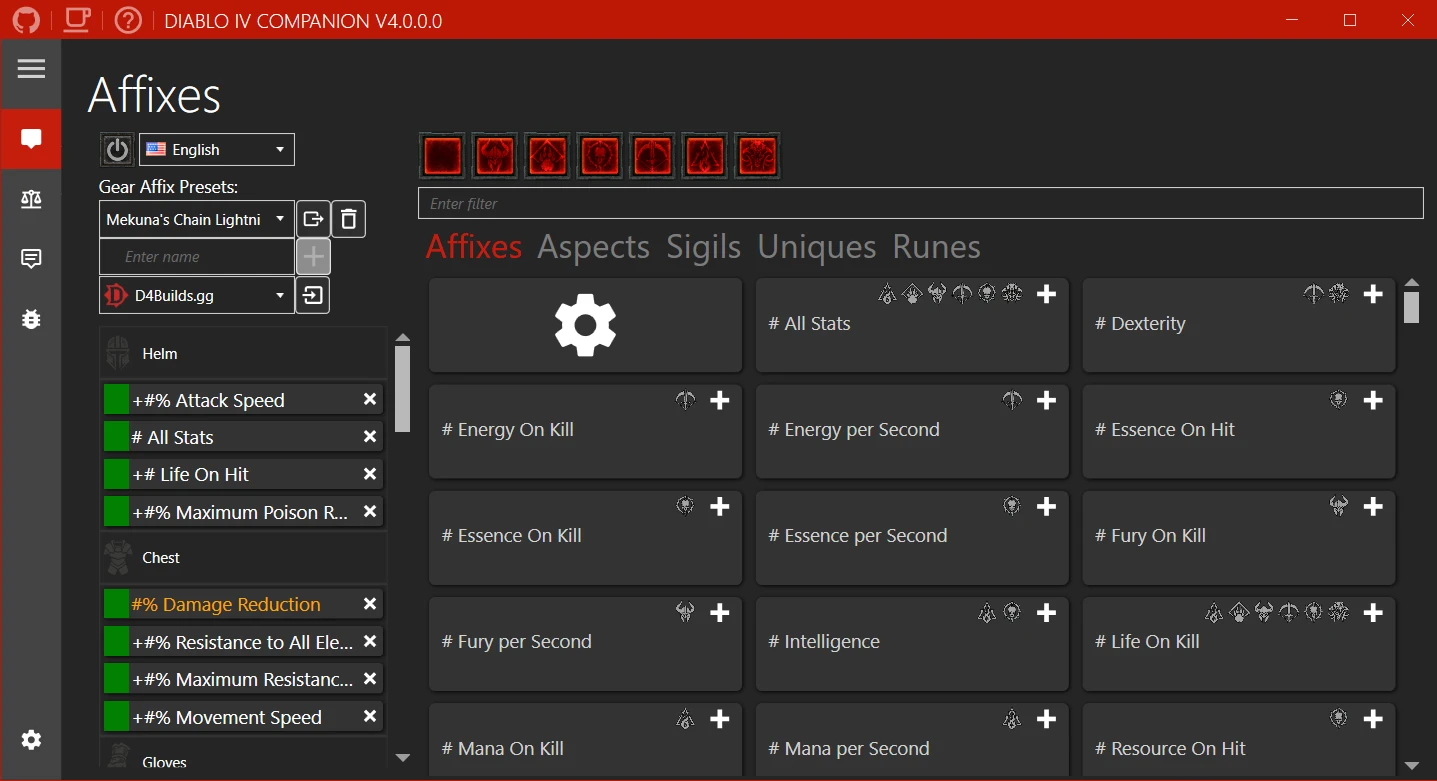
Diablo IV Companion 5.3.7.0
Tool developed to enhance the experience of players in the universe of Diablo IV.

Game Backup Monitor 1.4.5
Utility that allows automatic backups of game saves locally or in the cloud.
Rocrail 6922
Control software for model railways that allows the automation of train layouts.
SteelSeries GG 110.0.0
Platform created to enhance the gaming experience by better connecting players with their devices and games.
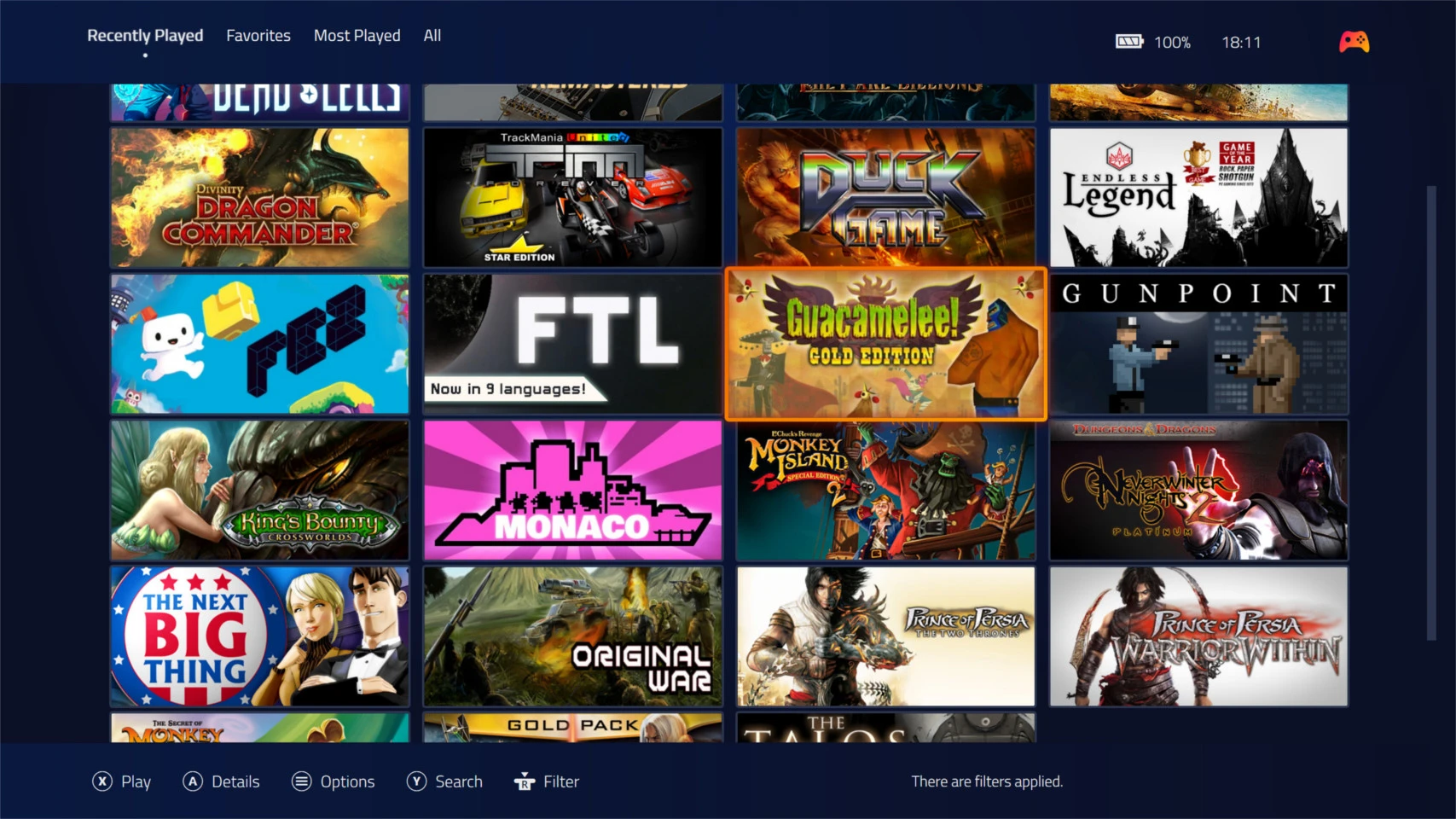
Playnite 10.51
Free and open source software for managing and organizing games.