

Windows 11 Media Creation Tool 10.0
Official Microsoft tool that allows you to create installation media for Windows 11.
Windows 11 Media Creation Tool is an official tool from Microsoft that allows you to create installation media for Windows 11, such as bootable USB drives or ISO files, to install or upgrade the operating system on compatible computers. The tool is free, easy to use, and recommended for users who wish to perform a clean installation, upgrade a device, or create recovery media.
Main Features
- Installation Media Creation:
- Generates a bootable USB flash drive or an ISO file for installing Windows 11.
- Supports choosing between different editions (Home, Pro, etc.) and settings during the process.
- System Upgrade:
- Allows upgrading a PC directly from Windows 10 (or earlier versions, if compatible) to Windows 11, keeping files and applications.
- Customization:
- Offers options to select language, architecture (32 or 64-bit), and edition of Windows 11.
- Minimum Requirements:
- A PC with an internet connection, 4 GB of RAM, 9 GB of free disk space, and a USB drive with at least 8 GB (for USB media).
- The target device must meet the Windows 11 requirements (TPM 2.0, Secure Boot, compatible processor, etc.).
How to Use
- Download the tool using the download button above.
- Run the program and accept the license terms.
- Select between:
- Upgrade this PC now: To install Windows 11 on the current device.
- Create installation media: To create a USB or ISO for another device.
- Select the desired language, edition, and architecture.
- Choose the media type (USB or ISO) and follow the instructions to complete the process.
File security
0/70 engines flagged the file in the recorded scan.
Scan date: 05/04/2025
SHA-256: 767e70c43673063a16d76e494ffcdfa0f5a85c53344a0dc505f161cccf2f5b1b
Found a problem on this page?Tell the team about broken links, versions or incorrect information.
Related
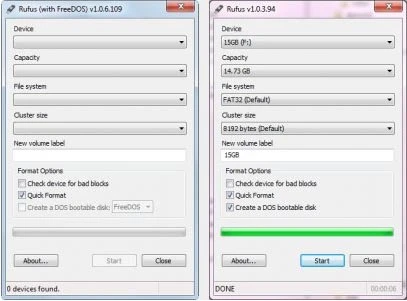
Rufus Portable 4.15
Utility that allows you to create bootable USB disks with DOS.
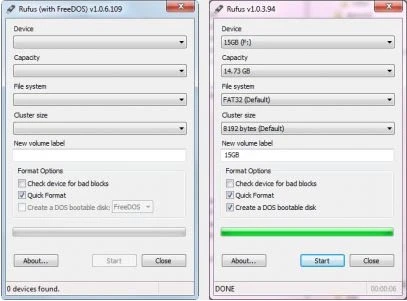
Rufus 4.15
Utility that allows you to create DOS bootable USB disks.
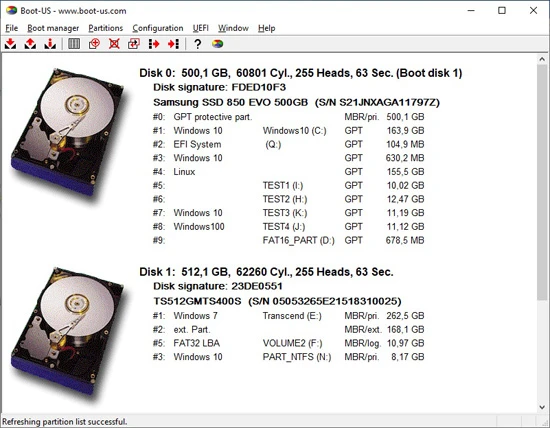
Boot-US 4.2.3
Universal boot manager that allows you to use your existing operating systems completely independently.
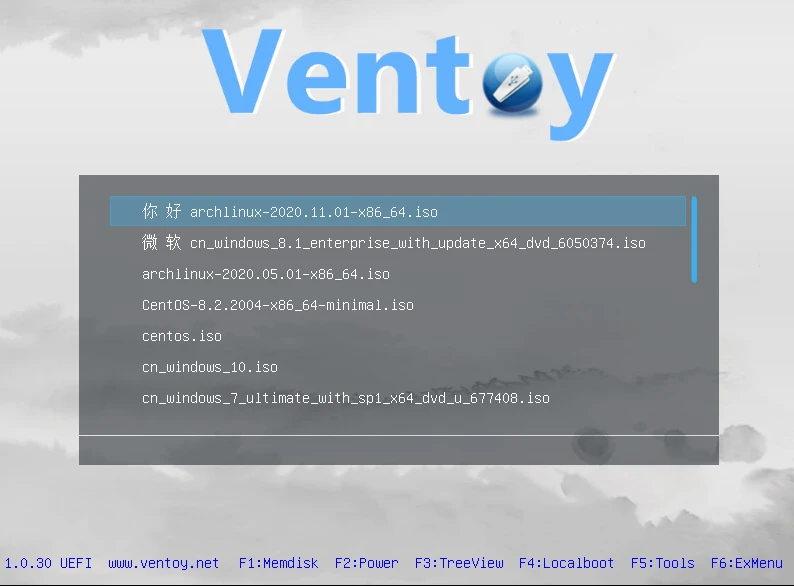
Ventoy 1.1.07
Tool that allows creating bootable USB drive for ISO/WIM/IMG/VHD(x)/EFI files.
BootIt Bare Metal 2.05
Tool that allows you to manage partitions, handle multi-boot configurations, and create disk images.
balenaEtcher 2.1.3
Free software that allows you to record operating system images onto SD cards and USB drives in a simple and secure way.
balenaEtcher Portable 2.1.2
Portable version of the popular software balenaEtcher, it allows you to write operating system images to SD cards and USB drives.

YUMI 2.0.9.4
Utility that allows you to create bootable USB sticks.