

As with floppy disks, CDs/DVDs are starting to fall out of favor. Nowadays (almost) only pendrives and memory cards are used to store files (outside the PC).
These media are normally used for installing operating systems. But why spend money buying a CD/DVD that with time will no longer work if you have a flash drive or memory card at hand? And can you install from them?
Win32 Disk Imager is a small application which allows you to create image files that work normally on CD or DVD on a USB disk or memory card.
File security
0/69 engines flagged the file in the recorded scan.
Scan date: 02/02/2022
SHA-256: a51c9fc75c9caa44df03502838f229a70d484963f54675c241799093a59d8874
Found a problem on this page?Tell the team about broken links, versions or incorrect information.
Related
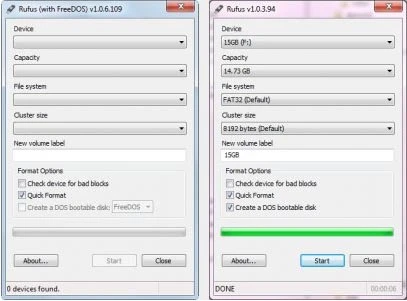
Rufus Portable 4.15
Utility that allows you to create bootable USB disks with DOS.
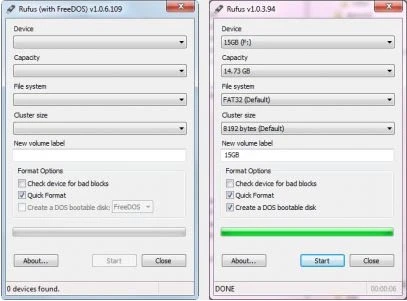
Rufus 4.15
Utility that allows you to create DOS bootable USB disks.
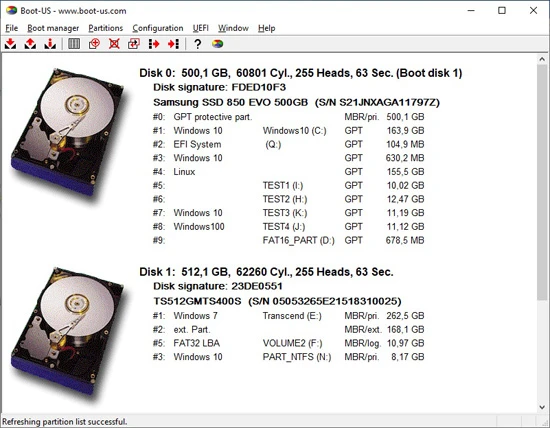
Boot-US 4.2.3
Universal boot manager that allows you to use your existing operating systems completely independently.
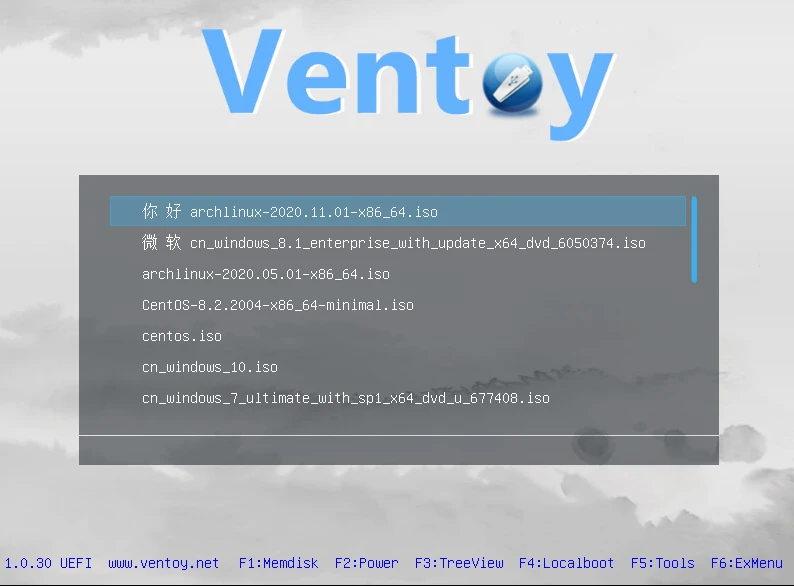
Ventoy 1.1.07
Tool that allows creating bootable USB drive for ISO/WIM/IMG/VHD(x)/EFI files.

BootIt Bare Metal 2.05
Tool that allows you to manage partitions, handle multi-boot configurations, and create disk images.
balenaEtcher 2.1.3
Free software that allows you to record operating system images onto SD cards and USB drives in a simple and secure way.
balenaEtcher Portable 2.1.2
Portable version of the popular software balenaEtcher, it allows you to write operating system images to SD cards and USB drives.

YUMI 2.0.9.4
Utility that allows you to create bootable USB sticks.