

Visual BCD Editor 0.9.3.0
Software for viewing and editing the BCD database, responsible for the system boot configurations.
Visual BCD Editor is a software for Windows aimed at viewing and editing the BCD (Boot Configuration Data) database, which is responsible for system startup configurations. It allows you to graphically manage the parameters that control how Windows is loaded during the computer's boot process.
The tool displays all existing entries in the boot manager, including installed systems, recovery options, boot modes, and advanced parameters. From this view, it is possible to change values such as the default system, boot menu timeout, debugging options, safe mode, among other adjustments directly related to the startup process.
Visual BCD Editor also offers features to create, edit, or remove boot entries, being widely used in dual boot scenarios or multiple systems installed on the same machine. It also allows for backup and restoration of the BCD configuration, which helps recover the system if any incorrect modification prevents Windows from starting correctly.
The program works as a graphical alternative to using the bcdedit command, reducing the need to type commands in the Command Prompt and minimizing the risk of errors during manual editing. All changes are applied directly to the system's BCD store, requiring attention and basic knowledge of Windows startup.
Visual BCD Editor is recommended for system administrators, IT technicians, and advanced users who need to adjust, repair, or organize Windows boot settings in a more practical and visual manner.
File security
0/62 engines flagged the file in the recorded scan.
Scan date: 11/08/2025
SHA-256: 30519074c5a3dc2e6d2ea94e3db4004b5bd384a6c44f3b02da8fb3f6cfa5cb3b
Found a problem on this page?Tell the team about broken links, versions or incorrect information.
Related
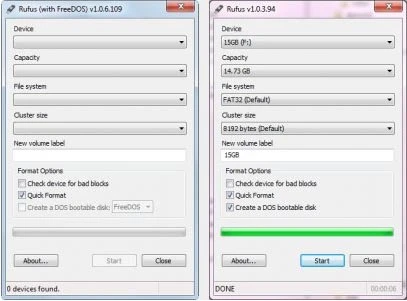
Rufus Portable 4.15
Utility that allows you to create bootable USB disks with DOS.
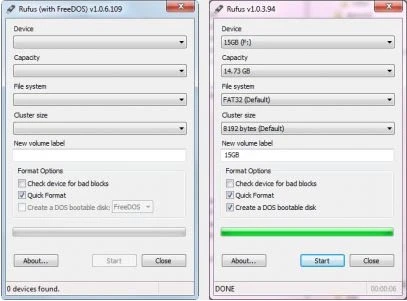
Rufus 4.15
Utility that allows you to create DOS bootable USB disks.
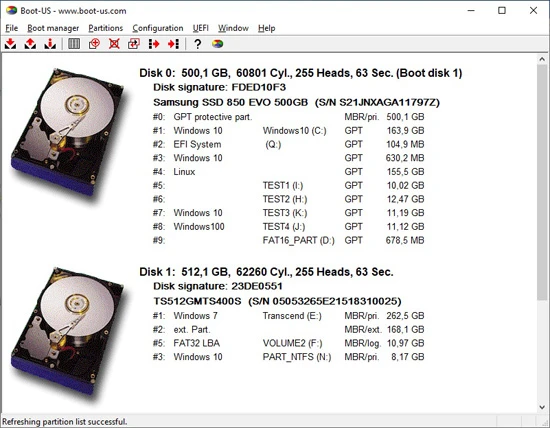
Boot-US 4.2.3
Universal boot manager that allows you to use your existing operating systems completely independently.
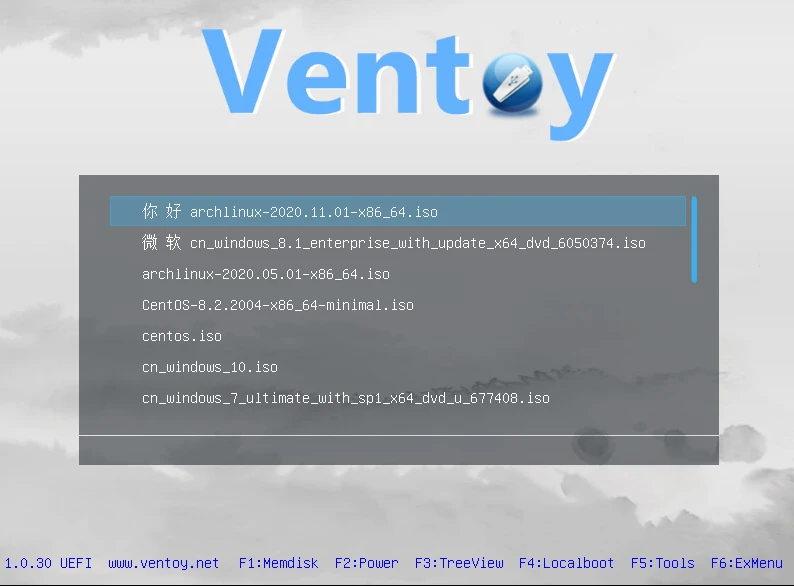
Ventoy 1.1.07
Tool that allows creating bootable USB drive for ISO/WIM/IMG/VHD(x)/EFI files.

BootIt Bare Metal 2.05
Tool that allows you to manage partitions, handle multi-boot configurations, and create disk images.
balenaEtcher 2.1.3
Free software that allows you to record operating system images onto SD cards and USB drives in a simple and secure way.
balenaEtcher Portable 2.1.2
Portable version of the popular software balenaEtcher, it allows you to write operating system images to SD cards and USB drives.

YUMI 2.0.9.4
Utility that allows you to create bootable USB sticks.