

VirusTotal Context Menu 1.8.0
Quickly scan any file in Windows through VirusTotal via the context menu.
VirusTotal Context Menu creates an option in the Windows context menu that makes it possible to scan files using the VirusTotal website, quickly and efficiently.
In order for you to be able to use the application, you will first need to obtain an API key. To do this, simply create a VirusTotal account, copy the API key and insert it in the appsettings.json file. After that, right-click the VirusTotalContextMenu.exe file and select "Run as administrator". All done, now you can scan any file in Windows via the context menu.
Old versions
File security
1/63 engines flagged the file in the recorded scan.
Scan date: 04/18/2023
SHA-256: 5e49fc927d7a012de50b60ec91e2cbc4810d0ff115f6d7d19c2fd343de00684f
Found a problem on this page?Tell the team about broken links, versions or incorrect information.
Related
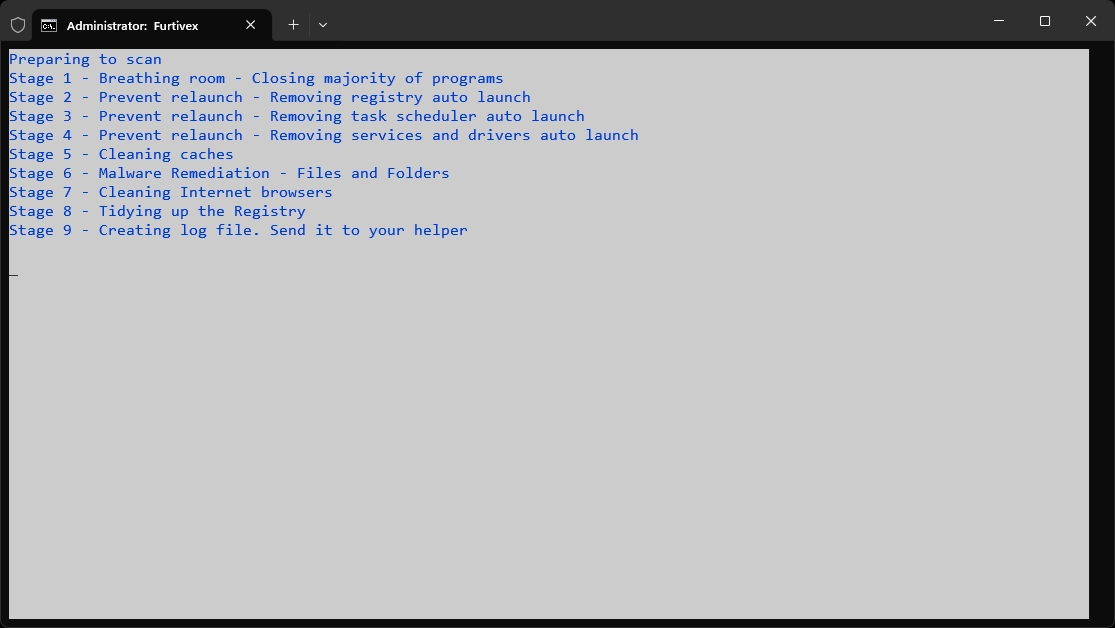
DoesNotBelong 12.0.9
Previously known as Furtivex Malware Removal Script, DoesNotBelong is a free and portable malware removal tool.
Trellix Stinger 26.09.36.1
Portable and high-performance antivirus tool, designed to quickly and directly identify and eradicate malware.
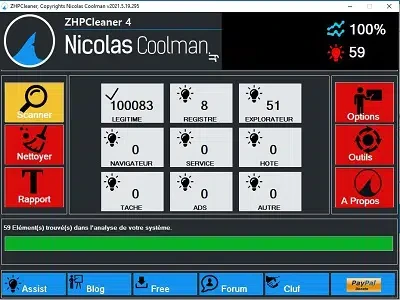
ZHPCleaner 2026.8.15.26
Free utility that detects and removes adware, hijackers, toolbars, and PUPs from your browser.
ZHPDiag 2026.8.15.26
Security diagnostic tool for Windows systems.
UnHackMe 18.20.2026.429
Software capable of eliminating a series of pests from your Windows.
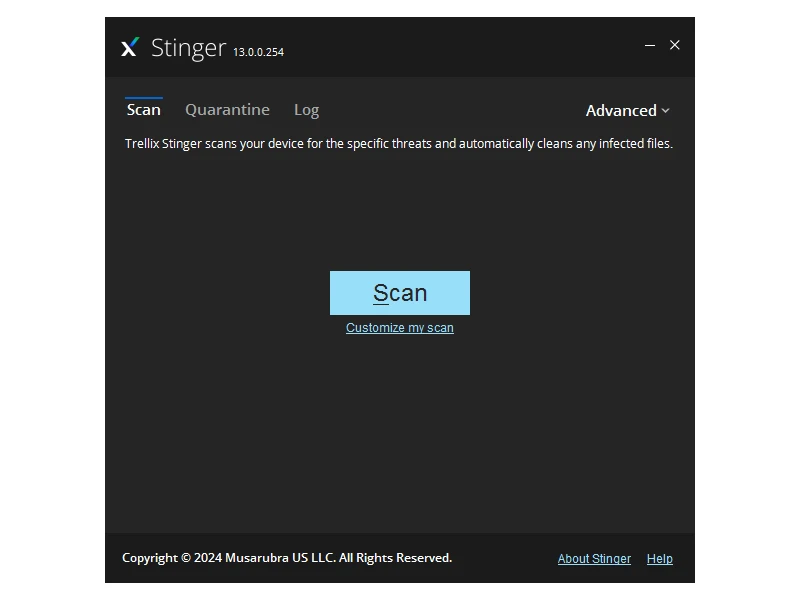
Trellix Stinger Portable 13.0.0.635
Free and portable utility aimed at the detection and removal of specific malwares.
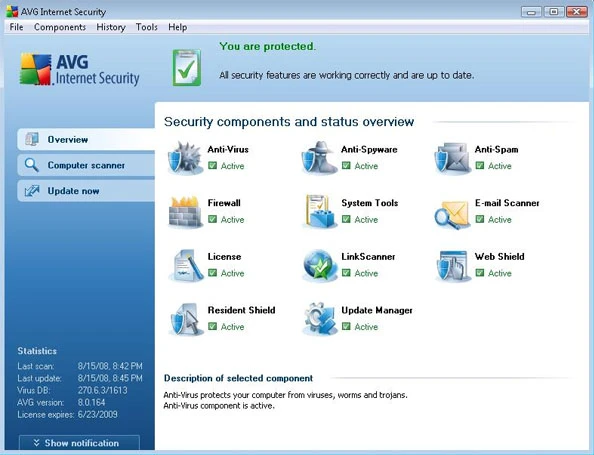
AVG Internet Security 25.12.10659
Software that offers comprehensive protection from online threats.
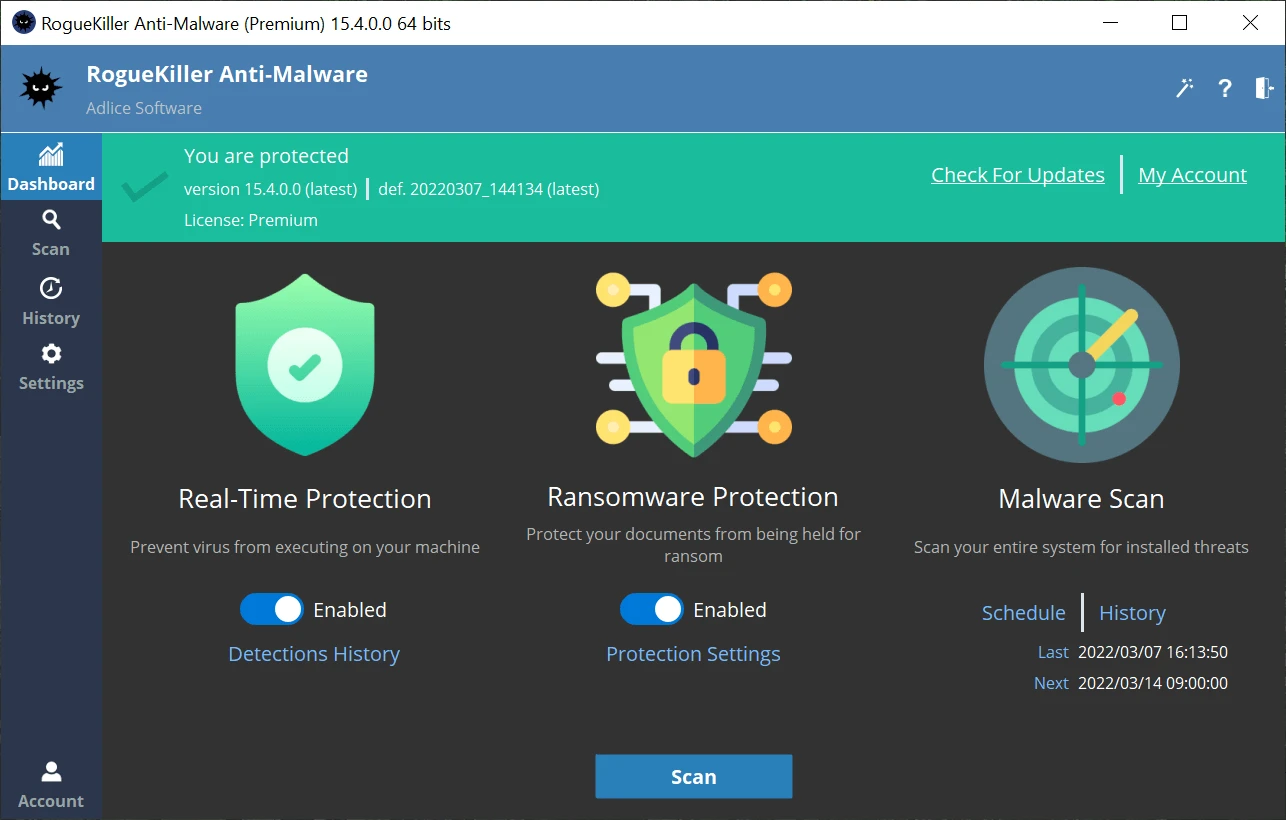
Adlice Protect (RogueKiller) 16.2.0.0
Open source anti-malware security software designed to detect and remove malware and other threats.