
DoesNotBelong 12.0.8
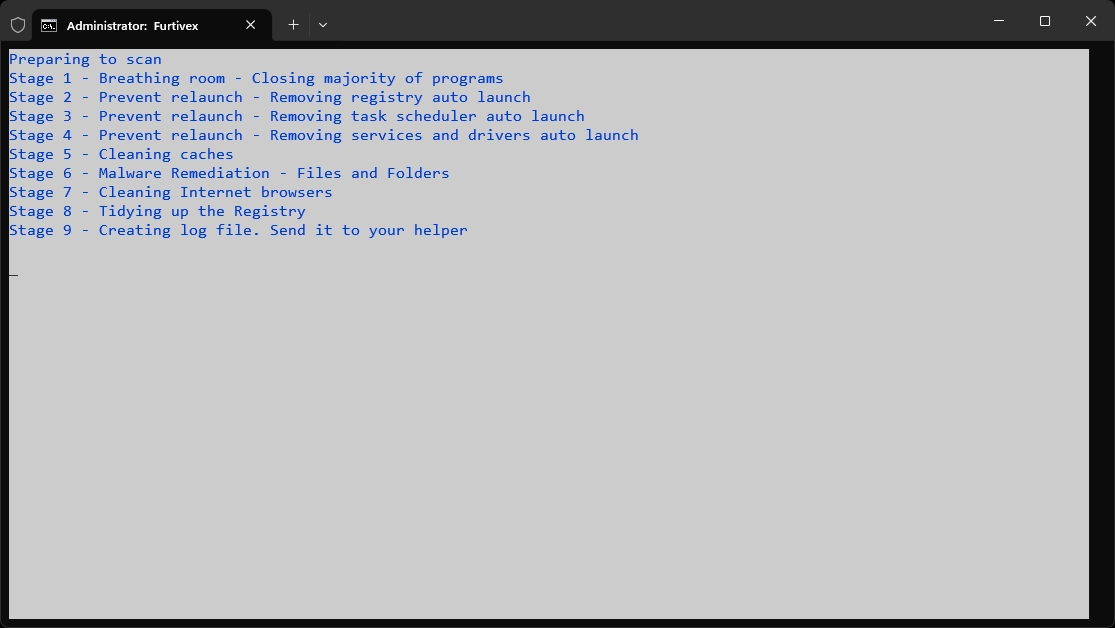
Previously known as Furtivex Malware Removal Script, DoesNotBelong is a free and portable malware removal tool.
Baixe.net VerifiedOfficial source checked on 09/05/2026 by Team Baixe.net.Learn about verification →Furtivex Malware Removal Script (FMRS) is a free and portable malware removal tool designed to complement traditional antivirus solutions, providing an additional layer of protection on Windows 10 and 11 systems (32-bit and 64-bit). With daily updates, FMRS performs on-demand scans to detect and eliminate threats, as well as repair damage caused by infections.
- Advanced Malware Protection: Identifies and removes various threats such as viruses, spyware, and adware, focusing on critical areas of the system, including RunOnce entries and scheduled tasks, which are often exploited by malware for persistence. It maintains a restricted list of essential processes and tasks to avoid system interruptions.
- System Restore: Automatically creates a restore point called "Furtivex Malware Removal Script" before scanning, allowing for reversal of changes in case of issues, provided that the system restore feature has not been manually disabled or disrupted by malware.
- Optimized Cleaning: Removes temporary internet files and caches from popular browsers (such as Microsoft Edge, Google Chrome, Firefox, Brave, Vivaldi, Opera, and others), preserving cookies to keep logins active. It also eliminates push notifications from Chromium-based browsers, considering all as potentially malicious.
- Damage Repair: Reverts malicious modifications in the registry, removes policy restrictions, and unlocks the functionality of other antivirus software, helping to restore system stability after infections.
- Detailed Diagnostics: Generates a log file (FMRS_[date]_[time].txt) on the desktop and drive C:, containing information about processes, drivers, services, analyzed files, registry issues, and more. Includes reports on Windows Defender exclusions, missing system files, quarantine logs from tools like Malwarebytes and DrWeb, as well as crash data for analysis with WinDbg.
- Exclusive Features: Checks the integrity of essential operating system files and the activation status of Windows. Cleans logs from the Event Viewer (Application, Security, System, Configuration, and Forwarded Events) and disables the display of suggested content in the Windows 10 and 11 Settings app, reducing distractions.
- Flexibility and Accessibility: Does not require installation, running directly with administrative privileges. Supports multiple languages, including English, Portuguese, Spanish, French, German, Japanese, among others, ensuring global usability. Can be run in Safe Mode or Safe Mode with Networking.
- Intuitive Use: Simply download the executable file from the button above, right-click and select "Run as administrator." After the scan, the script self-deletes, leaving only the log for analysis.
Usage Note: Although effective, FMRS makes advanced modifications to the system, requiring caution. Users without technical knowledge may seek support in forums, such as ToolsLib, to interpret the logs. The tool is ideal for those looking to enhance digital security but should be used with an understanding of the risks, as indicated in the program's initial warning.
File security
1/68 engines flagged the file in the recorded scan.
Scan date: 08/03/2026
SHA-256: 288361ac8350f490e87f8b936f29ea12e535dd206345fd484930f5412babdf7d
Found a problem on this page?Tell the team about broken links, versions or incorrect information.
Related

Trellix Stinger 26.09.36.1
Portable and high-performance antivirus tool, designed to quickly and directly identify and eradicate malware.
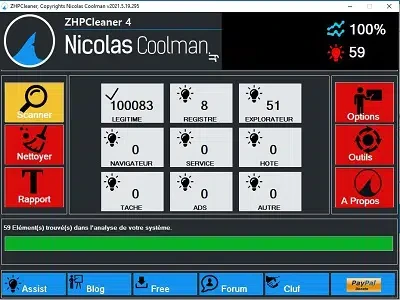
ZHPCleaner 2026.8.15.26
Free utility that detects and removes adware, hijackers, toolbars, and PUPs from your browser.
ZHPDiag 2026.8.15.26
Security diagnostic tool for Windows systems.
UnHackMe 18.20.2026.429
Software capable of eliminating a series of pests from your Windows.
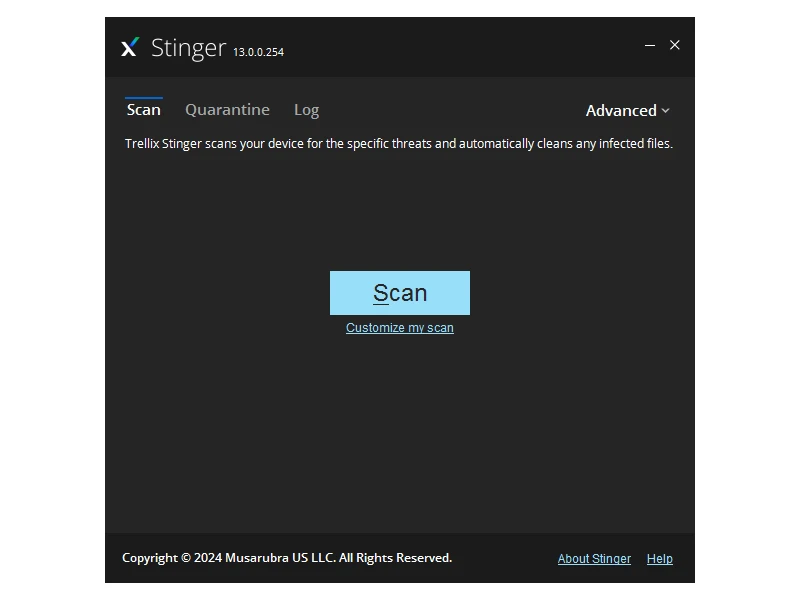
Trellix Stinger Portable 13.0.0.635
Free and portable utility aimed at the detection and removal of specific malwares.
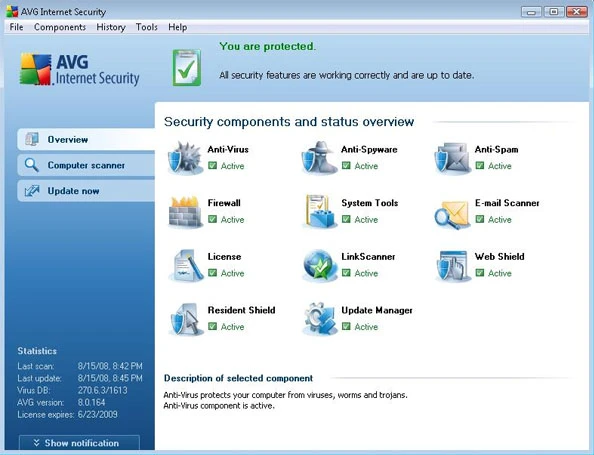
AVG Internet Security 25.12.10659
Software that offers comprehensive protection from online threats.
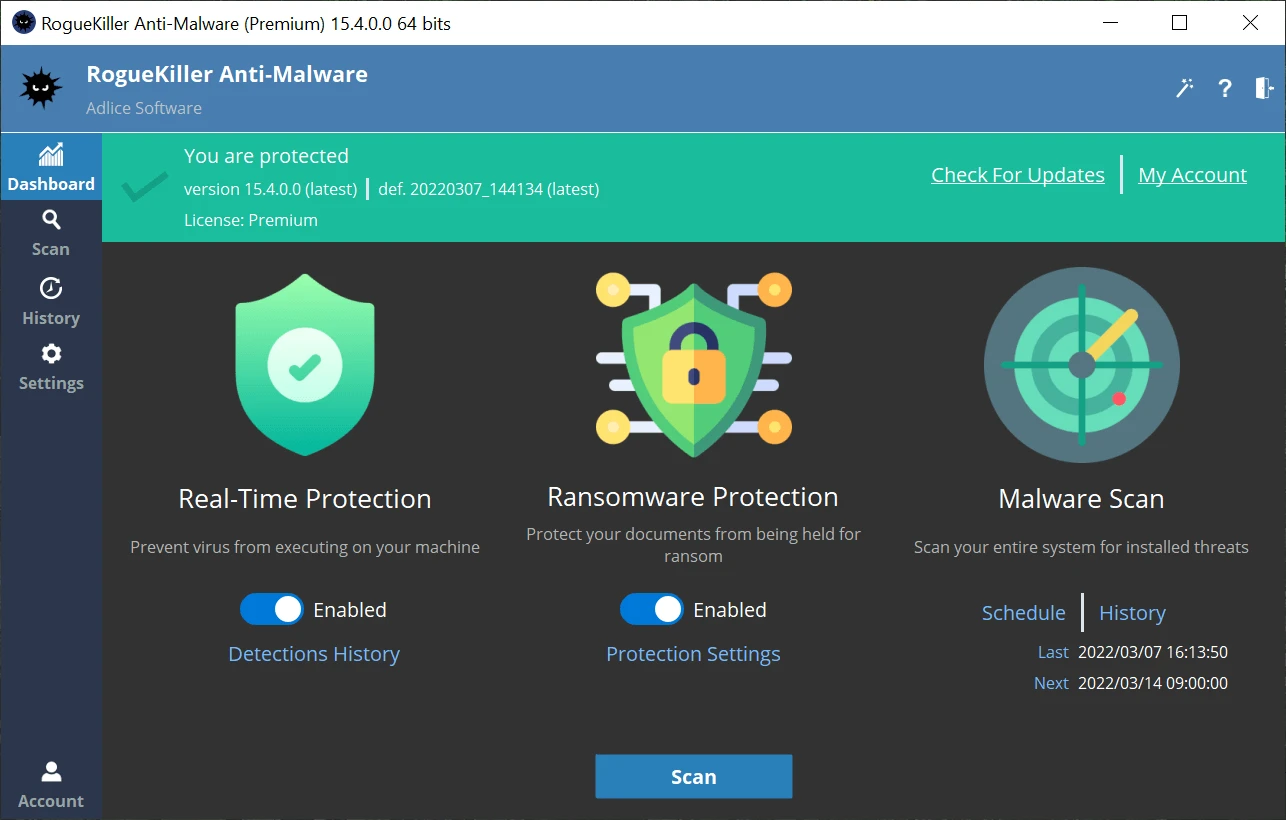
Adlice Protect (RogueKiller) 16.2.0.0
Open source anti-malware security software designed to detect and remove malware and other threats.
Farbar Recovery Scan Tool 18.03.2025
Portable and free tool that allows diagnosing and resolving issues in Windows systems caused by malware or other failures.