

USB Manager is a very useful tool that allows you to easily and quickly control access to your computer's USB ports. It has a straightforward user interface, and while in use, it remains available in the system tray. You can launch it from there or use the GUI.
The program offers you different options for enabling/disabling USB devices, such as storage devices, printers, scanners, audio, and others. Additionally, you can password-protect your selection, meaning that you can prevent anyone from using the USBs on your machine for whatever purpose.
With this utility, you can add an extra layer of security at home or in the office to prevent the unauthorized copying of files, etc. Once activated, any chosen USBs will not function on your computer.
File security
3/69 engines flagged the file in the recorded scan.
Scan date: 01/05/2023
SHA-256: 323bfcfc0b6cc1d5a2c77a405fa9ea9d35adefc5d35b4645ab641041614af522
Found a problem on this page?Tell the team about broken links, versions or incorrect information.
Related
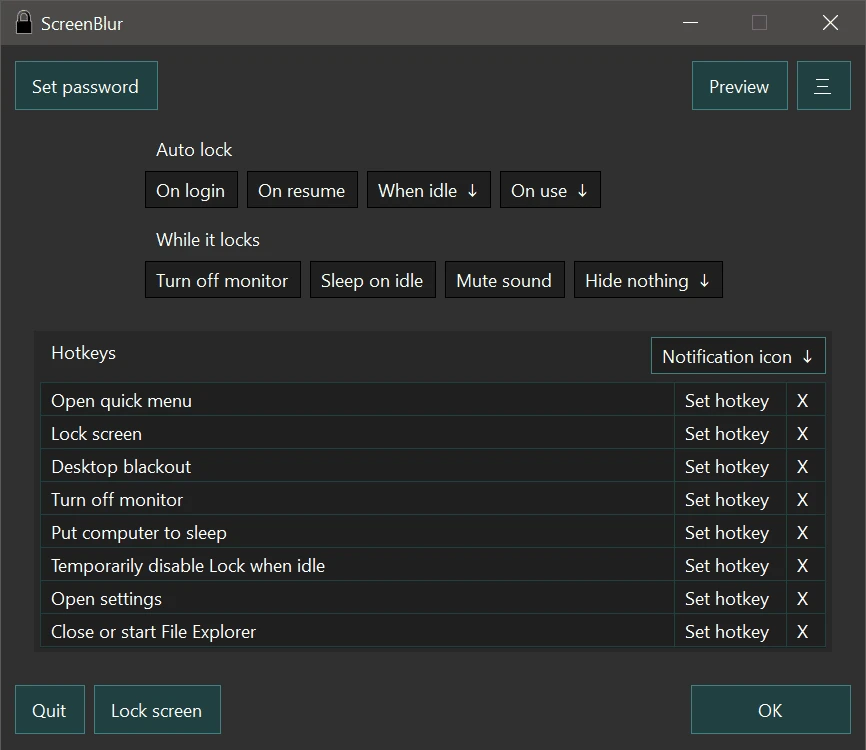
ScreenBlur 2.1.9
Windows utility that allows you to temporarily lock or hide your desktop.
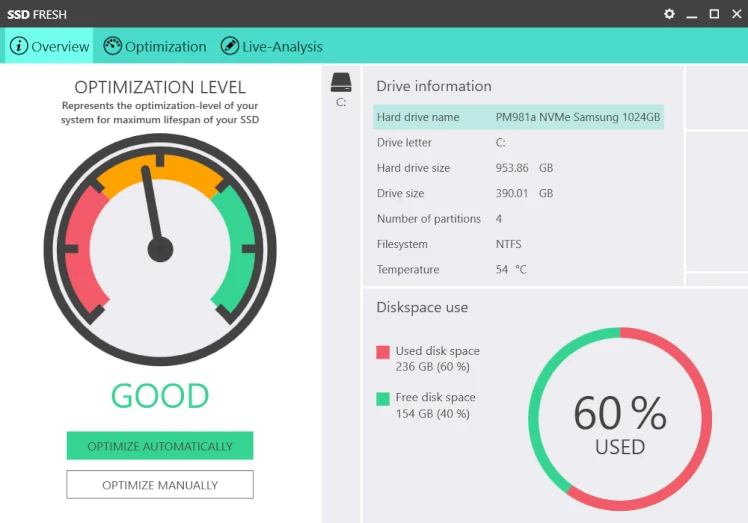
SSD Fresh 2026.15.05
Software for optimizing SSD disks on Windows computers.

ExtraDisks 26.1.1
Software for Windows that allows you to create virtual drives on your computer without altering physical disks or creating new partitions.
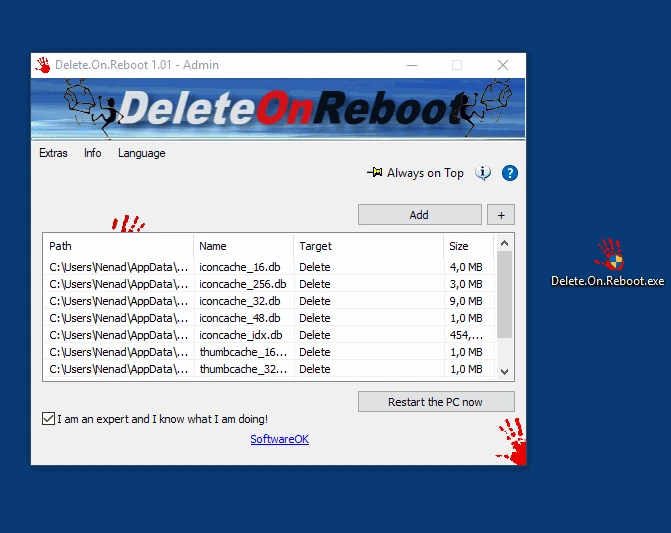
Delete.On.Reboot 3.44
Practical and lightweight tool that allows you to delete files or folders that are locked or currently in use.
Kingston SSD Manager 1.5.6.1
Kingston brand SSD monitoring and management software.
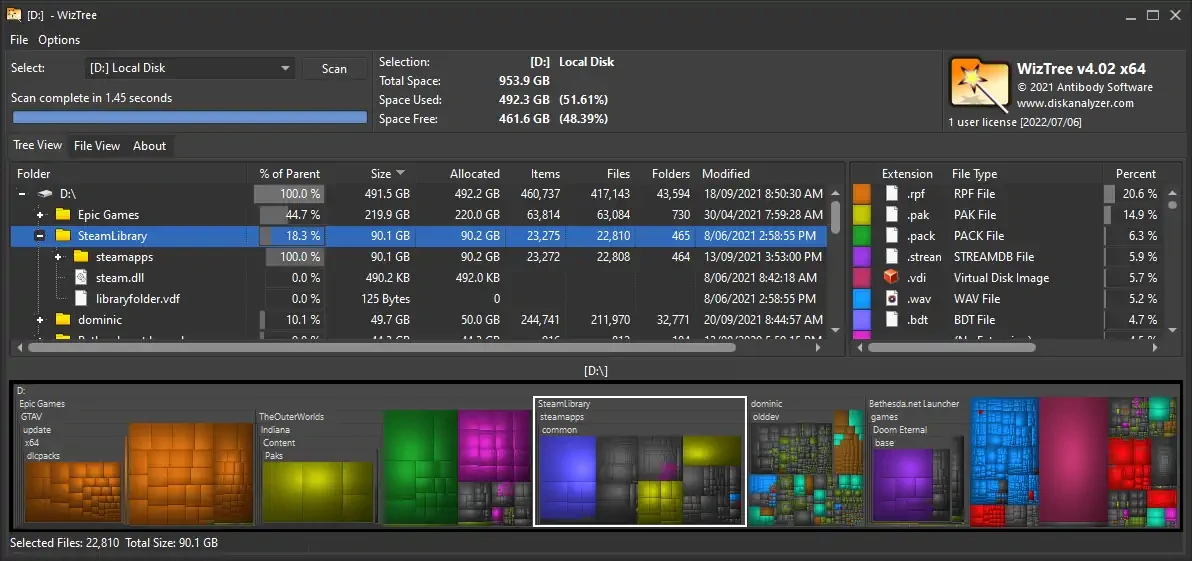
WizTree 4.28
Utility that allows you to find the files that occupy most of the hard disk.
FlashBoot 3.4
Tool that allows you to create bootable system drives for Windows operating systems.
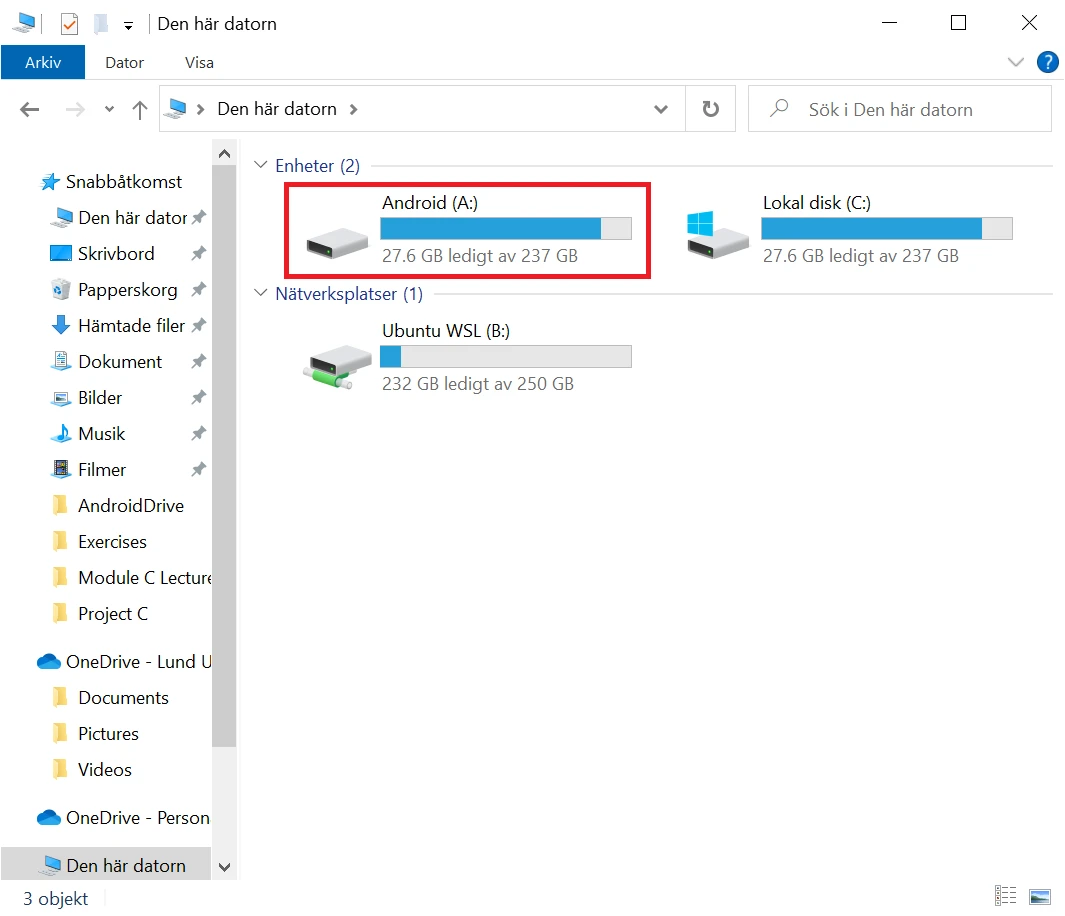
AndroidDrive 2.4.11
Utilitário que permite montar smartphones Android como unidades no Windows.