
ScreenBlur 2.1.9
Windows utility that allows you to temporarily lock or hide your desktop.
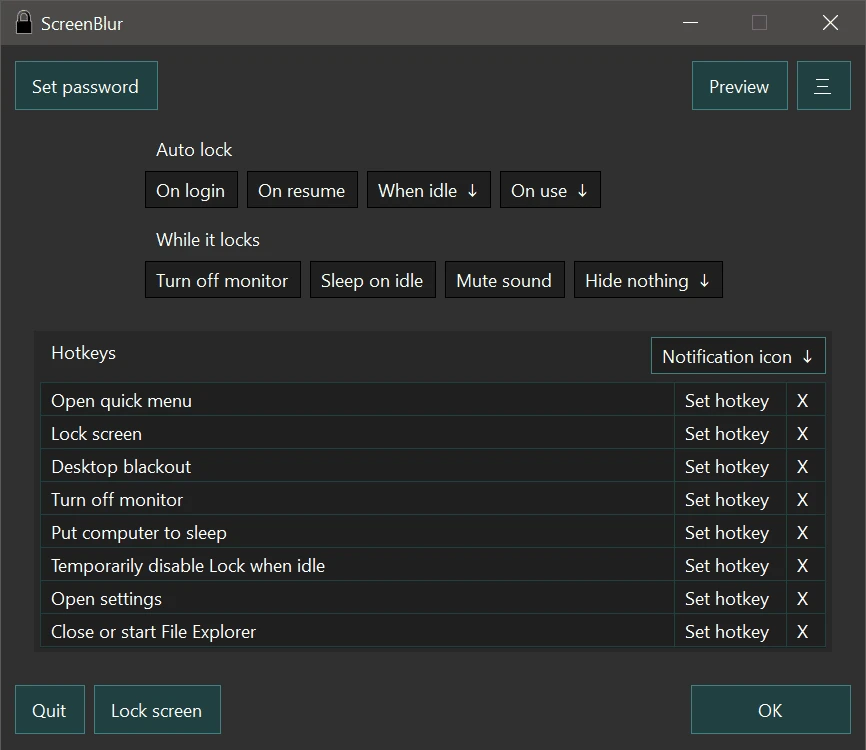
ScreenBlur is a utility for Windows that allows you to temporarily lock or hide your desktop, keeping your data away from prying eyes.
You can schedule automatic locks on a weekly basis with it, allowing your PC to be locked after a period of inactivity and automatically unlocked the next day. Furthermore, ScreenBlur provides keyboard shortcuts to darken the desktop, turn off the monitor, and put the PC in sleep mode, saving energy and protecting your privacy.
This software also integrates with Windows' native features, such as Windows Lock and BitLocker, to ensure advanced security for your data. You also have the option to unlock additional features, such as setting passwords for multiple users, protecting settings with a password, accessing activity logs, and customizing the appearance of the lock screen.
Finally, ScreenBlur offers the ability to change or hide the notification icon and can even request a password to exit the application, providing an extra layer of security.
Old versions
File security
0/66 engines flagged the file in the recorded scan.
Scan date: 07/02/2026
SHA-256: 0b60b6c5193d1bd64fac2b9d1942c4c9d9397916db162fa376f3b52f852e6a57
Found a problem on this page?Tell the team about broken links, versions or incorrect information.
Related
SSD Fresh 2026.15.05
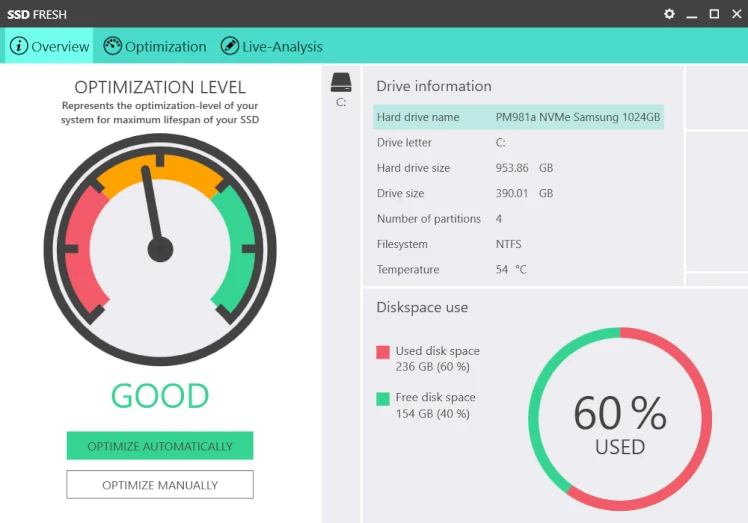
Software for optimizing SSD disks on Windows computers.

ExtraDisks 26.1.1
Software for Windows that allows you to create virtual drives on your computer without altering physical disks or creating new partitions.
Delete.On.Reboot 3.44
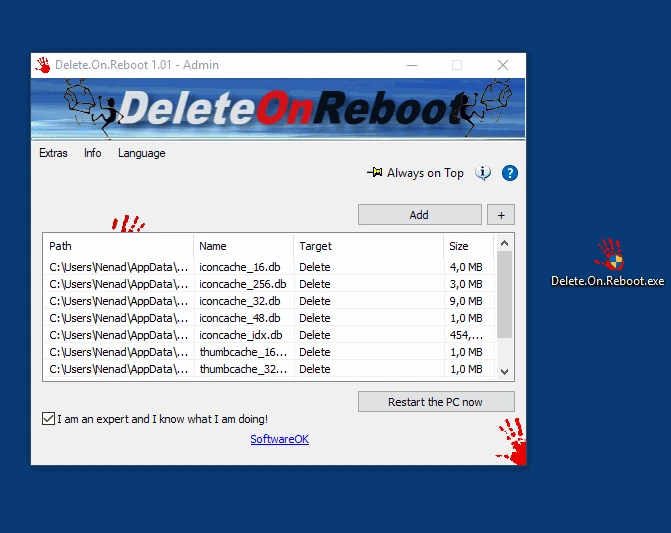
Practical and lightweight tool that allows you to delete files or folders that are locked or currently in use.
Kingston SSD Manager 1.5.6.1
Kingston brand SSD monitoring and management software.
WizTree 4.28
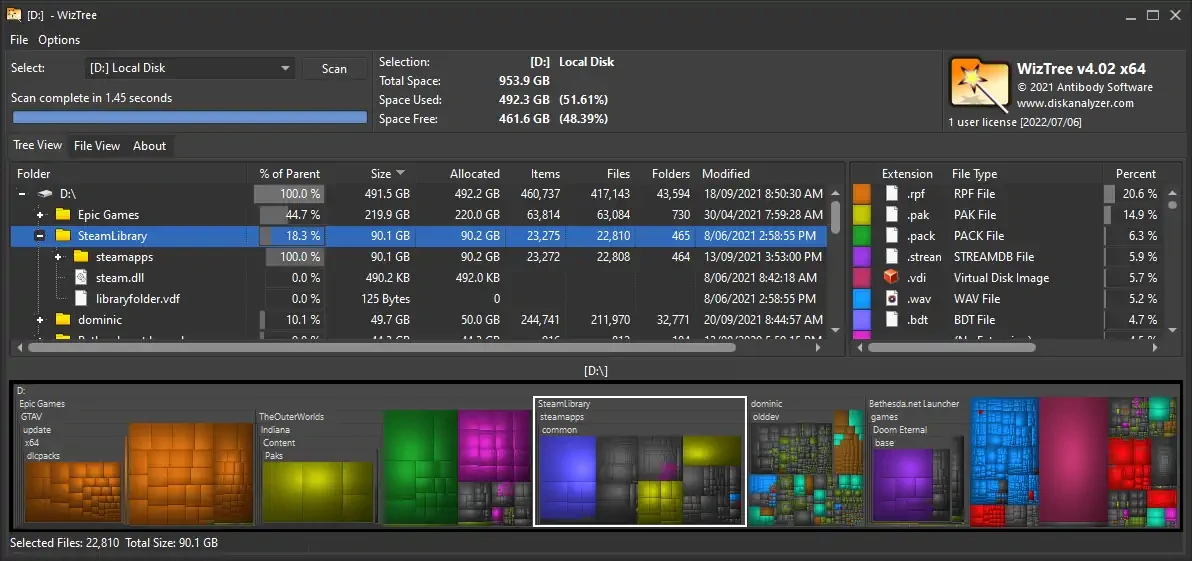
Utility that allows you to find the files that occupy most of the hard disk.
FlashBoot 3.4
Tool that allows you to create bootable system drives for Windows operating systems.
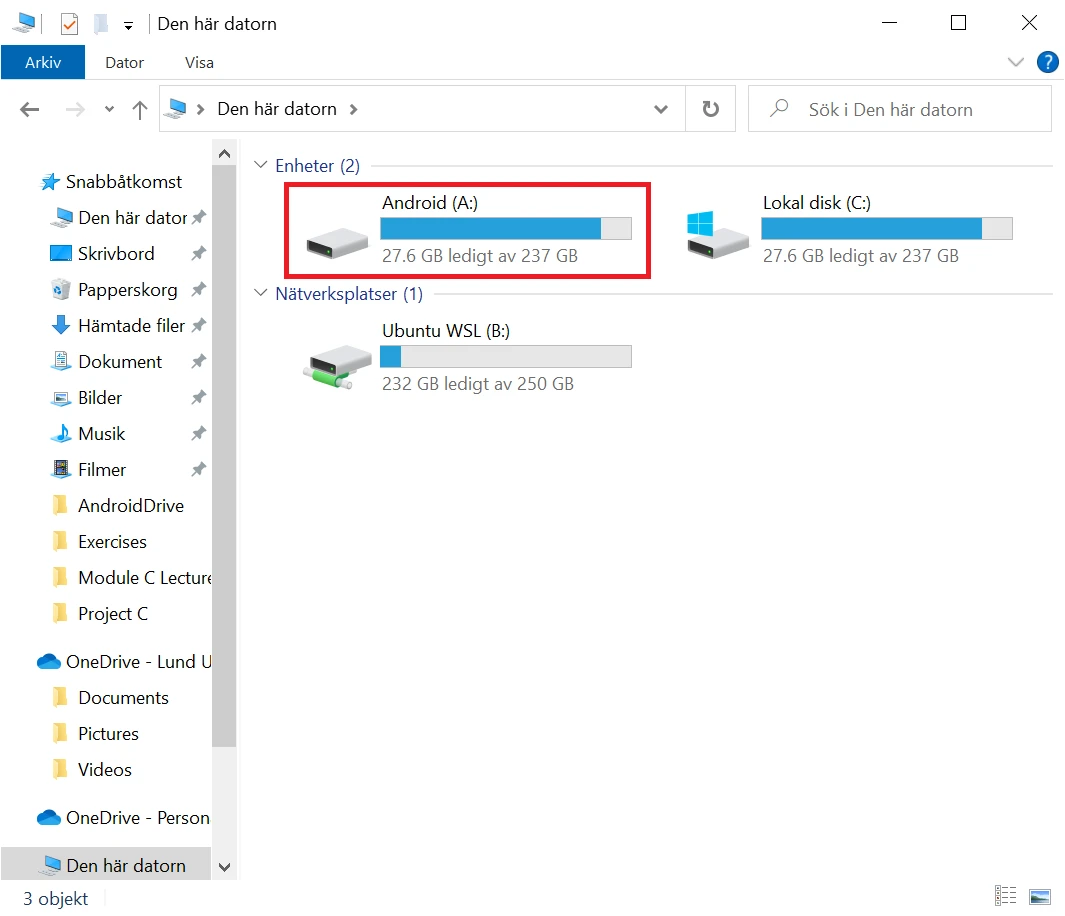
AndroidDrive 2.4.11
Utilitário que permite montar smartphones Android como unidades no Windows.
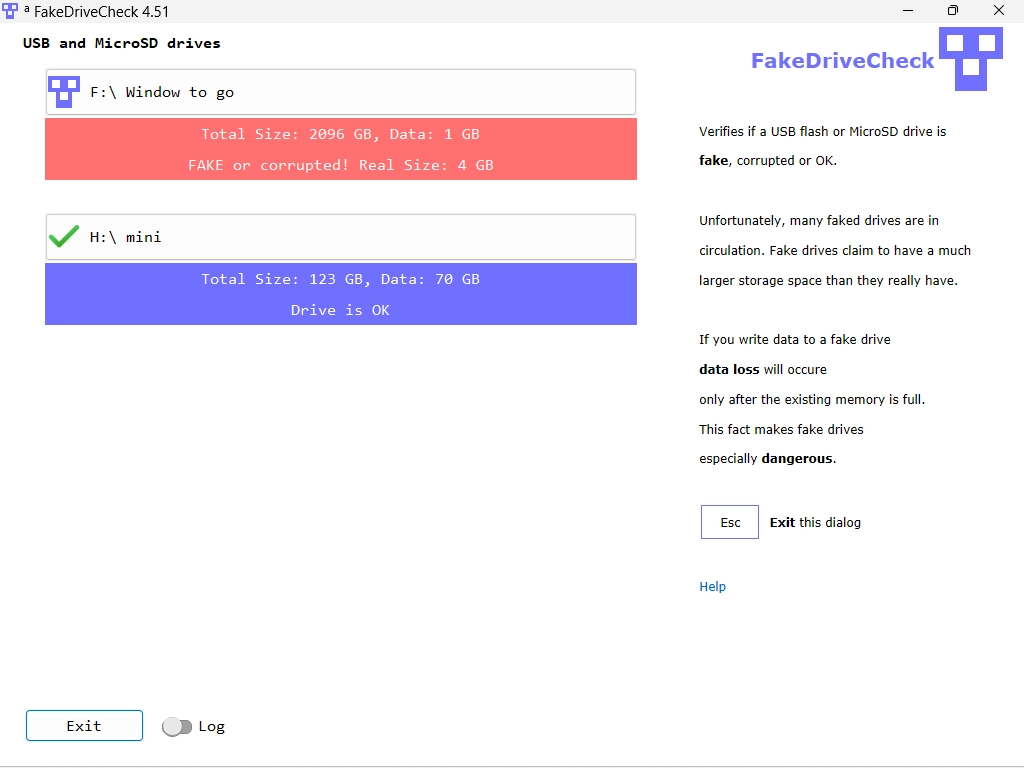
FakeDriveCheck 4.68
Tool that allows analyzing removable storage devices such as pendrives and memory cards and identifying counterfeits.