

USB Image Tool 1.9.1.0
Free software for Windows that allows you to create and restore images of USB storage devices.
USB Image Tool is a free software for Windows that allows you to create and restore images of USB storage devices, such as flash drives, SD cards, and other devices that use the USB Mass Storage protocol. It was developed to provide a simple solution for backup, cloning, and data recovery on removable devices, and is suitable for both regular users and technicians who need to manage or replicate USB media content.
Main Features:
- Image Creation: Allows creating exact copies (byte by byte) of USB devices in raw or compressed image formats (gz and zip). This is ideal for complete backups or cloning devices.
- Image Restoration: Enables writing previously created images back to USB devices, restoring their original content, including partition structure and data.
- Compressed Format: Supports compression in gzip (gz) and ZIP formats, reducing the size of image files to save disk space.
- GPT Table Adjustment: Includes a feature to adjust the GPT partition table after restoration, maintaining the correct numbering of partitions, which is helpful to avoid compatibility issues.
- Device Information: Displays details about the connected USB device, such as capacity, manufacturer, and other technical information.
- Favorites Management: Allows saving and organizing frequently used USB images in a favorites list for quick access.
- Command Line Utility: In addition to the graphical interface, it supports command-line usage, increasing flexibility for advanced users or automation in scripts.
Supported Devices:
USB Image Tool is compatible with any device that implements the USB Mass Storage protocol. This includes:
- Flash drives;
- Card readers and SD cards;
- Digital cameras, cell phones, portable music players, and other gadgets that appear as USB storage in the system.
File security
1/68 engines flagged the file in the recorded scan.
Scan date: 03/06/2025
SHA-256: c7cc951a3ddb832f78232fe8619981deca1c379d8a4286c21d9cf553c626e8a5
Found a problem on this page?Tell the team about broken links, versions or incorrect information.
Related
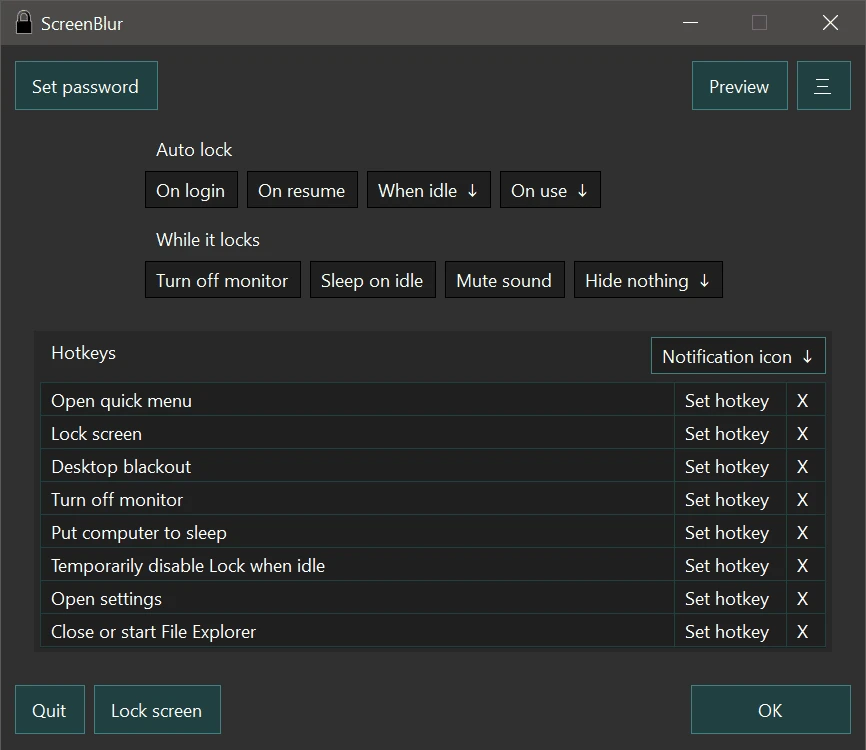
ScreenBlur 2.1.9
Windows utility that allows you to temporarily lock or hide your desktop.
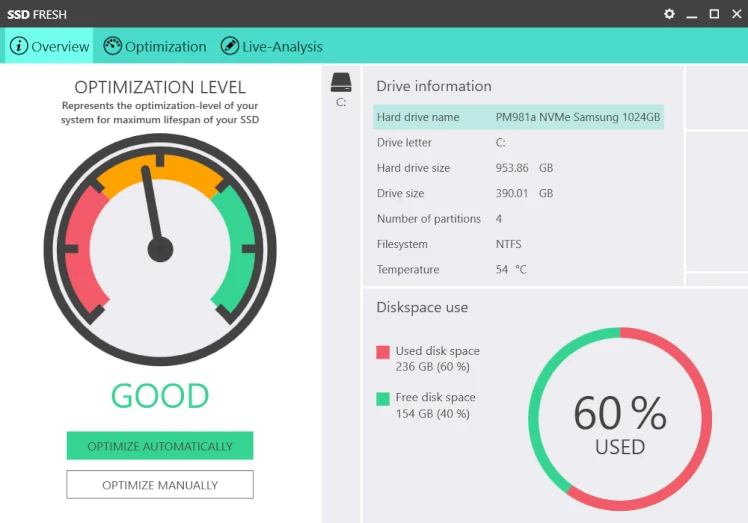
SSD Fresh 2026.15.05
Software for optimizing SSD disks on Windows computers.

ExtraDisks 26.1.1
Software for Windows that allows you to create virtual drives on your computer without altering physical disks or creating new partitions.
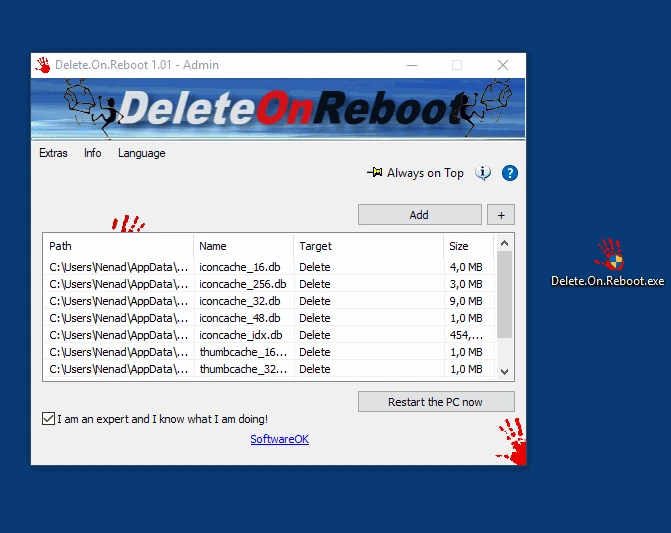
Delete.On.Reboot 3.44
Practical and lightweight tool that allows you to delete files or folders that are locked or currently in use.
Kingston SSD Manager 1.5.6.1
Kingston brand SSD monitoring and management software.
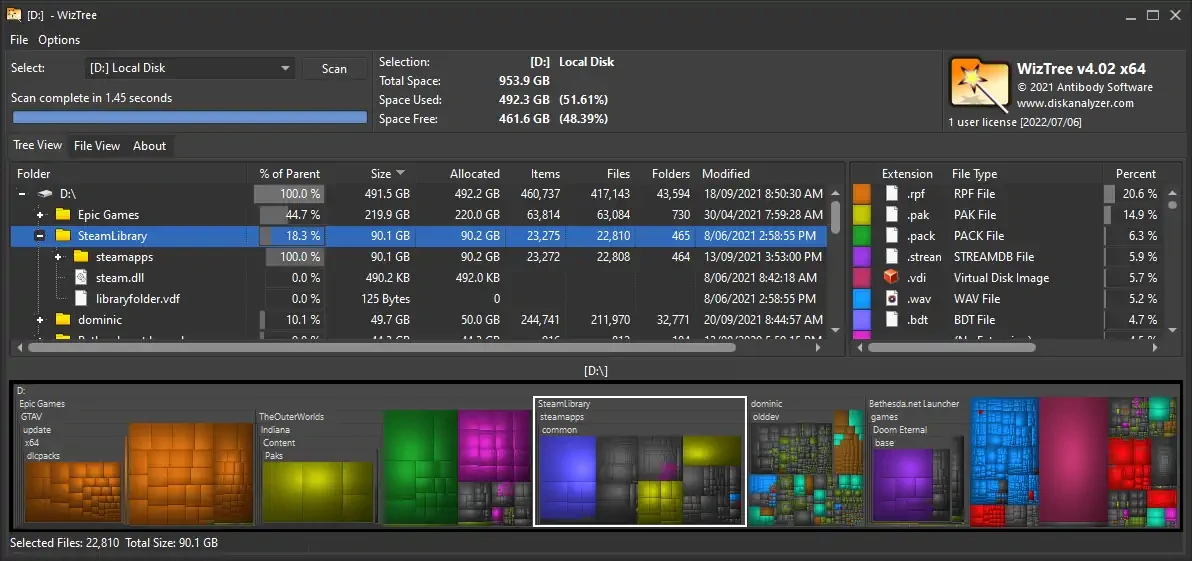
WizTree 4.28
Utility that allows you to find the files that occupy most of the hard disk.
FlashBoot 3.4
Tool that allows you to create bootable system drives for Windows operating systems.
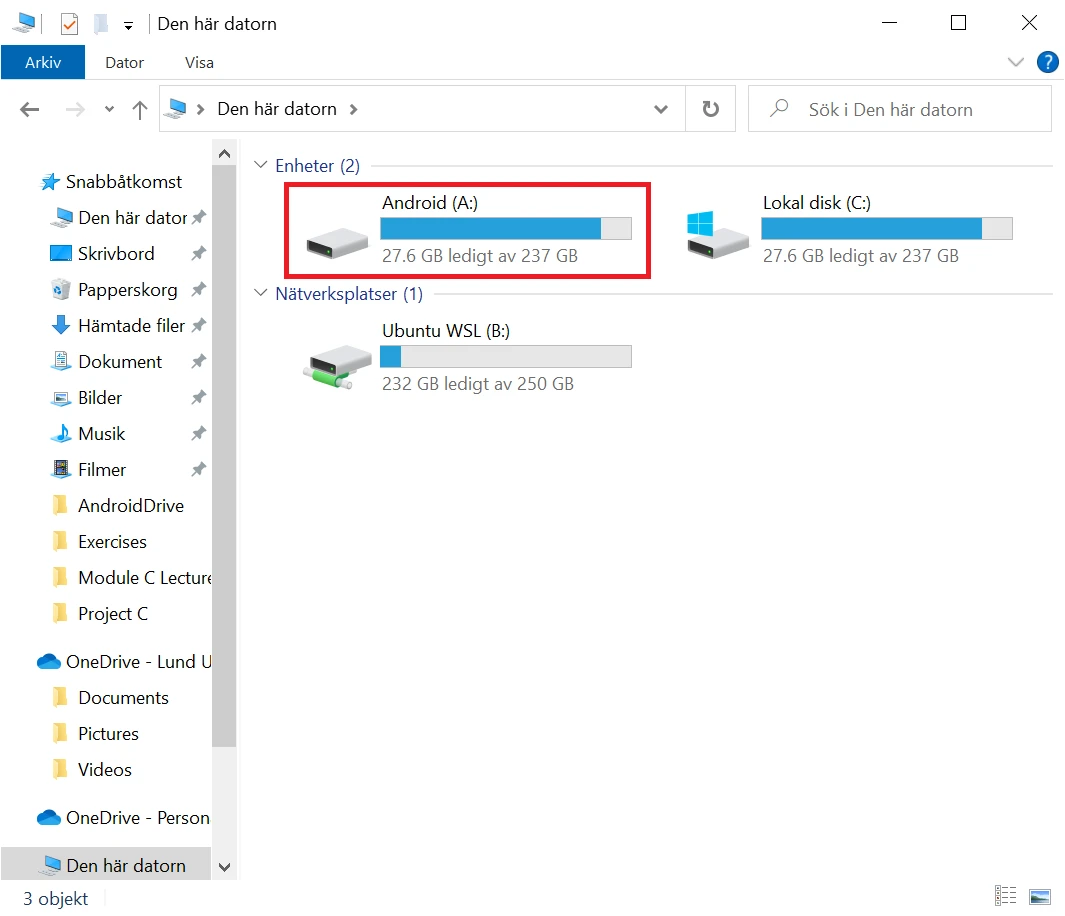
AndroidDrive 2.4.11
Utilitário que permite montar smartphones Android como unidades no Windows.