

SmartFFmpeg 1.6.3
Graphical interface developed to facilitate the use of FFmpeg, a powerful and popular tool for multimedia conversion.
SmartFFmpeg is a graphical interface developed to simplify the use of FFmpeg, a powerful and popular open-source multimedia conversion tool. FFmpeg, in its native form, is a command-line application that requires the use of a large number of parameters, which can be complex and time-consuming for users who are not familiar with them. SmartFFmpeg emerges as a solution to simplify this process, offering an intuitive visual interface and advanced features for audio and video conversion.
Main Features of SmartFFmpeg:
User-friendly graphical interface:
It provides a well-structured interface where all parameters and settings are displayed clearly and accessibly.
Eliminates the need to memorize or search for complex FFmpeg commands.
Batch Processing Support:
Allows the conversion of multiple files at once, applying the same settings or individual settings for each file.
Preset Management:
Includes predefined presets for common conversion tasks, such as:
Extracting audio tracks from videos.
Converting audio to MP3.
Converting videos for mobile devices (PSP, iPod, cell phones, etc.).
Presets can be extended and customized by the user.
Drag and Drop:
Makes it easy to add files for conversion, allowing the user to drag and drop files directly into the interface.
Customizable Settings:
Allows the customization of conversion parameters for each file or task.
Offers free text fields to add any parameters supported by FFmpeg.
Extensibility:
Allows adding custom values (such as custom resolutions) through text files.
Supports file concatenation: when adding a folder, all files within it are joined into a single output file.
Pre-configuration of File Names and Extensions:
Allows automatic definition of output file names and extensions.
Process Priority:
Offers the option to adjust the execution priority of FFmpeg to optimize performance during conversion.
Update Check:
Automatically checks for available updates on software startup.
File security
1/62 engines flagged the file in the recorded scan.
Scan date: 01/22/2025
SHA-256: d16fd7fa962026c02cfc19f737a990a1aa0b9382094fcdf7bf08bf3f75fa4adb
Found a problem on this page?Tell the team about broken links, versions or incorrect information.
Related
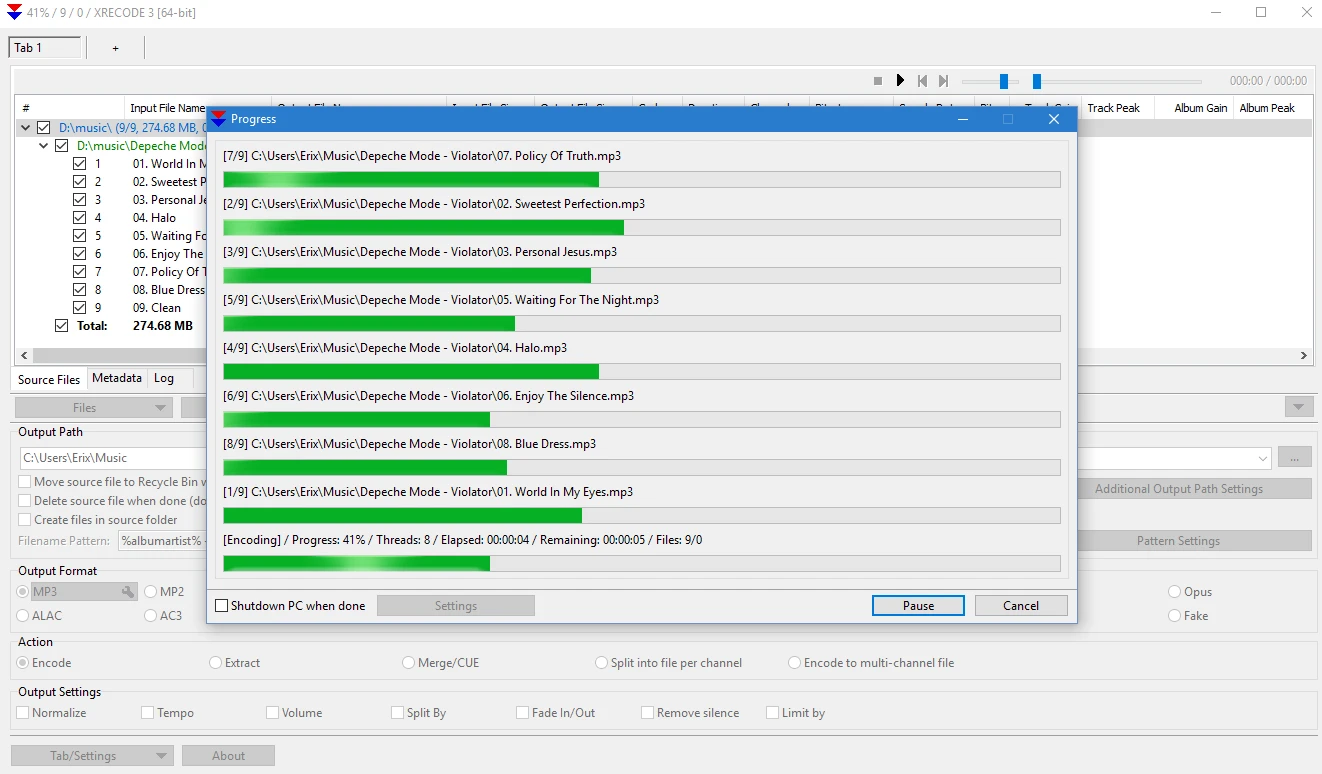
XRECODE3 1.188
Audio file conversion software.
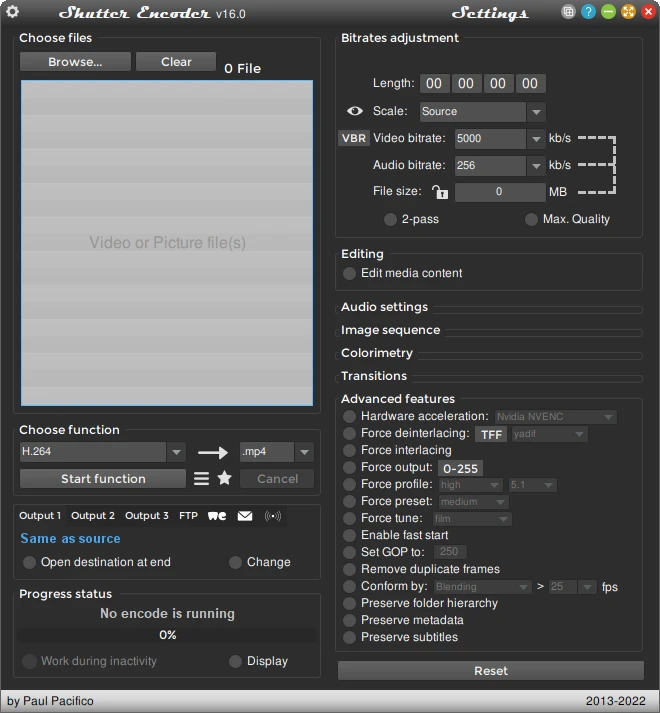
Shutter Encoder 20.3
Powerful video converting software, also handles images and audio!
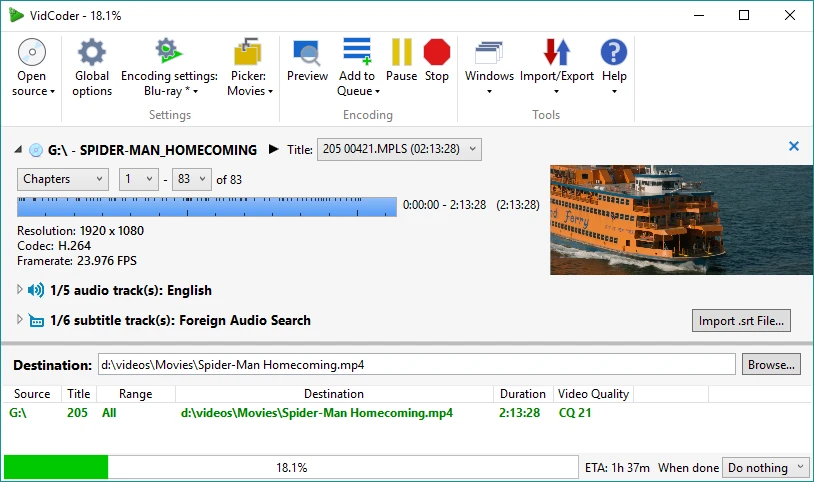
VidCoder 13.11 Beta
Free video transcoding software that allows to quickly convert videos into a variety of different formats.

Any Video Converter Free 9.2.5
Video file converter support most popular formats.

MKVToolNix 98.0
Software that allows you to create, edit, and inspect video files in the Matroska (MKV) format.
XviD4PSP 8.2.8
Convert video files to watch them on PSP.
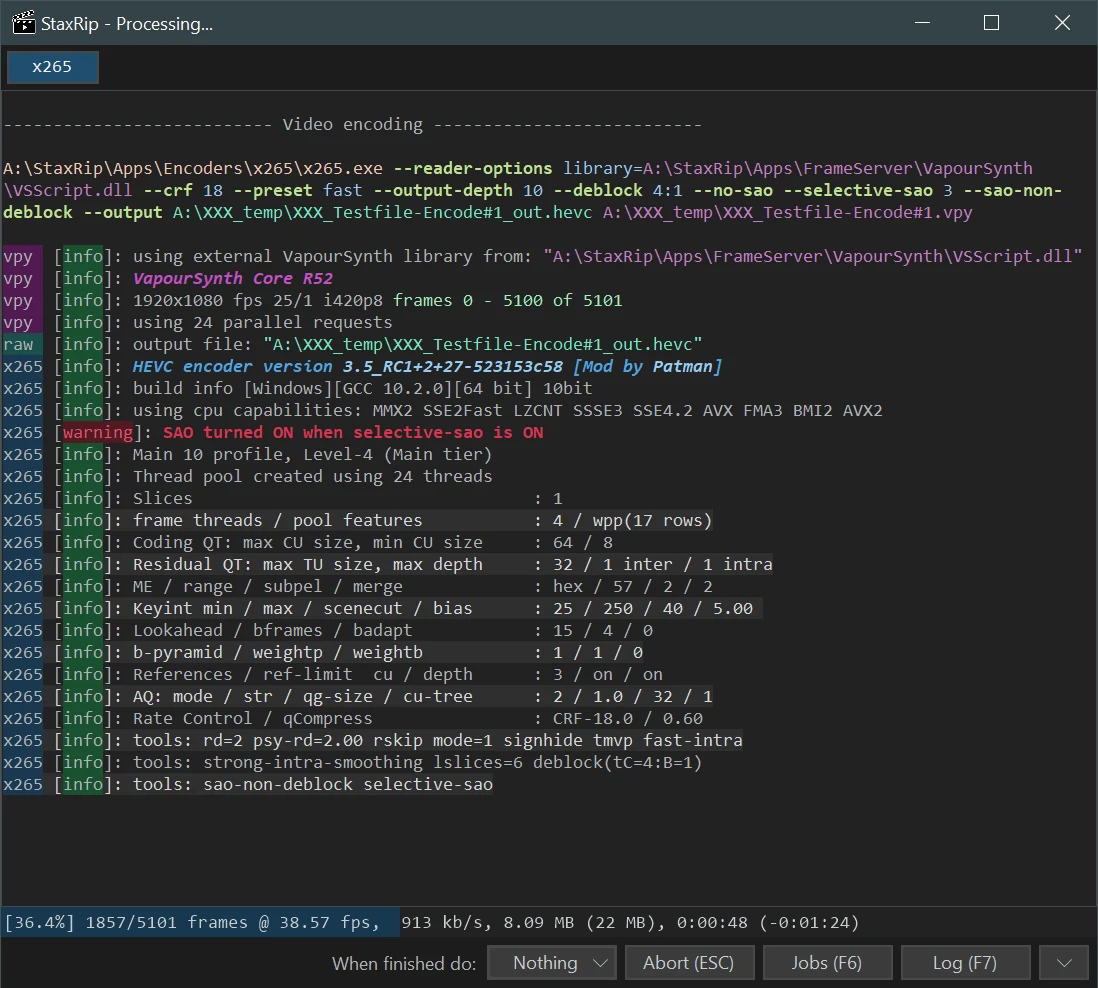
StaxRip 2.52.2
Powerful media conversion tool for Windows.
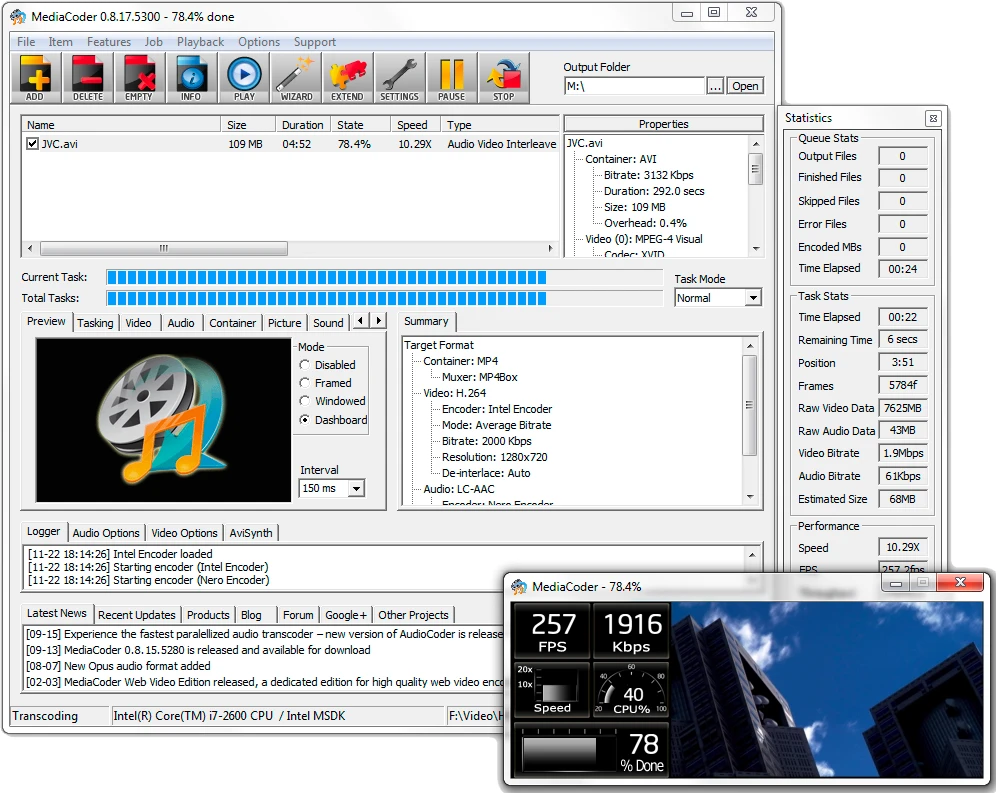
MediaCoder 0.8.66
Excellent audio and video transcoder.