

MKVToolNix 98.0
Software that allows you to create, edit, and inspect video files in the Matroska (MKV) format.
MKVToolNix is a set of tools for creating, modifying, and inspecting video files in the Matroska (MKV) format. It allows manipulation of video, audio, subtitle, and chapter tracks without the need to recompress the content, maintaining the original quality.
Features
Multiplexing and demultiplexing: You can combine different tracks (video, audio, subtitles) into a single MKV file or extract these tracks from an existing file.
Editing chapters and metadata: Allows you to add, remove, or modify chapters, track titles, and other metadata, helping to organize media libraries.
Support for various formats: Accepts common video files like MP4, AVI, FLV, MPEG, and audio formats like AAC, AC3, FLAC, MP3.
Subtitle conversion: Supports formats like SRT, ASS, and PGS, allowing you to adjust timing or change the style of subtitles during multiplexing.
Graphical interface and command line: Offers MKVToolNix GUI for detailed visual operations and mkvmerge/mkvextract via command line for process automation.
Segmentation of large files: Allows you to split videos into smaller parts or join multiple files, useful for storage or streaming.
Verification and repair: Detects inconsistencies in MKV files and corrects simple structural issues, ensuring compatibility with players.
MKVToolNix is highly reliable for users who need precise control over video and subtitle content, whether for archiving, editing, or distribution. It is regularly updated, maintaining compatibility with the latest Matroska specifications and modern codecs.
Tools
mkvmerge
Function: It is the main tool for multiplexing files. Combines video, audio, subtitles, and chapters into a single MKV file.
Practical uses:
Create MKVs from MP4, AVI, or other formats.
Add multiple audio or subtitle tracks to a single file.
Adjust the timing or language of tracks before multiplexing.
Note: Supports command line, allowing batch automation or scripts.
mkvextract
Function: Extracts elements from MKV files, such as video, audio, subtitles, and chapters.
Practical uses:
Separate SRT or ASS subtitles from an MKV.
Extract audio in formats like FLAC or AAC without quality loss.
Obtain chapters or metadata for external editing.
mkvinfo
Function: Displays detailed information about the structure of an MKV file.
Practical uses:
Check which audio, video, and subtitle tracks are present.
Verify codecs, duration, languages, and properties of each track.
Diagnose compatibility or corruption issues.
mkvpropedit
Function: Allows editing properties of an MKV without needing to remultiplex the entire file.
Practical uses:
Change track titles or languages of audio and subtitles.
Modify existing chapters or add new ones.
Adjust flags like "default" or "forced" on audio/subtitle tracks.
MKVToolNix GUI
Function: A graphical interface that brings together all the tools in a visual environment.
Practical uses:
Drag and drop files to create or edit MKVs.
Easily configure audio tracks, subtitles, and chapters.
View detailed information before multiplexing.
Differential: Allows previewing subtitles, setting delay or speed, and splitting files intuitively.
mkvedit
Function: Chapter and metadata editor at a more detailed level.
Practical uses:
Reorganize chapters or change start/end times.
Edit complex metadata without altering media tracks.
Additional auxiliary tools
mkvmerge GUI (previously separate from the main GUI): Configures advanced muxing parameters.
mkvextract GUI (embedded in the GUI): Simplifies extraction of tracks without needing to use commands.
File security
0/71 engines flagged the file in the recorded scan.
Scan date: 04/08/2026
SHA-256: 58eb4ef4d6f265bd5c3884f3fca317b833187c5f3703550a38899ba831ba5325
Found a problem on this page?Tell the team about broken links, versions or incorrect information.
Related
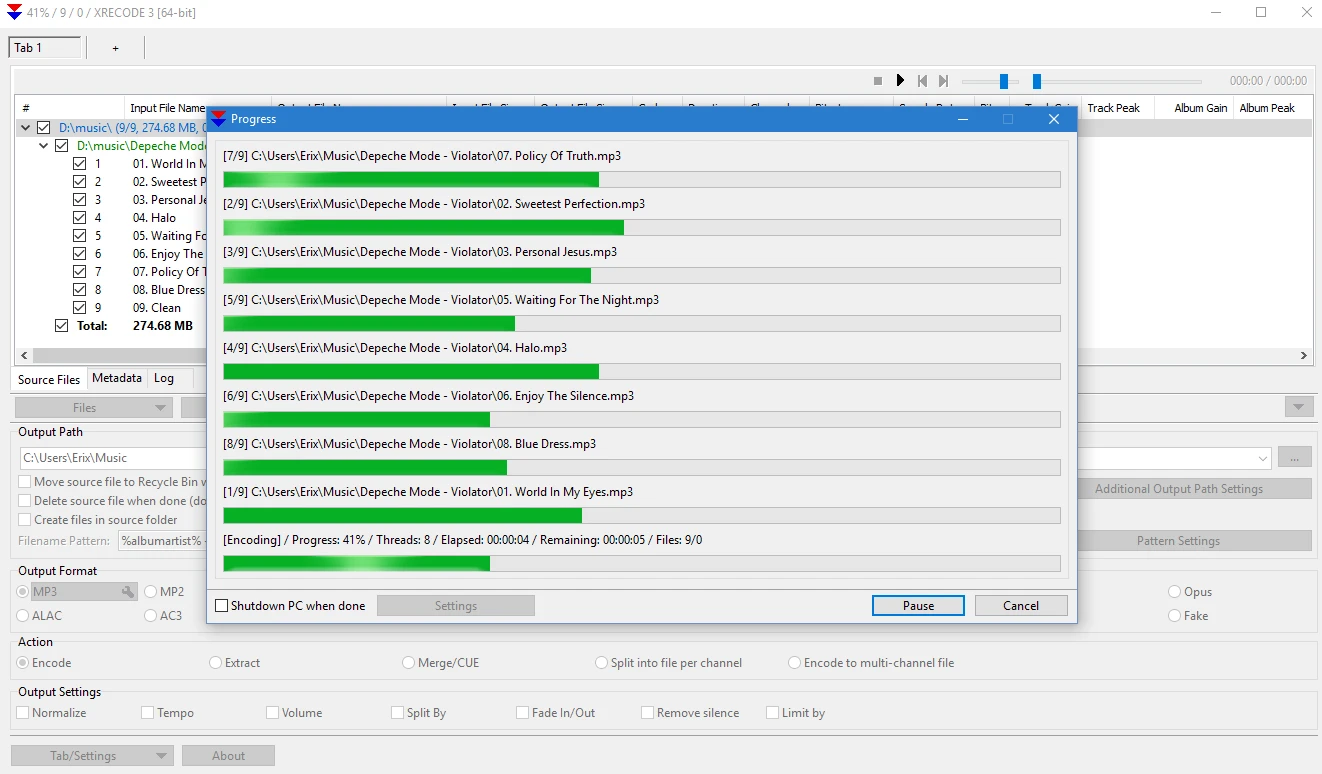
XRECODE3 1.188
Audio file conversion software.
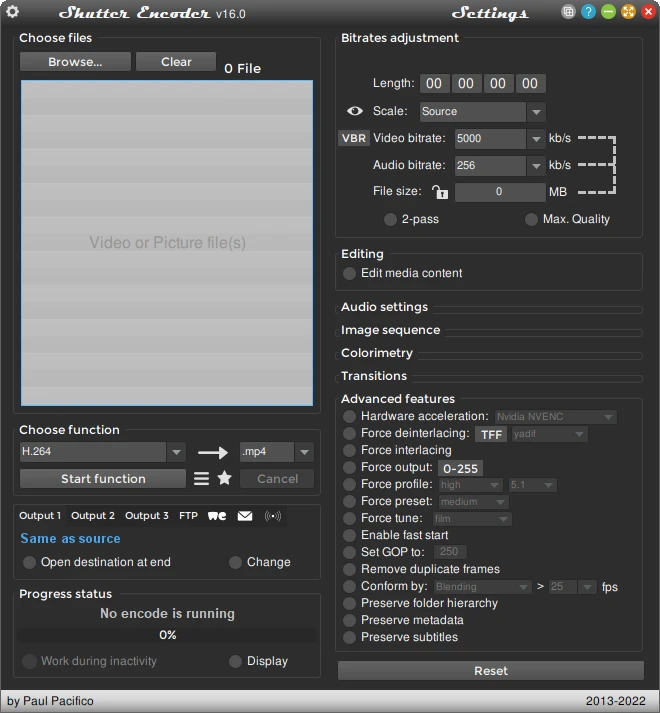
Shutter Encoder 20.3
Powerful video converting software, also handles images and audio!
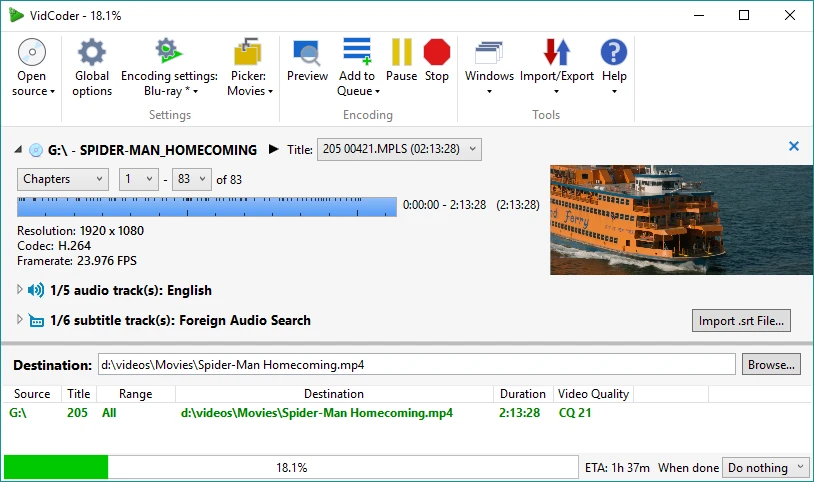
VidCoder 13.11 Beta
Free video transcoding software that allows to quickly convert videos into a variety of different formats.

Any Video Converter Free 9.2.5
Video file converter support most popular formats.
XviD4PSP 8.2.8
Convert video files to watch them on PSP.
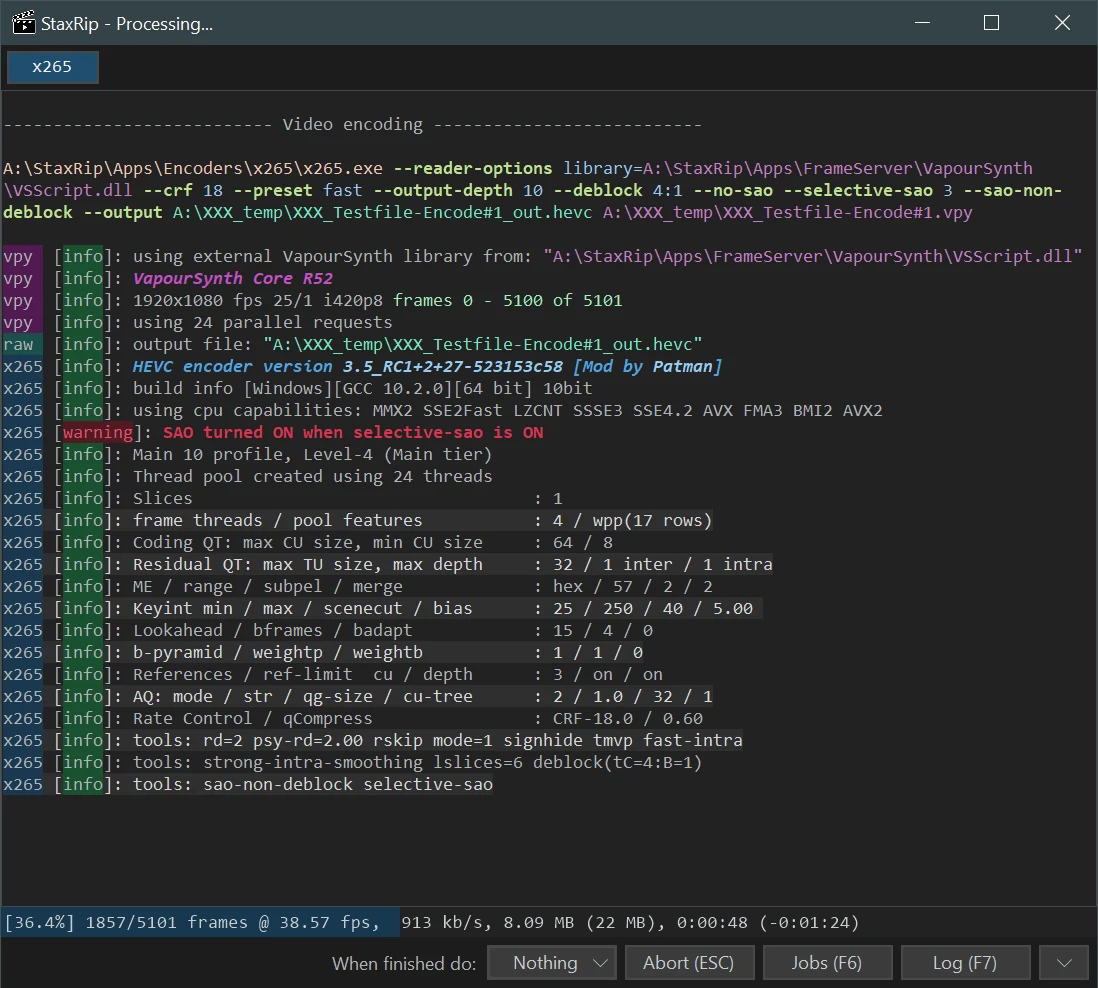
StaxRip 2.52.2
Powerful media conversion tool for Windows.
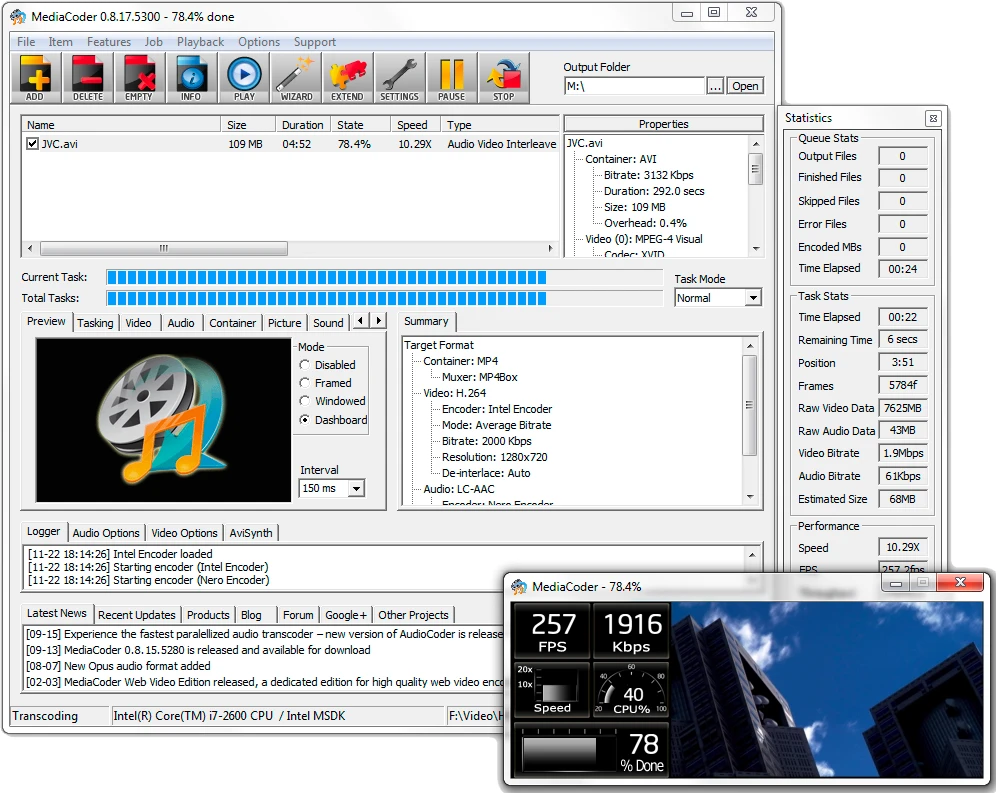
MediaCoder 0.8.66
Excellent audio and video transcoder.
ConvertXtoDVD 7.5.0.137
Software for Windows that converts videos from different formats to the DVD format.