
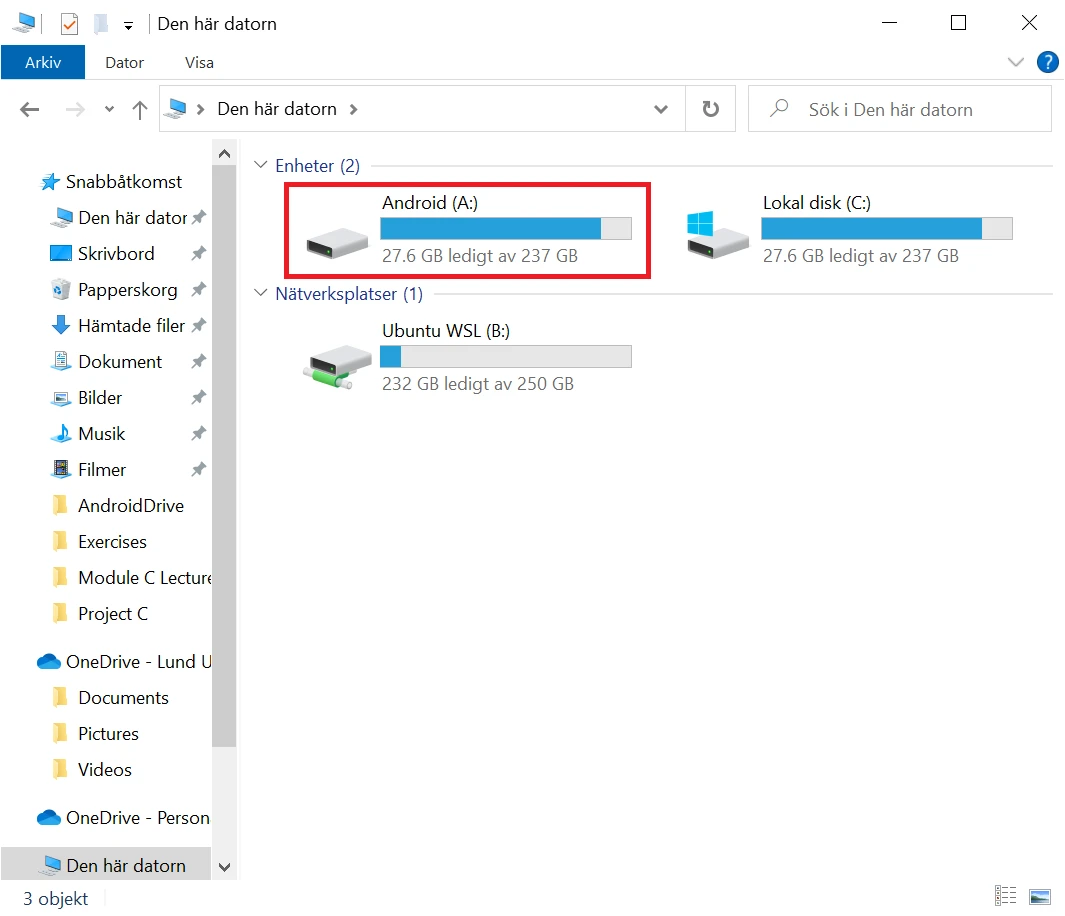
AndroidDrive 2.4.11
Utilitário que permite montar smartphones Android como unidades no Windows.
For the program work you must enable USB debugging. To do that just follow the steps:
- Open Settings on your Android device.
- Go to "About phone".
- Scroll down to the bottom and tap "Build Number" seven times until you get a message saying that you're a developer.
- Go back to the main settings screen, then go to System > Advanced > Developer Settings and enable USB debugging.
File security
1/67 engines flagged the file in the recorded scan.
Scan date: 09/13/2025
SHA-256: 4be00a2e0eb489d5507a00d1ec8ca6d6ecb2a60cb99388918f5d3e9f49480cfd
Found a problem on this page?Tell the team about broken links, versions or incorrect information.
Related
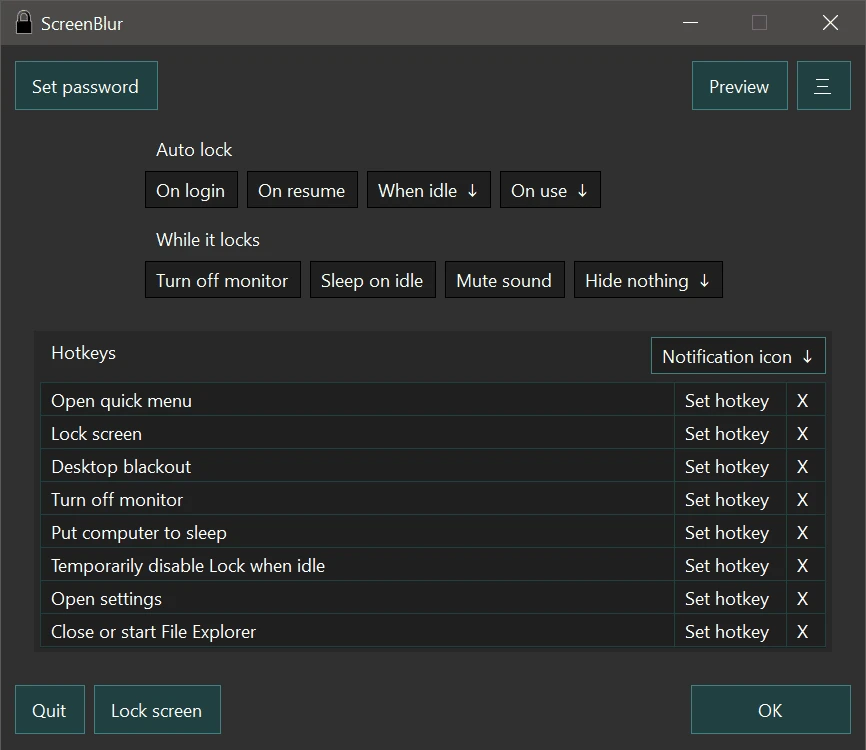
ScreenBlur 2.1.9
Windows utility that allows you to temporarily lock or hide your desktop.
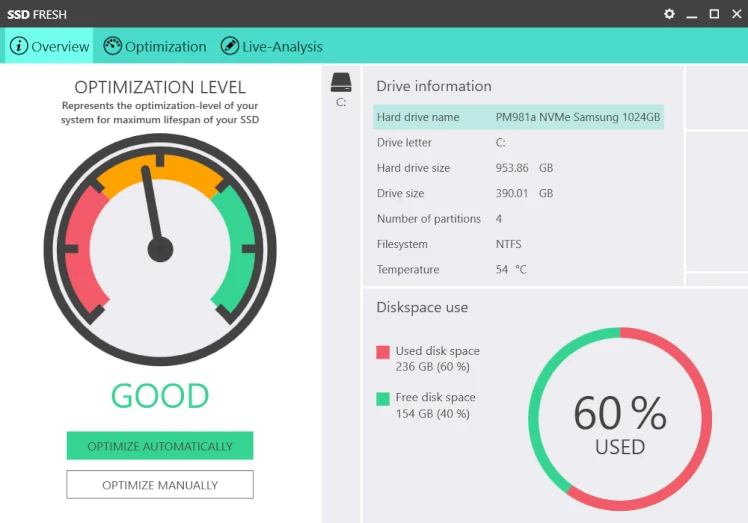
SSD Fresh 2026.15.05
Software for optimizing SSD disks on Windows computers.

ExtraDisks 26.1.1
Software for Windows that allows you to create virtual drives on your computer without altering physical disks or creating new partitions.
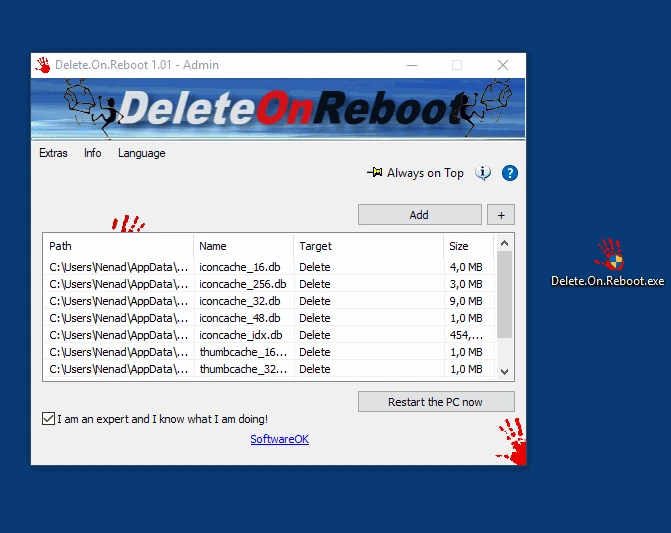
Delete.On.Reboot 3.44
Practical and lightweight tool that allows you to delete files or folders that are locked or currently in use.
Kingston SSD Manager 1.5.6.1
Kingston brand SSD monitoring and management software.
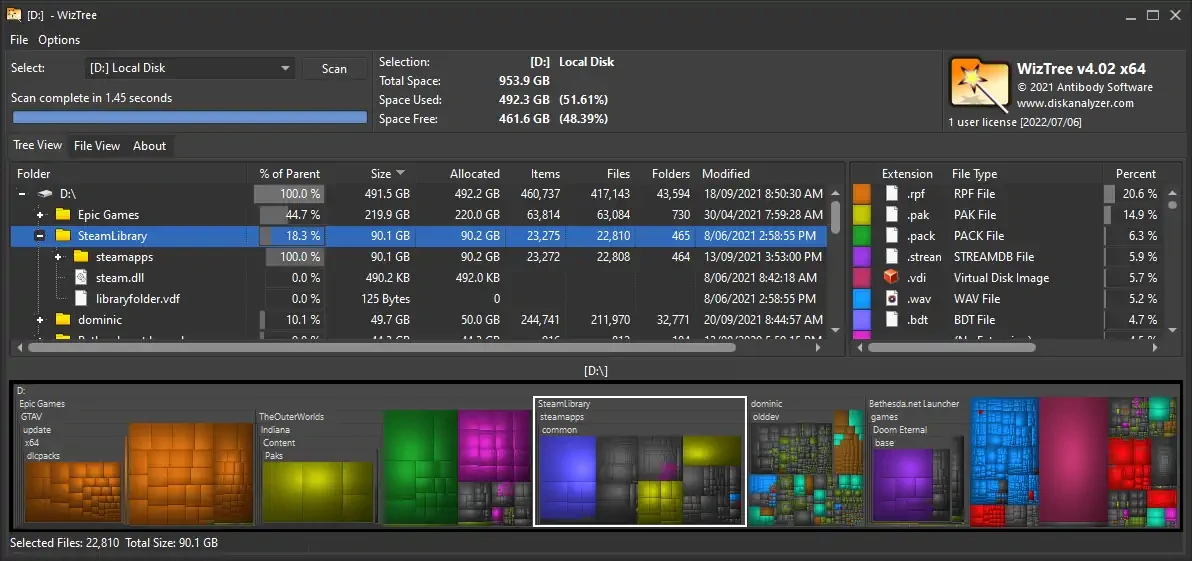
WizTree 4.28
Utility that allows you to find the files that occupy most of the hard disk.
FlashBoot 3.4
Tool that allows you to create bootable system drives for Windows operating systems.
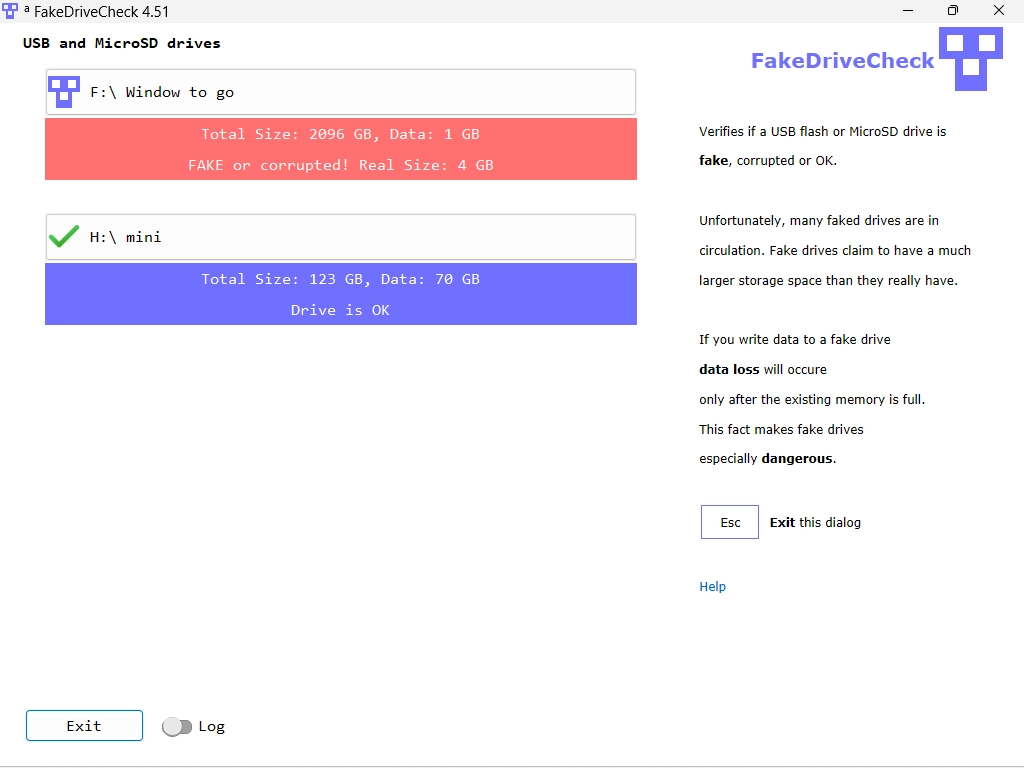
FakeDriveCheck 4.68
Tool that allows analyzing removable storage devices such as pendrives and memory cards and identifying counterfeits.