

RogueKillerCMD 5.3.0.0
Command line version of RogueKiller (Adlice Protect), anti-malware software developed to detect and remove threats.
RogueKillerCMD is the command line version of RogueKiller (now called Adlice Protect), an anti-malware software designed to detect and remove threats such as rootkits, malicious processes, malware, spyware, trojans, and other forms of unwanted software that can compromise the security of a Windows system. The CMD version is intended for advanced users, system administrators, and IT professionals who prefer or need automation and control via scripts or terminal.
Key features of RogueKillerCMD:
- Advanced Threat Detection:
- Identifies and removes rootkits, which are malware that hide deeply in the system.
- Detects malicious processes, services, drivers, and compromised registry entries.
- Checks for changes in the MBR (Master Boot Record), DNS, hosts, and proxy settings.
- Command Line Execution:
- Allows the execution of scans and removals via commands in the terminal (Command Prompt or PowerShell).
- Ideal for use in automation scripts, scheduled tasks, or environments where the graphical interface is impractical.
- Operation Modes:
- Scan: Scans the system for threats, generating detailed reports.
- Removal: Eliminates detected threats, with options to configure the level of intervention.
- Repair: Corrects system settings that have been changed by malware, such as DNS redirects or malicious proxies.
- Portability:
- Does not require installation (portable), can be run directly from a USB device or local folder.
- Compatible with all versions of Windows, from XP to Windows 11 (32 and 64 bits).
- Reports and Logs:
- Generates detailed logs in text or JSON format, useful for auditing and later analysis.
- Can be configured to export reports to specific directories.
- Use in Corporate Environments:
- Supports advanced parameters for integration with security management systems or SIEM.
- Allows silent execution (without user interaction) for use on servers or workstations.
How to use RogueKillerCMD:
- Basic commands:
- Start a scan: RogueKillerCMD.exe -scan
- Remove detected threats: RogueKillerCMD.exe -scan -delete
- Generate report: RogueKillerCMD.exe -scan -report report.txt
- Help: RogueKillerCMD.exe -h (lists all available commands).
- Example of usage in script:
RogueKillerCMD.exe -scan -delete -report C:\Logs\scan_report.txt
- This command performs a scan, automatically removes threats, and saves the report to C:\Logs.
Differences compared to the GUI version:
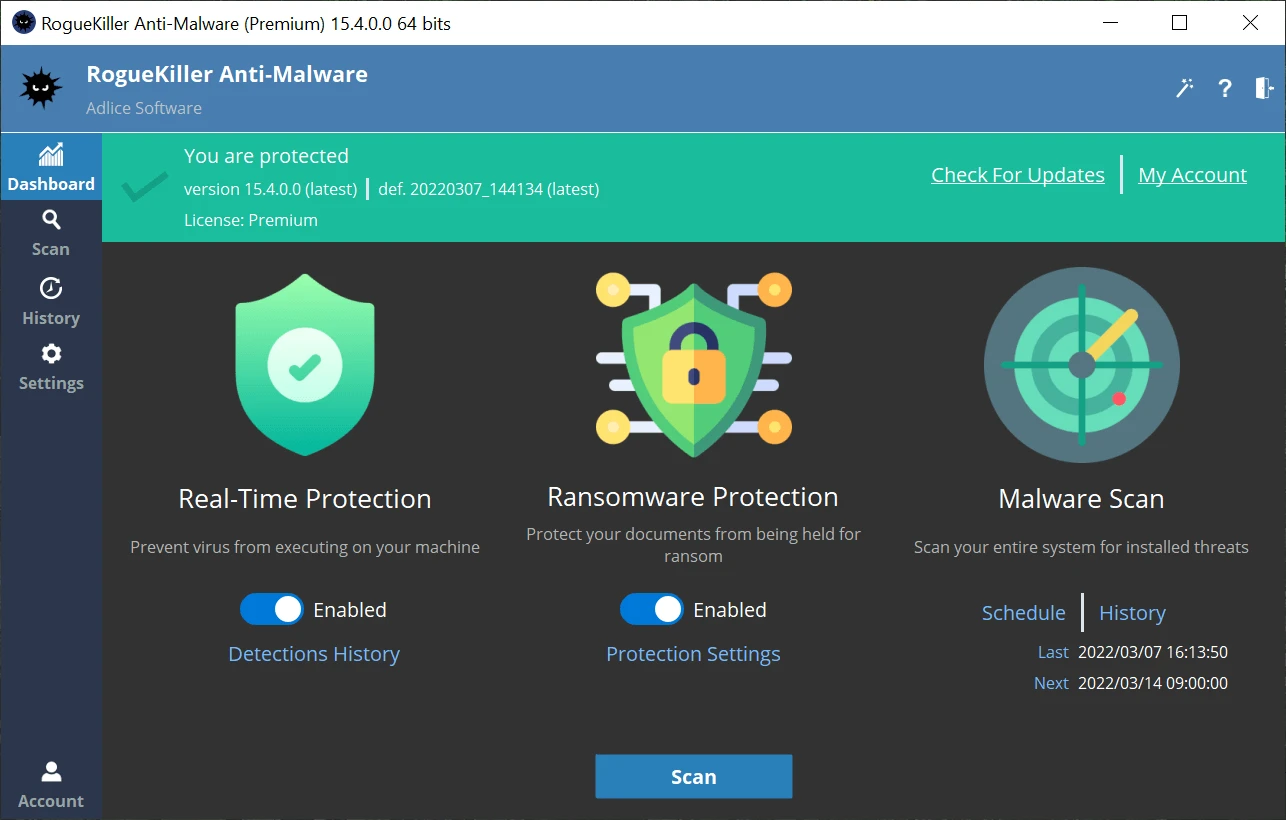
- RogueKiller (GUI): Graphical interface, more user-friendly for common users, with interactive options.
- RogueKillerCMD: No graphical interface, focused on automation and technical use, with greater control via parameters.
File security
0/72 engines flagged the file in the recorded scan.
Scan date: 05/21/2025
SHA-256: c99c29b521cec0dd854bc73be95f9a9da20155783aa829cde9706d536110e2af
Found a problem on this page?Tell the team about broken links, versions or incorrect information.
Related
DoesNotBelong 12.0.9
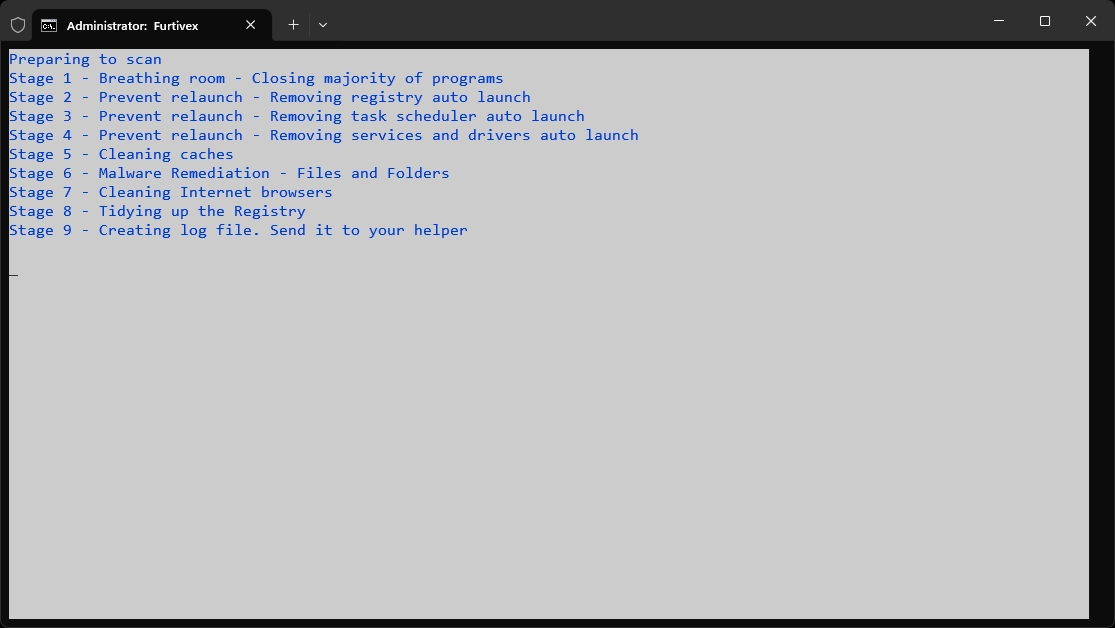
Previously known as Furtivex Malware Removal Script, DoesNotBelong is a free and portable malware removal tool.
Trellix Stinger 26.09.36.1
Portable and high-performance antivirus tool, designed to quickly and directly identify and eradicate malware.
ZHPCleaner 2026.8.15.26
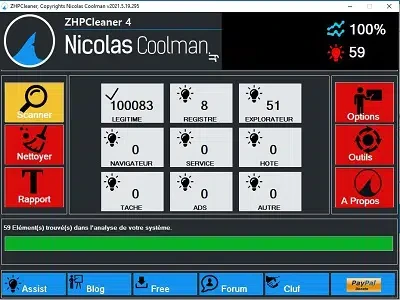
Free utility that detects and removes adware, hijackers, toolbars, and PUPs from your browser.
ZHPDiag 2026.8.15.26
Security diagnostic tool for Windows systems.
UnHackMe 18.20.2026.429
Software capable of eliminating a series of pests from your Windows.
Trellix Stinger Portable 13.0.0.635
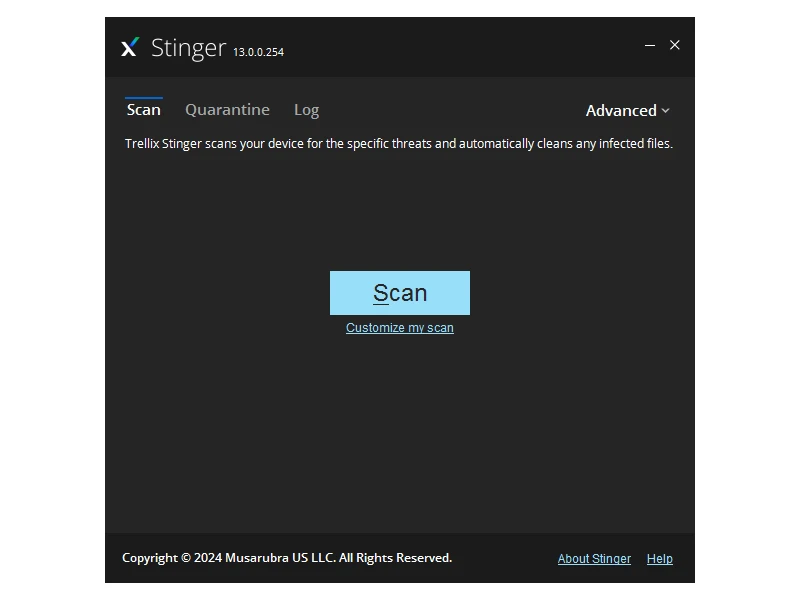
Free and portable utility aimed at the detection and removal of specific malwares.
AVG Internet Security 25.12.10659
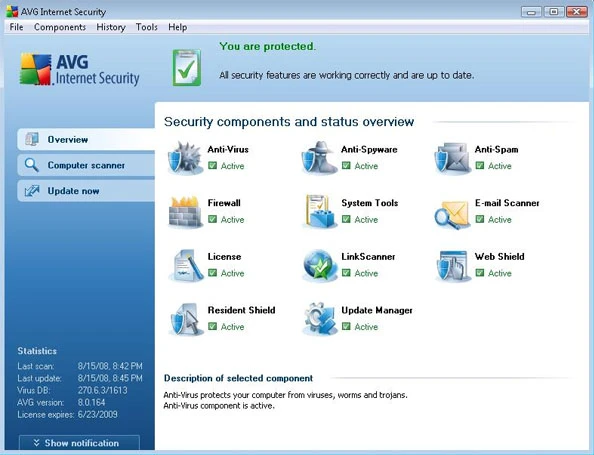
Software that offers comprehensive protection from online threats.
Adlice Protect (RogueKiller) 16.2.0.0
Open source anti-malware security software designed to detect and remove malware and other threats.