

RMPrepUSB 2.1.746
Tool that allows you to create and format USB drives for various purposes, such as operating system installation and data recovery.
RMPrepUSB offers a wide range of features for creating and managing bootable USB drives. Here are the main characteristics and capabilities of the software:
Main Features:
- Creation of multiboot drives: Allows you to create USB drives with multiple operating systems or tools, facilitating the creation of customized bootable media.
- Support for MBR and GPT partitions: The software supports MBR partitions on drives less than 2 TB and basic support for GPT drives or those over 2 TB.
- Creation and restoration of images: You can create images of USB drives and restore them later, facilitating maintenance and recovery.
- Installation of bootloaders: Allows you to install grub4dos and SysLinux, as well as create bootable drives for various operating systems, including Linux and Windows.
- Testing and diagnosing drives: Includes performance tests to measure the read and write speeds of USB drives and tools to detect counterfeit or defective drives.
- Support for file systems: Allows you to format USB drives with file systems such as FAT16, FAT32, and NTFS, and also offers the option to create Ext2 file systems for persistent Linux systems.
- Boot emulation with QEMU: You can test the booting of your USB drive directly in the software, without needing to reboot the system, using a 32-bit CPU emulator.
- Cleaning and recovery tools: Includes options to completely wipe a USB drive, clean the MBR, and recover specific sectors or images.
Differentials:
- Security and compatibility: RMPrepUSB was designed to minimize the risk of accidentally formatting important disks by limiting the display of disks over 128GB by default.
- Fast and efficient: Offers quick and optimized formatting to enhance write speeds, in addition to being flexible enough to install different bootloaders.
- Ease of use: Despite being a powerful tool, RMPrepUSB allows even beginners to create multiboot drives easily, with the option to automate various settings.
Other features:
- Creation of ISO images from bootable drives.
- Tools for modifying the MBR and the disk’s boot record.
- Support for scripts and process automation with RMPartUSB.
RMPrepUSB is an excellent software option for advanced users and technicians who need complete control over their USB drives and operating systems.
File security
2/70 engines flagged the file in the recorded scan.
Scan date: 01/17/2025
SHA-256: 5a94297d0dca8f767865f0d374e4e81fd357f58b5932fe666eed614bcc6026cb
Found a problem on this page?Tell the team about broken links, versions or incorrect information.
Related
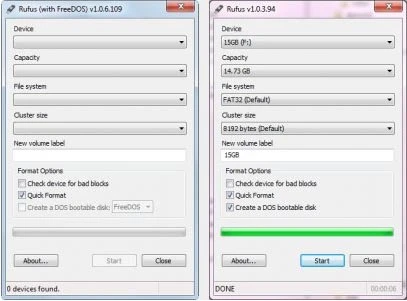
Rufus Portable 4.15
Utility that allows you to create bootable USB disks with DOS.
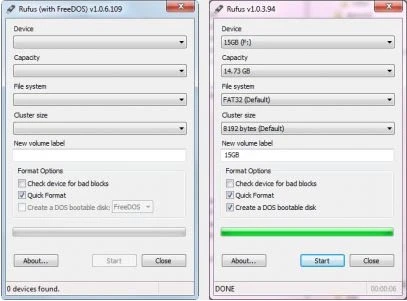
Rufus 4.15
Utility that allows you to create DOS bootable USB disks.
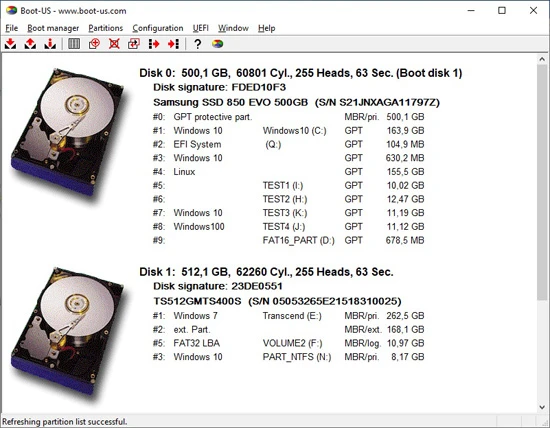
Boot-US 4.2.3
Universal boot manager that allows you to use your existing operating systems completely independently.
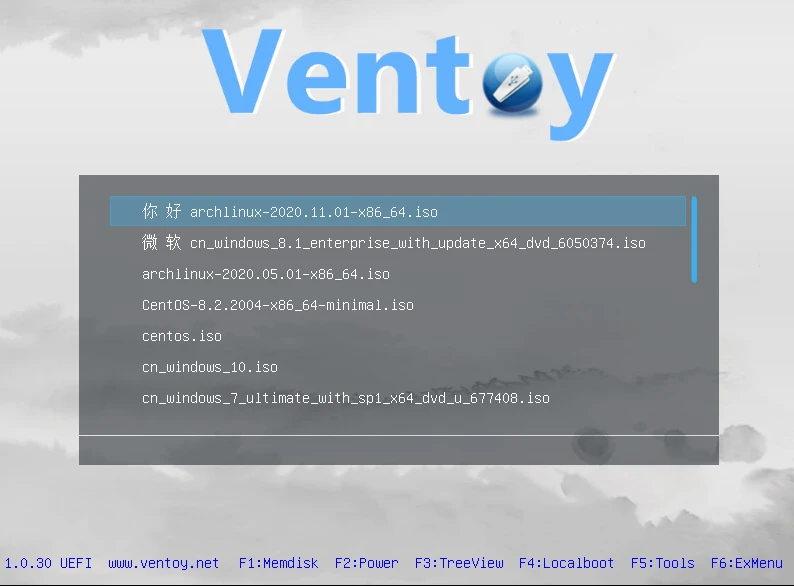
Ventoy 1.1.07
Tool that allows creating bootable USB drive for ISO/WIM/IMG/VHD(x)/EFI files.

BootIt Bare Metal 2.05
Tool that allows you to manage partitions, handle multi-boot configurations, and create disk images.
balenaEtcher 2.1.3
Free software that allows you to record operating system images onto SD cards and USB drives in a simple and secure way.
balenaEtcher Portable 2.1.2
Portable version of the popular software balenaEtcher, it allows you to write operating system images to SD cards and USB drives.

YUMI 2.0.9.4
Utility that allows you to create bootable USB sticks.