
Quick CPU 6.1.0.0
Software that allows you to adjust and monitor important parameters of the system and the processor.
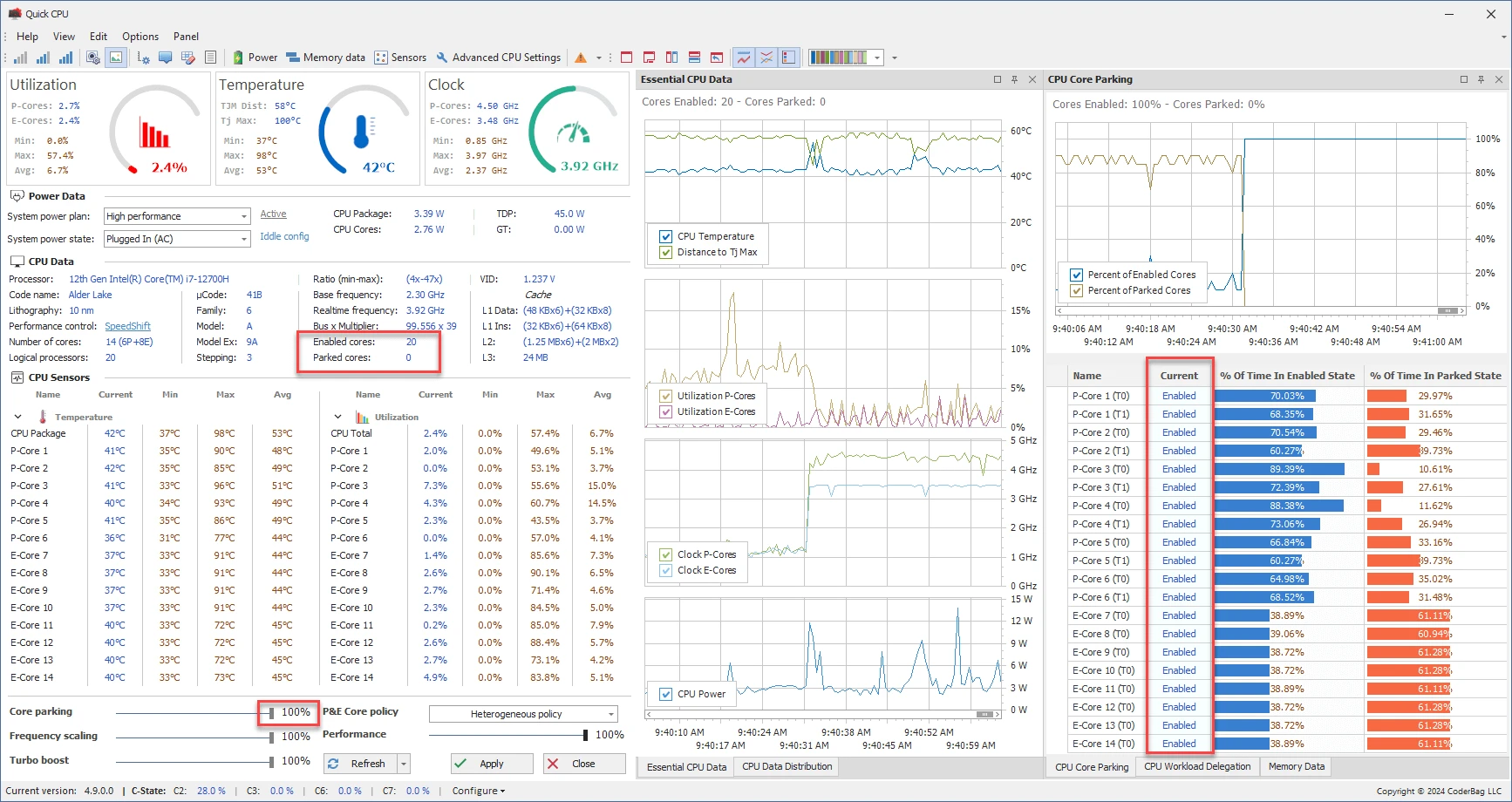
Quick CPU is a software that allows you to adjust and monitor important system and processor parameters. It enables you to track information such as CPU temperature, performance, power consumption, voltage, current, core management, frequency scaling, Turbo Boost, C-States, and advanced settings. Additionally, it offers tools to manage Windows power plans and view data in interactive graphs.
Main features:
Performance and consumption adjustment:
The software helps balance performance and energy consumption by controlling technologies like Turbo Boost, SpeedStep, and Hyper-Threading. It reduces performance lag issues, allowing for customized adjustments.
Core management:
The Core Parking feature allows you to enable or disable cores based on specific preferences, optimizing energy consumption or maintaining maximum performance. Real-time graphs show the state of each core, whether they are active or "parked."
Frequency scaling:
It dynamically adjusts the processor frequency to meet system demands, optimizing energy use and performance.
Advanced Turbo Boost settings:
Maximizes CPU frequency for demanding tasks. Technologies like Intel Turbo Boost and AMD Precision Boost increase processor speed when necessary.
Power modes:
Allows you to switch between settings that prioritize battery saving, balance, or maximum performance. It's also possible to manage power plans, including activation, deletion, and customization.
C-state management:
Configures CPU sleep states to save energy. It includes states from C0, where the core is active, to deeper energy-saving states like C6.
Monitoring and graphs:
Customizable panels display data such as temperature, load, clock speed, and other CPU parameters. The graphs allow for historical analysis and adjustment of the viewing interval.
Quick CPU is a solution for those seeking detailed control over processor performance and energy consumption, allowing for real-time adjustments without the need to restart the system.
File security
0/62 engines flagged the file in the recorded scan.
Scan date: 12/24/2025
SHA-256: 7c92718e5c3abc4d7f4ecadbc93a25effb9a9b0a2cb83e995b47c47d685e9914
Found a problem on this page?Tell the team about broken links, versions or incorrect information.
Related
HWMonitor 1.67
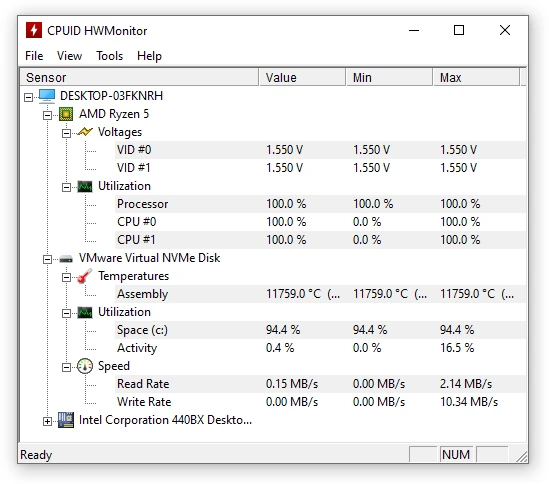
Utility that displays real-time information about your hardware.
HWMonitor Portable 1.67
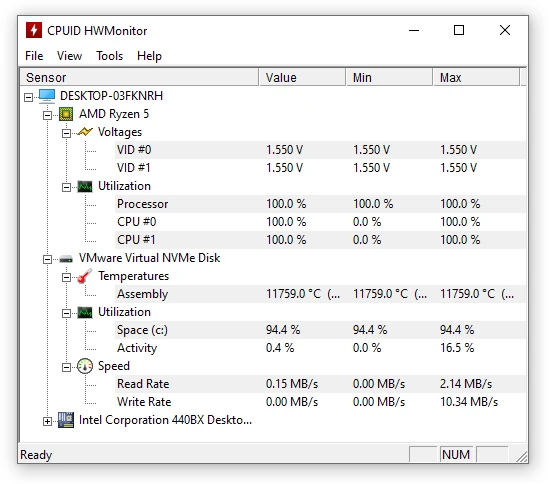
Portable version of HWMonitor. Utility that displays real-time information about your hardware.

Speccy 1.34.084
Utility that displays detailed information about your machine
GPU-Z Portable 2.70.0
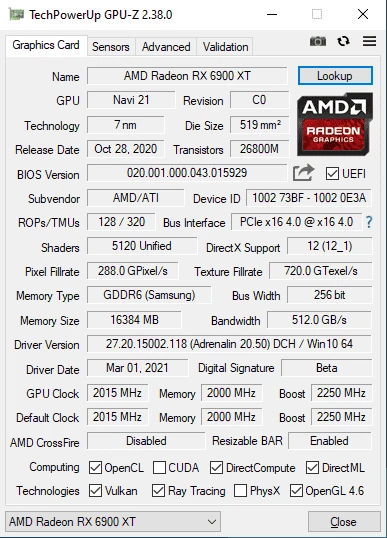
Get access to technical information about your graphics card.
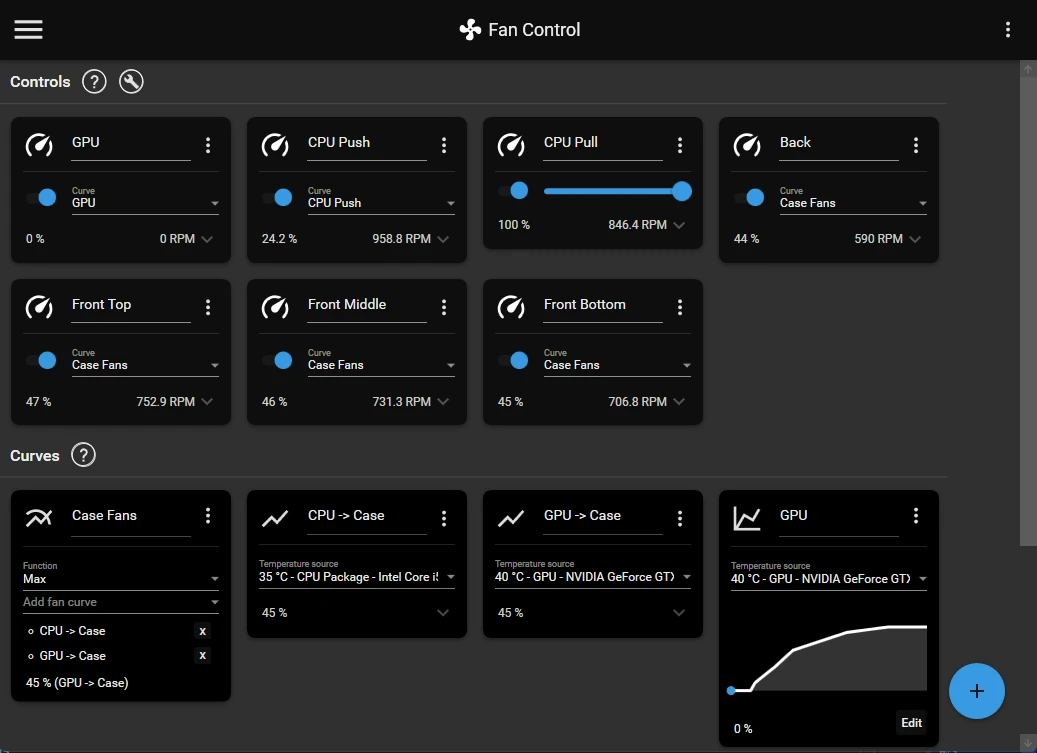
Fan Control V268
Focused and highly customizable ventilation control software for Windows.
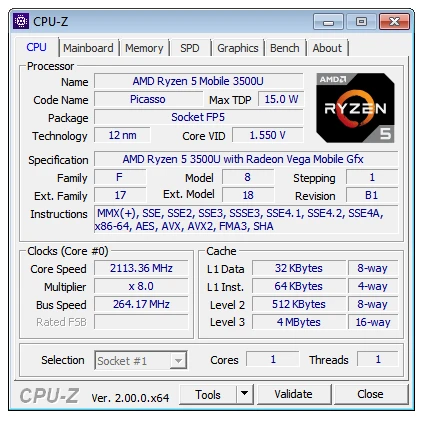
CPU-Z Portable 2.20
Portable version of CPU-Z, a utility that displays all the details of the components installed on your computer.

CPU-Z 2.20
Application that shows all the details of the components installed on your computer.
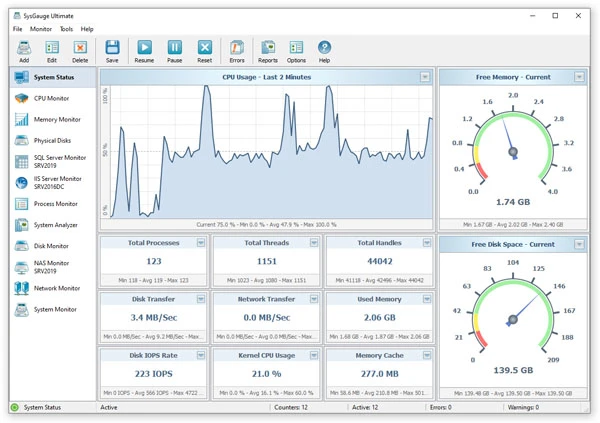
SysGauge 12.8.16
Real-time system monitoring software with charts, alerts and custom settings.