
Fan Control V268
Focused and highly customizable ventilation control software for Windows.
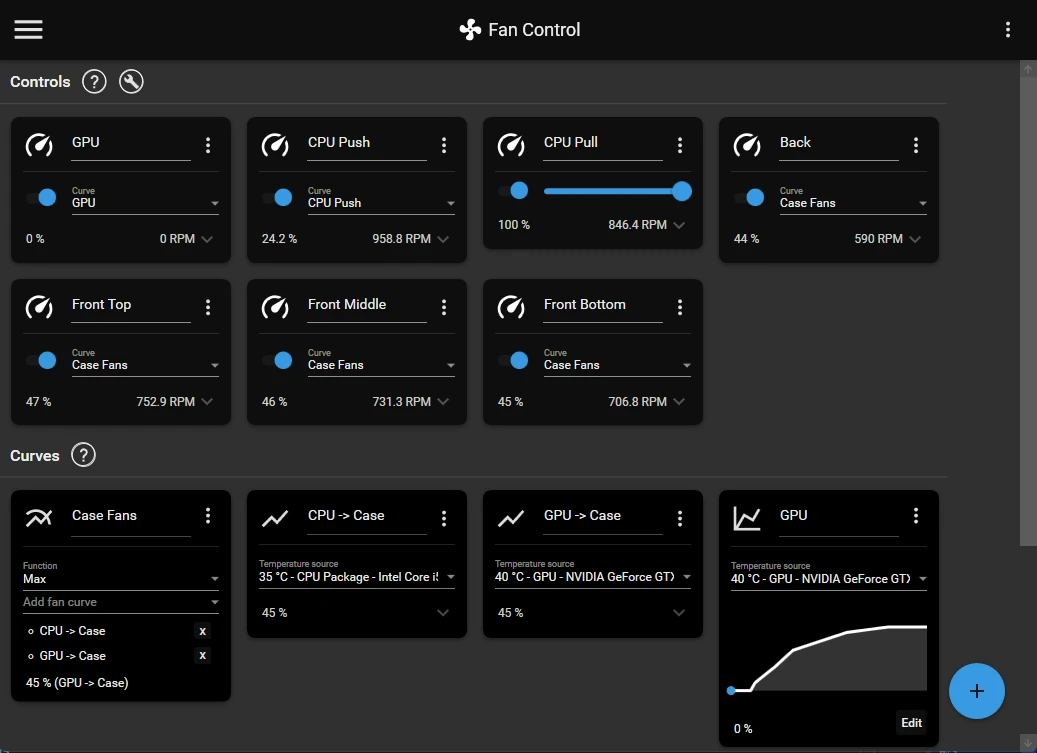
FanControl offers detailed management of the computer's fans in a portable way, without the need for installation. The application identifies temperature sensors for CPU, GPU, chipset, NVMe drives, and other compatible components, allowing users to create custom speed curves for each cooler connected to the system.
The tool works with independent profiles, making it easy to quickly switch between silent, balanced, or performance-focused modes. The curves can be linear, stepped, dependent on multiple sensors, or combined using conditional rules that automatically adjust the rotation based on the heating of the components.
FanControl supports controllers from various manufacturers, advanced sensor readings, synchronization between fans, and continuous monitoring, displaying temperatures, rotations, and states in real-time. Resource consumption is low, favoring constant background execution without impacting games or heavy tasks.
The flexibility in creating profiles and compatibility with a wide range of hardware makes the program valuable for those looking to reduce noise, optimize cooling, or maintain more predictable thermal behavior in their PC.
Portable Version Available: Fan Control Portable
File security
0/67 engines flagged the file in the recorded scan.
Scan date: 05/21/2026
SHA-256: 5a44ef026789b77b3b36217da506804cb04ba66f3ded9a049e7a4aada22cb5a0
Found a problem on this page?Tell the team about broken links, versions or incorrect information.
Related
HWMonitor 1.67
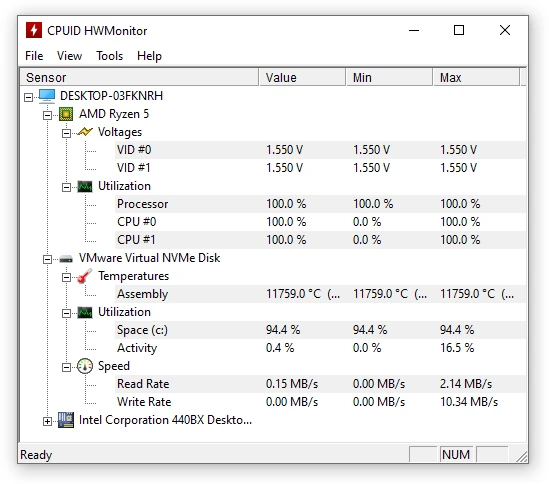
Utility that displays real-time information about your hardware.
HWMonitor Portable 1.67
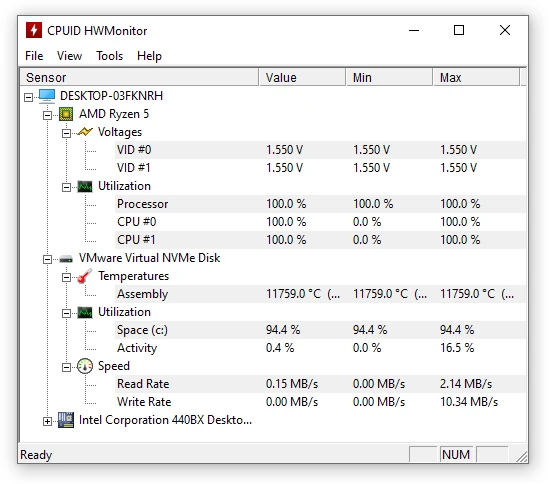
Portable version of HWMonitor. Utility that displays real-time information about your hardware.

Speccy 1.34.084
Utility that displays detailed information about your machine
GPU-Z Portable 2.70.0
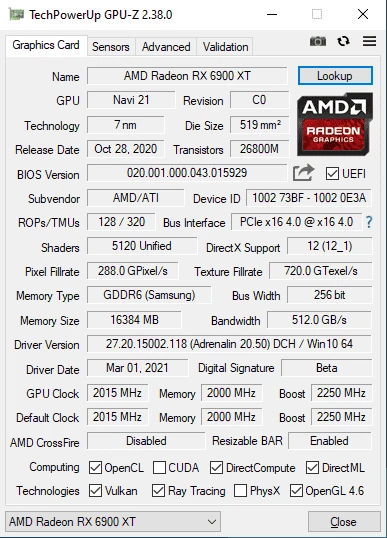
Get access to technical information about your graphics card.
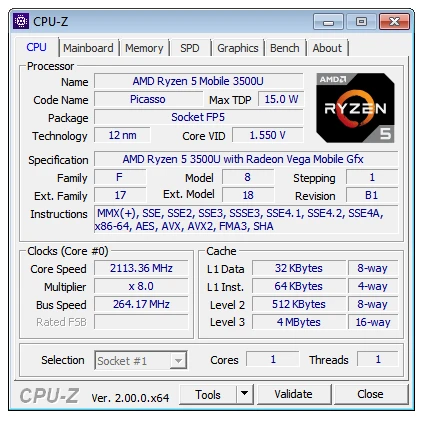
CPU-Z Portable 2.20
Portable version of CPU-Z, a utility that displays all the details of the components installed on your computer.

CPU-Z 2.20
Application that shows all the details of the components installed on your computer.
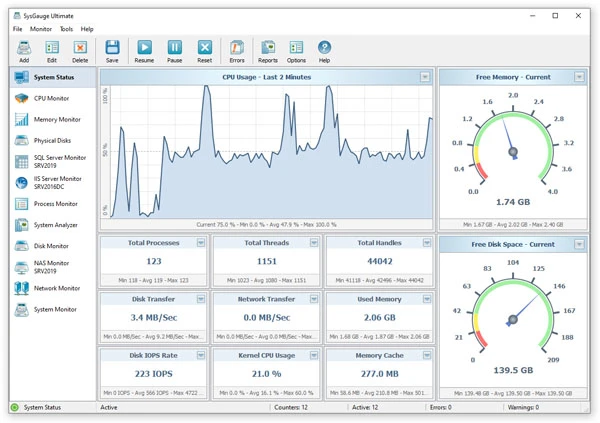
SysGauge 12.8.16
Real-time system monitoring software with charts, alerts and custom settings.
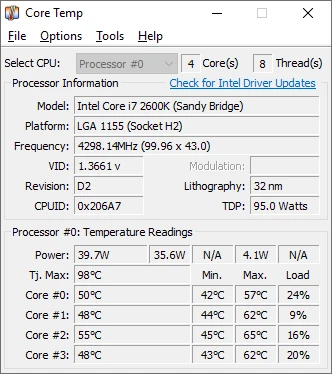
Core Temp 1.20.0
Software that allows real-time monitoring of processor temperatures.