

Passmark BurnInTest Windows 11 Build 1009
Software aimed at stress testing and hardware diagnosis on computers running the Windows operating system.
PassMark BurnInTest Windows is a robust and reliable software aimed at stress testing and diagnosing hardware in computers with the Windows operating system. It allows you to subject key PC components, such as CPU, RAM, hard drives, graphics cards, USB ports, among others, to intense loads to evaluate their stability and durability. With an intuitive interface, the program offers customizable options, allowing you to adjust the intensity of the tests through sliders and select which components will be analyzed simultaneously.
The BurnInTest Windows can identify intermittent or hidden issues in a short time, generating detailed reports that can be saved to disk, printed, or exported as graphic images. It includes additional features, such as real-time temperature monitoring, timed test execution, and displaying system information, such as CPU serial number and cache size. Compatible with 64-bit versions of Windows, such as Windows 10 and 11, as well as servers (2016, 2019, 2022), the software is a practical choice for enthusiasts, technicians, and professionals looking to ensure the reliability of their systems, whether after hardware upgrades or to check stability in overclocking.
The full version supports advanced testing with optional accessories, such as loopback plugs for serial and parallel ports.
Found a problem on this page?Tell the team about broken links, versions or incorrect information.
Related
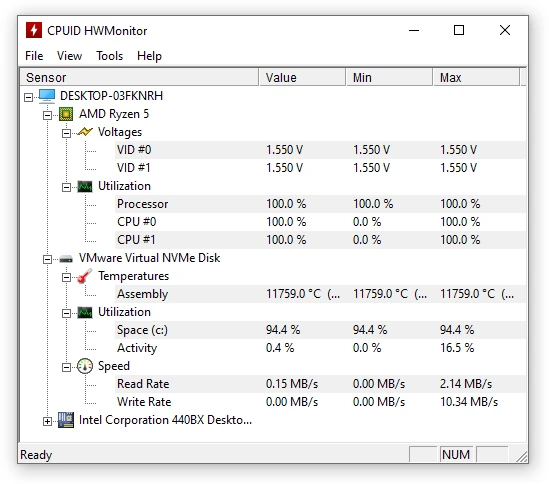
HWMonitor 1.67
Utility that displays real-time information about your hardware.
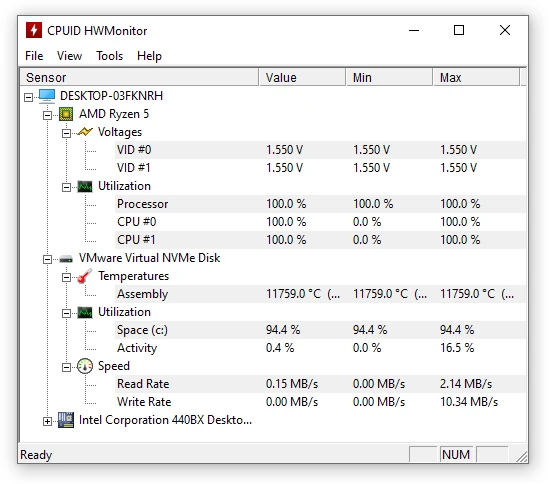
HWMonitor Portable 1.67
Portable version of HWMonitor. Utility that displays real-time information about your hardware.
Speccy 1.34.084
Utility that displays detailed information about your machine
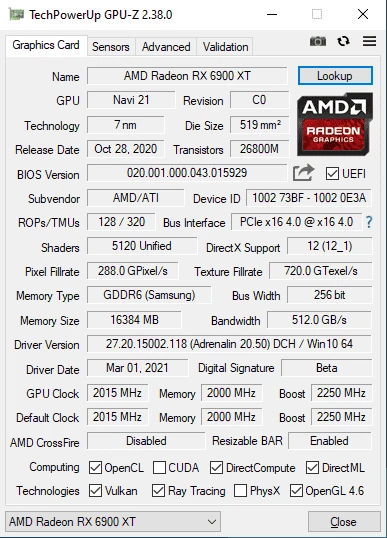
GPU-Z Portable 2.70.0
Get access to technical information about your graphics card.
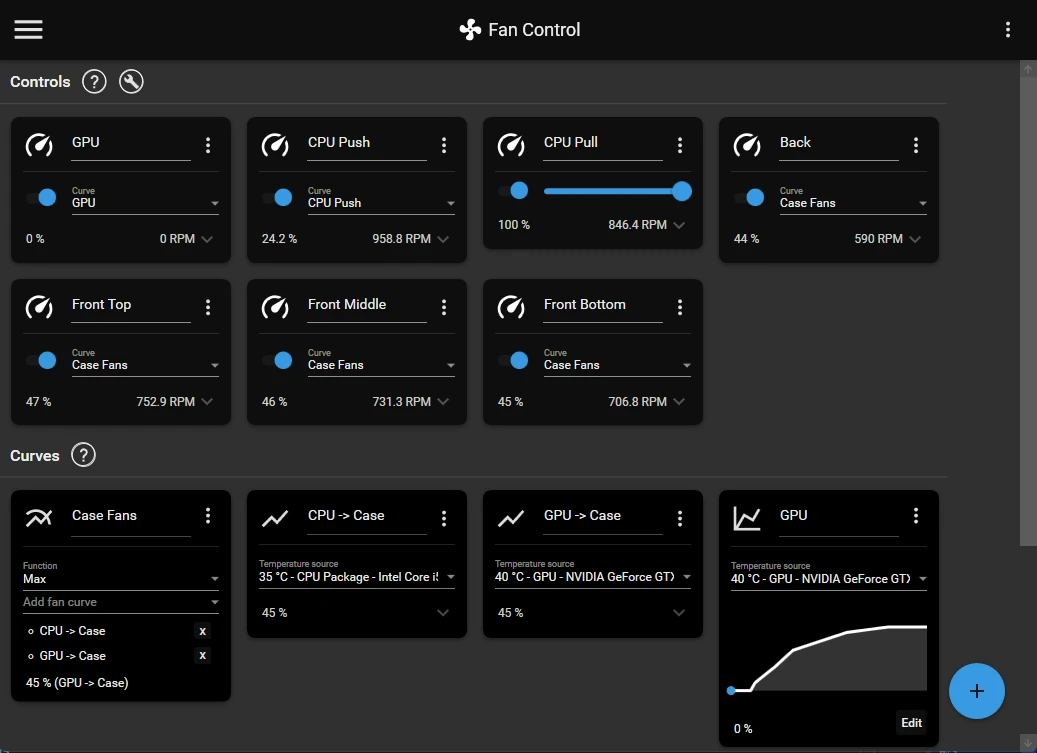
Fan Control V268
Focused and highly customizable ventilation control software for Windows.
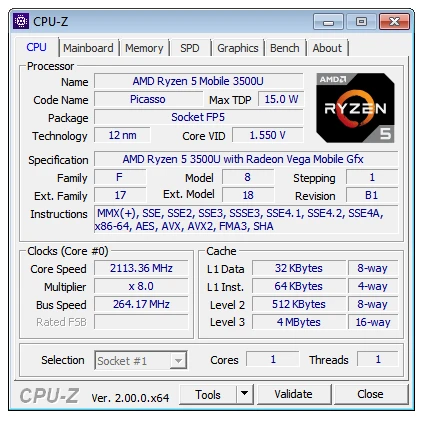
CPU-Z Portable 2.20
Portable version of CPU-Z, a utility that displays all the details of the components installed on your computer.

CPU-Z 2.20
Application that shows all the details of the components installed on your computer.
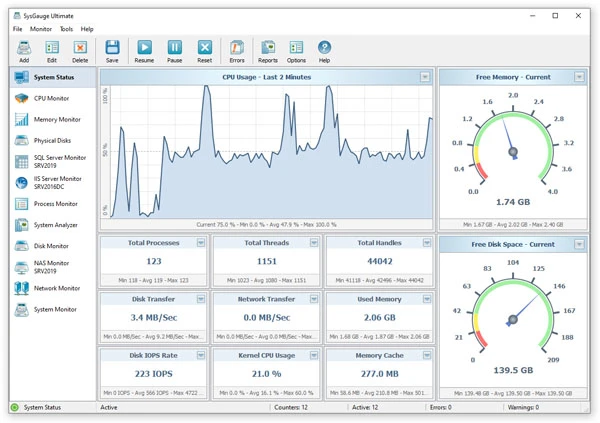
SysGauge 12.8.16
Real-time system monitoring software with charts, alerts and custom settings.