

OptiPNG 7.9.1
Software that allows optimizing images in PNG format, reducing file size without loss of quality.
OptiPNG is an open-source software used to optimize images in PNG (Portable Network Graphics) format, reducing file sizes without loss of quality (lossless compression). It is widely used by developers and designers to improve the performance of websites and applications, decreasing image loading times.
Main Features of OptiPNG:
- Lossless Compression: Reduces PNG file sizes while maintaining visual quality and original data intact.
- Advanced Optimization: Applies several compression techniques, such as:
- Rearranging pixel data.
- Reducing color palettes when applicable.
- Removing unnecessary metadata (such as text information or auxiliary data).
- Using optimized zlib compression algorithms.
- Flexibility: Allows configuring compression levels, from quick optimizations to more intense compressions that test multiple combinations of parameters.
- Metadata Support: Preserves or removes metadata (such as EXIF, ICC profiles) as per user needs.
- Command-Line Mode: It is a command-line utility, ideal for automation in scripts or integration in development pipelines.
- Transparency Preservation: Maintains the integrity of alpha channels (transparency) in PNG images.
How It Works:
OptiPNG analyzes the PNG file and applies a series of transformations to find the most efficient compression combination. For example, it may test different zlib compression levels and image filters to determine which produces the smallest file size without loss of quality.
Usage Example (Command Line):
optipng image.png
- This command optimizes the file image.png with default settings.
- For greater compression, one can use:
optipng -o7 image.png
The parameter -o7 indicates the maximum optimization level, testing more combinations (slower but with better compression).
Pros
- Free and Open Source: Licensed under the zlib License, allowing free use and modification.
- Efficient: Significantly reduces PNG file sizes without compromising quality.
- Portable: Does not require complex dependencies and is easy to install.
Cons
- PNG Only: Does not support other image formats, such as JPEG or GIF.
- Speed: Higher optimization levels can be slow, especially for large images.
- Interface: Does not have a native graphical interface, being aimed at terminal use.
File security
1/66 engines flagged the file in the recorded scan.
Scan date: 05/23/2025
SHA-256: 381a0ae153eb5a8ca20e7cd685a1767084bb6054a4af801a8981bd3e19b426e8
Found a problem on this page?Tell the team about broken links, versions or incorrect information.
Related
ImageMagick 7.1.2-31
Open-source software to handle images with many functionalities.
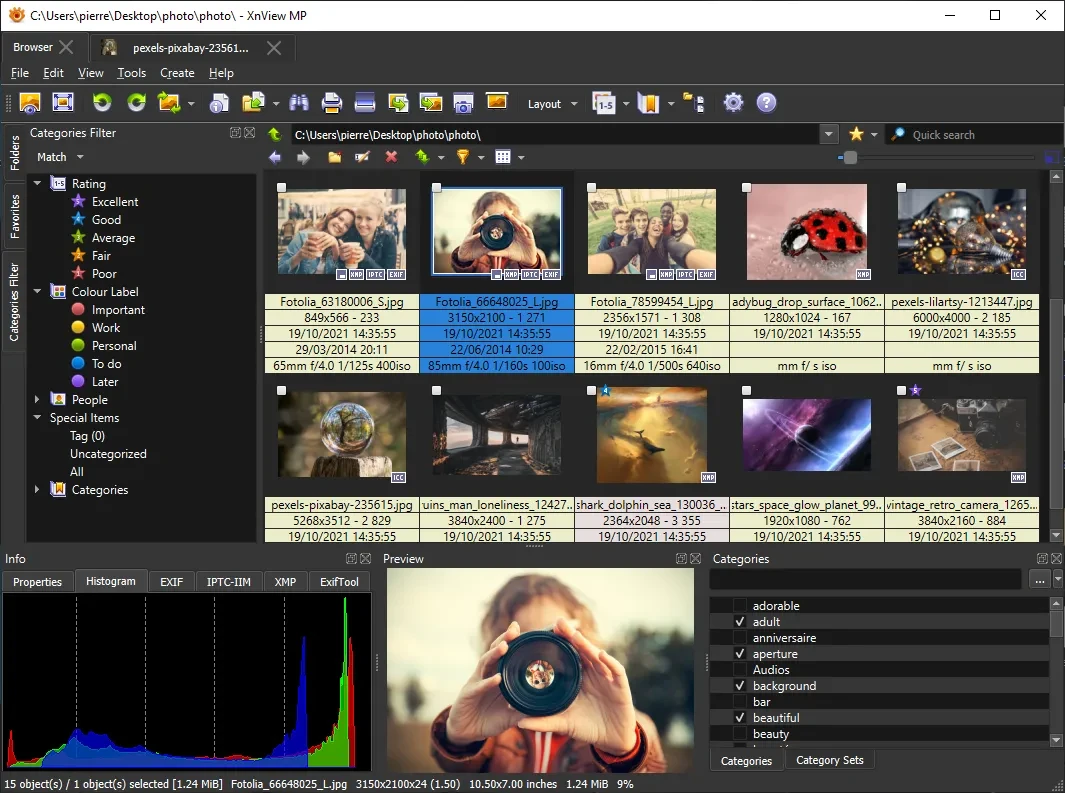
XnView MP 1.11.6
Powerful and easy-to-use image viewer, manager and editor.

ScreenToGif 2.43.2
Utility that allows you to record an area of the screen and export it as a GIF.

Image Sort 2.14.8
Efficient, accurate, and intuitive image organizer software.
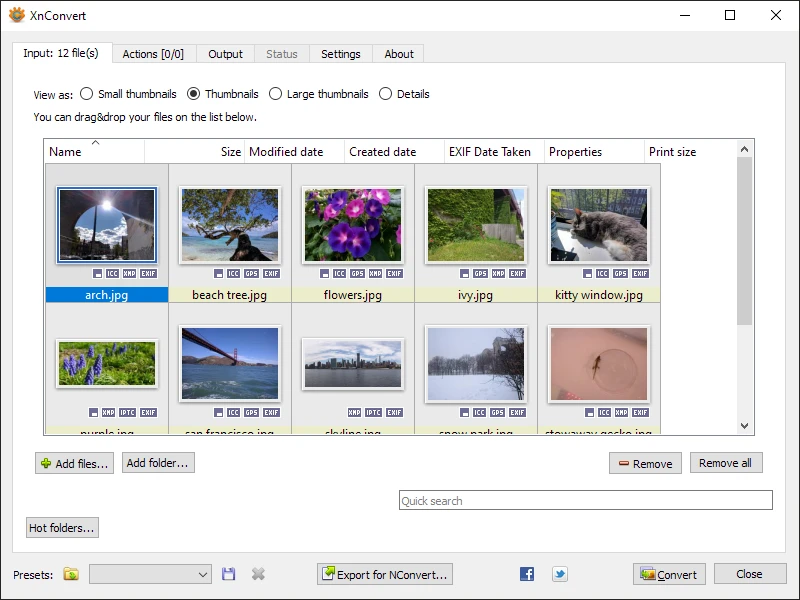
XnConvert Portable 1.112.0
Free and cross-platform software for batch image conversion and editing.
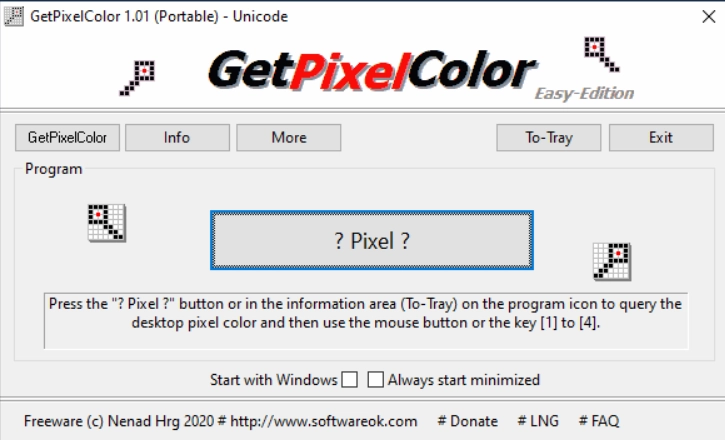
GetPixelColor 3.55
Small utility for Windows aimed at capturing the exact color of any pixel displayed on the screen.
XnView MP Portable 1.11.5
Portable version of XnView MP. Software that allows for viewing, organizing, and converting images.
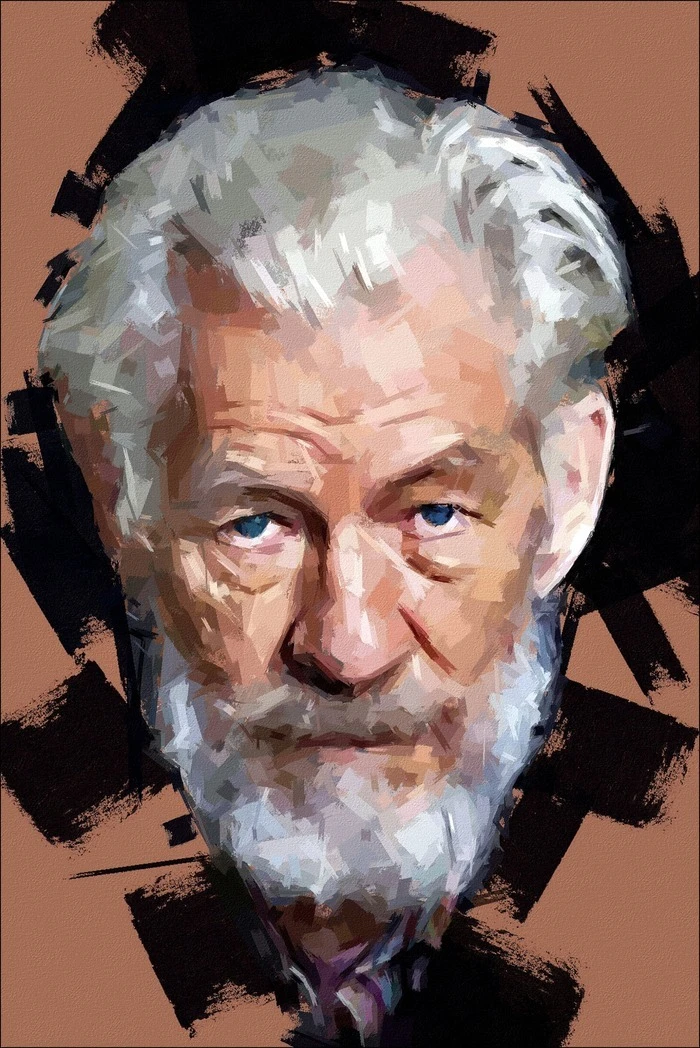
FotoSketcher 4.0
Free program for Windows that automatically transforms your digital photos into works of art with just a few clicks.